TABLE OF CONTENTS
Overview
This guide explains how to configure the Gender field as mandatory for customers during the checkout process in the Widget and Customer App. By following this guide, merchants can ensure that gender information is collected from customers at the point of online payment.
Step 1: Navigate to Payments
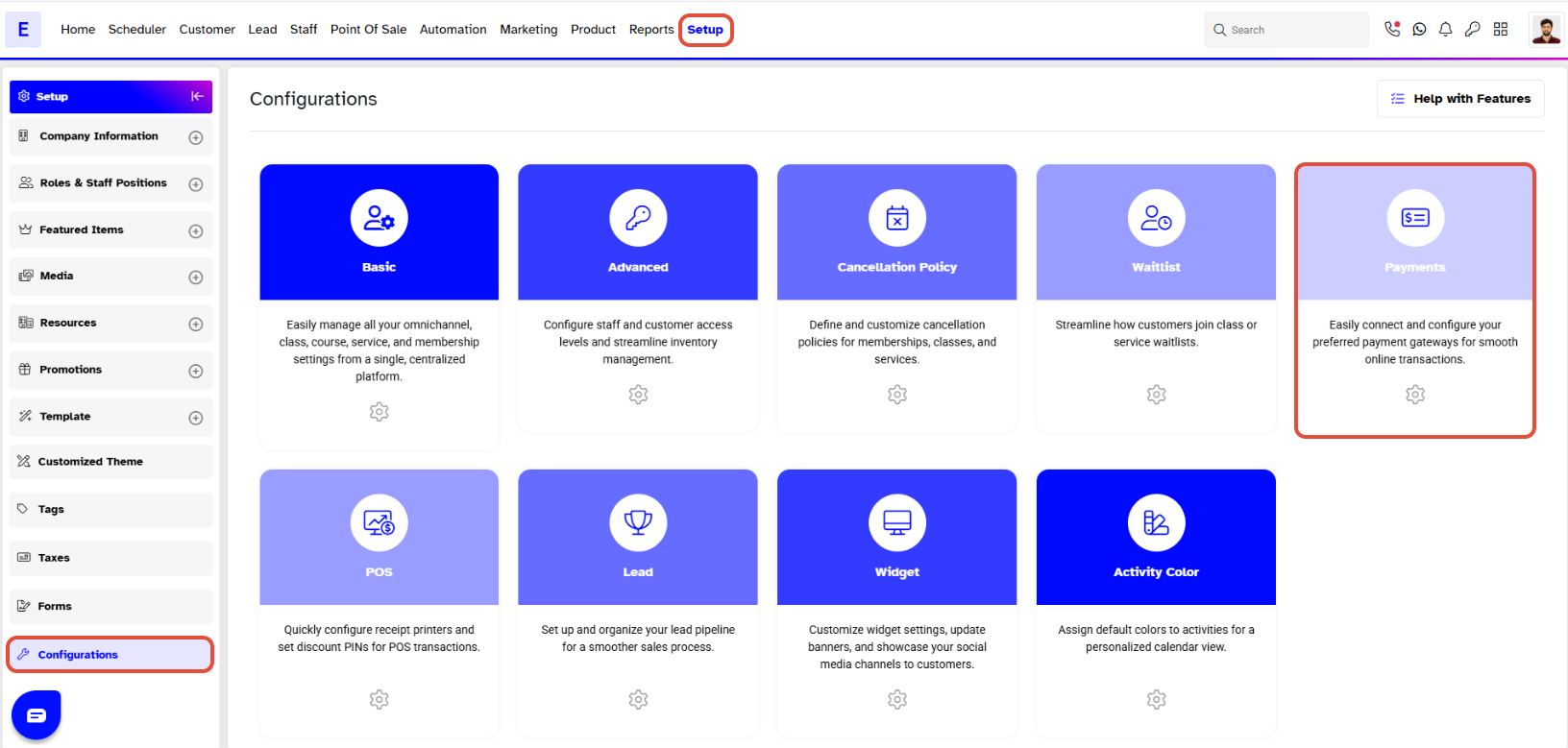
- Go to the Setup module in Core.
- Navigate to Configurations.
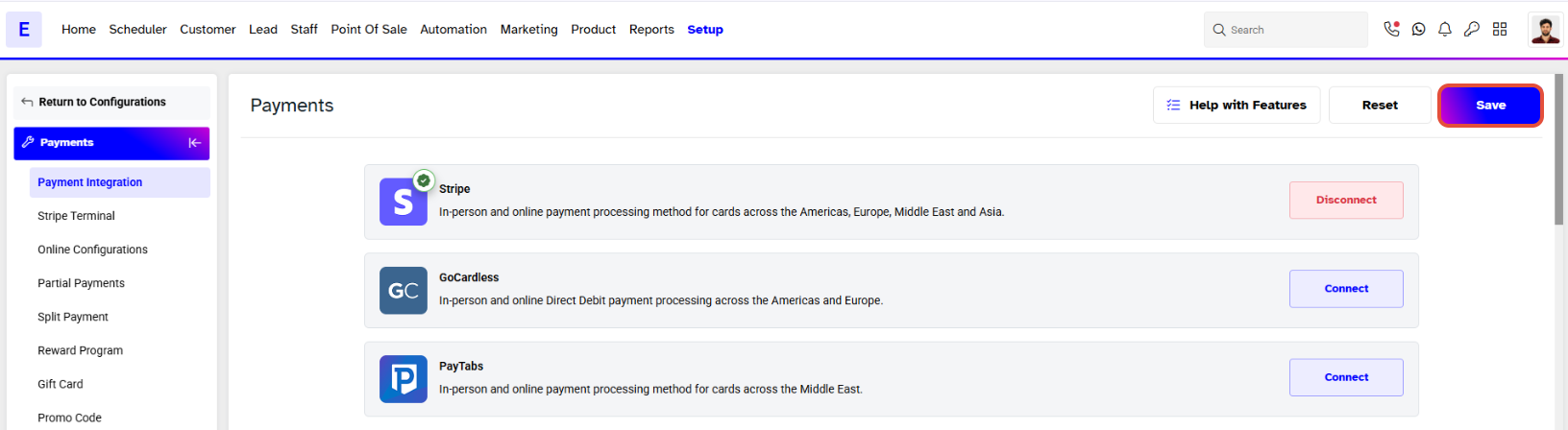
- Click on the Payments tab.
Step 2: Configure Online Payments
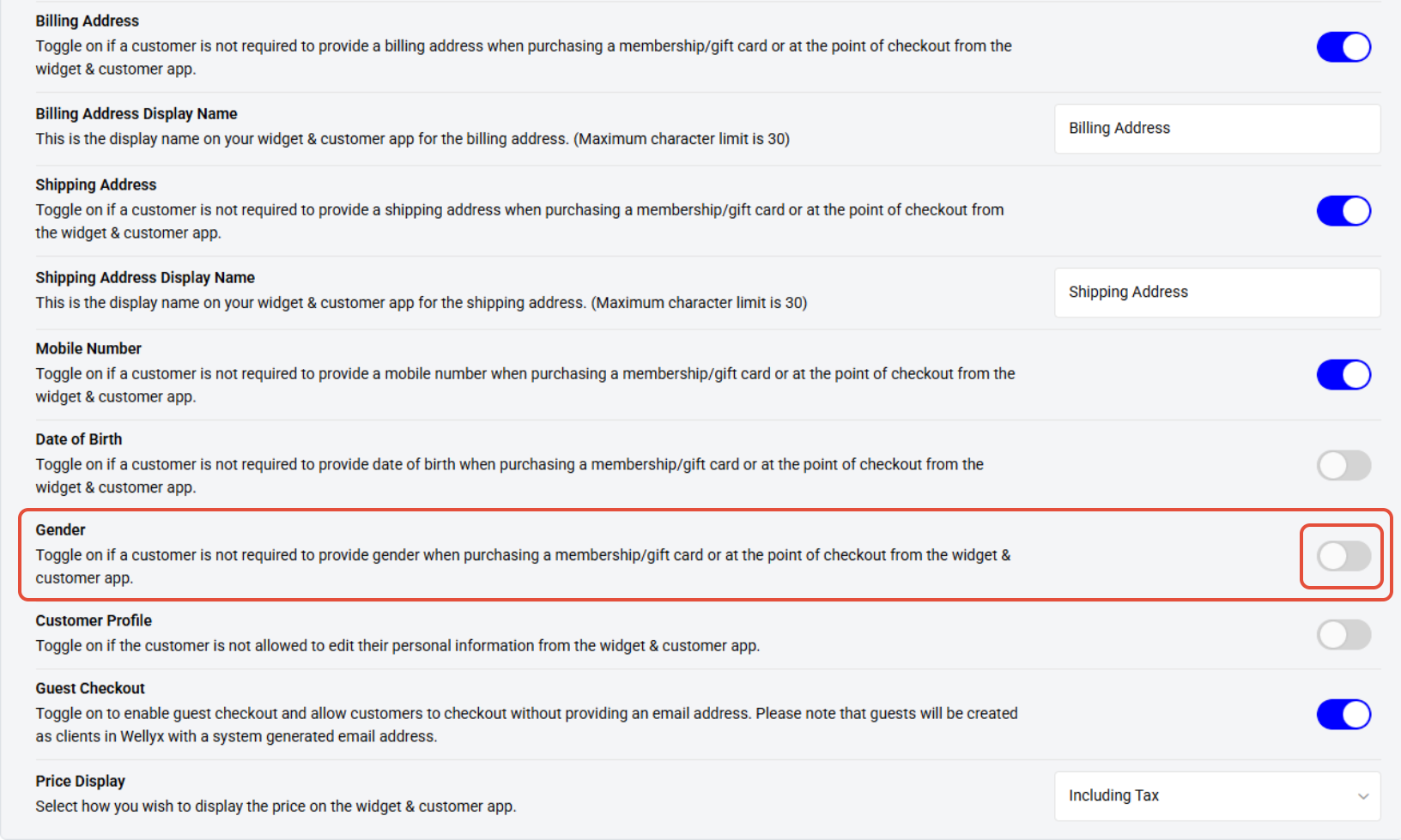
- Scroll down to the Online Payment Configurations section.
- To make the Gender field mandatory for customers during online checkout, toggle OFF the Gender configuration.
Step 3: Save Configuration
- Once you have updated the setting, click on the Save button to confirm.