


TABLE OF CONTENTS
- Step 1: Navigate to Configurations
- Step 2: Access Class Configurations
- Step 3: Configure Check-In Settings
- Step 4: Save the Changes
Overview
This guide explains how to configure early and late check-in settings for classes in Core. By following this guide, merchants can define the time parameters for when customers can check in for their classes via a kiosk.
Step 1: Navigate to Configurations
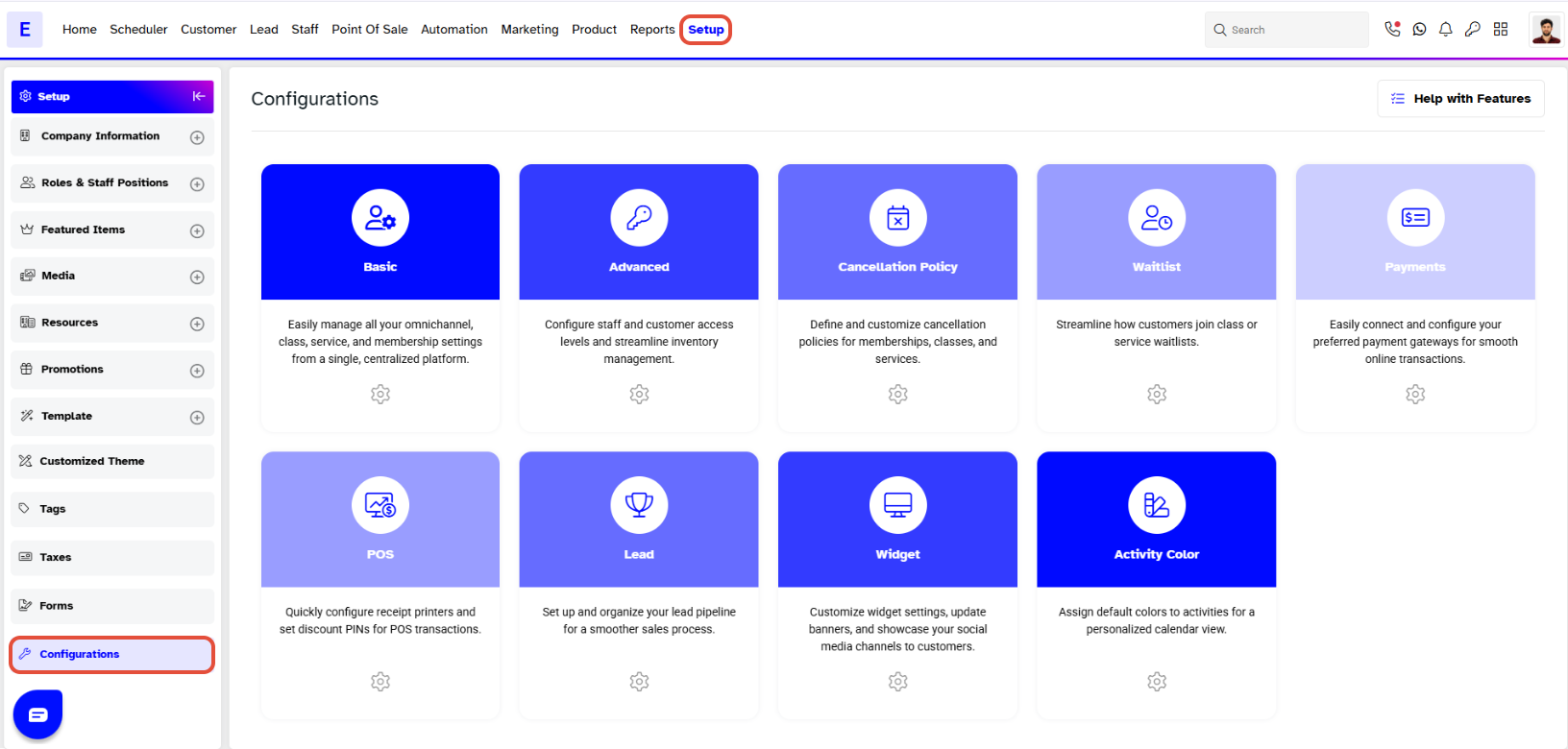
- Go to the Setup module in Core.
- Click on the Configurations tab.
Step 2: Access Class Configurations
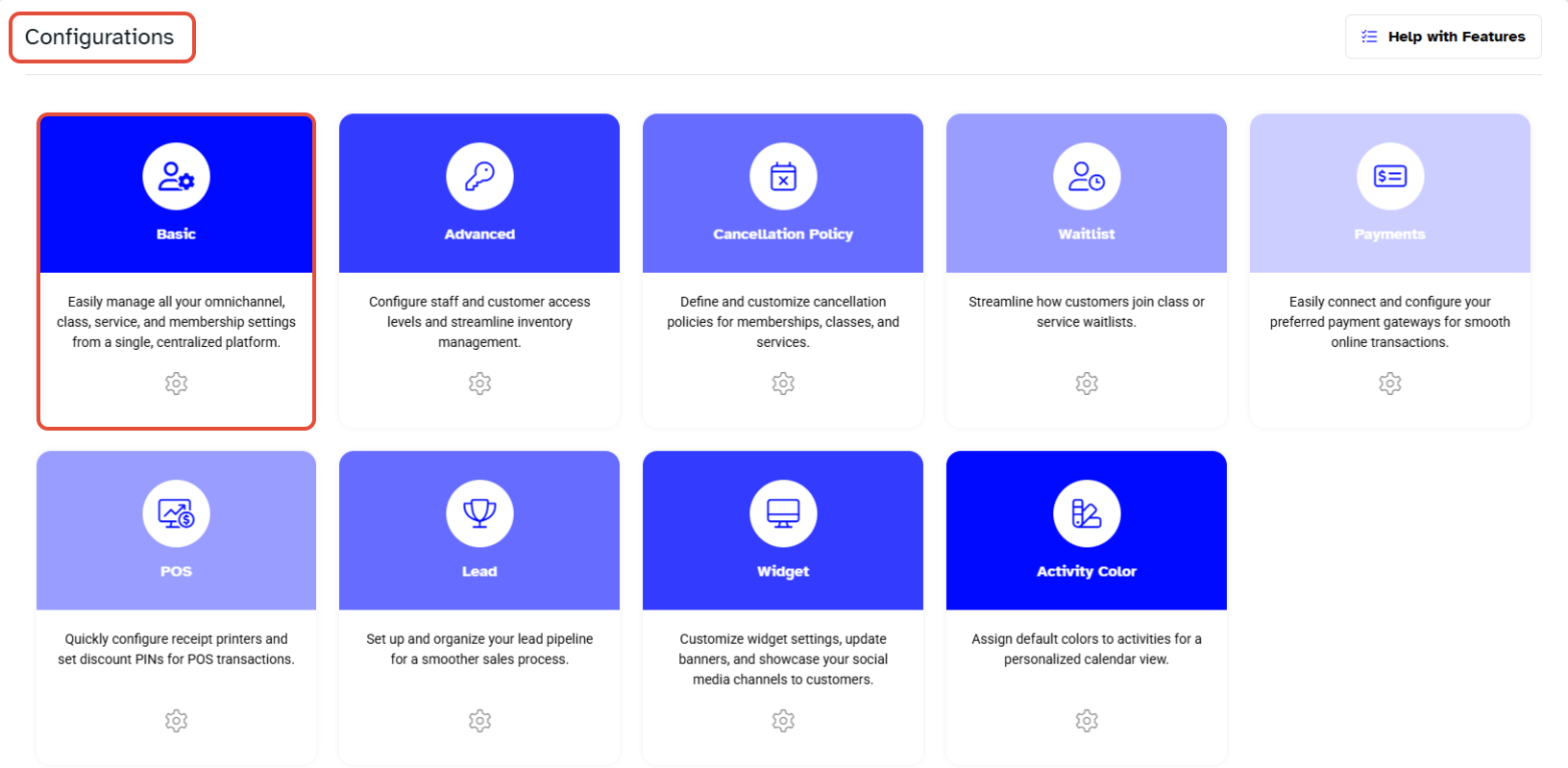
- Select the Basic tab.
- Scroll down to locate the Class Configurations option.
Step 3: Configure Check-In Settings
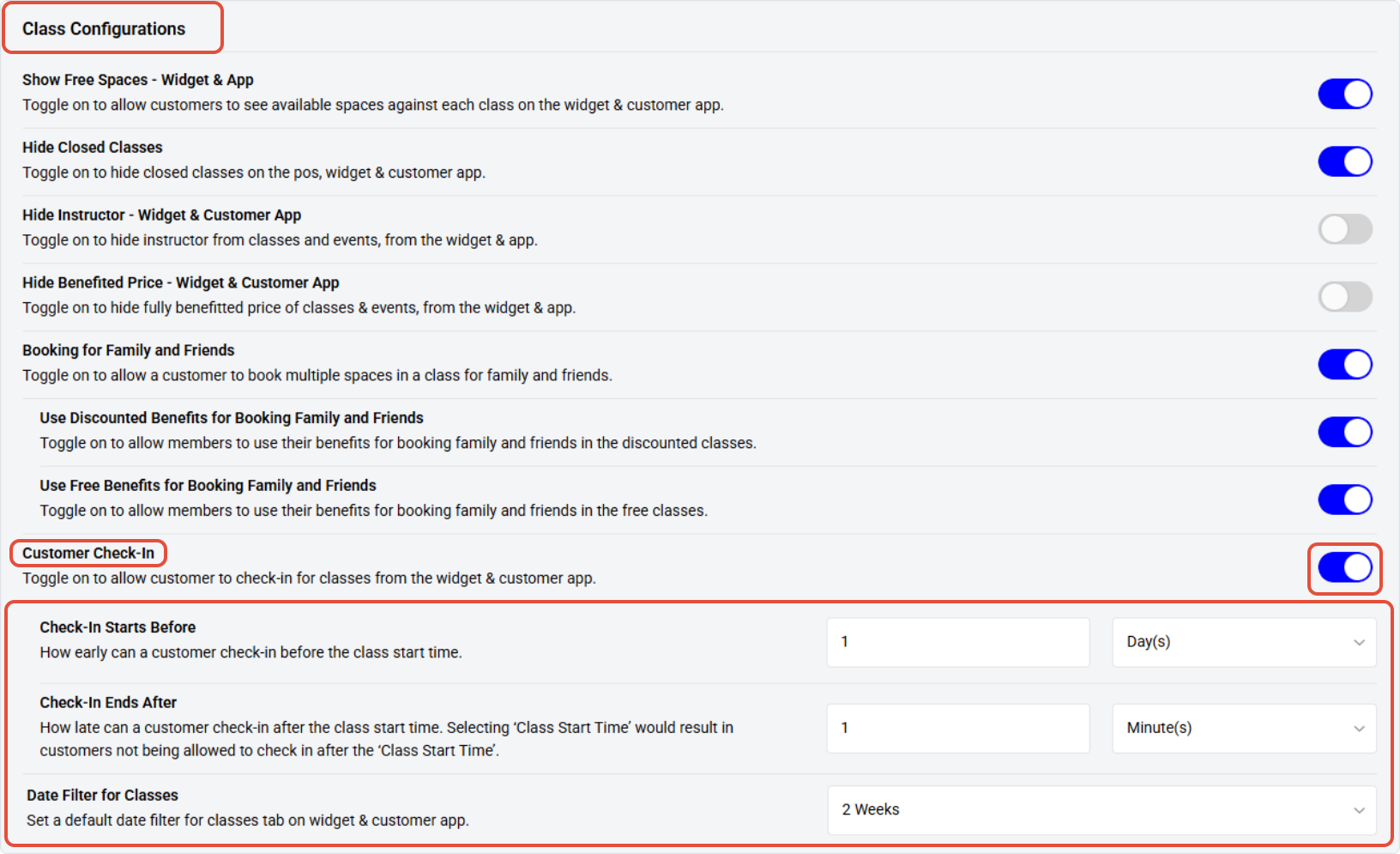
- In the Class Configurations section define the check-in preferences.
- Customer Check-In: Toggle this button ON to enable check-in functionality.
- Check-In Starts Before: Specify the amount of time before the class start time that check-in begins.
- Check-In Ends After: Specify the amount of time after the class start time that check-in ends.
Step 4: Save the Changes
- Click on the Save button to confirm the changes.





