Overview
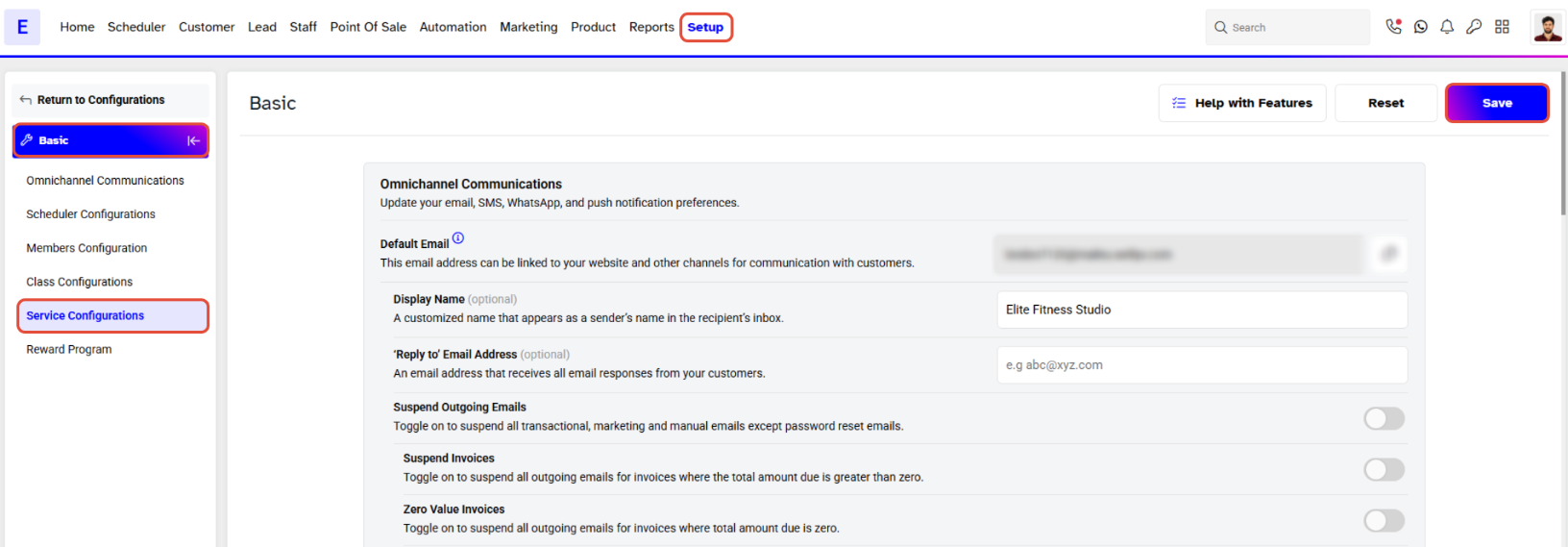
This guide explains how to set the Service Bookings in Advance functionality in Core. By following this guide, merchants can define the number of days in advance that customers are permitted to book a service.
Step 1: Navigate to Configurations
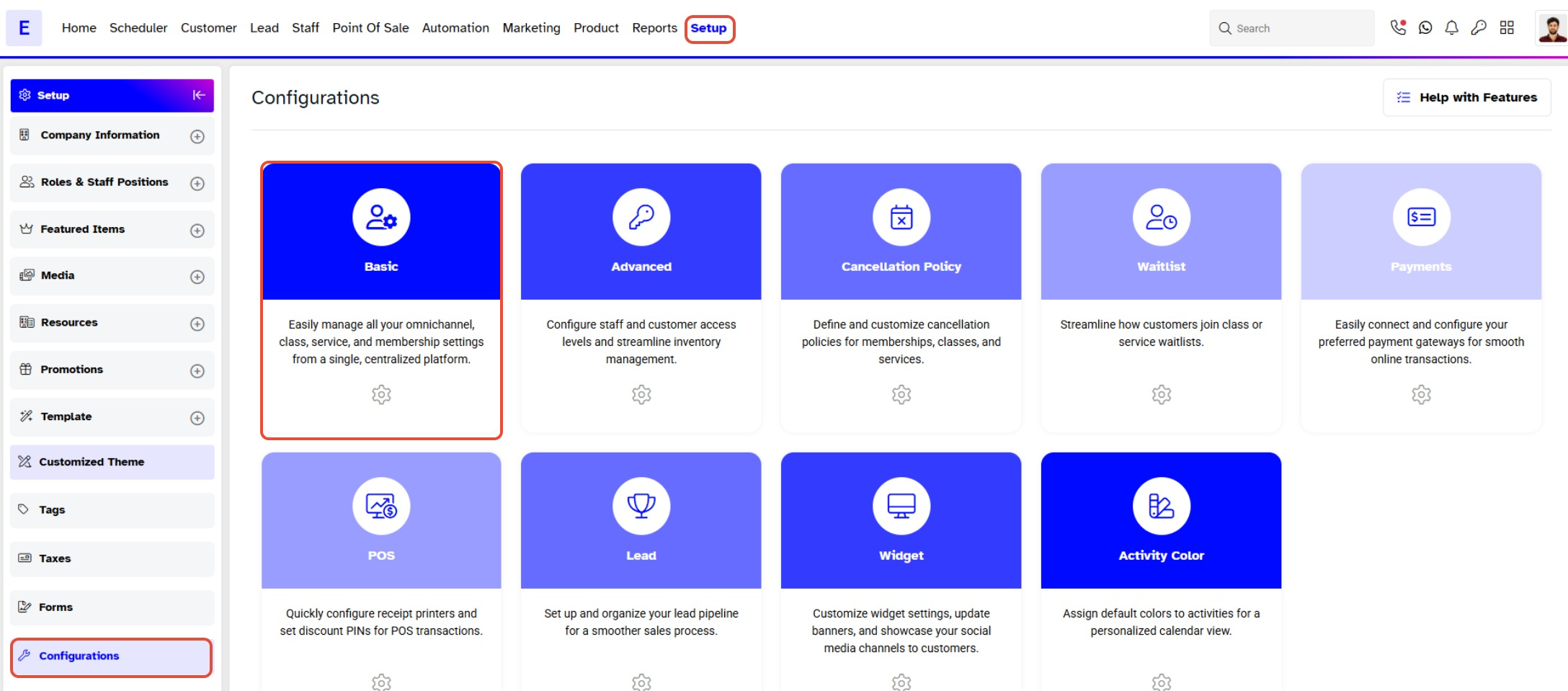
- Go to the Setup module in Core.
- Click on the Configurations tab.
- Click on The Basic tab.
Step 2: Configure Service Settings
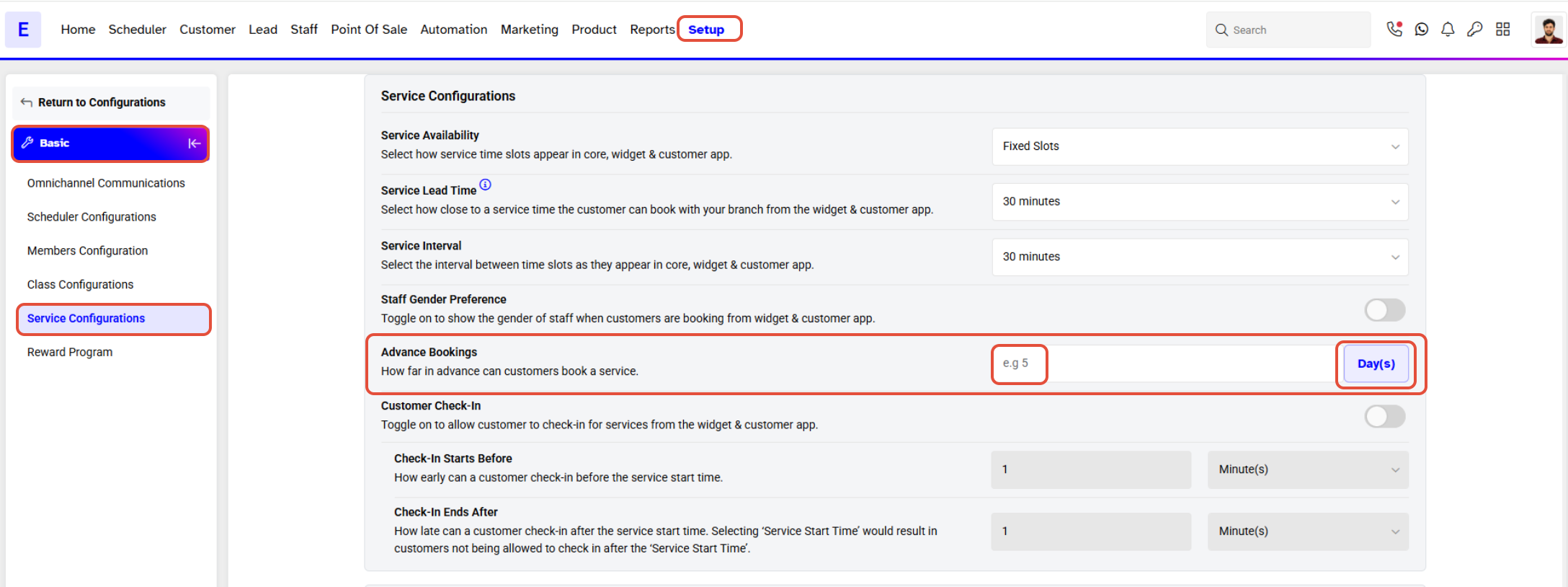
- Scroll down to the Service Configurations section.
- Set the number of days in advance that the customer can book the service.
Step 3: Save Changes
- Once the setting is defined, click on the Save button to confirm.