TABLE OF CONTENTS
- Step 1: Navigate to Configurations
- Step 2: Access the Payments Section
- Step 3: Reset Payment Information
Overview
This guide explains how to reset all payment settings in Core. By following this guide, merchants can clear existing payment configurations and restore default settings.Step 1: Navigate to Configurations
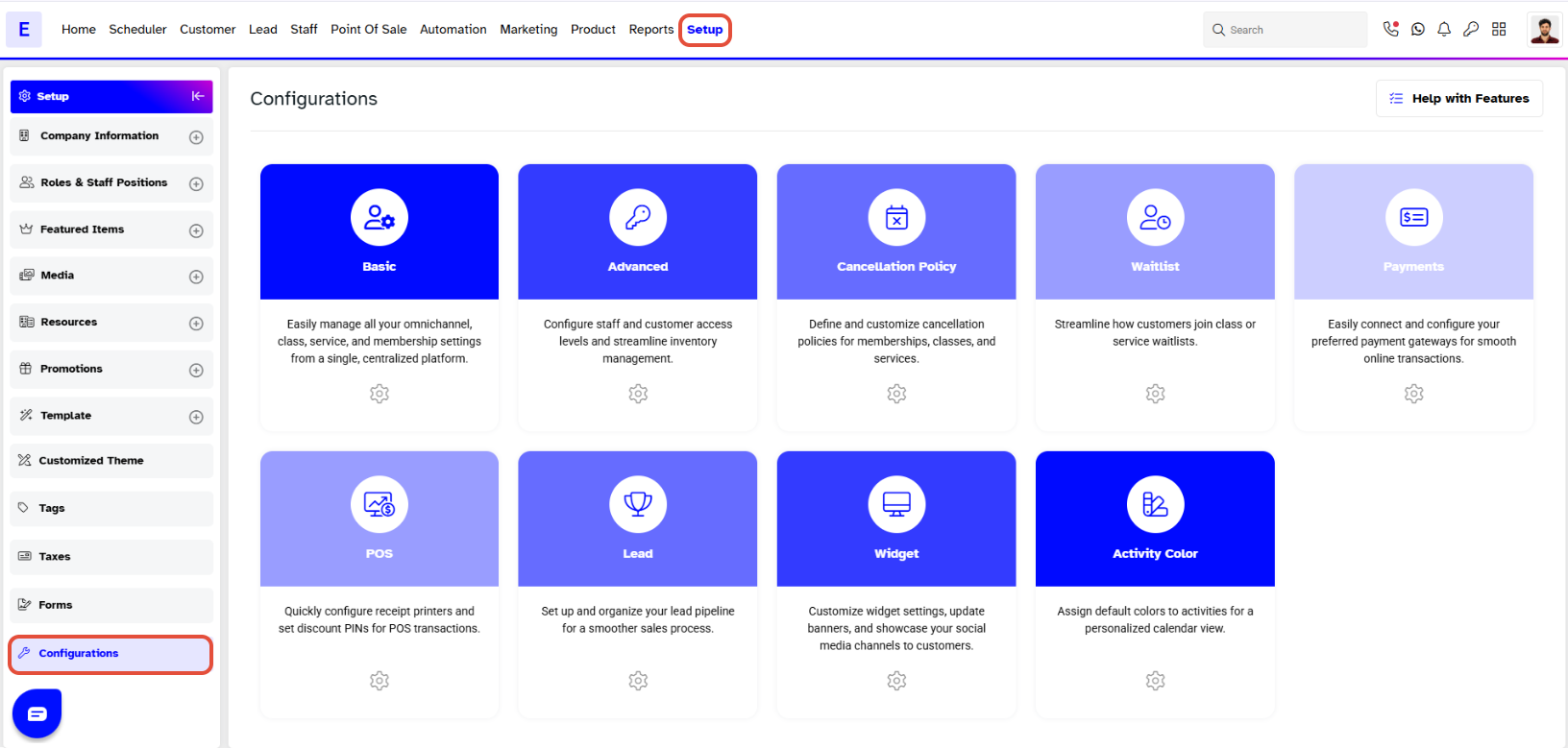
- Go to the Setup module in Core.
- Click on Configurations.
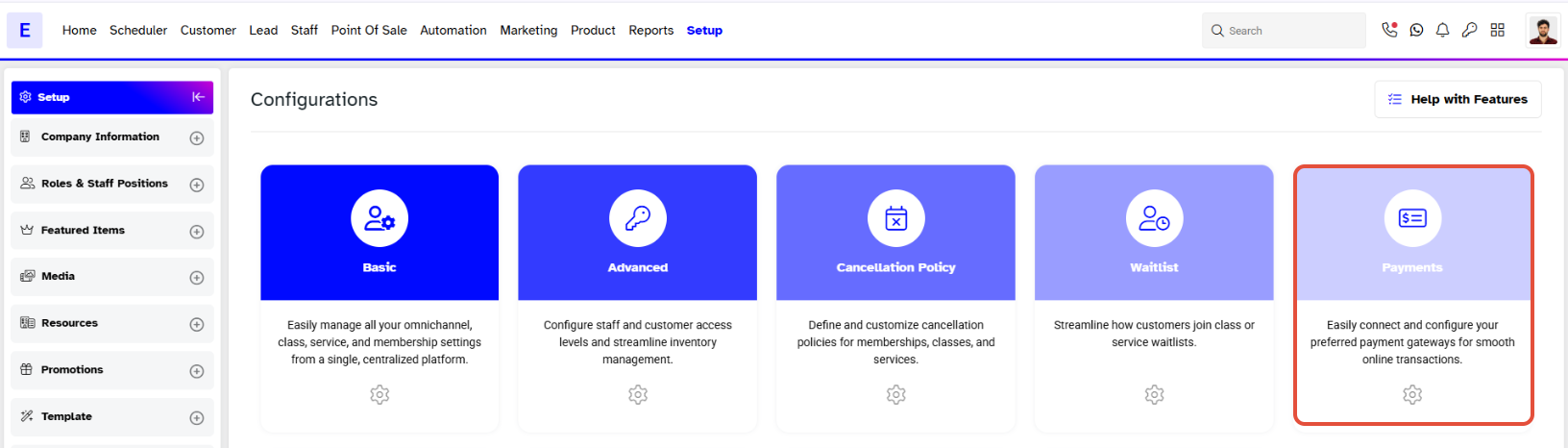
Step 2: Access the Payments Section
- Click on the Payments Section.
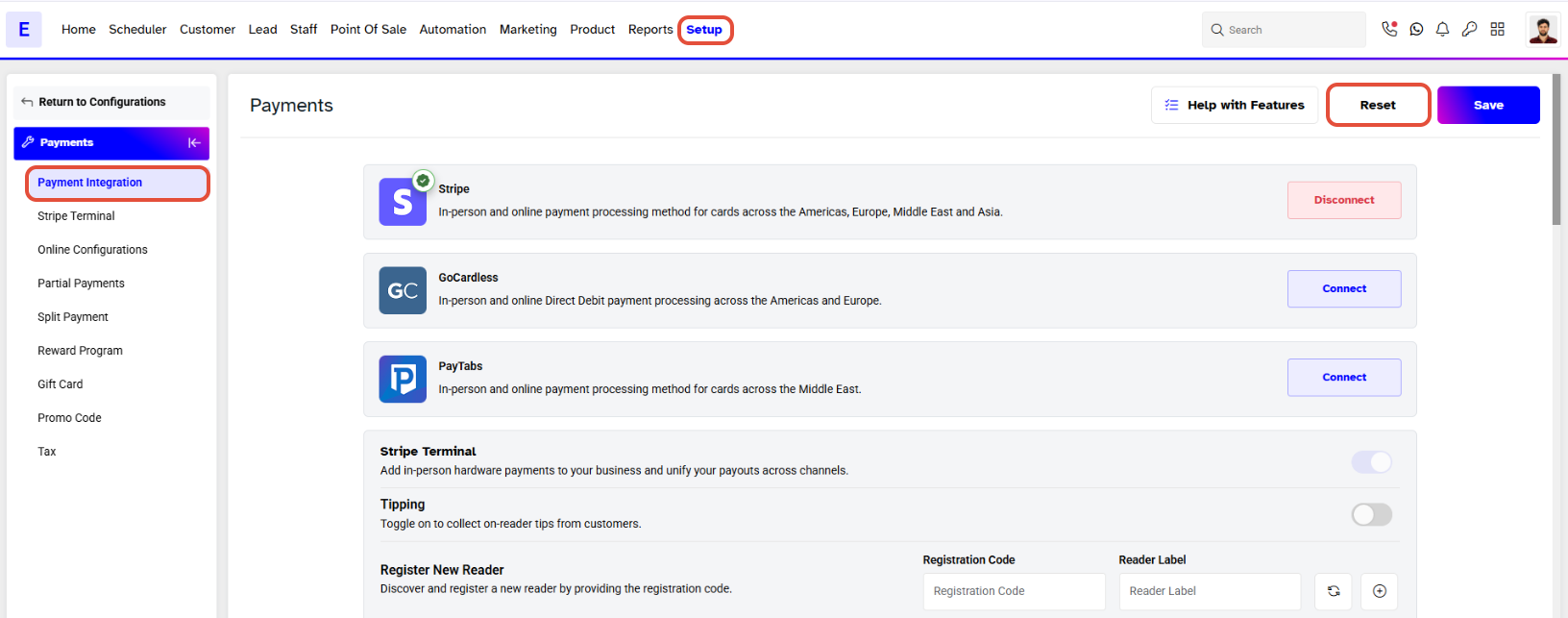
Step 3: Reset Payment Information
- Click on the Reset button to clear all information against payments.