TABLE OF CONTENTS
Overview
This guide explains how to configure the Booking for Family and Friends option in Core. By following this guide, merchants can enable customers to book classes for family and friends using either discounted or free benefits.
Step 1: Navigate to Configurations
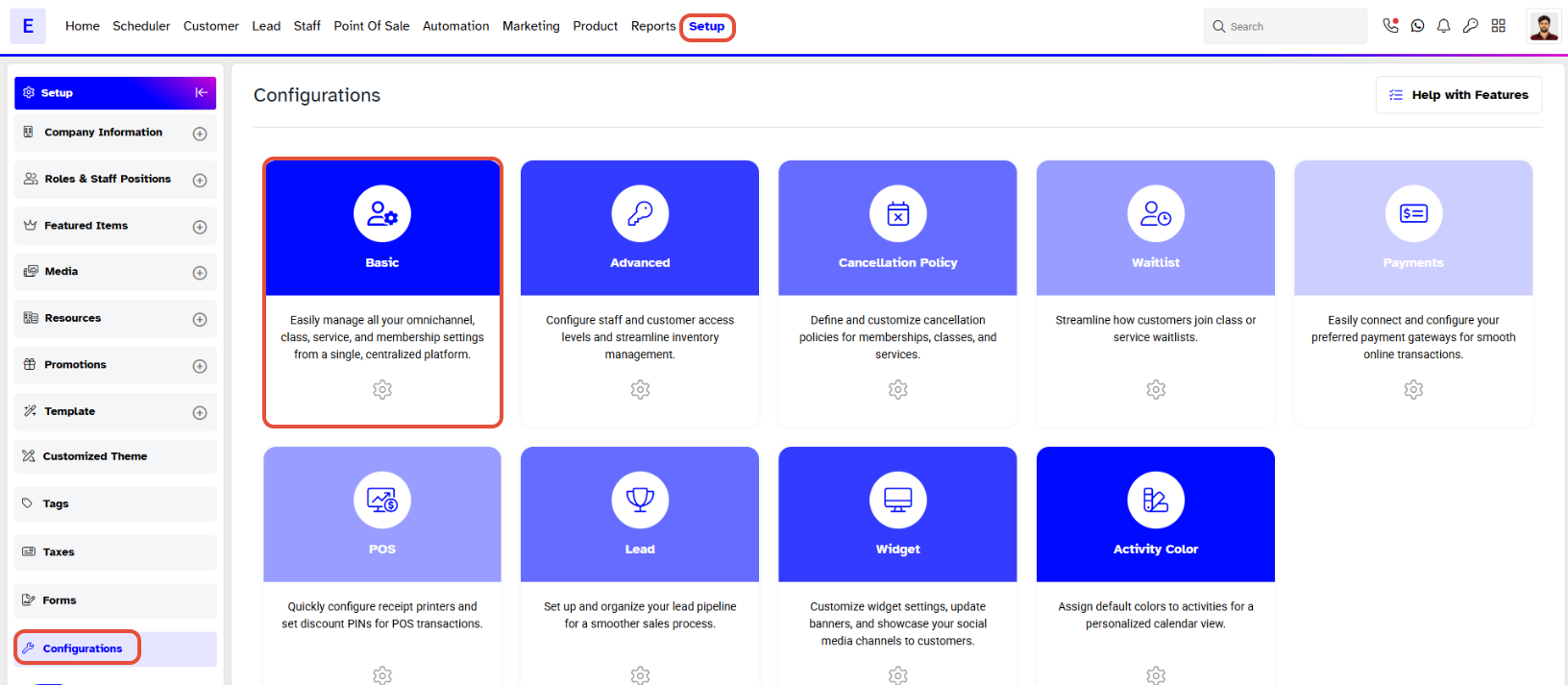
- Go to the Setup module in Core.
- Click on the Configurations tab.
- In Configurations, click on the Basic tab.
Step 2: Enable Family and Friends Booking
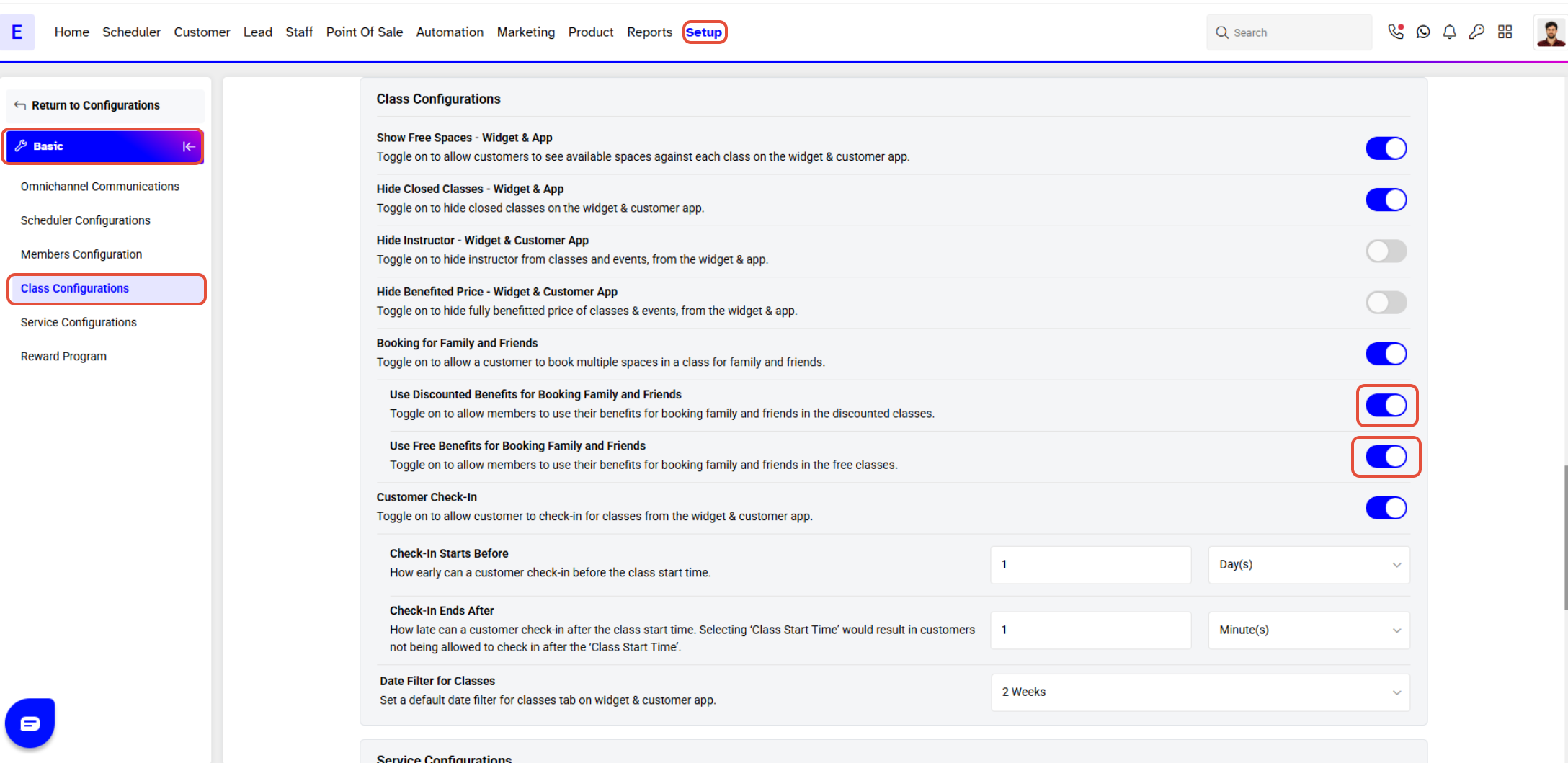
- Locate the Class Configurations section.
- Toggle the Booking for Family and Friends button to ON.
- Toggle the Use Discounted Benefits for Booking Family and Friends button ON if a customer can book discounted classes for family and friends.
- Toggle the Use Free Benefits for Booking Family and Friends button ON if a customer can book free classes for family and friends.
Step 3: Save the Changes
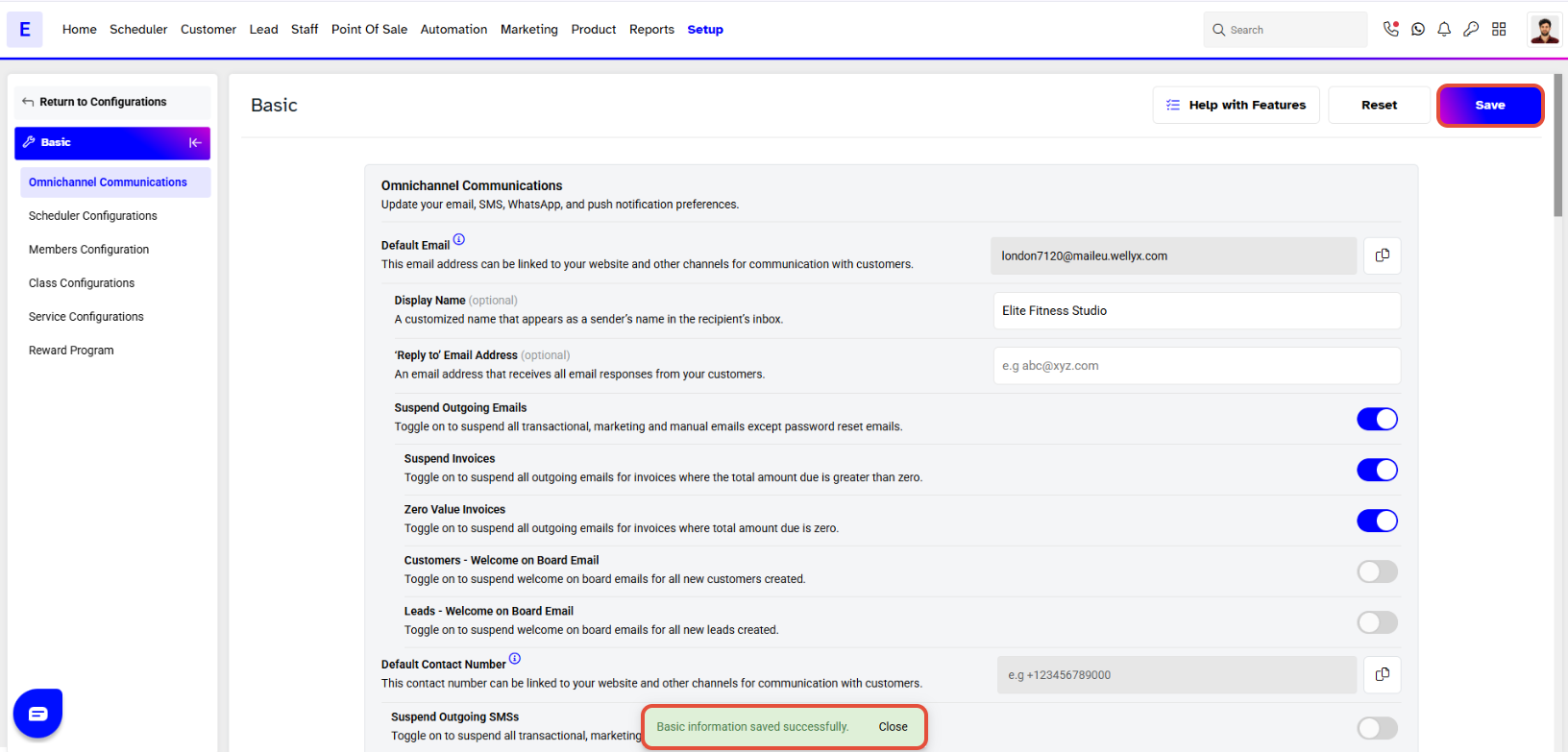
- Click on the Save button to confirm the changes.