TABLE OF CONTENTS
- Step 1: Navigate to Configurations
- Step 2: Enable Deep Link Settings
- Step 3: Customize the Deep Link Text
- Step 4: Save Changes
Overview
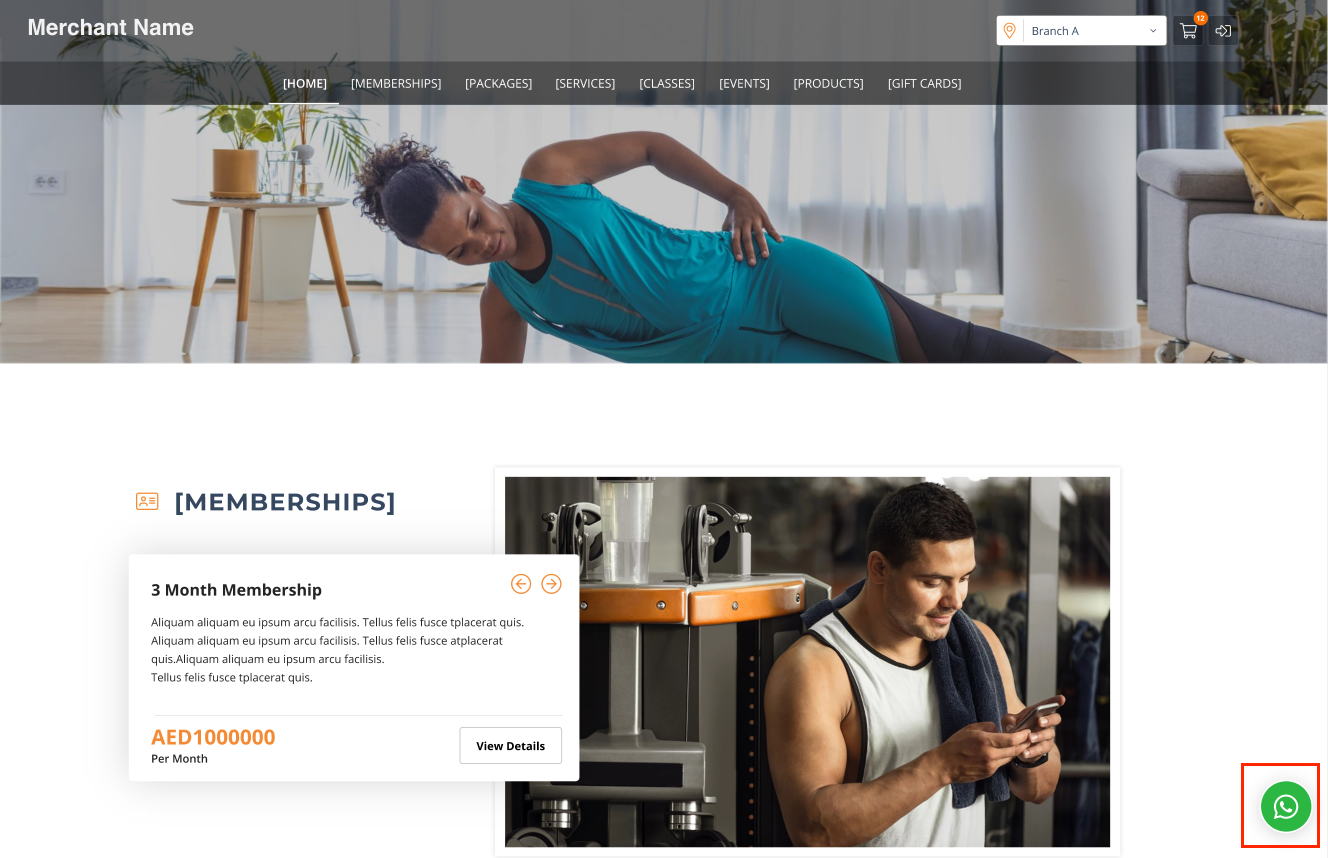
This guide explains how to enable the WhatsApp Deep Link for the Widget and Customer App in Core. Deep Links allow customers to initiate a conversation with you on WhatsApp through URL deep links, such as on your website. Once enabled, a WhatsApp floating button will be available on your Widget and App.
Step 1: Navigate to Configurations
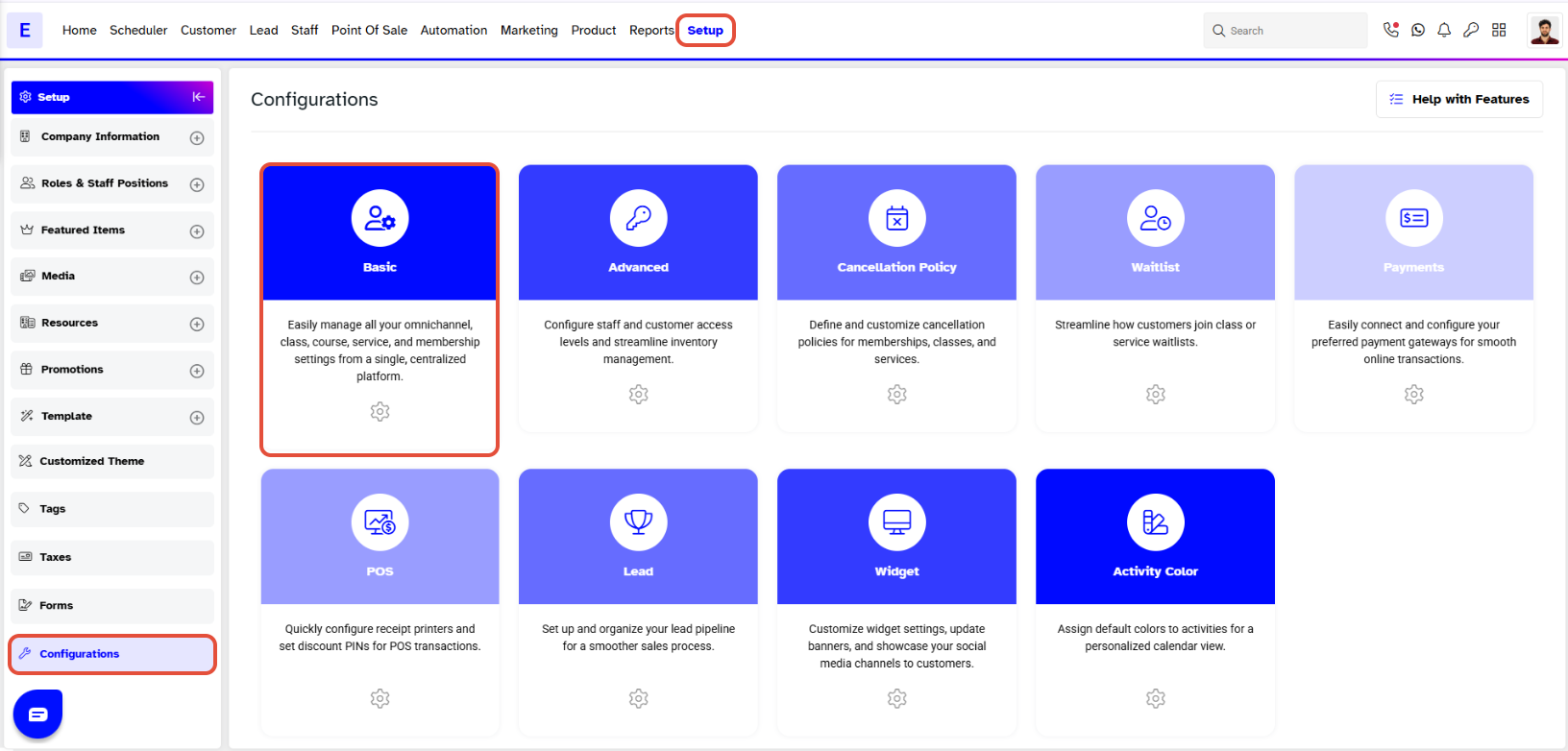
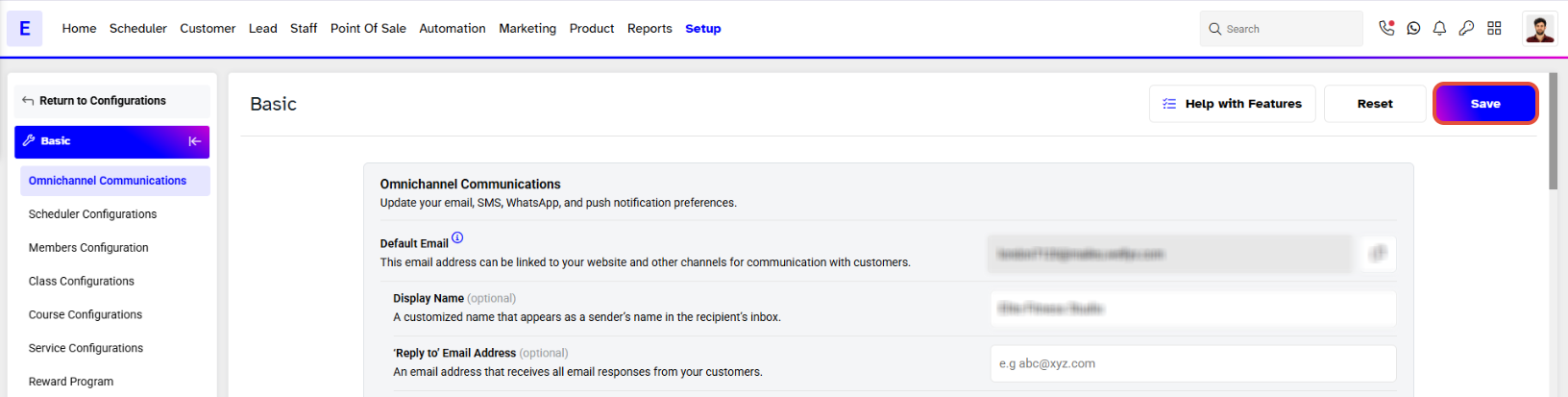
- Go to the Setup module in Core.
- Click on the Configurations tab.
- Click on the Basic tab.
The Deep Links allow Customers to initiate a conversation with you on WhatsApp through URL Deep Links, such as on your Website.
Step 2: Enable Deep Link Settings
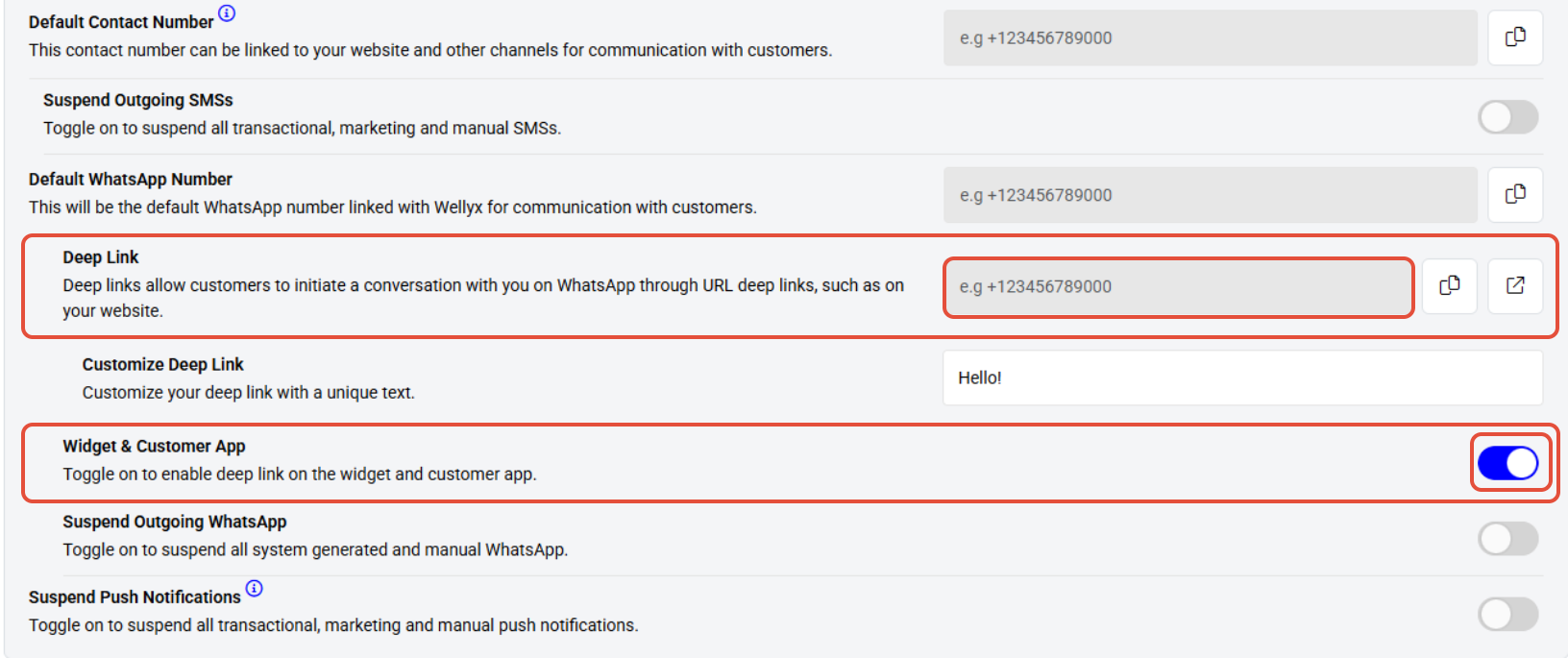
- Scroll down to the WhatsApp Configurations area.
- Toggle ON the Widget & Customer App settings.
- To enable the WhatsApp Deep Link for your online platforms, locate the Deep Link URL section.
Step 3: Customize the Deep Link Text
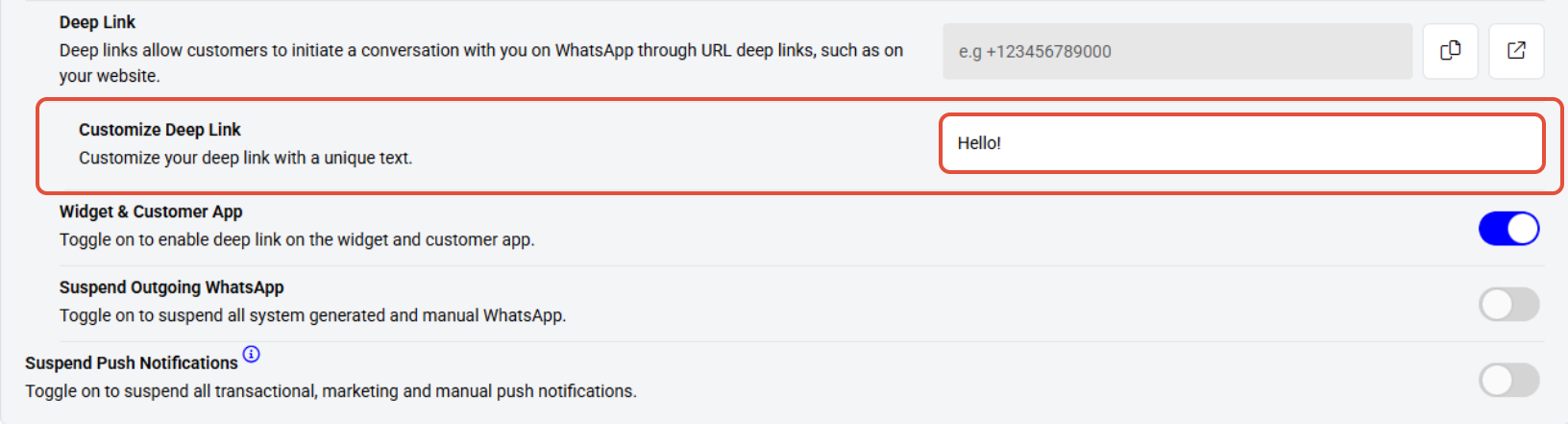
- Locate the Customized Deep Link field.
- Enter your preferred text in this field.
Step 4: Save Changes
- Click on the Save button to confirm your settings.
Once Deep link configurations are enabled for the Widget and Customer App from Core, a WhatsApp Floating Button will be available on the Widget & App.