TABLE OF CONTENTS
- Step 1: Navigate to Configurations
- Step 2: Access WhatsApp Settings
- Step 3: Suspend Outgoing WhatsApp
- Step 4: Save Changes
Overview
This guide explains how to suspend outgoing WhatsApp messages in Core. By following this guide, merchants can manage system-generated and manual WhatsApp communications by toggling the suspension settings within the Configurations module.
Step 1: Navigate to Configurations
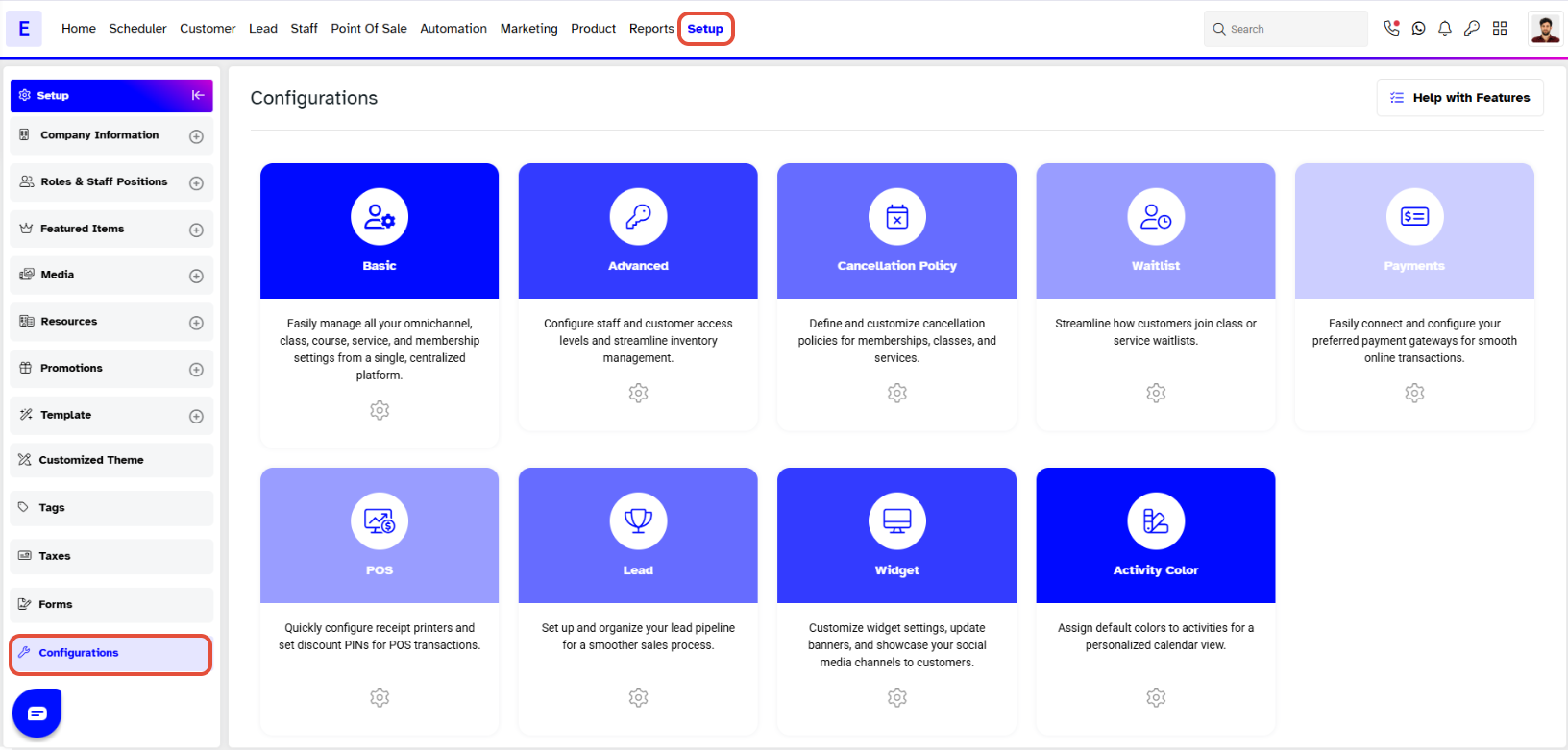
- Go to the Setup module in Core.
- Click on the Configurations tab.
Step 2: Access WhatsApp Settings
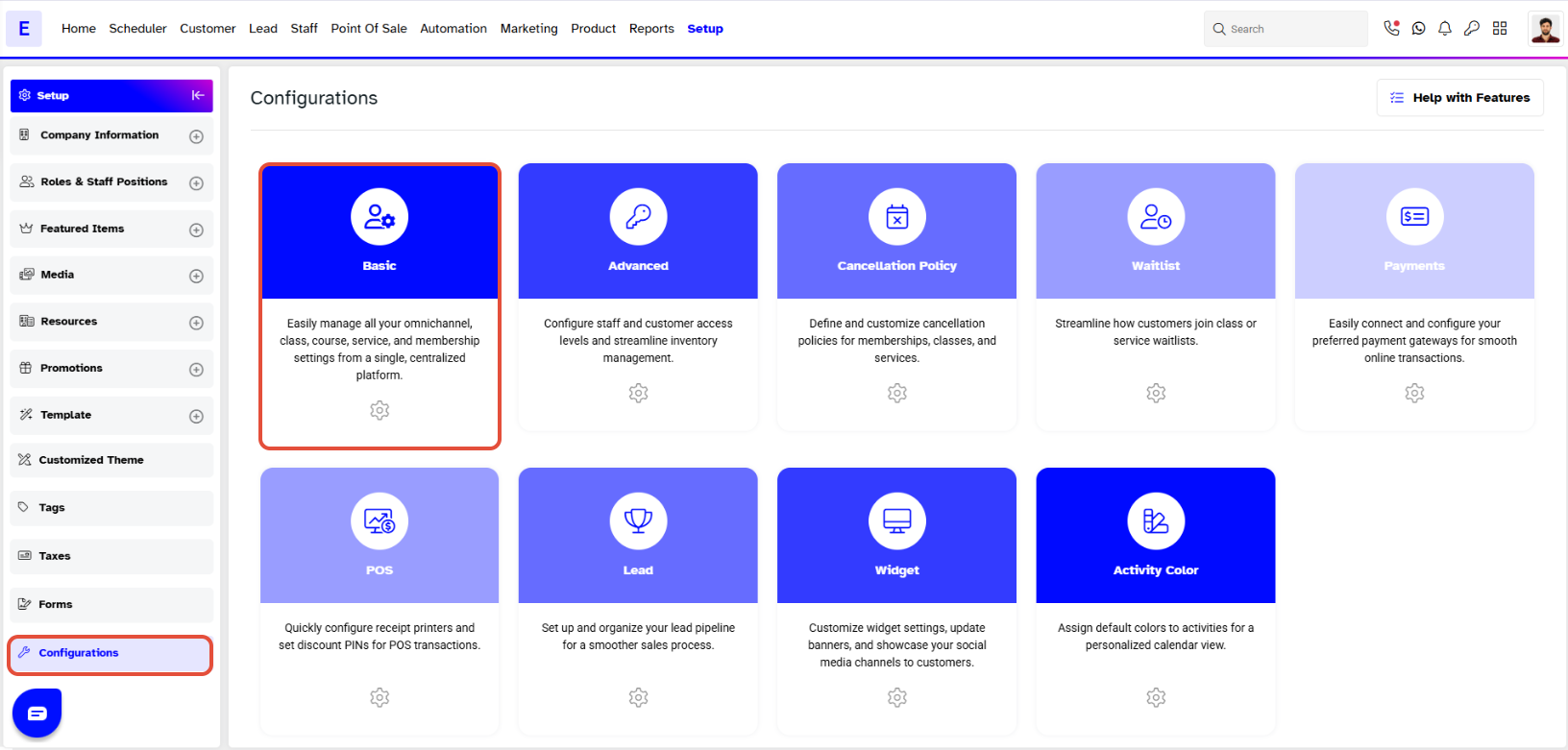
- In the Configurations section, the Basic tab will open by default.
- Scroll down to locate the WhatsApp Configurations area.
Step 3: Suspend Outgoing WhatsApp
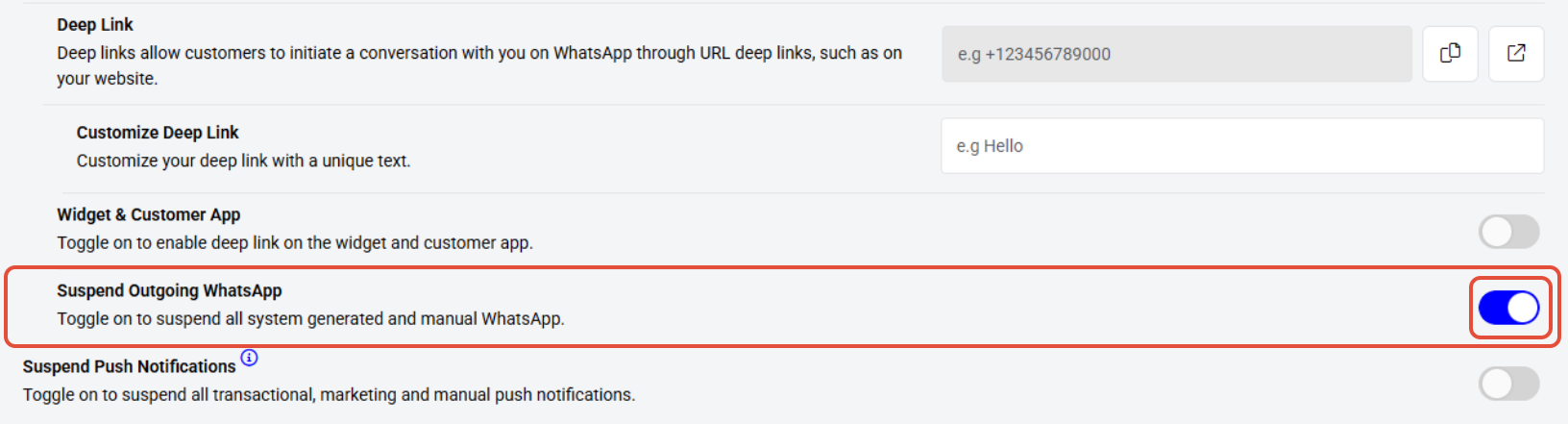
- Locate the Suspend Outgoing WhatsApp button.
- Toggle the button ON to suspend all system-generated and manual WhatsApp messages.
Step 4: Save Changes
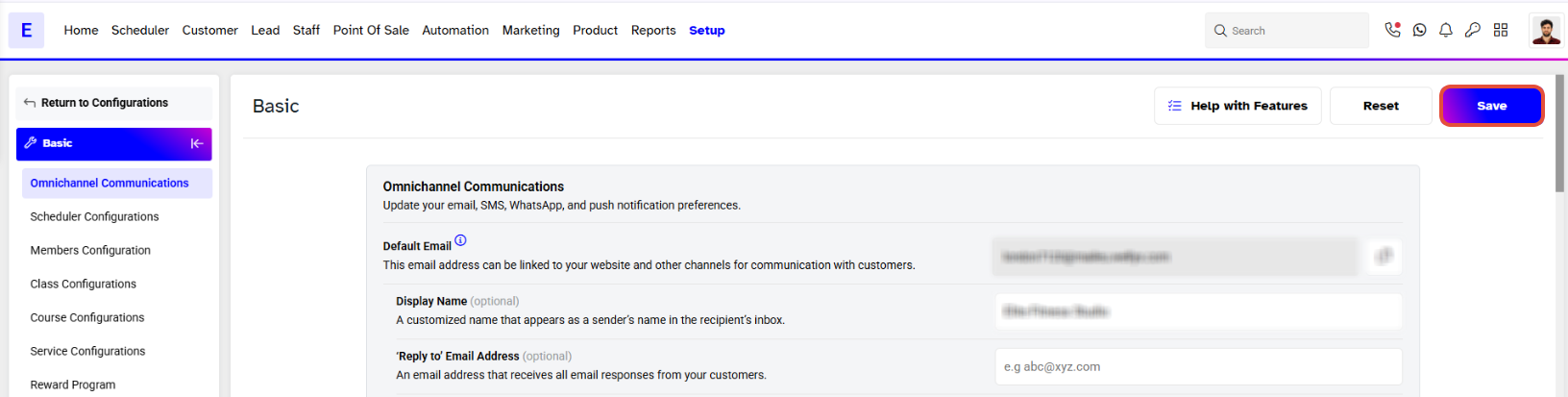
Click on the Save button to confirm the changes.