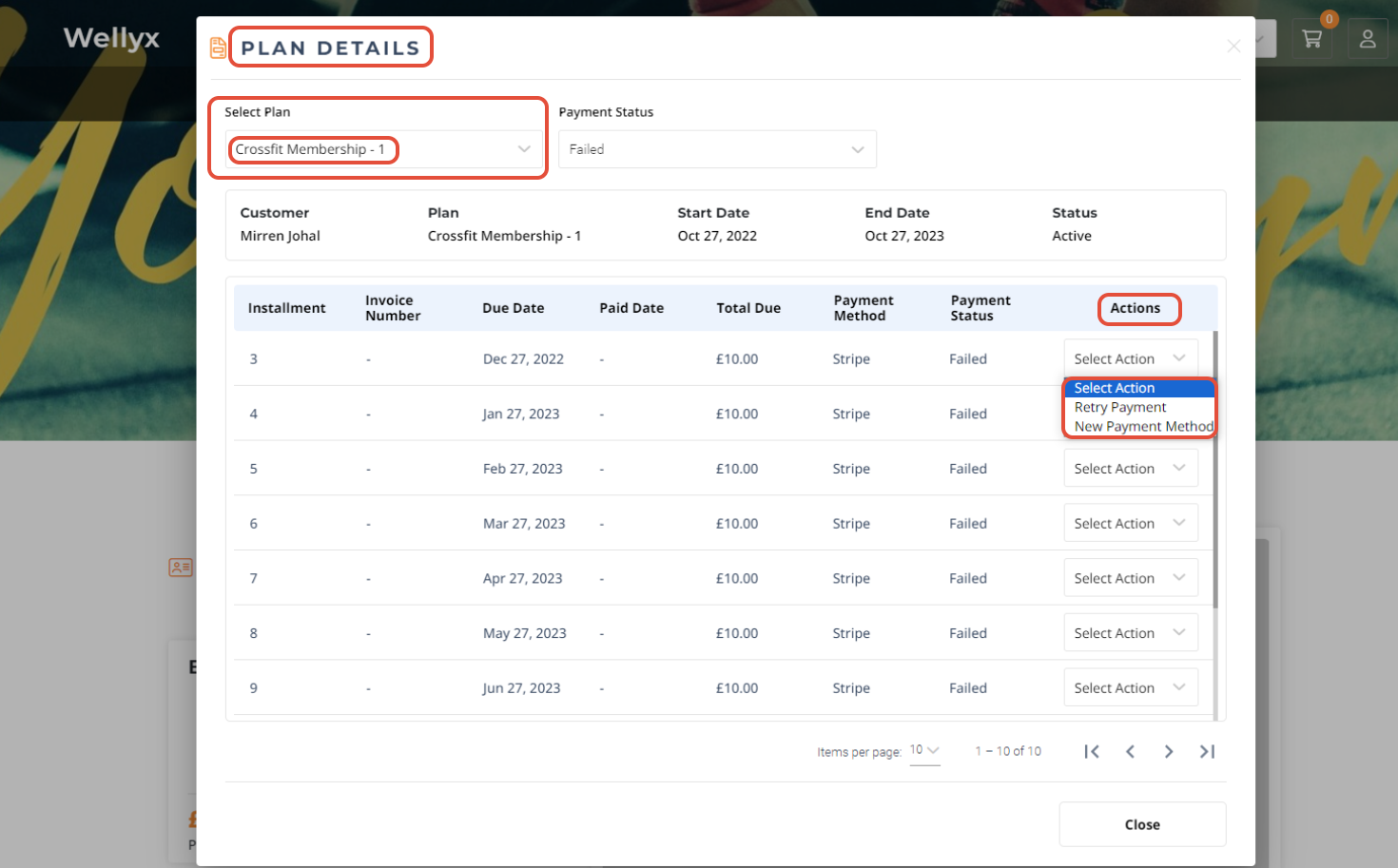
TABLE OF CONTENTS
- Step 1: Navigate to Configurations
- Step 2: Locate Member Configuration
- Step 3: Enable and Configure the Alert
- Step 4: Save the Settings
Overview
This guide explains how to enable the Failed Payment Alert message on the Widget and Customer App. By following this guide, merchants can prompt customers to process or retry failed payments and update their payment details directly through these platforms.
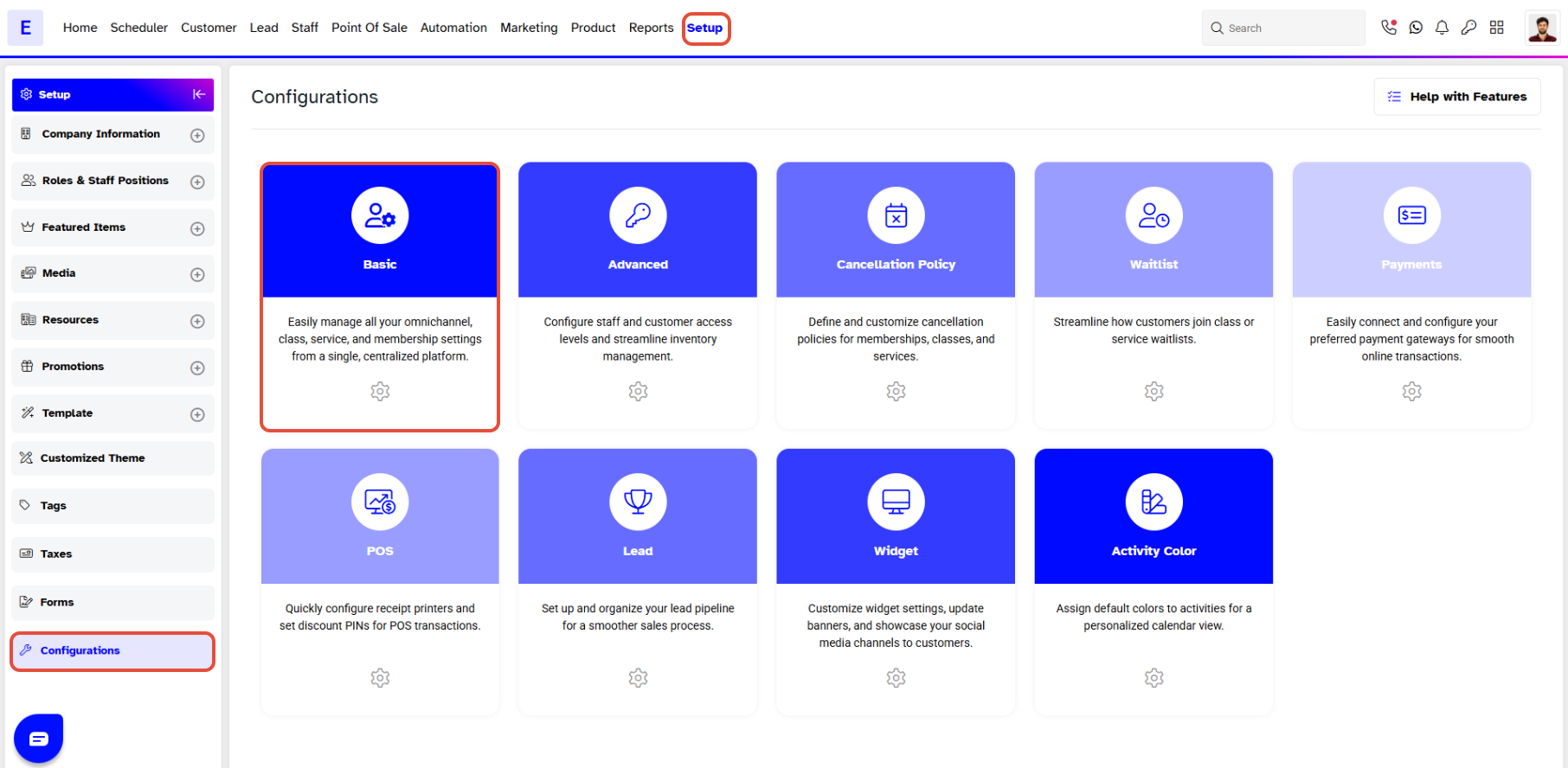
Step 1: Navigate to Configurations
- Go to the Setup module in Core.
- Click on the Configurations tab.
- Click on the basic tab.
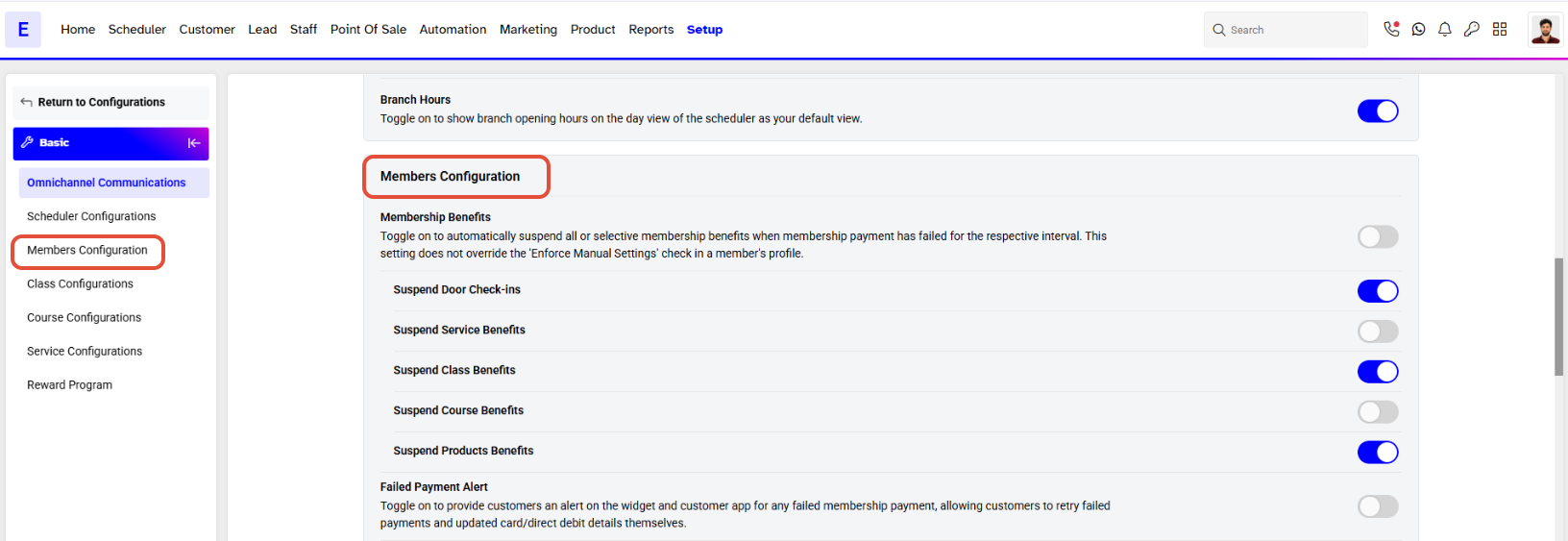
Step 2: Locate Member Configuration
- Scroll down to the Member Configuration section
Step 3: Enable and Configure the Alert
- Navigate to the Failed Payment Alert.
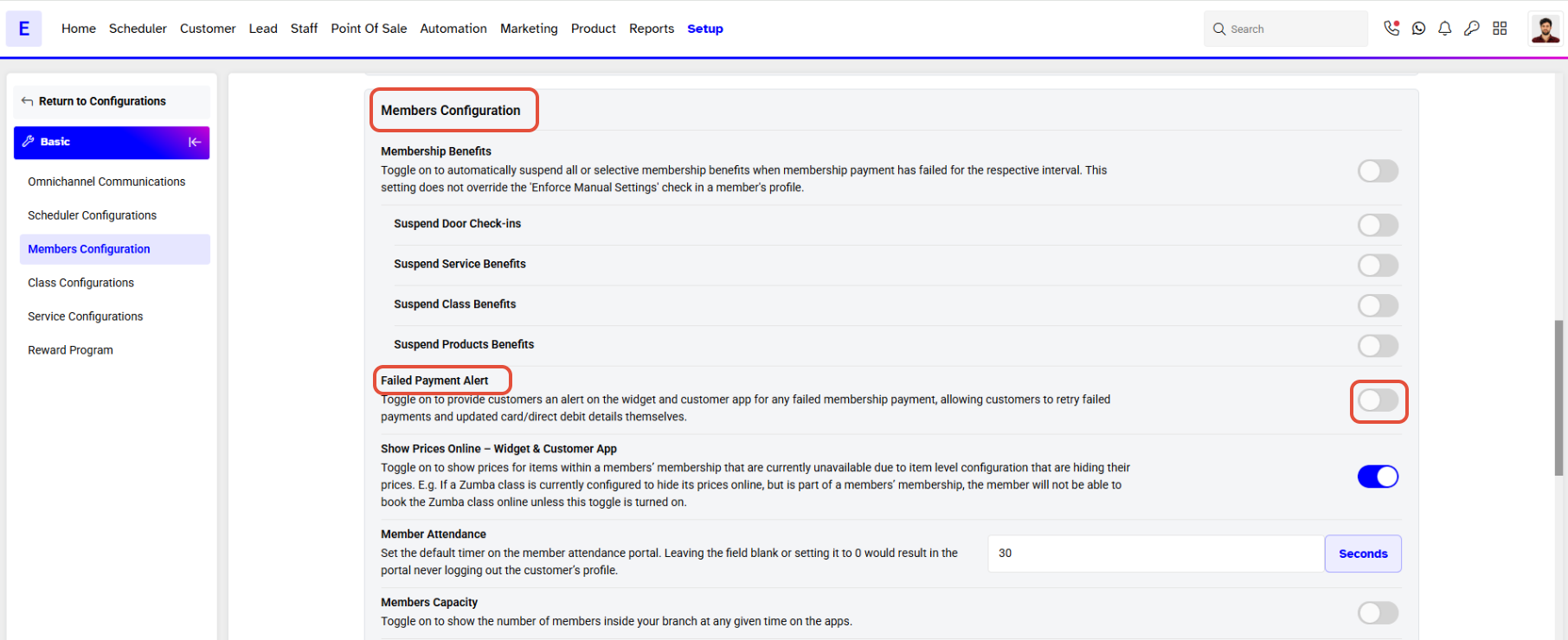
- Toggle the Failed Payment Alert Message button to ON.
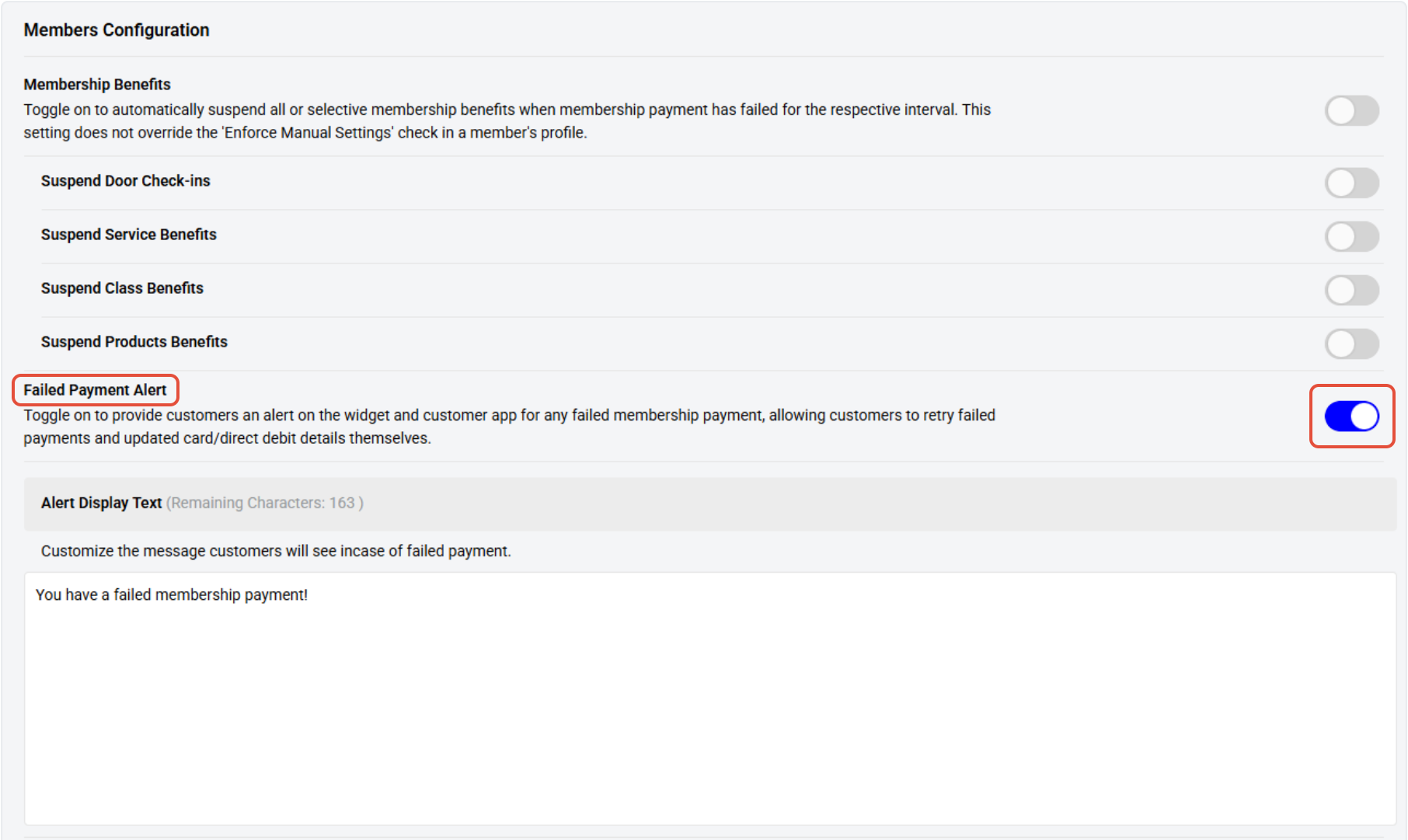
- An Alert Display text box will appear on the screen.
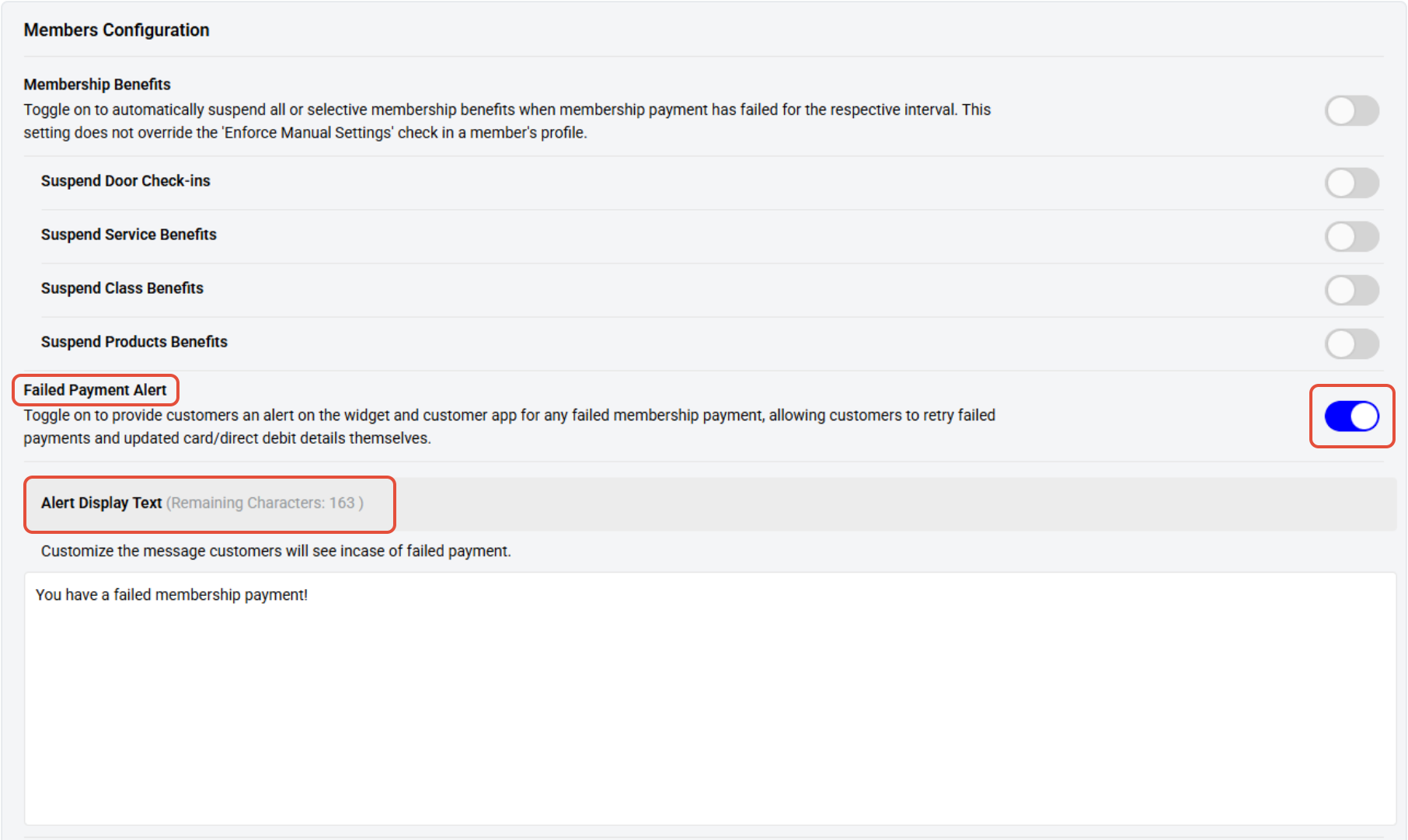
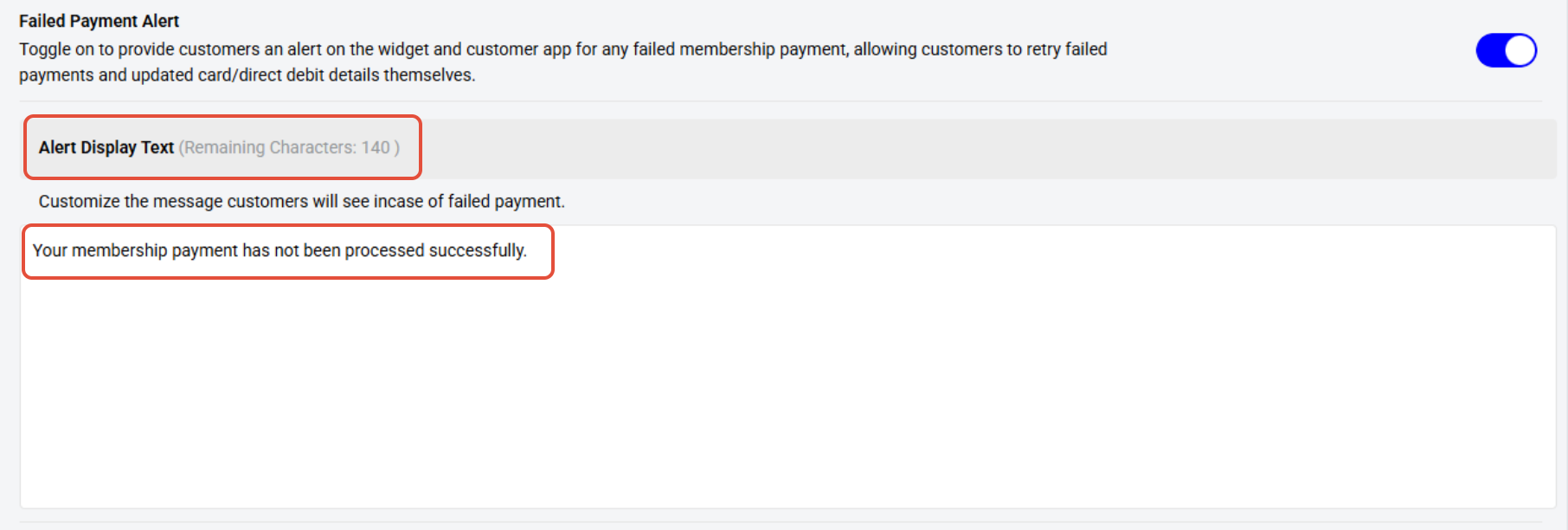
The Merchant can add a Customized Message for the failed Payment Alert Notification.
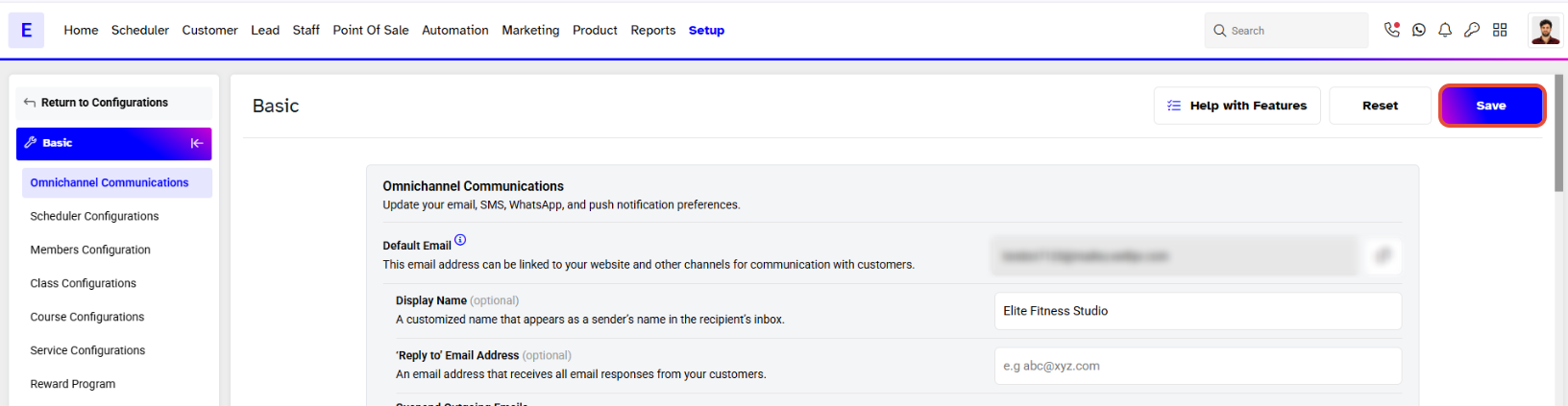
Step 4: Save the Settings
- Click on the Save button to confirm.
Customers can Process/Retry Failed Payments and also update their Card or Direct Debit details on the Widget and Customer App.