


TABLE OF CONTENTS
Overview
This guide explains how to add a customized address label name in Core. By following this guide, merchants can specify how address labels appear on the Widget and Customer App, such as Home, Billing, or Shipping.
Step 1: Navigate to Payments Configurations
- Go to the Setup module in Core.
- Navigate to Configurations.
- Click on the Payments tab.
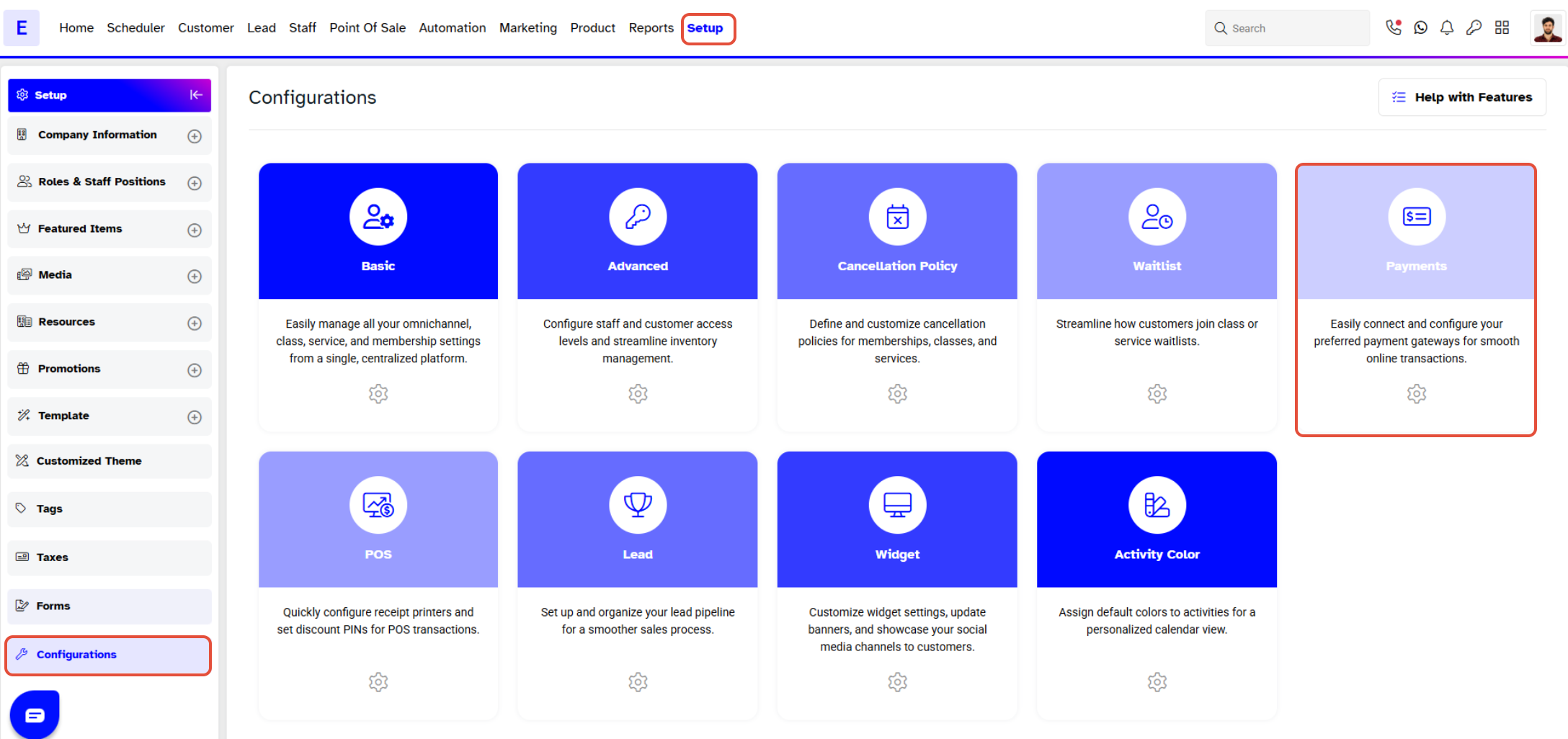
Step 2: Enter Address Label Details
- Scroll down to the Online Configurations section.
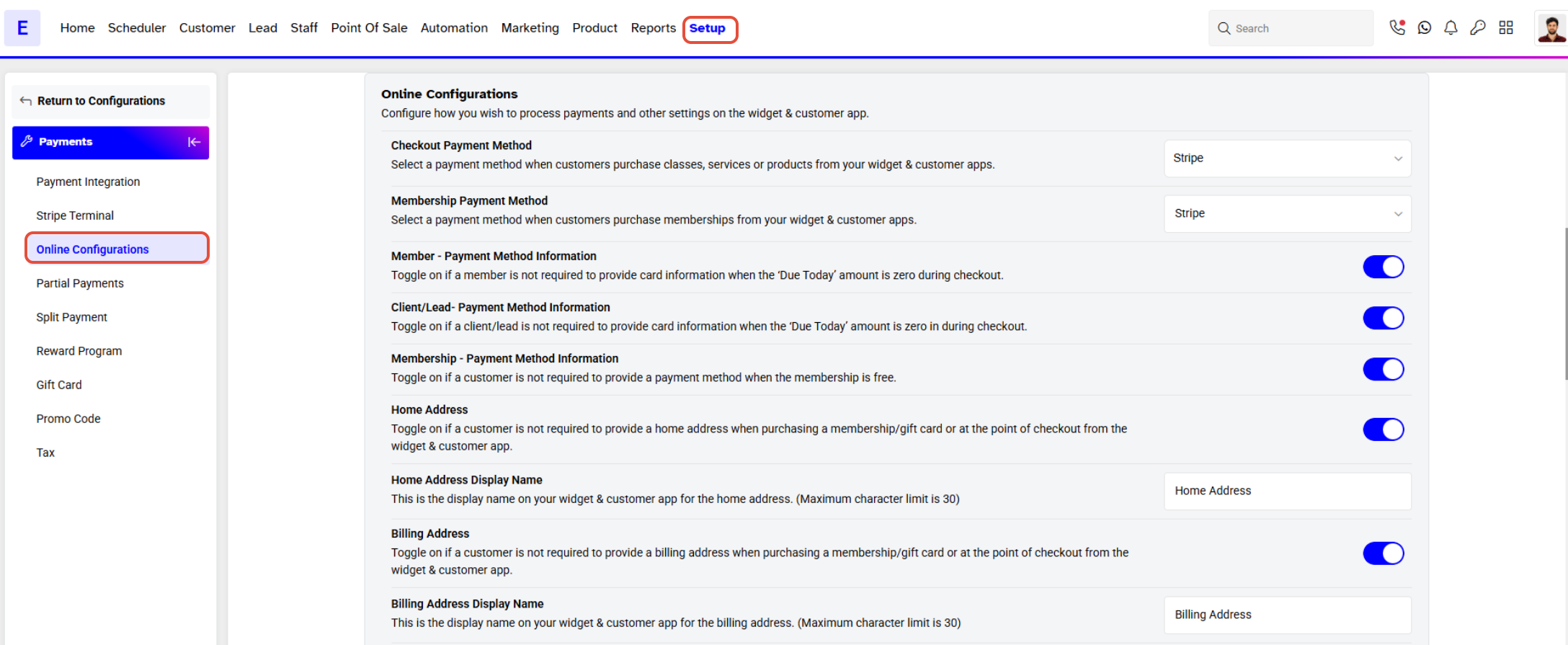
- Enter the display name for your customized address in the Address Name field.
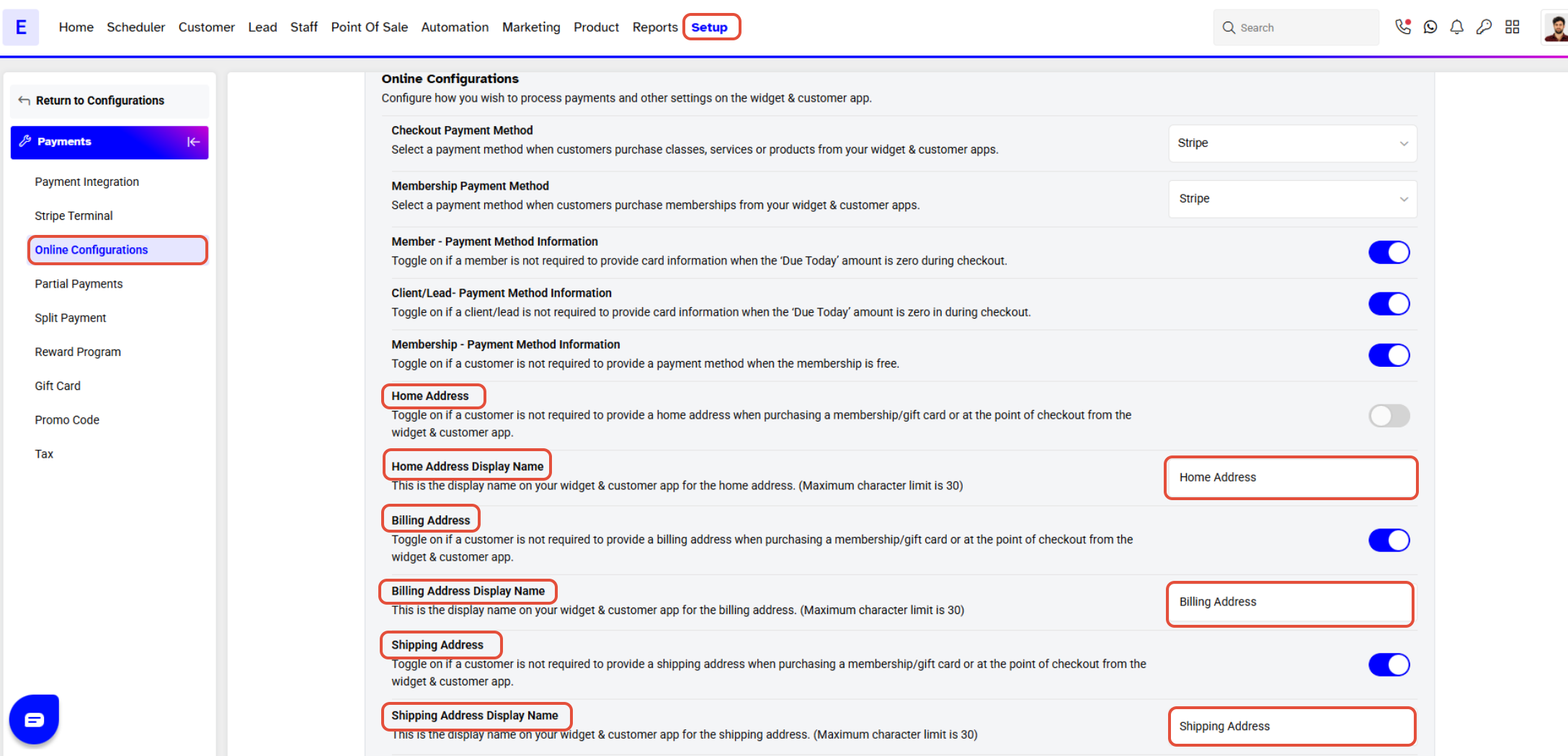
The Name entered in the Address Name field will appear on the Widget and Customer App as the Label for the Customer Address.




