


TABLE OF CONTENTS
Overview
This guide explains how to configure customer address fields as optional or mandatory during checkout for the Widget and Customer App. By following this guide, merchants can control which address information is required from customers at the time of purchase.
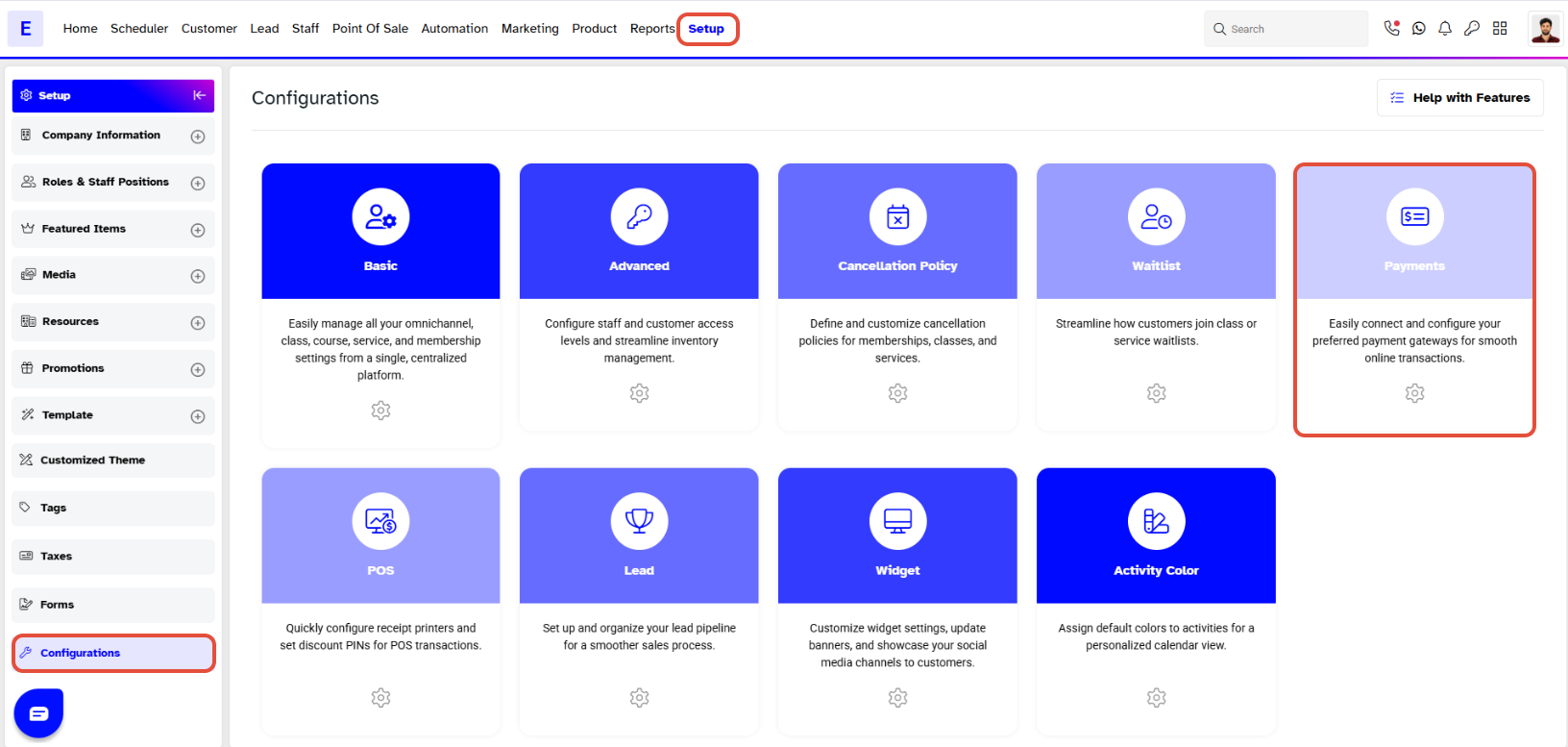
Step 1: Navigate to Payments
- Go to the Setup module.
- Navigate to Configurations.
- Click on the Payments tab.
Step 2: Configure Address Requirements
- In the Payments tab, scroll down to the Online Configurations section.
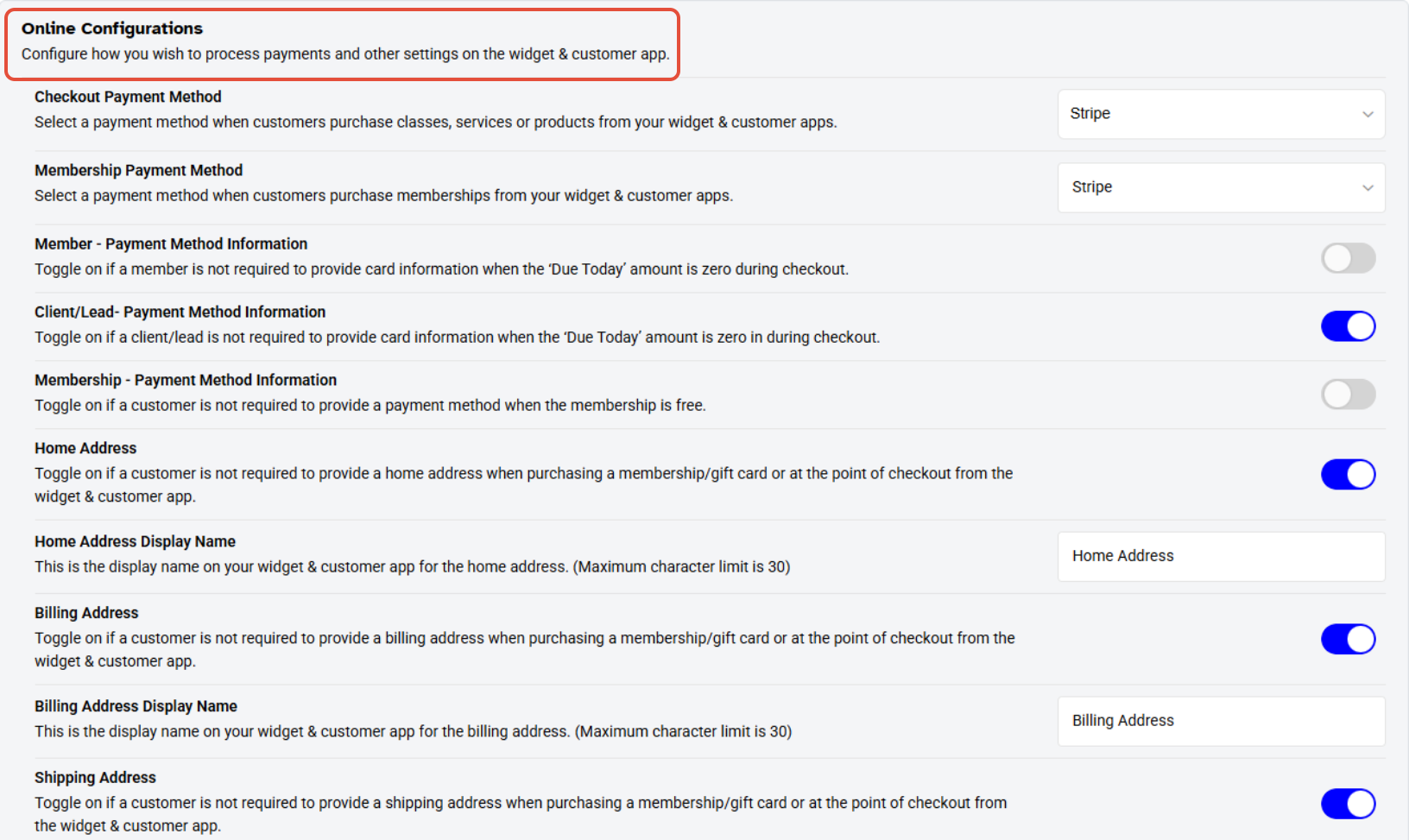
- Toggle on/off the Home Address to make it optional or mandatory.

- Toggle on/off the Billing Address to make it optional or mandatory.

- Toggle on/off the Shipping Address to make it optional or mandatory.

Step 3: Save Changes
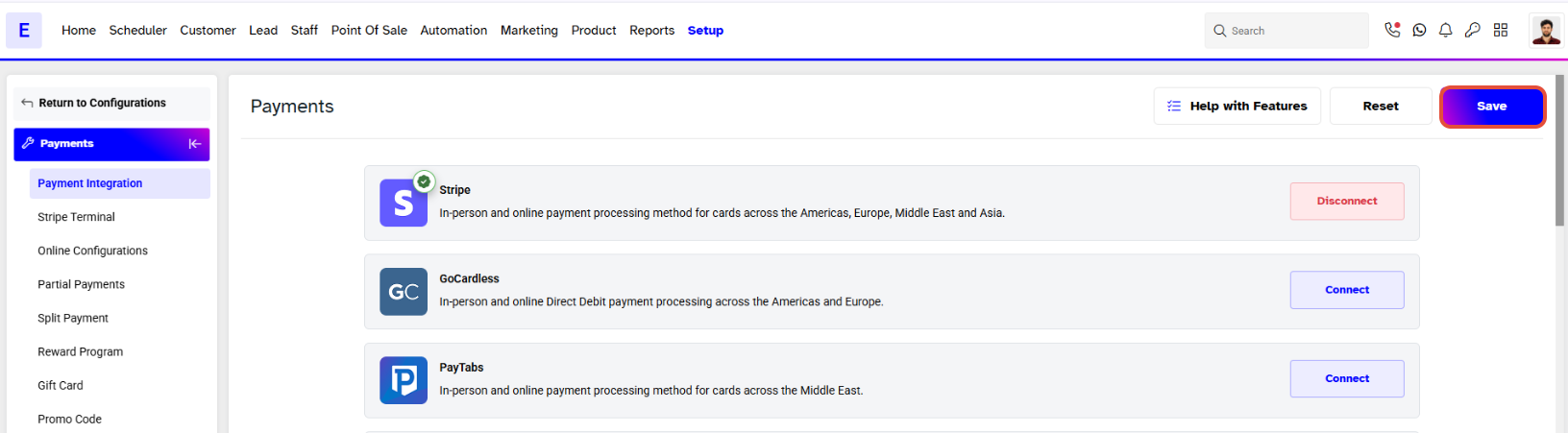
- Once you have configured the settings, click on the Save button to confirm.
To learn how to Customize the Address Label Name, click here.




