TABLE OF CONTENTS
- Step 1: Navigate to Configurations
- Step 2: Access Omni Channel Communications
- Step 3: Suspend Push Notifications
- Step 4: Save Changes
Overview
This guide explains how to suspend push notifications in Core. By following this guide, merchants can stop sending out push notifications through the system configuration settings.
Step 1: Navigate to Configurations
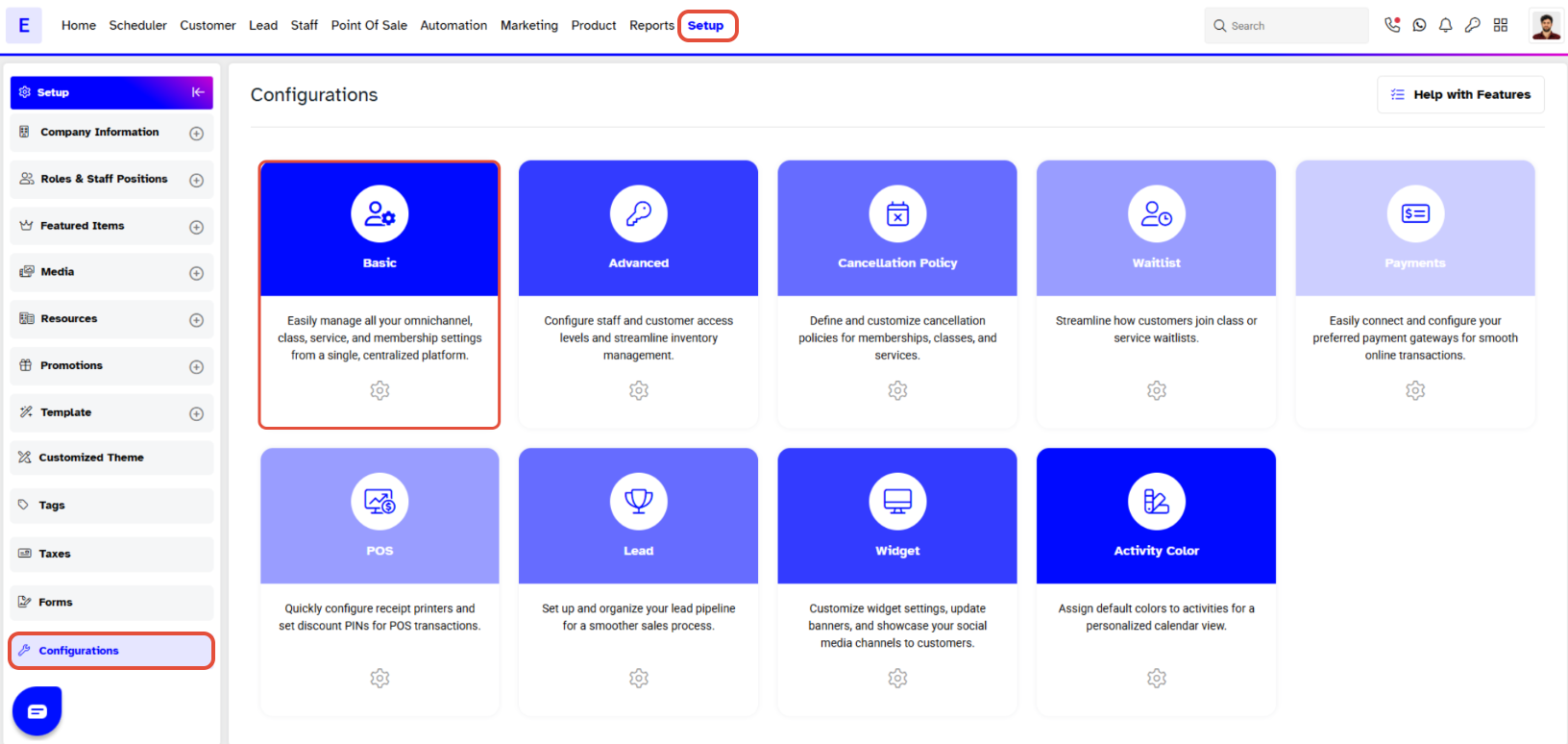
- Go to the Setup module in Core.
- Click on the Configurations tab.
- By default, the Basic tab will open
Step 2: Access Omni Channel Communications
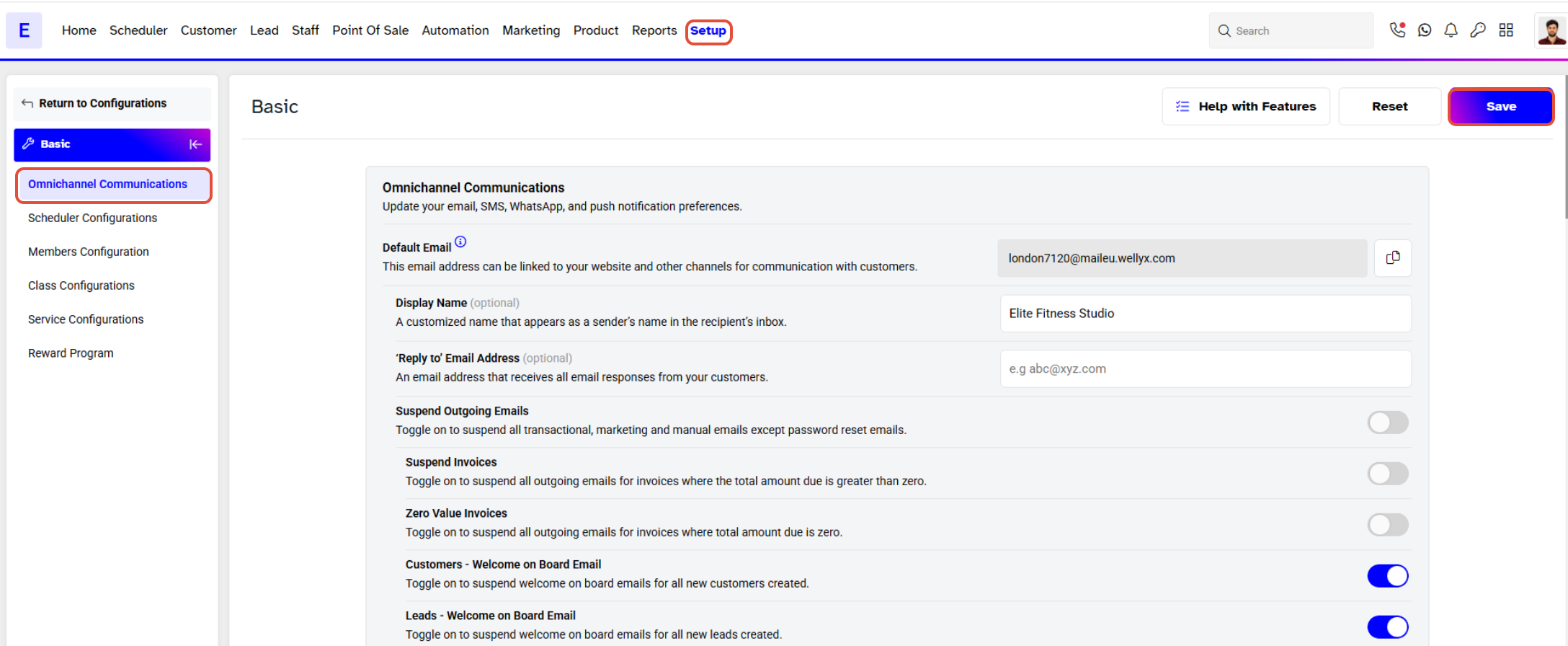
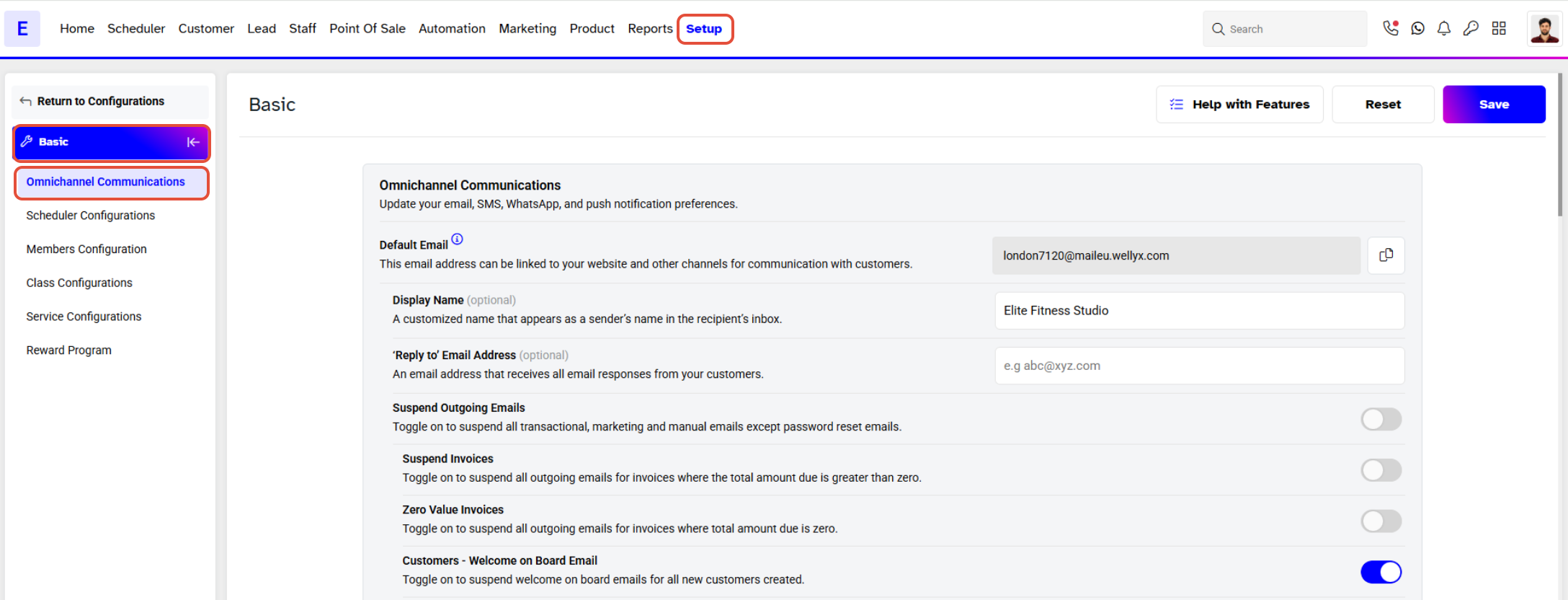
- Navigate to the Omni Channel Communications section.
Step 3: Suspend Push Notifications
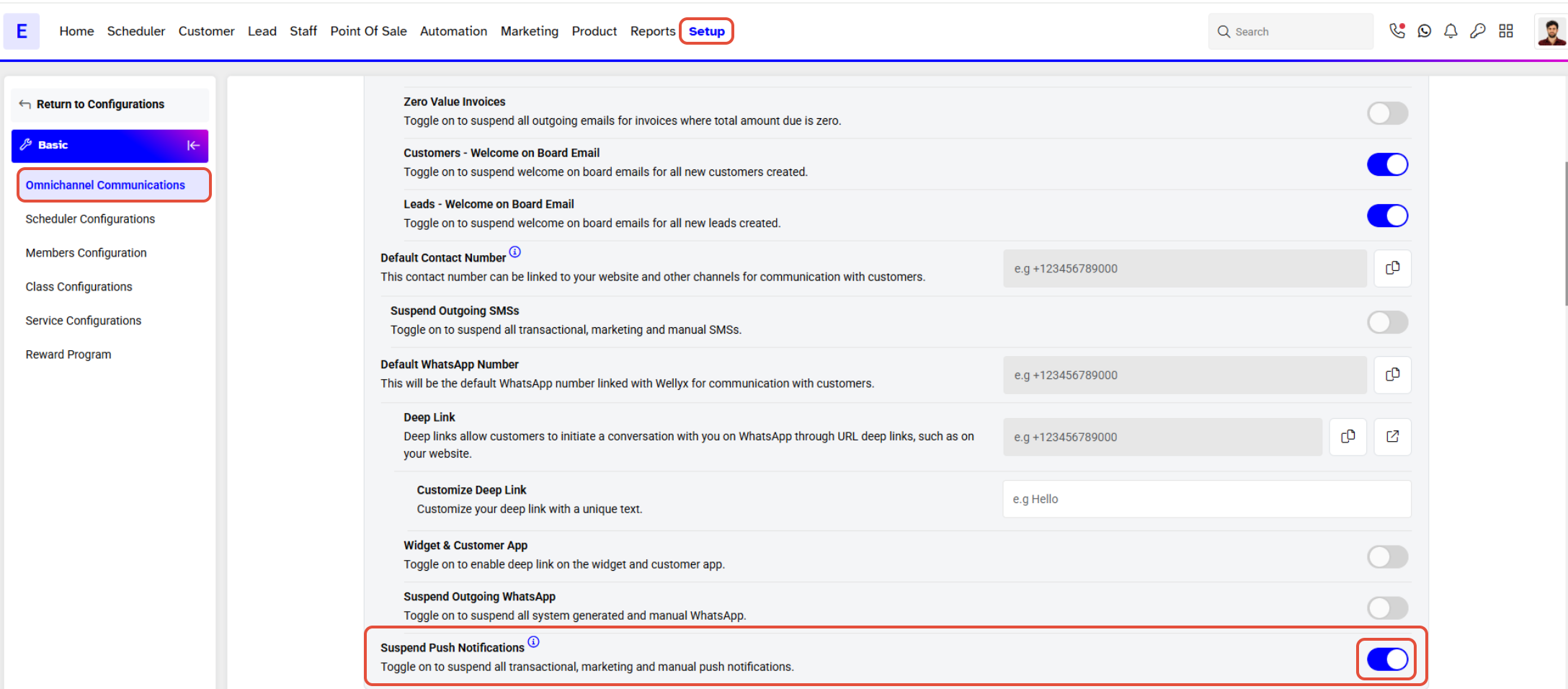
Toggle the Suspend Push Notification button to ON to stop sending out push notifications.
Step 4: Save Changes
- Click on the Save button to confirm your changes.