
TABLE OF CONTENTS
- Step 1: Navigate to Point of Sale
- Step 3: Select the Benefit
- Step 4: Add the Class to Cart
- Step 5: Complete the Purchase
Overview
This guide explains how to make a Future Benefit Booking in Core. It covers the process of identifying classes covered by a future membership and completing the checkout process for members.
Step 1: Navigate to Point of Sale
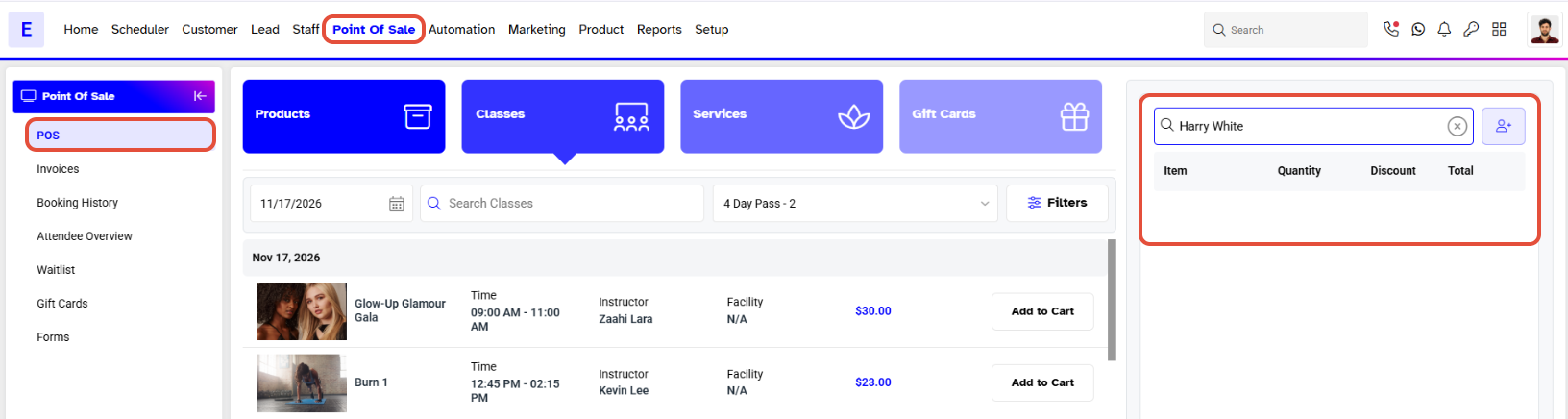
- Go to the Point of Sale module in Core.
- Search for a Member using the Search Customer Box.
Step 3: Select the Benefit
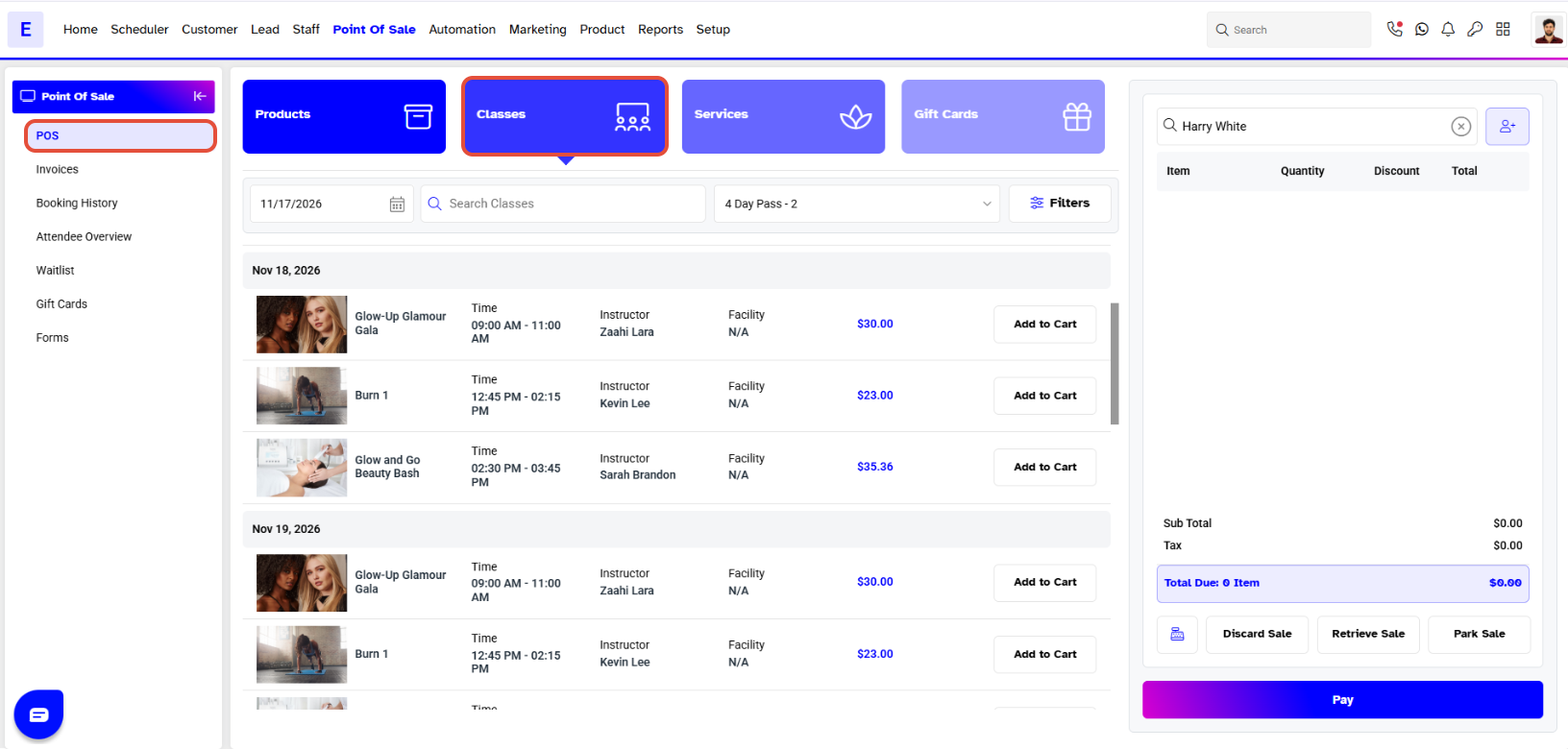
- Select the Benefit of the Member that is yet to start.
Step 4: Add the Class to Cart
- Click on the Add To Cart button against a Class.
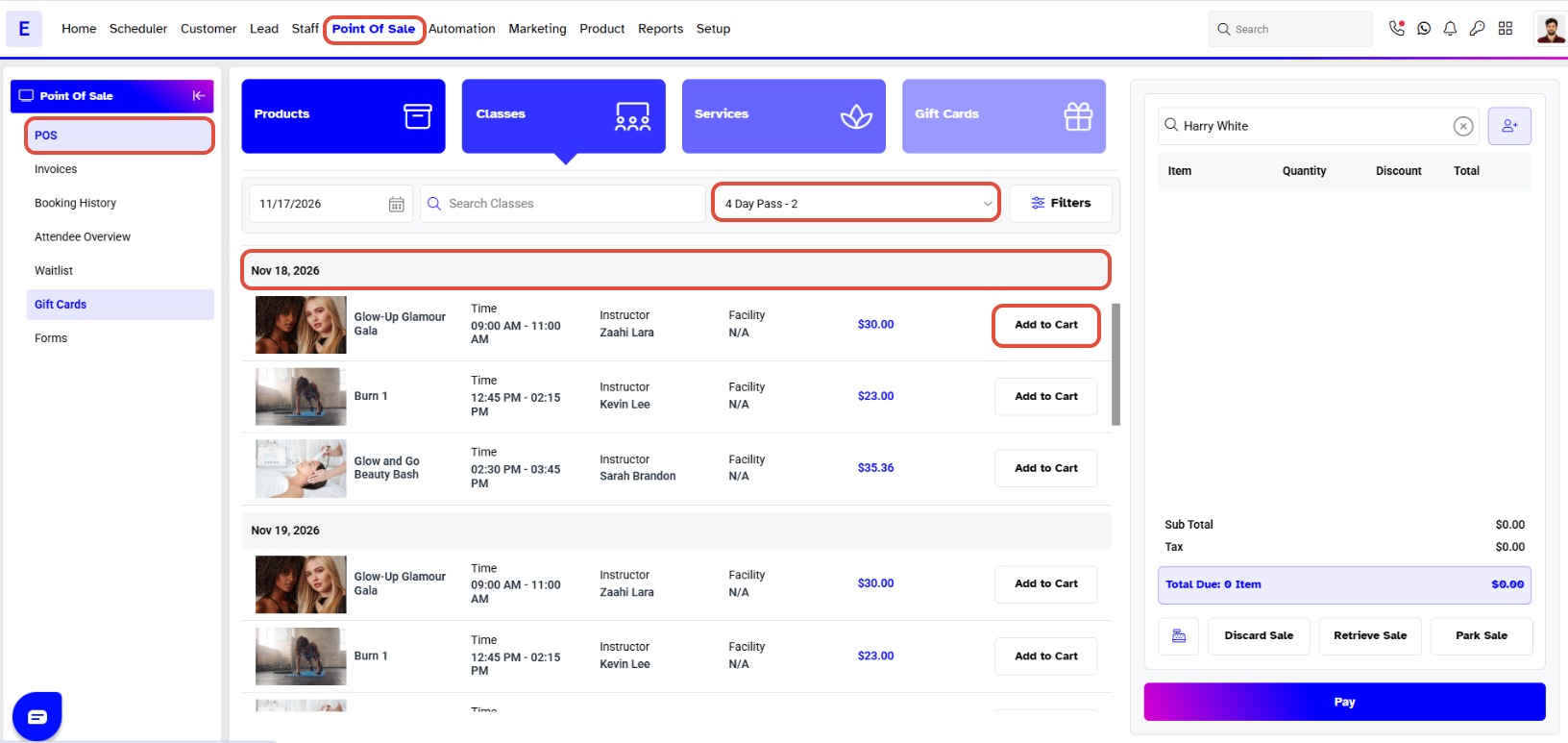
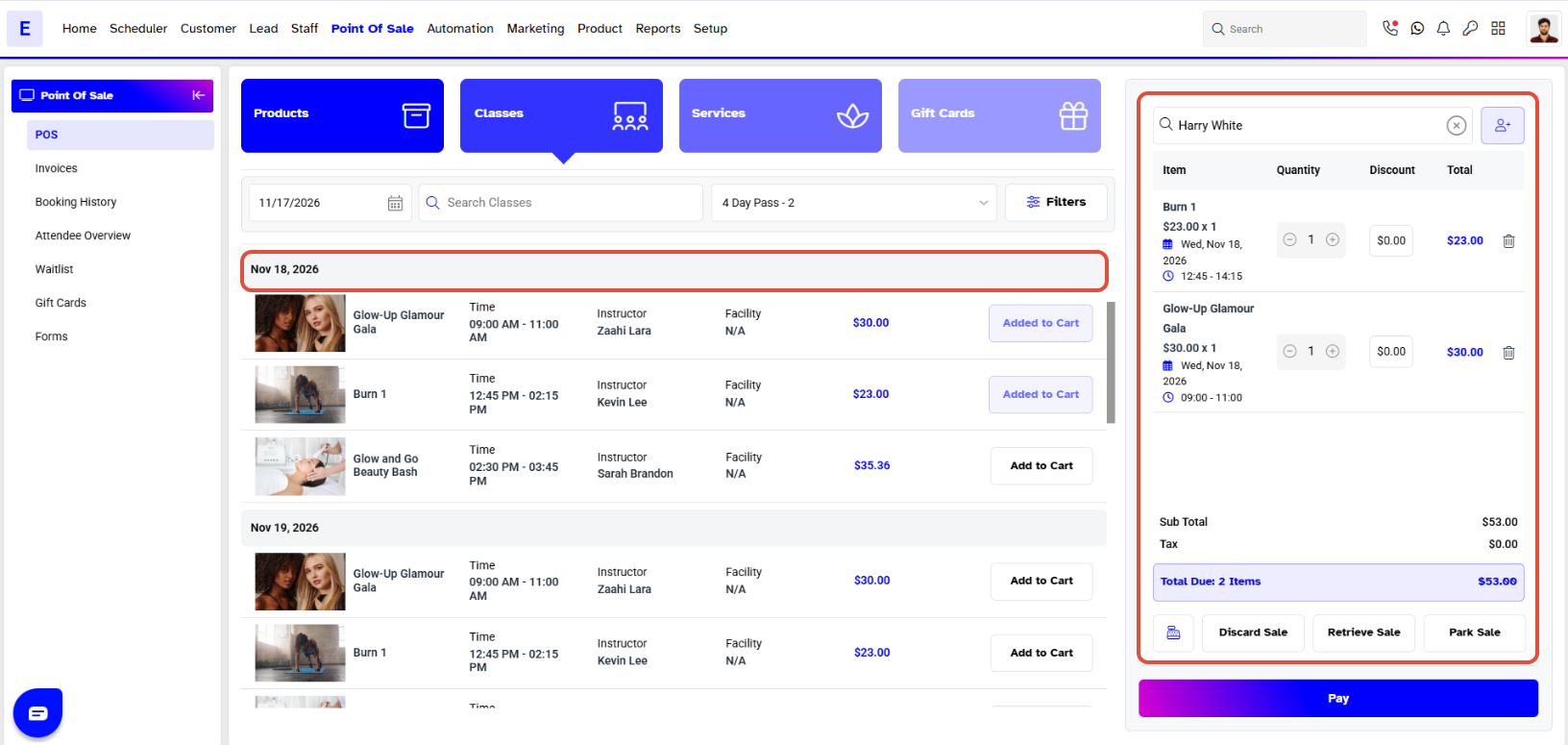
Classes that occur within the Membership period will be shown as Benefit while those outside the period will be shown at Full Price.
Step 5: Complete the Purchase
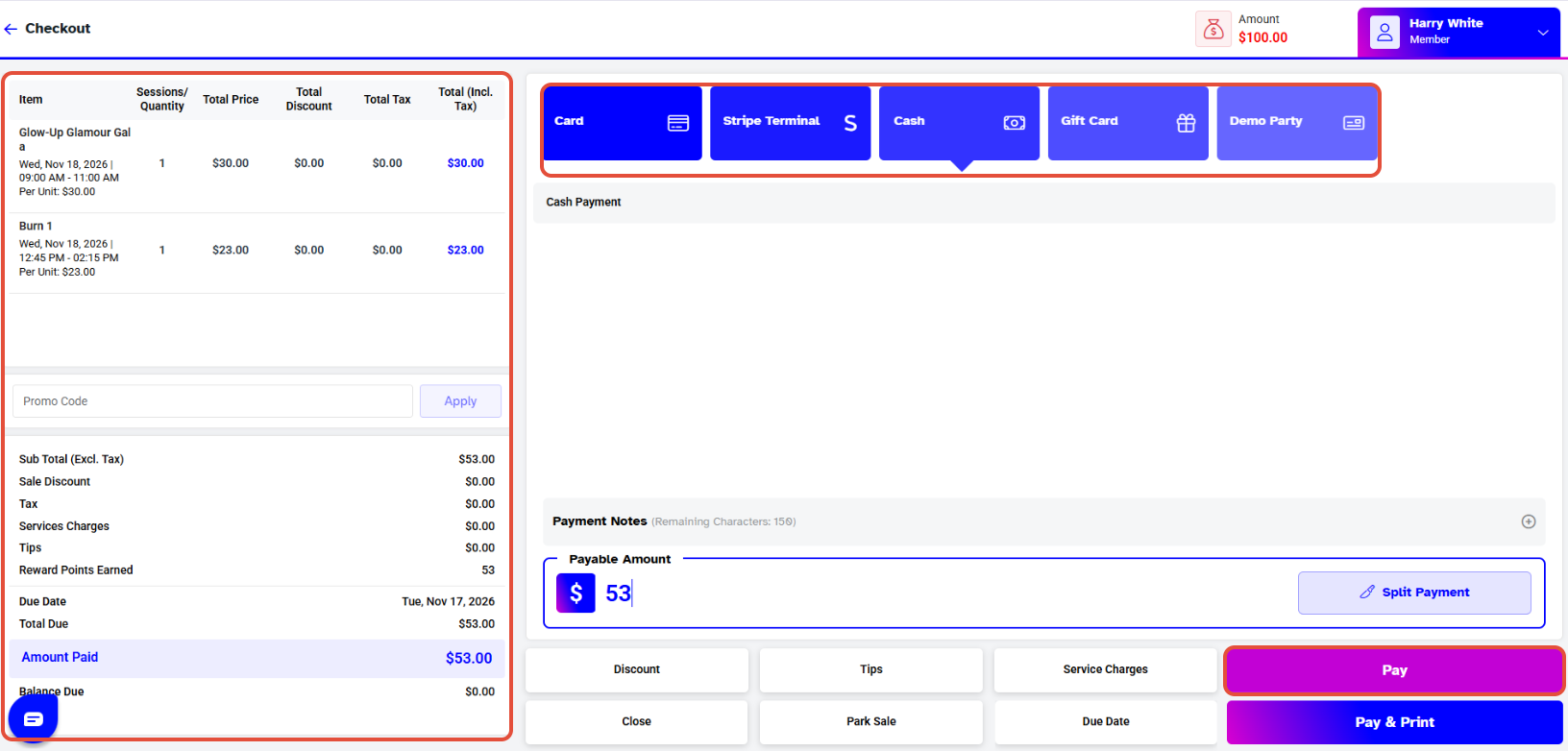
- After adding the Benefited Class to the cart, click on the Pay button to go to the Checkout Screen.
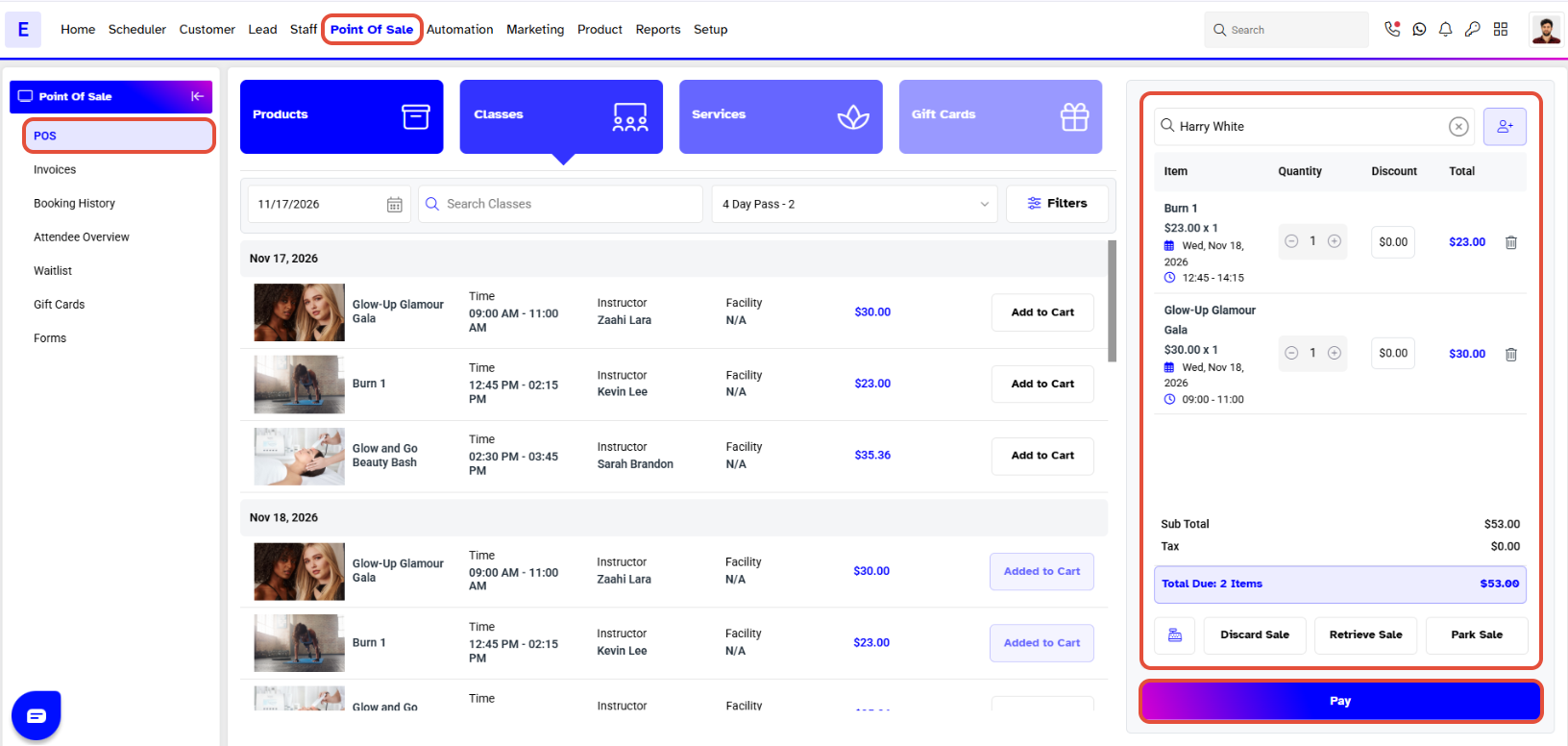
- Once in Checkout, click on the Pay button to complete the purchase.