


TABLE OF CONTENTS
To edit a Membership, follow the steps below.
How To Edit A Membership
Go to the Setup Module
Click on the Features Tab and select the Memberships option.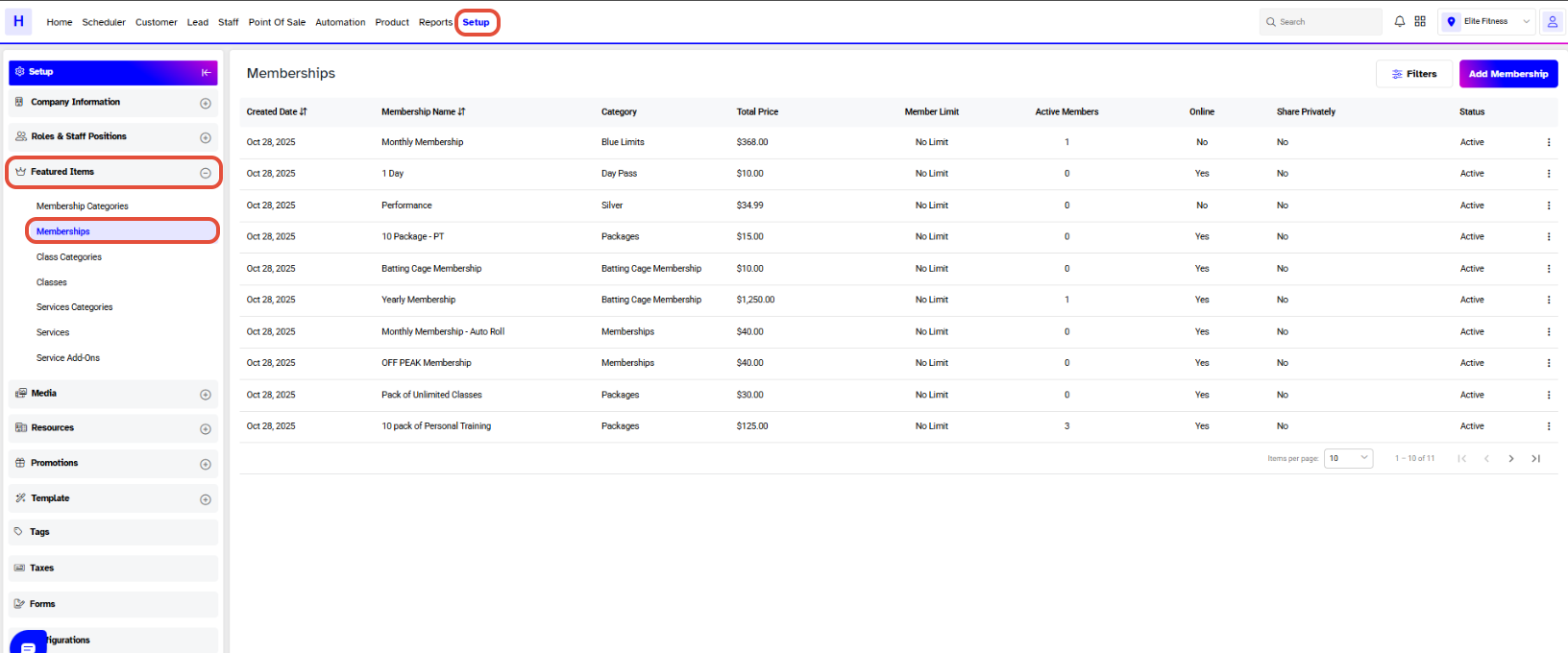
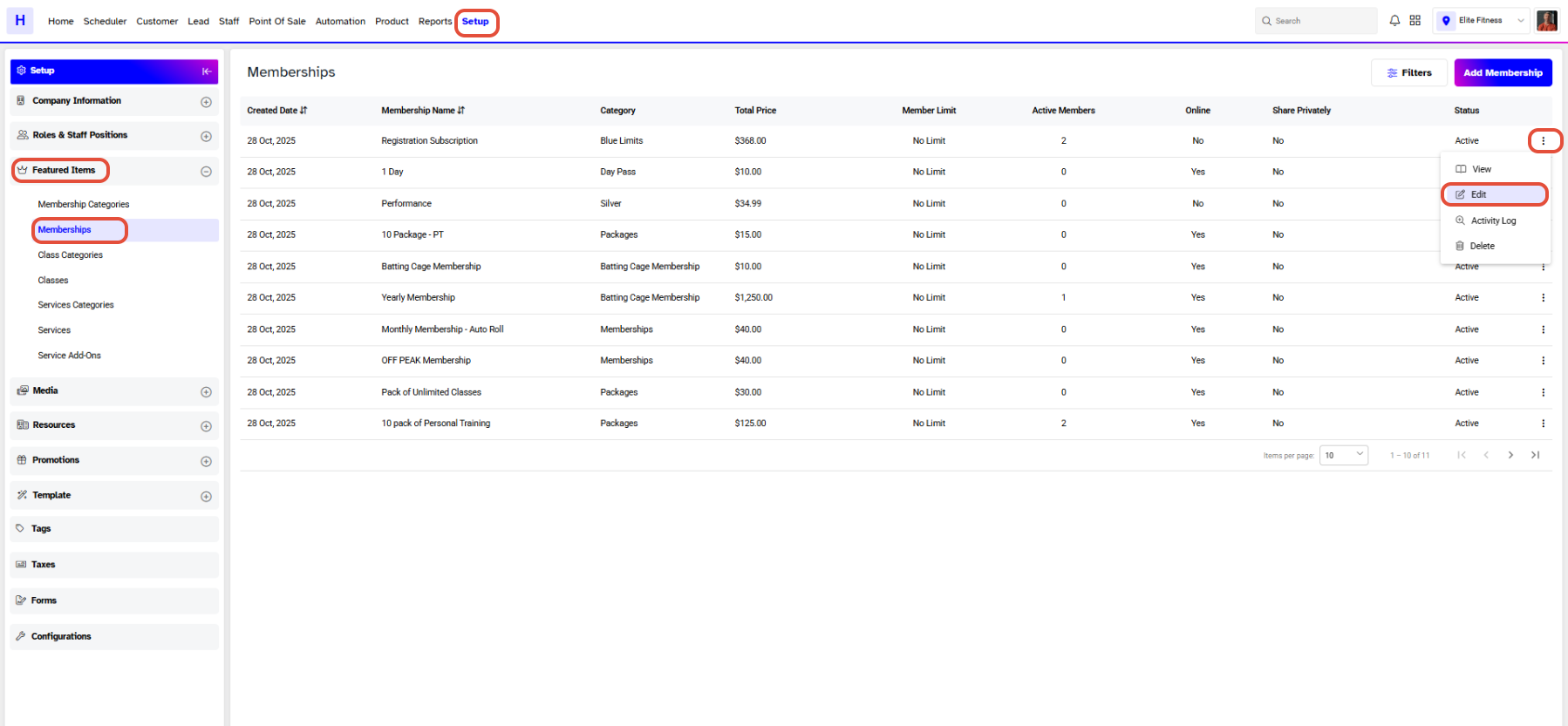
Click on the Edit Icon under Actions against a Membership.
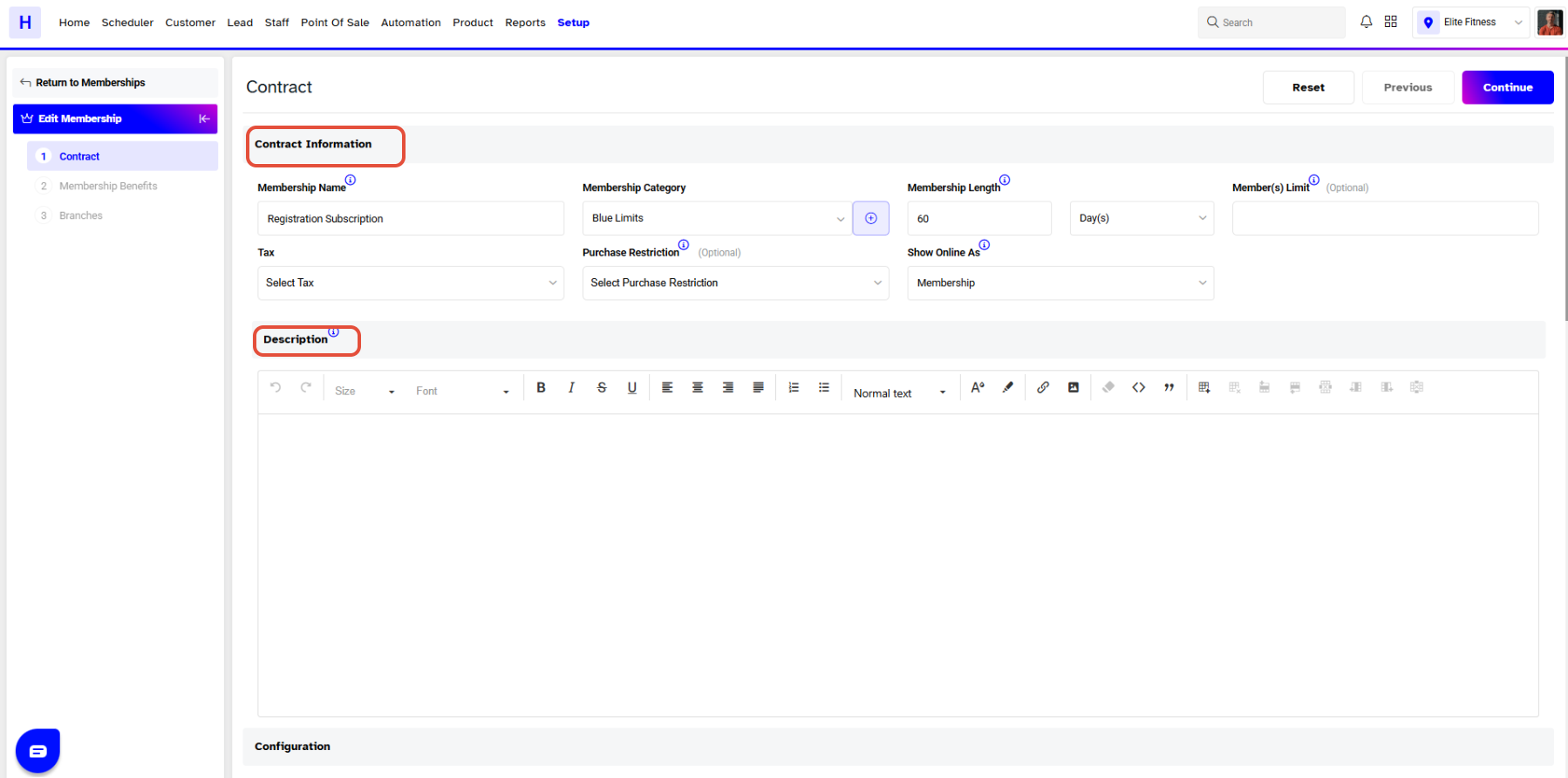
All the Fields in the Contract Section are Editable. Click on the Continue Button to move to the next section.
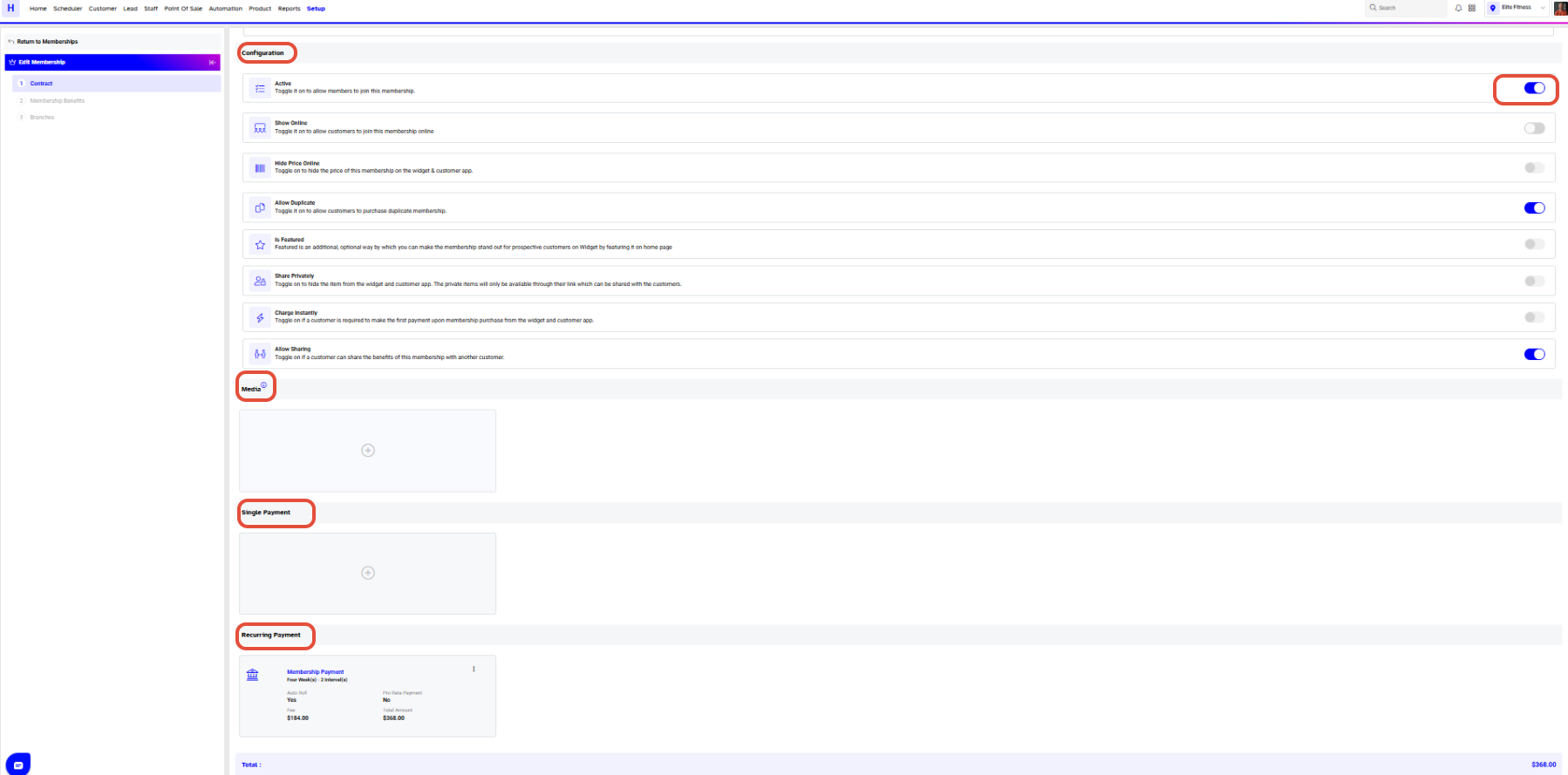
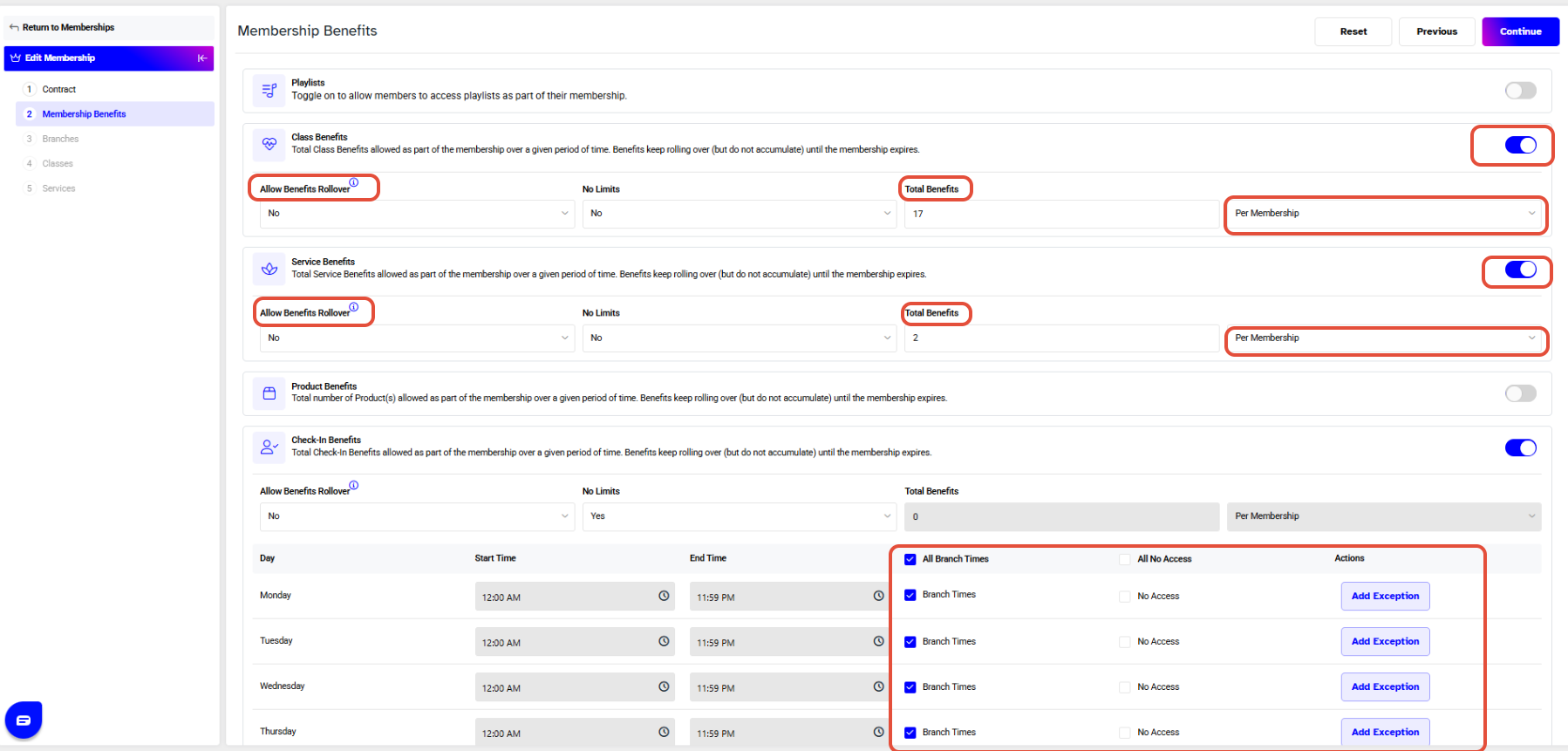
The different options in the Membership Benefits Section can also be changed. Click on the Continue Button to proceed forward.
Once done with all the changes, click on the Save Button in the last section to confirm them.

If a Membership contains Classes, Services, or Products, they all can be Edited in their respective Sections in the Membership.




