


TABLE OF CONTENTS
To suspend a Membership, follow the steps below:
How To Inactive A Membership In Core
Go to the Setup Module.

Click on the Feature Items Tab and select the Membership Tab.
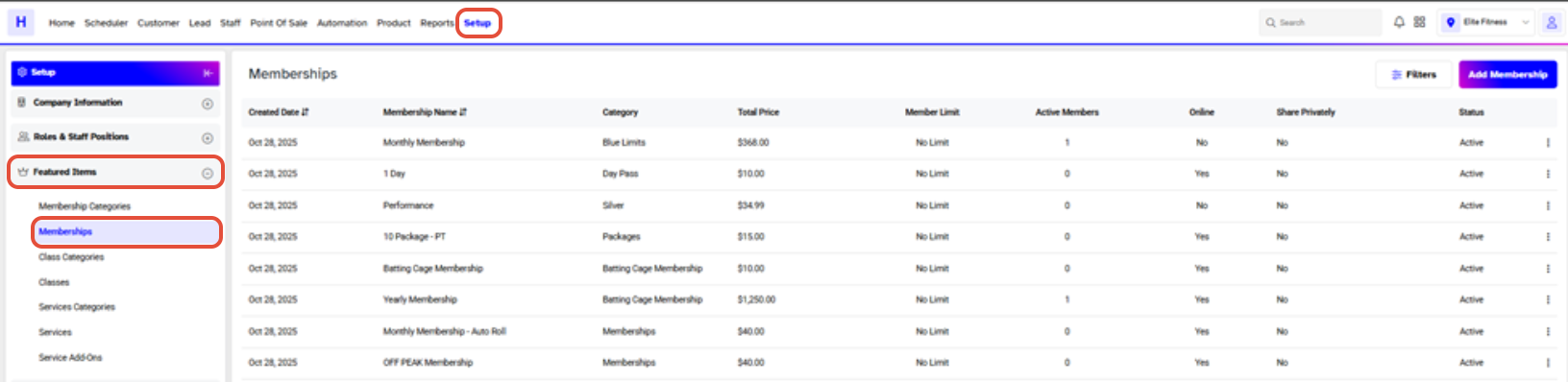
Click on the Edit Button against a Membership.

Toggle off the Active Button to Suspend the Membership.
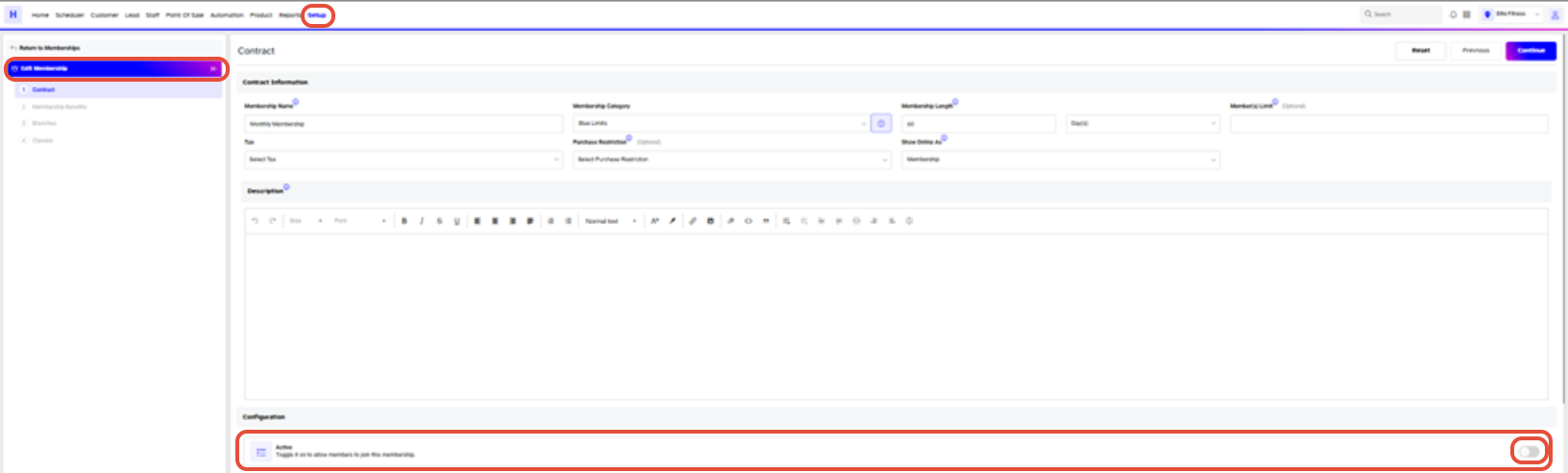
Once done, click on the Save Button.

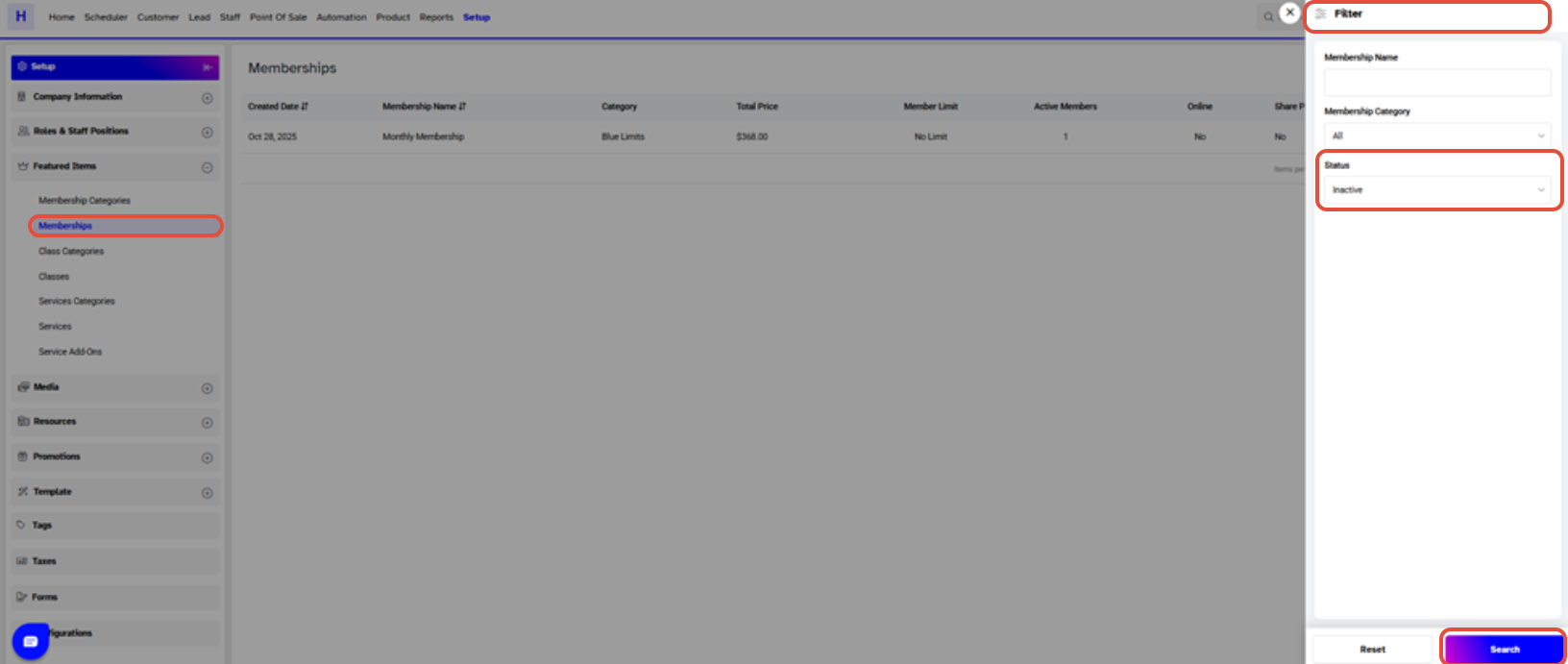
Search the Memberships by their Active or Inactive Status through the main Search Filter Menu.
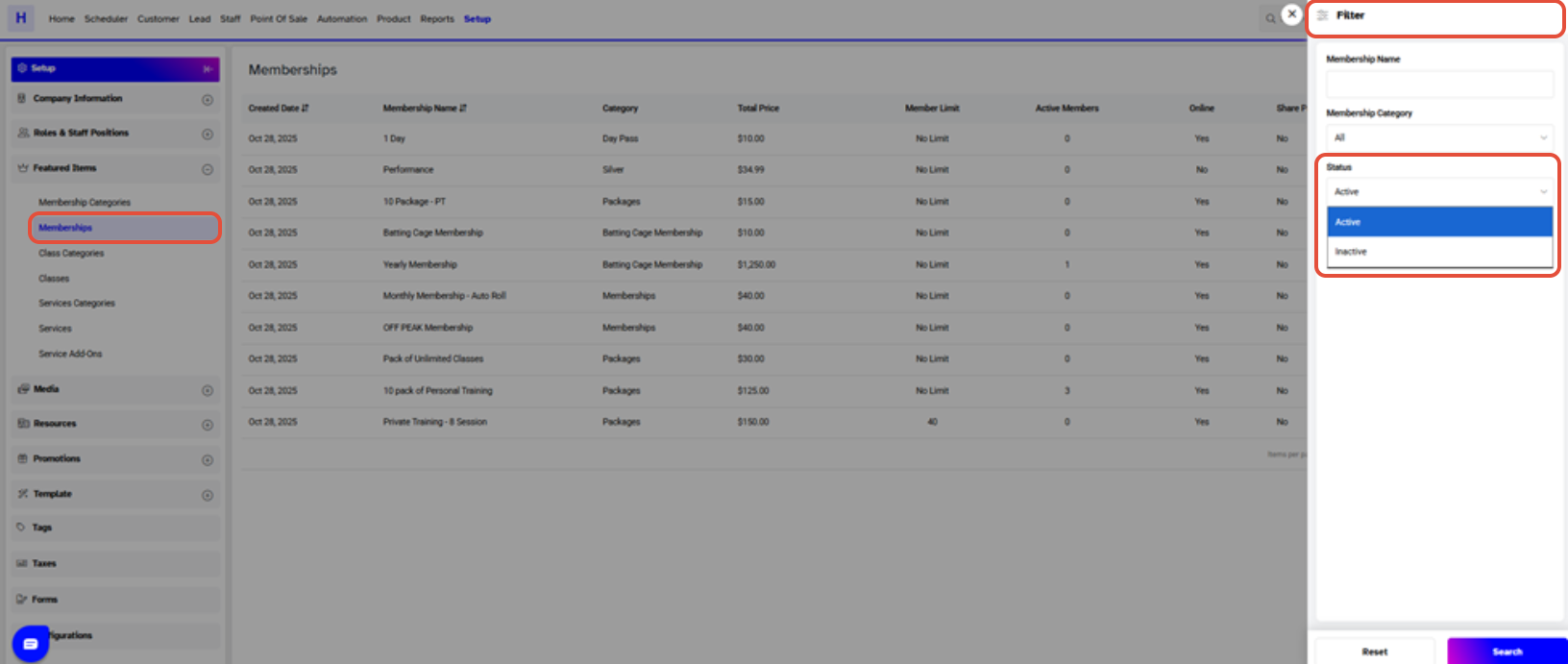
Select the Inactive Status from the Status Dropdown.
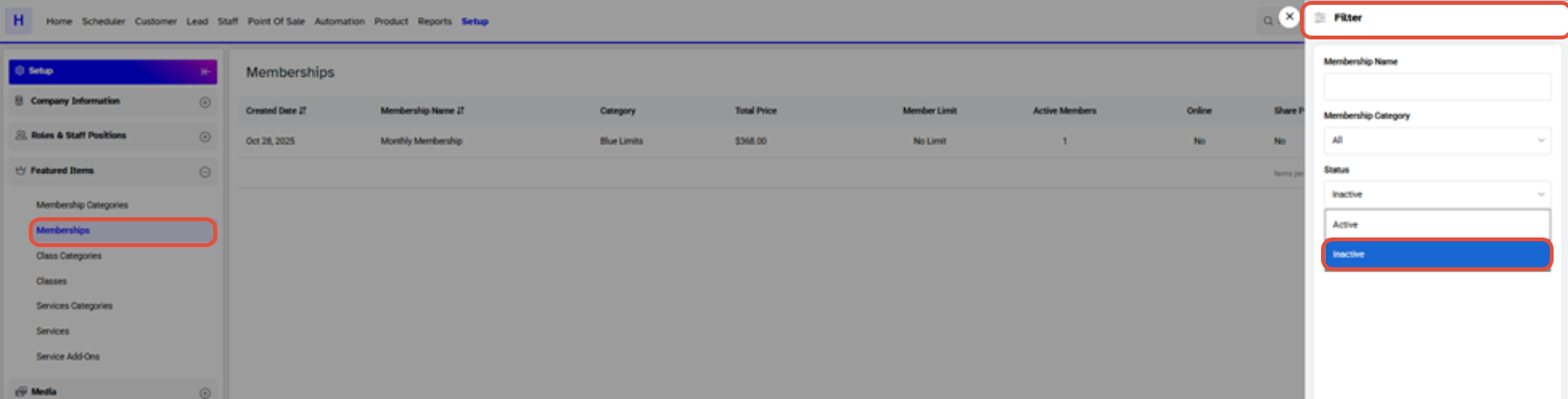
Now, click on the Search Button.
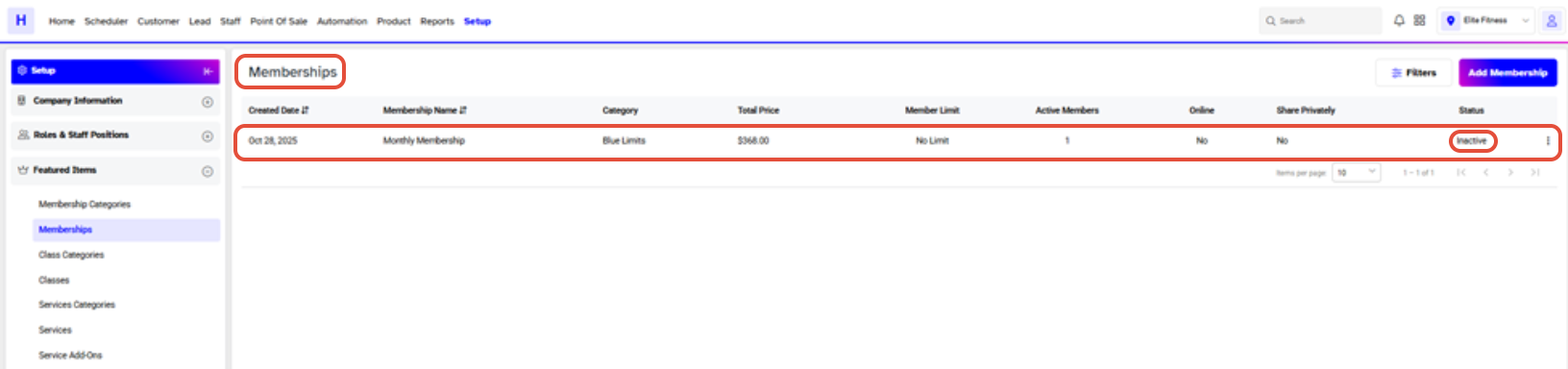
The Membership has been Inactive successfully.
The Membership cannot be deleted/deactivated if it is set as default in Lead Configurations or there is any pending Enquiry against the Membership.




