TABLE OF CONTENTS
To Configure to Show the number of Members inside the Branch at any given time on the App, follow the steps below:
How To Configure To Show The Number Of Members Inside The Branch At Any Given Time On The App
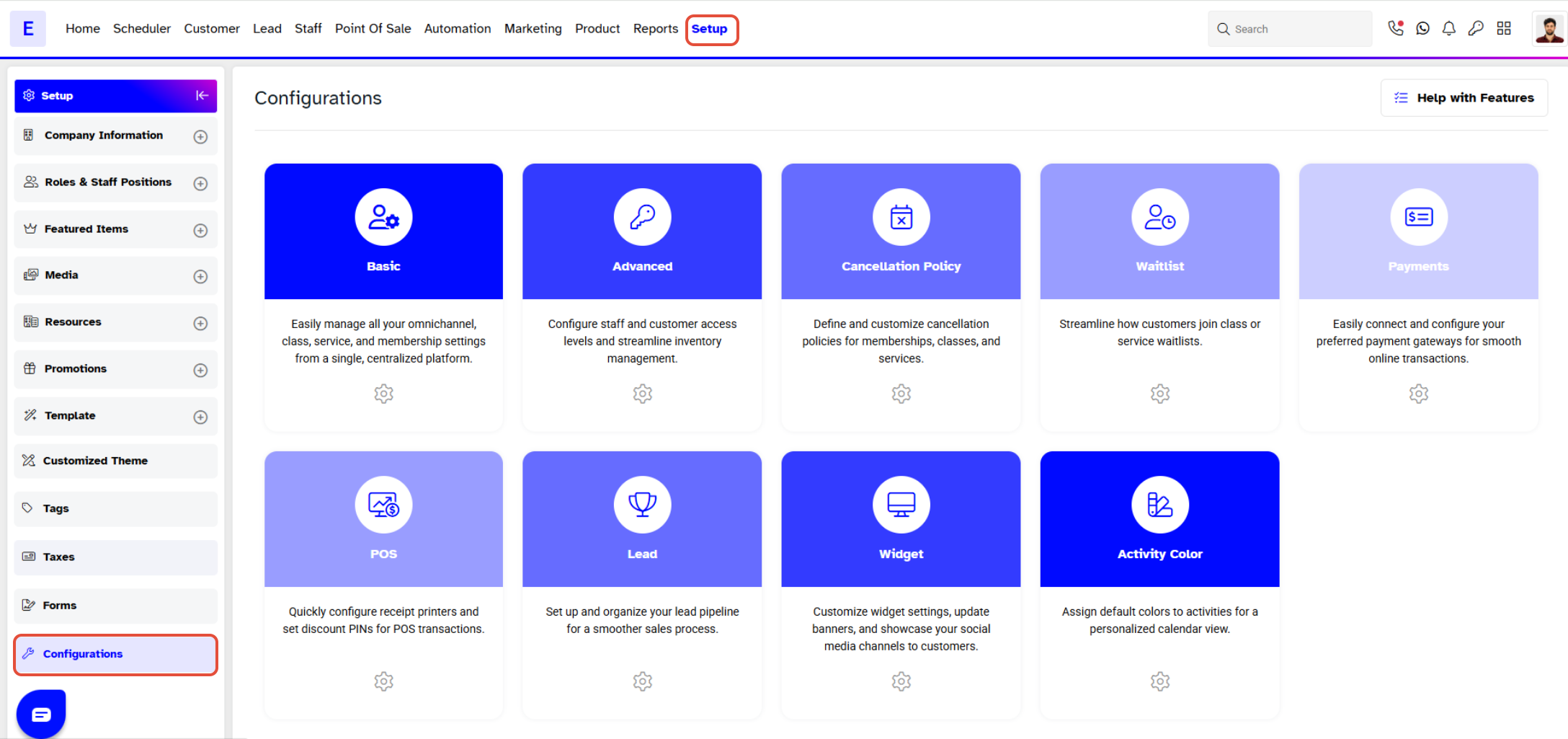
Go to the Setup Module.

In Setup, click on the Configurations Tab.
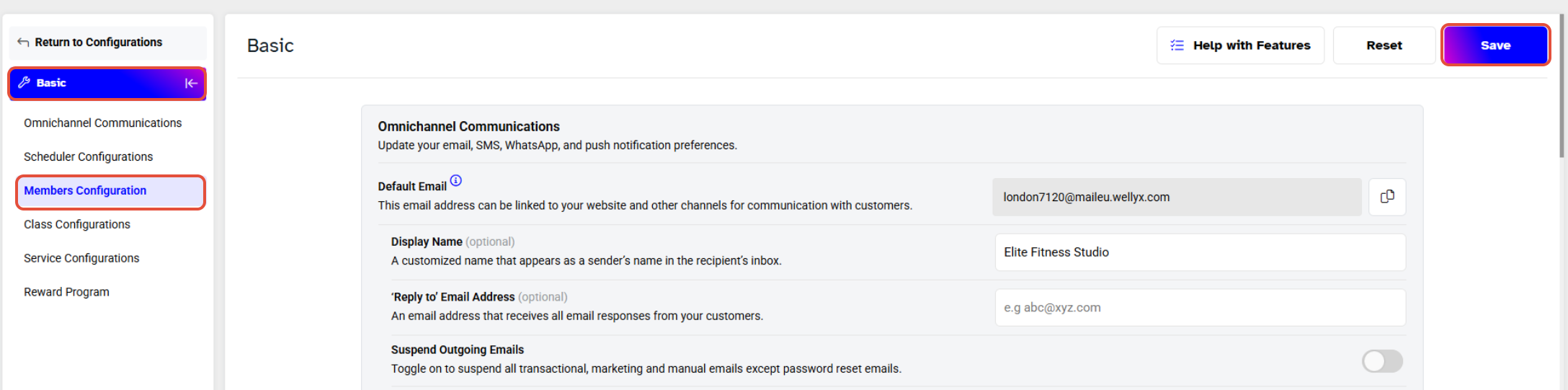
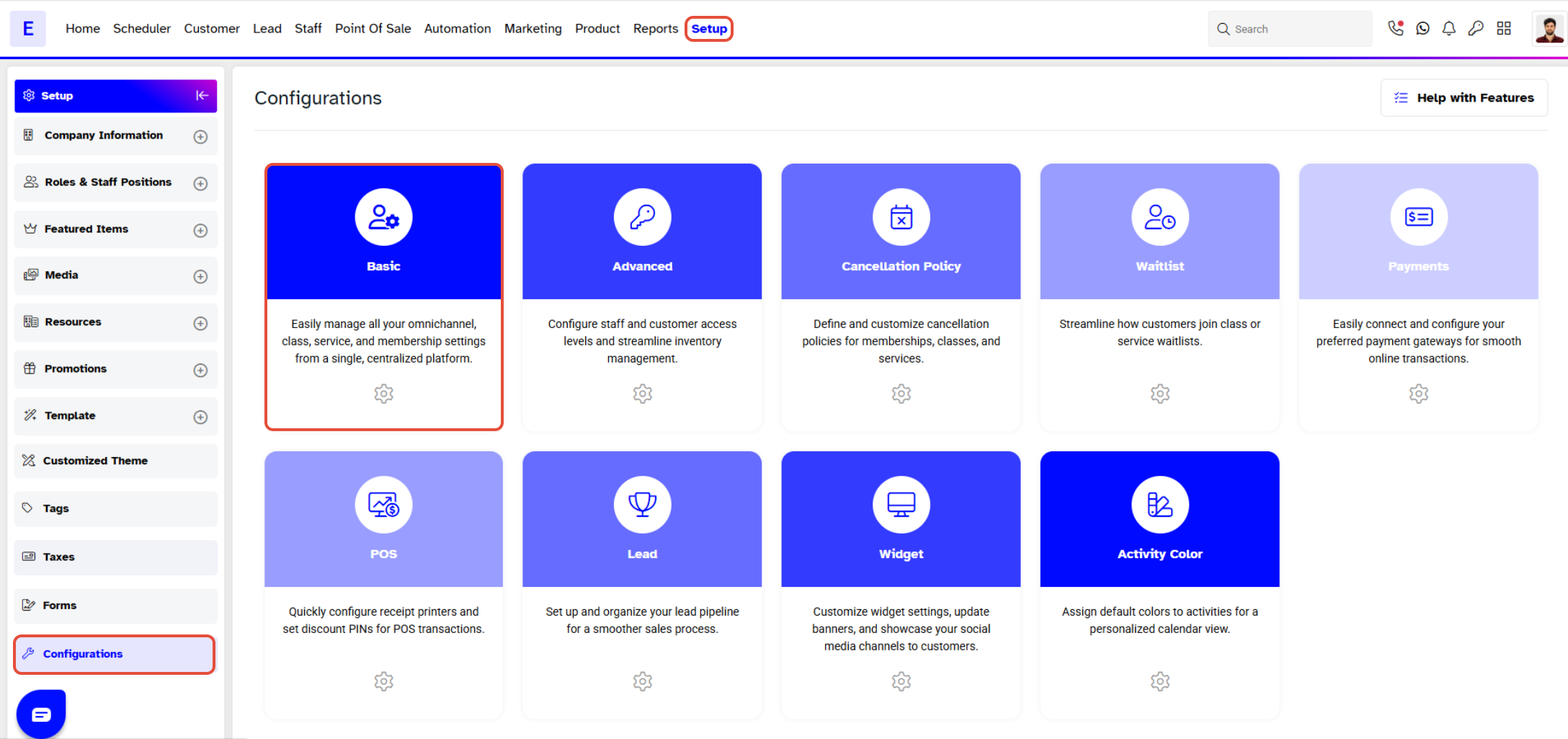
In Configurations, click on the Basic Tab.
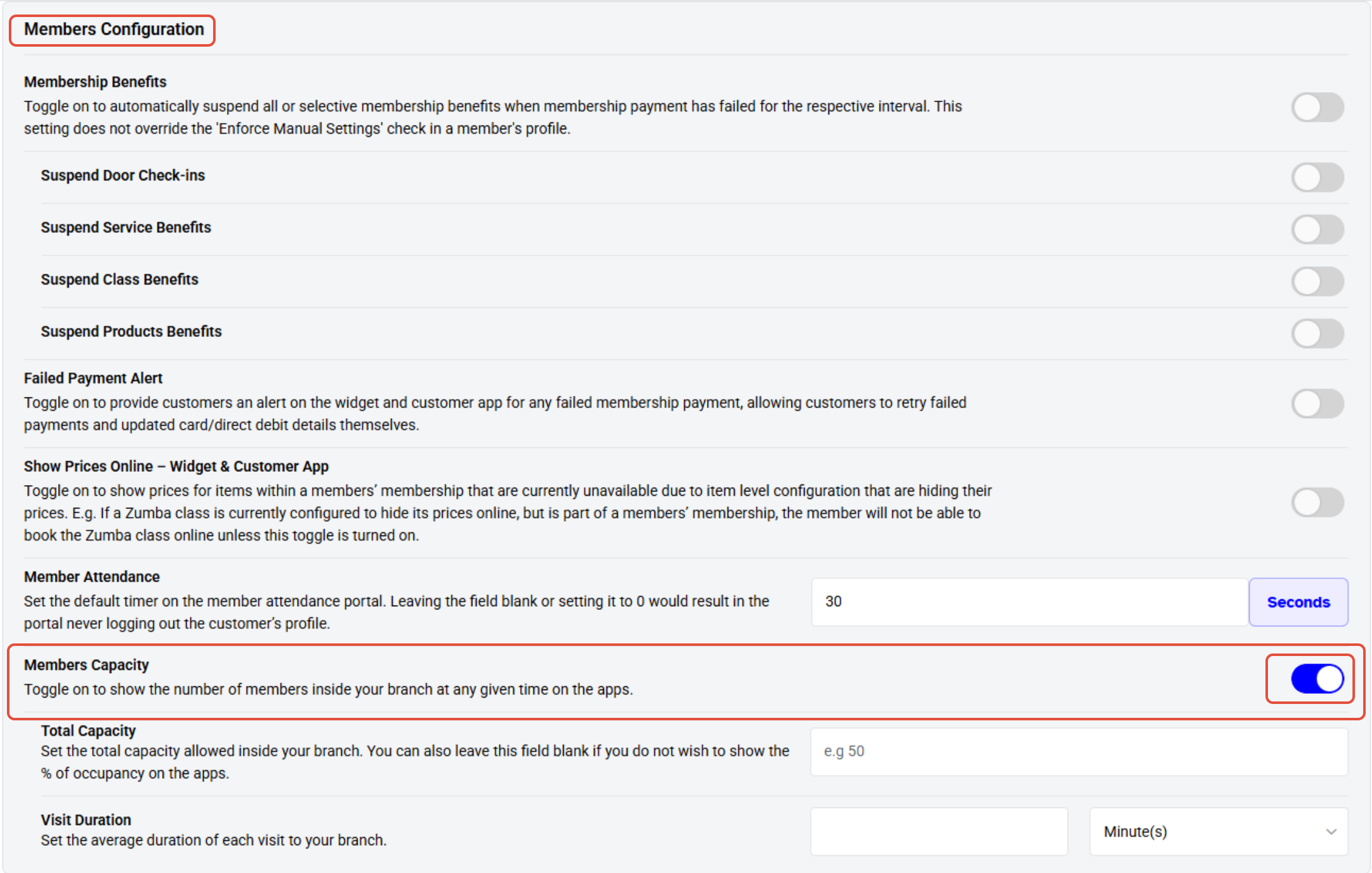
Now move downward in Basic to the Member Configuration Section.
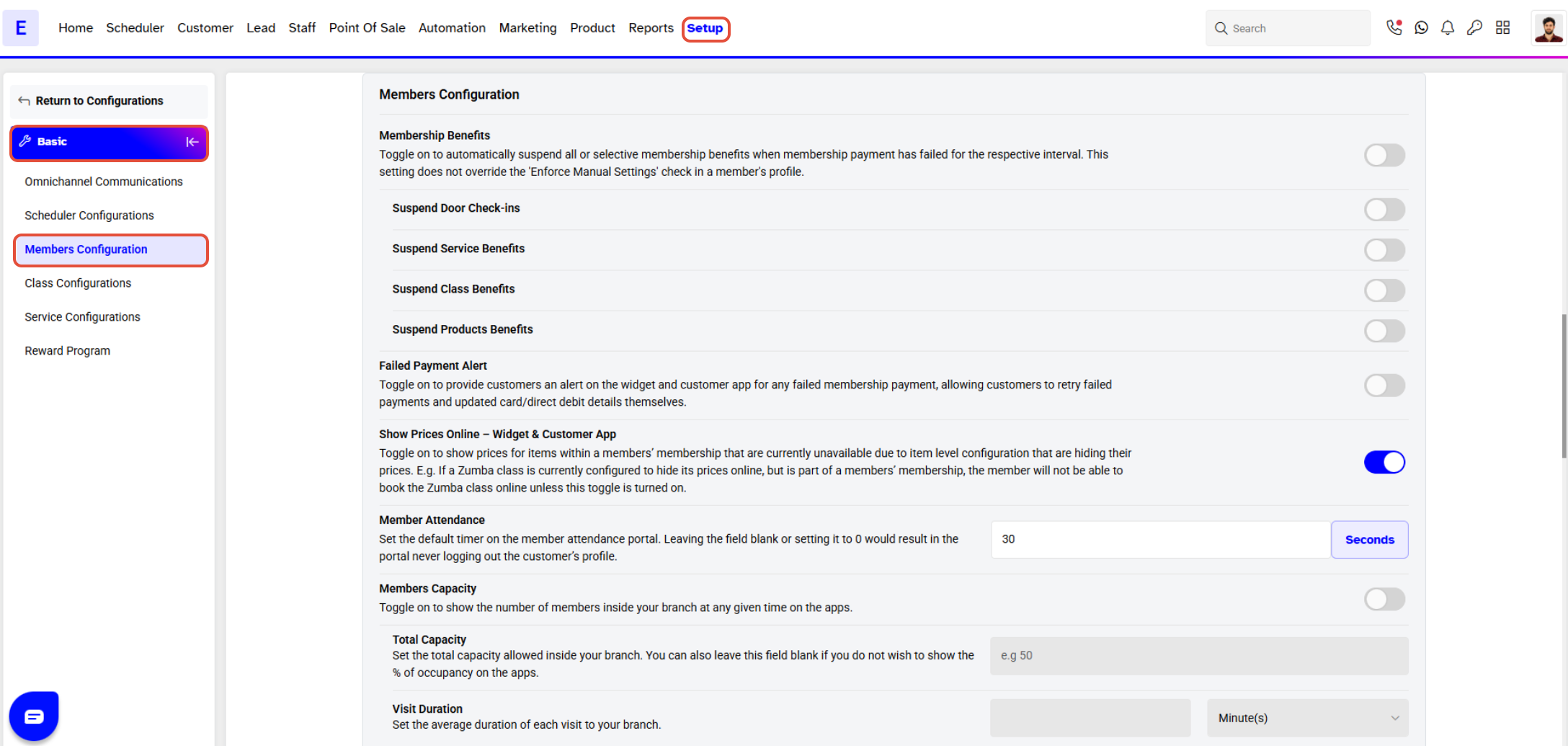
Toggle On the Member Capacity to show the number of Members inside the Branch at any given time on the App.
Once done with the changes, click on the Save Button