TABLE OF CONTENTS
- Step 1: Navigate to Configurations
- Step 2: Access Service Configuration
- Step 3: Enable Staff Gender Preference
- Step 4: Save Changes
Overview
This guide explains how to configure the Staff Gender Preference option in Core. By following this guide, merchants can enable the display of staff gender, allowing customers to view this information when booking through the widget and app.
Step 1: Navigate to Configurations
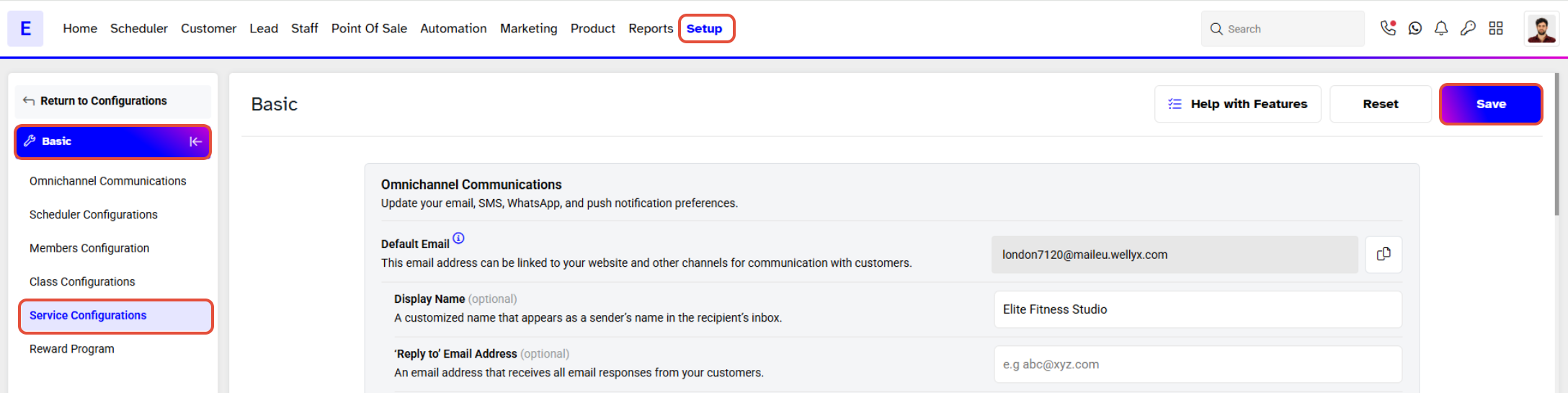
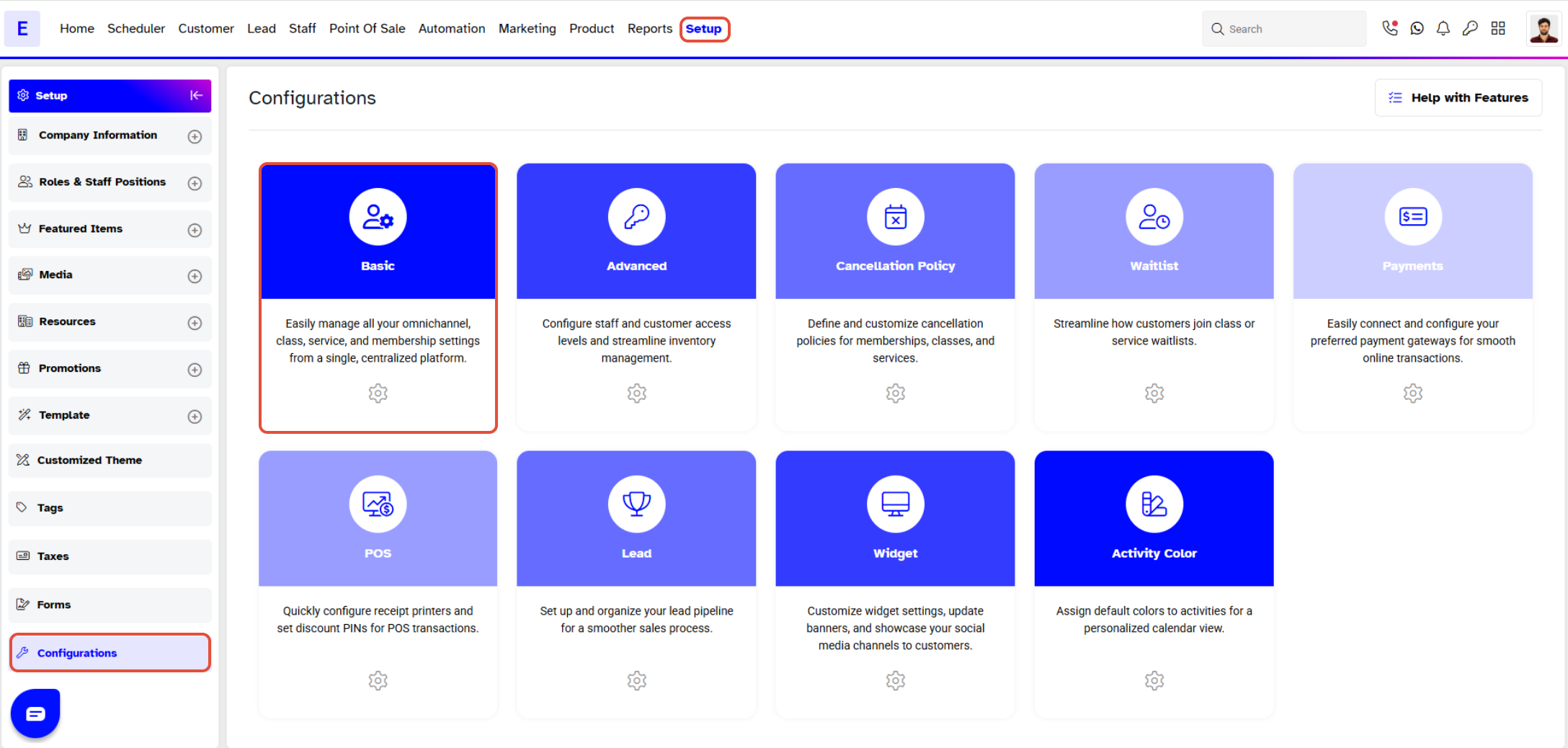
- Go to the Setup module in Core.
- Click on the Configurations tab.
- Click on the Basic button.
Step 2: Access Service Configuration
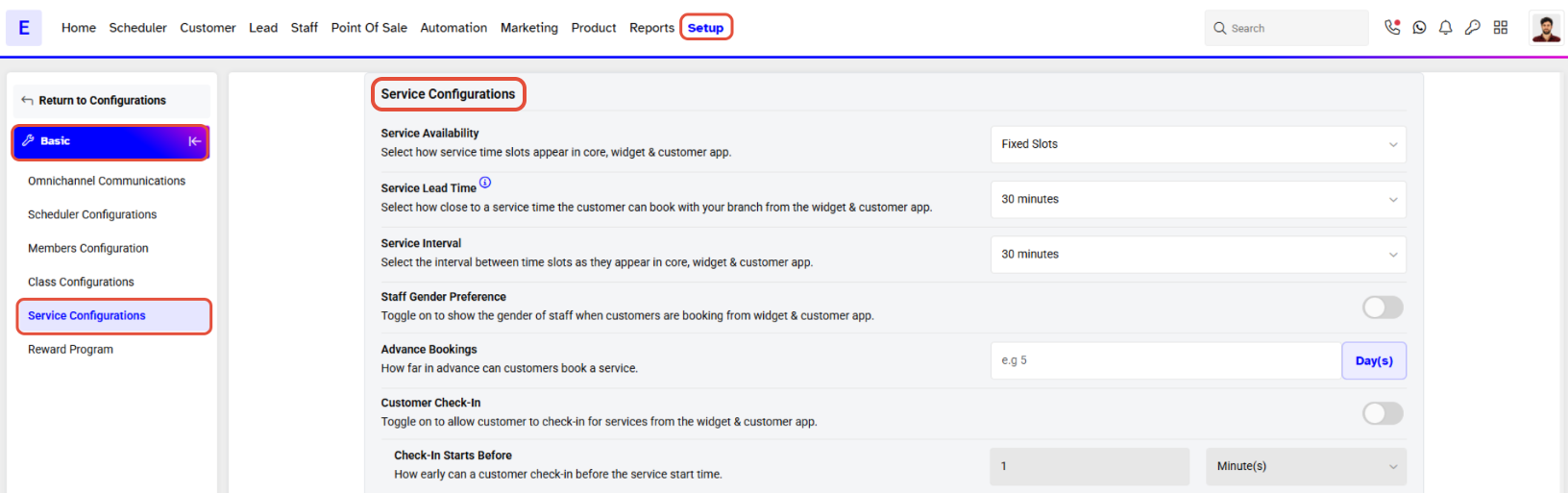
- In the Configuration menu, scroll down to the Service Configuration section.
Step 3: Enable Staff Gender Preference
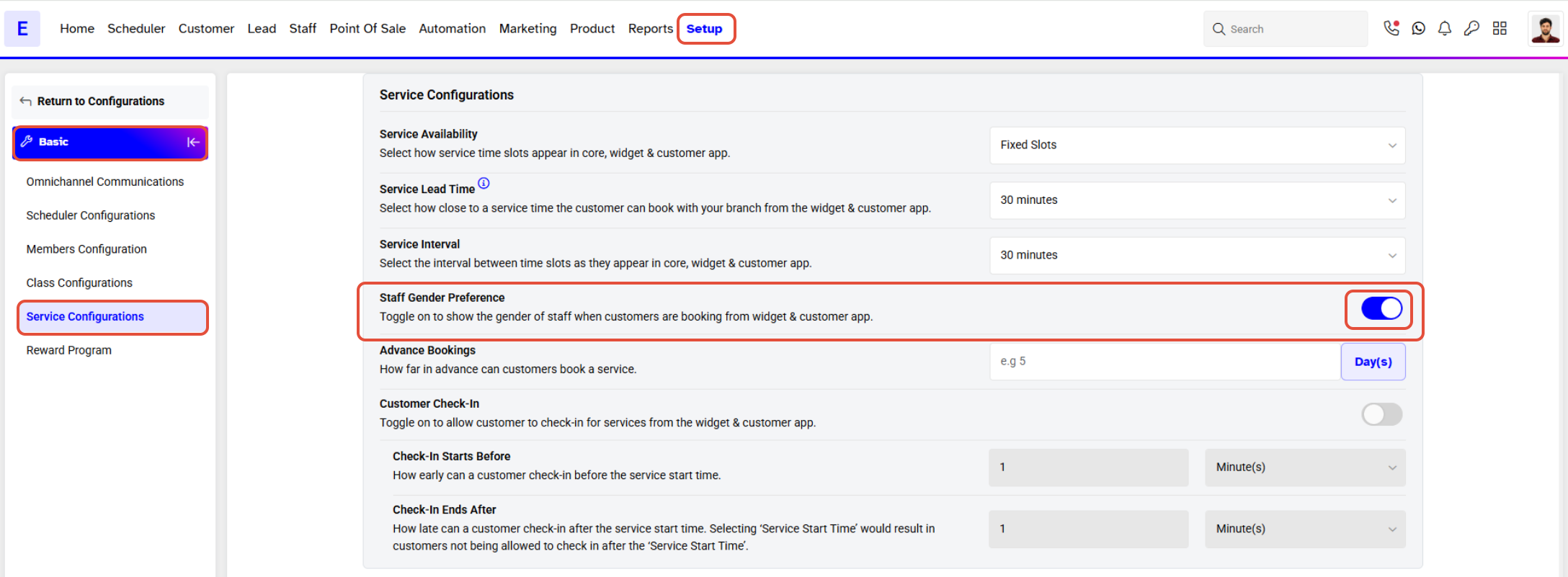
- Toggle ON the Staff Gender Preference option to show the gender of staff members when customers are booking from the widget and app.
Step 4: Save Changes
- Once the changes are made, click on the Save button to confirm.