TABLE OF CONTENTS
Overview
This guide explains how to configure the phone number as an optional field during checkout on the Widget and Customer App. By following these steps, merchants can adjust their online payment settings to streamline the checkout process for their customers.
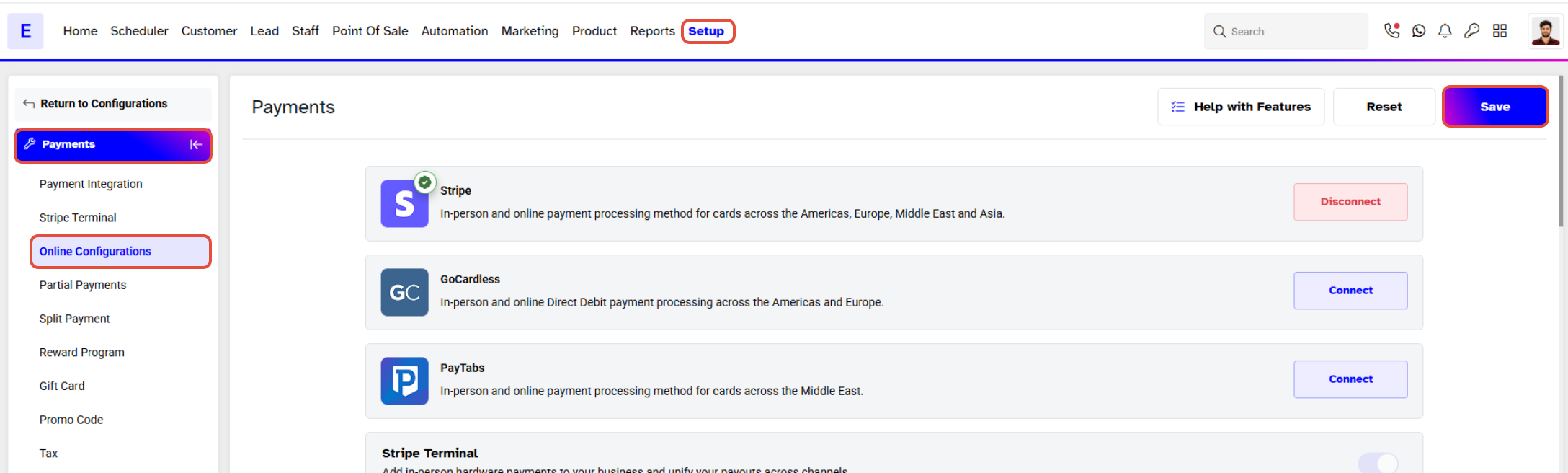
Step 1: Navigate to Payments
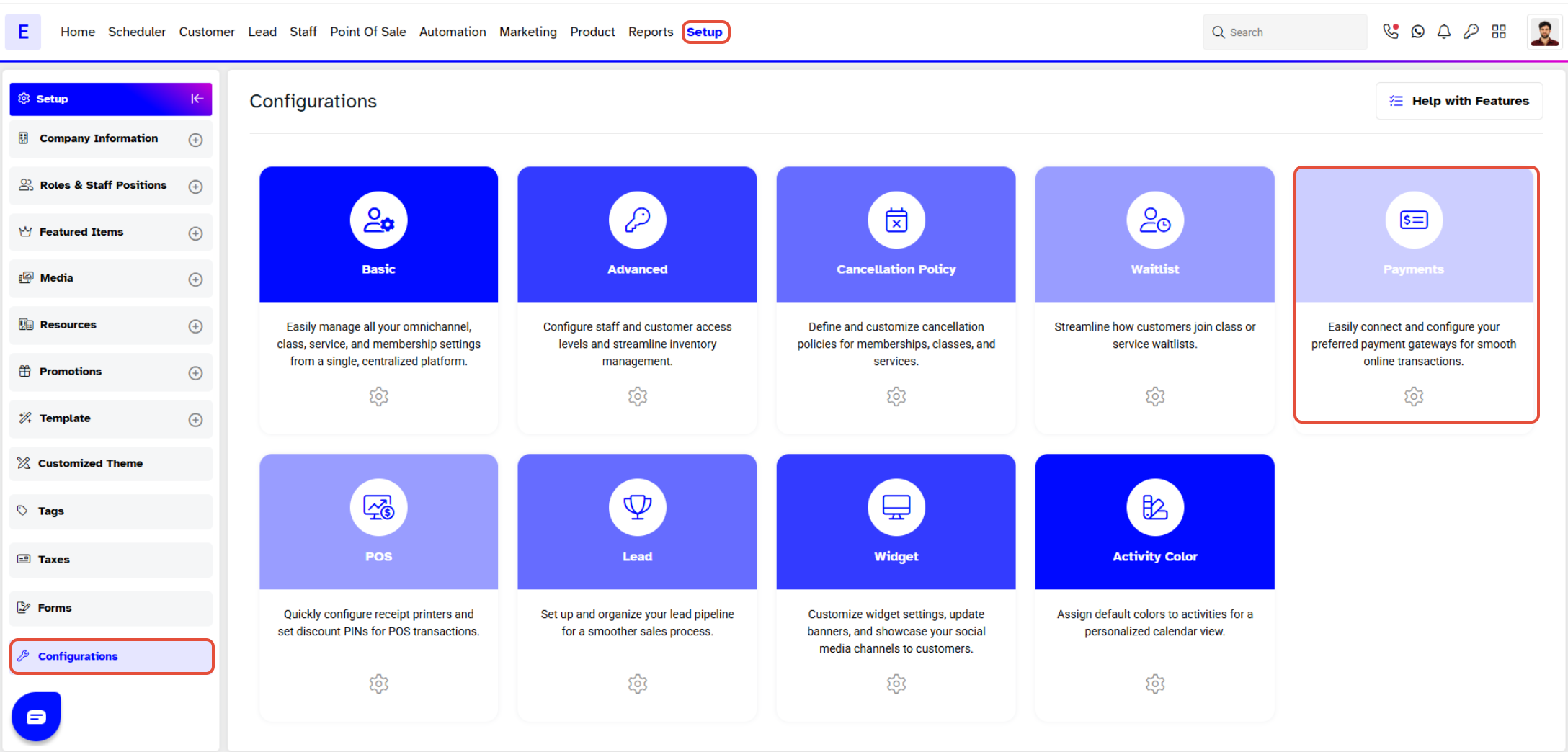
- Go to the Setup module in Core.
- Navigate to Configurations.
- Click on the Payments tab.
Step 2: Configure Online Payment Settings
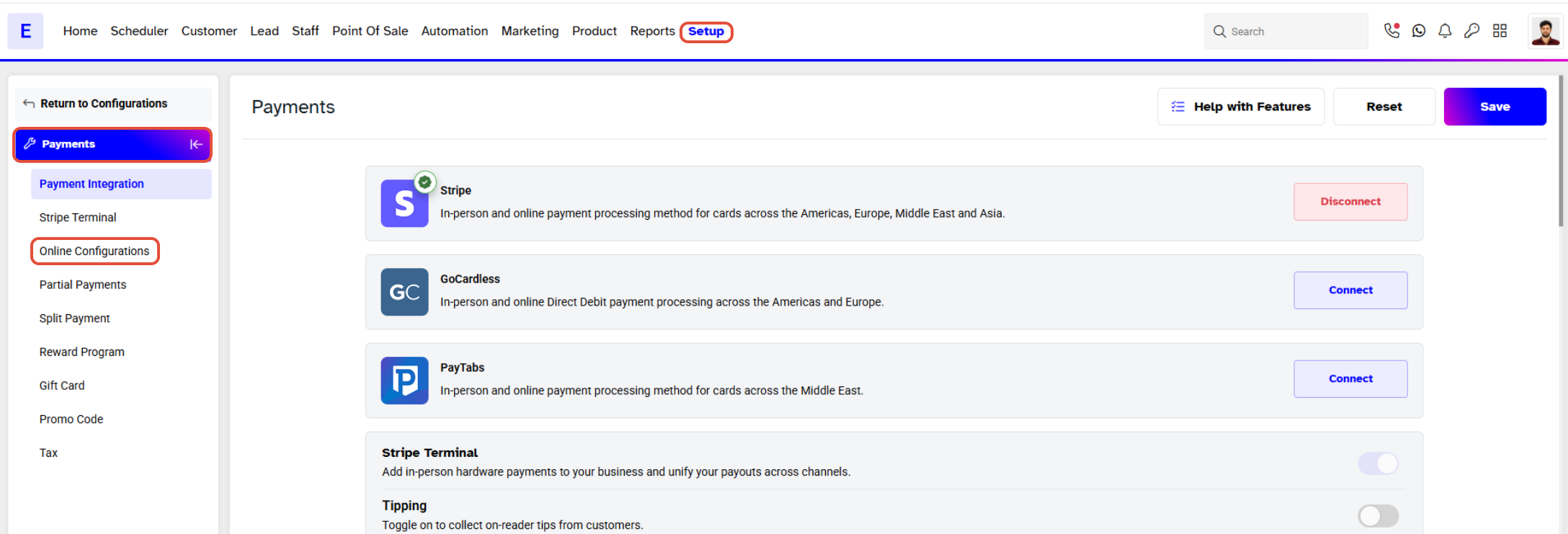
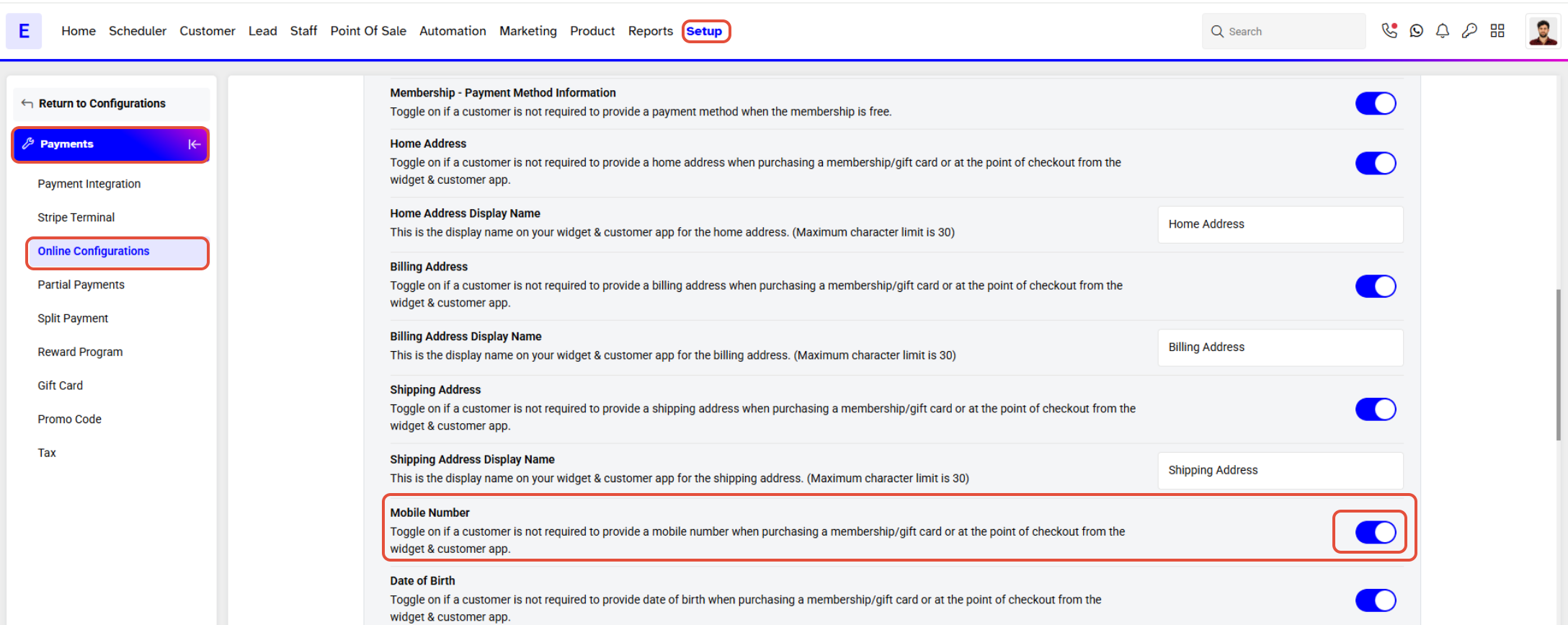
- Scroll down to the Online Payment Configurations section.
- Toggle ON the Phone Number button to Enable it as an optional field.
Step 3: Save Changes
Once the setting is toggled, click on the Save button to confirm.