TABLE OF CONTENTS
Overview
This guide explains how to change the Call to Inquire text for a hide price item. These changes are visible on the widget and customer app for items configured to hide their price.
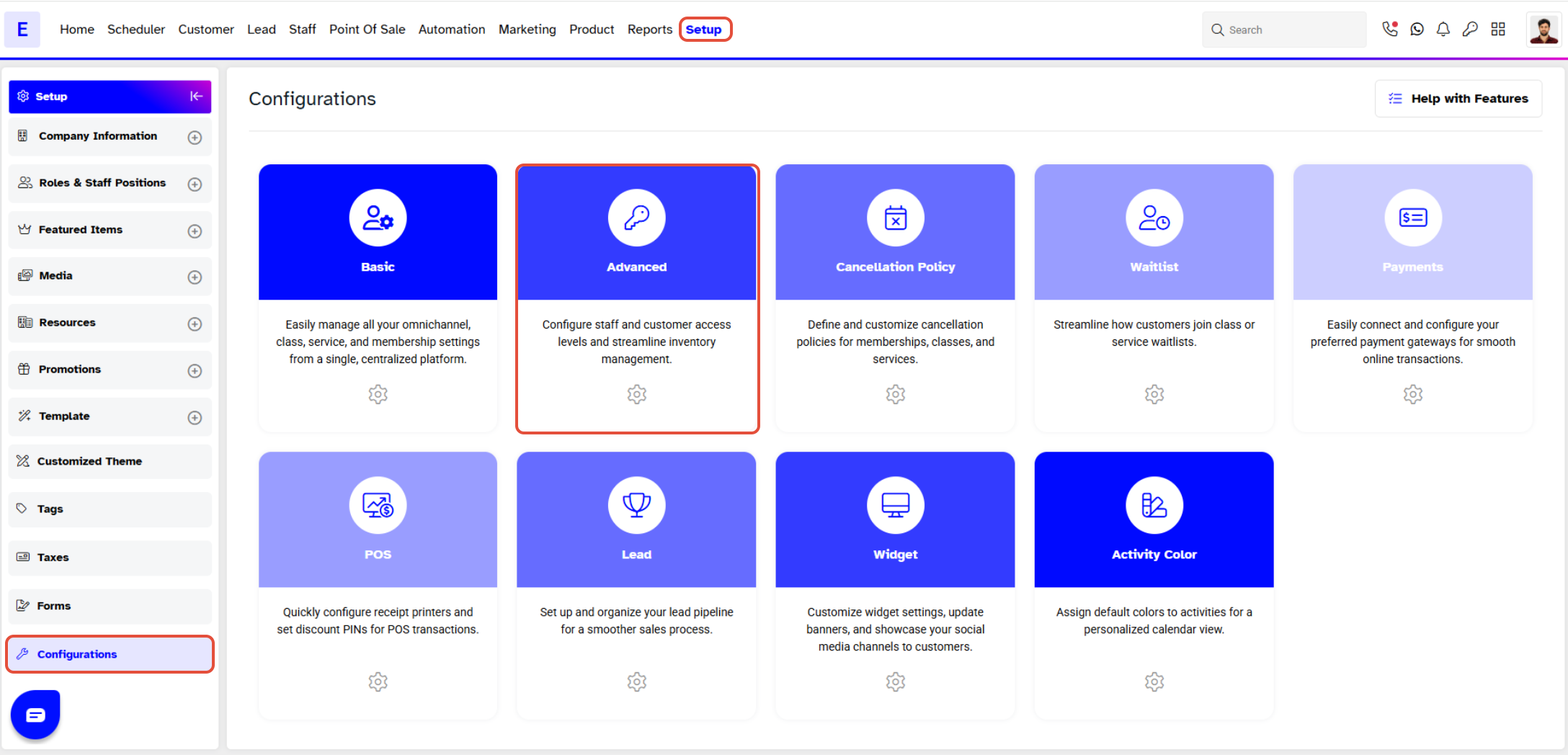
Step 1: Navigate to Configurations
- Go to the Setup module in Core.
- Select the Configurations tab.
- Click on the Advanced tab.
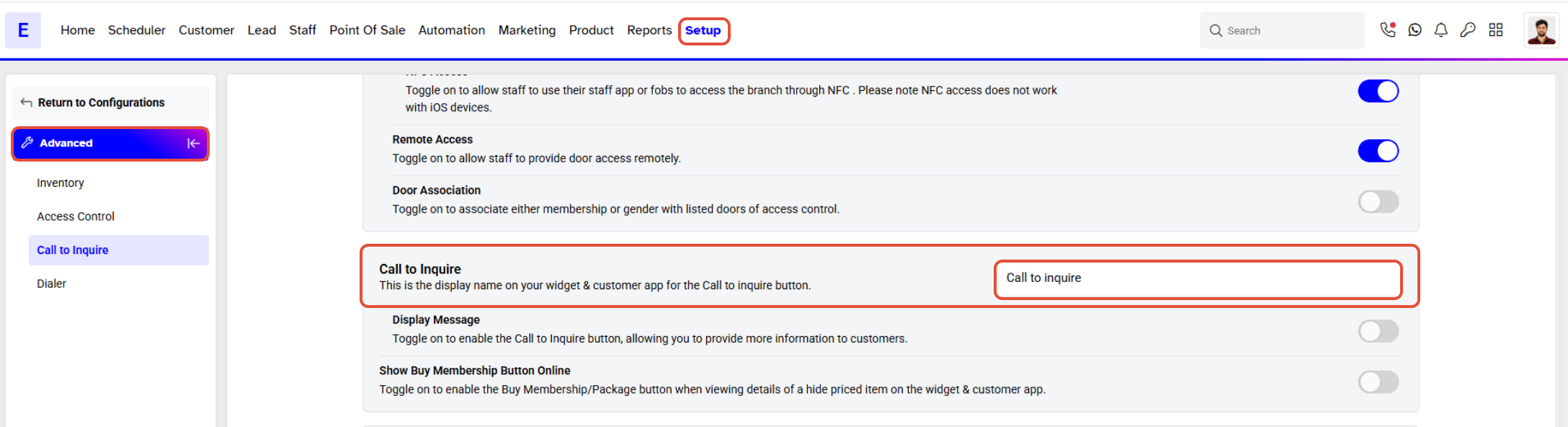
Step 2: Update Call to Inquire Text
- While in the Advanced tab, edit the text in the Call To Inquire field.
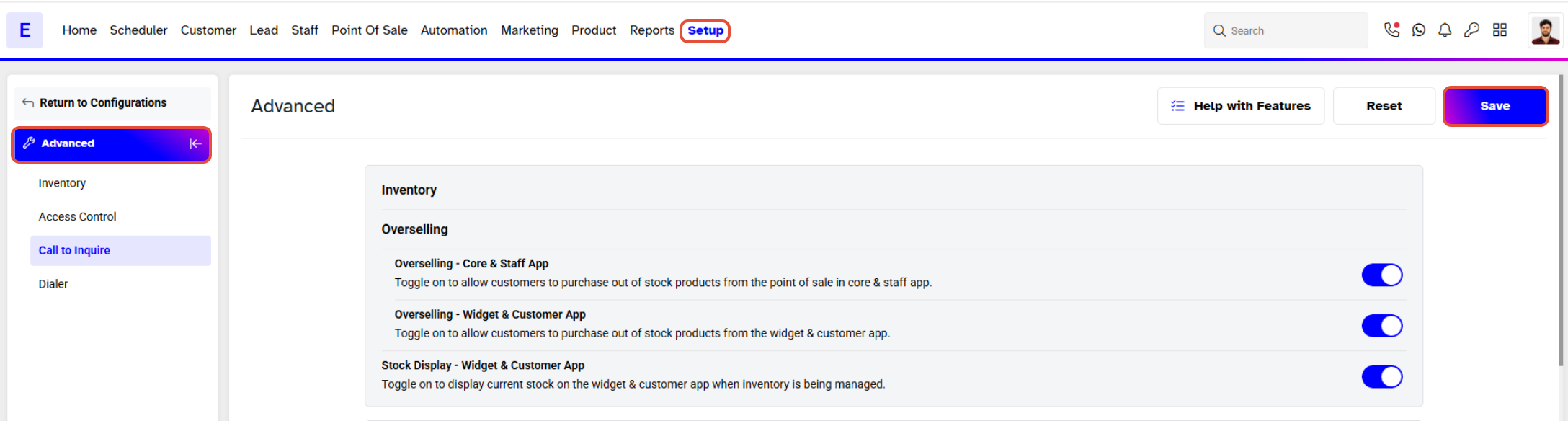
Step 3: Save Changes
Click on the Save button to confirm the changes.
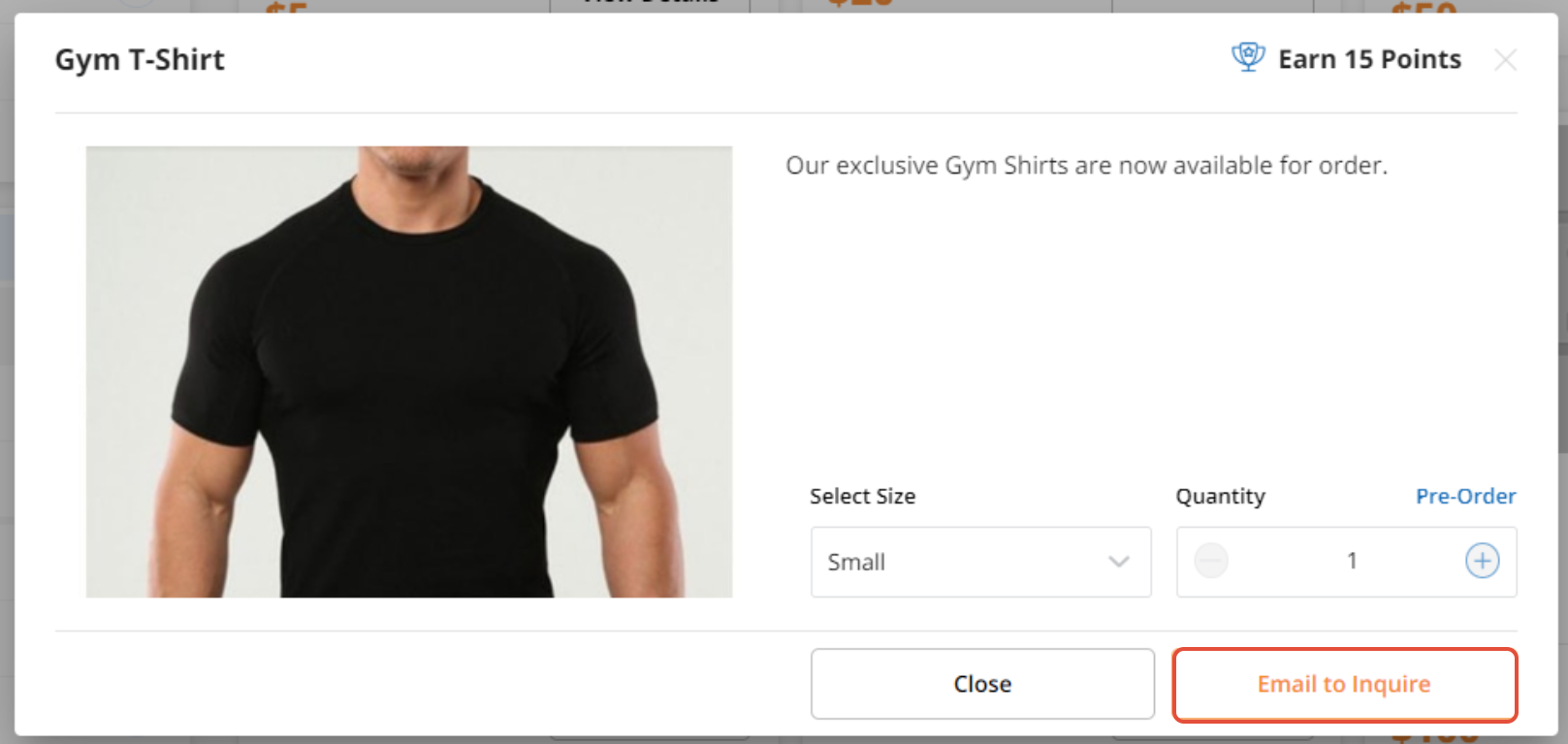
The changes to Call To Inquire can be seen on the Widget and Customer App on a Hide Price Item.