


TABLE OF CONTENTS
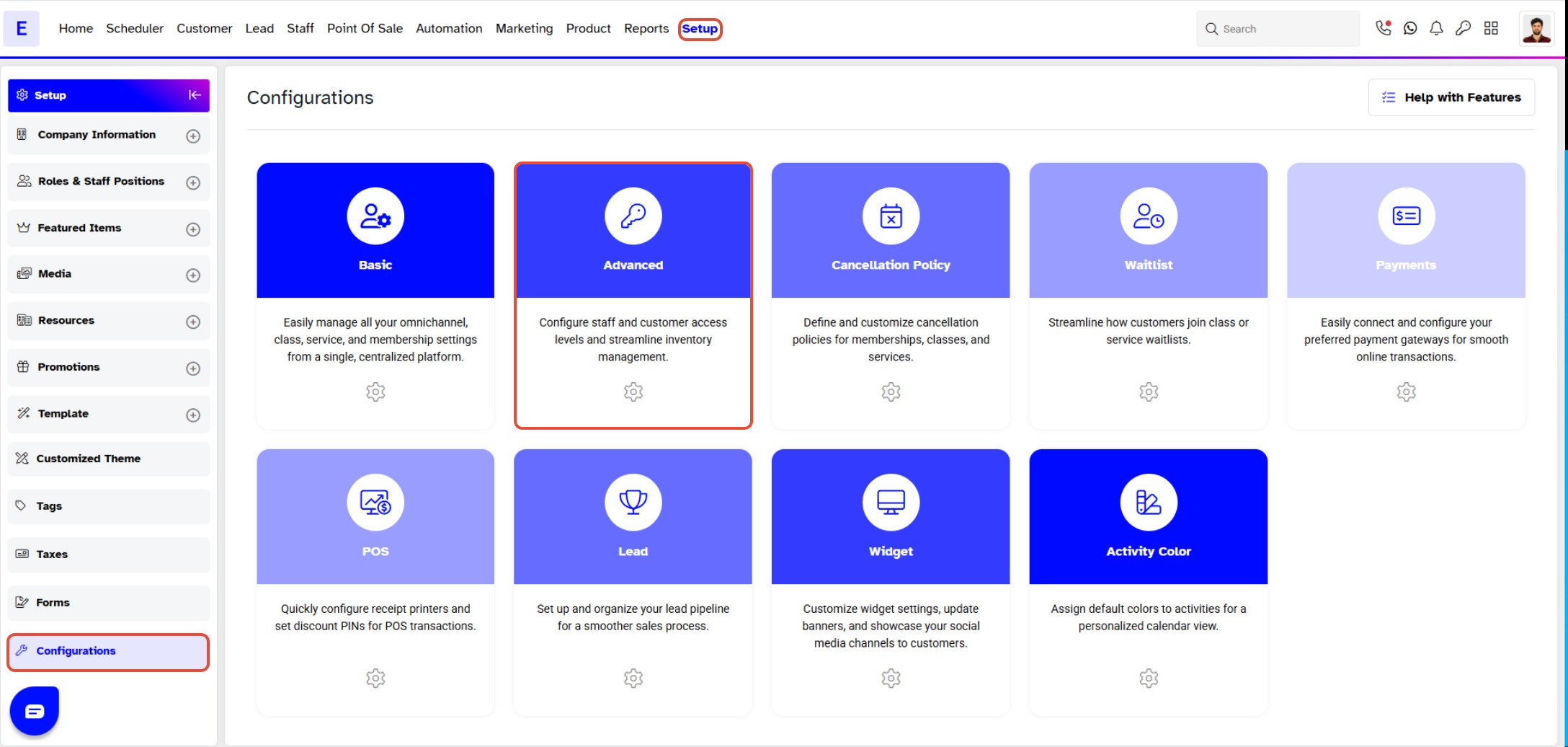
- Step 1: Navigate to Configurations
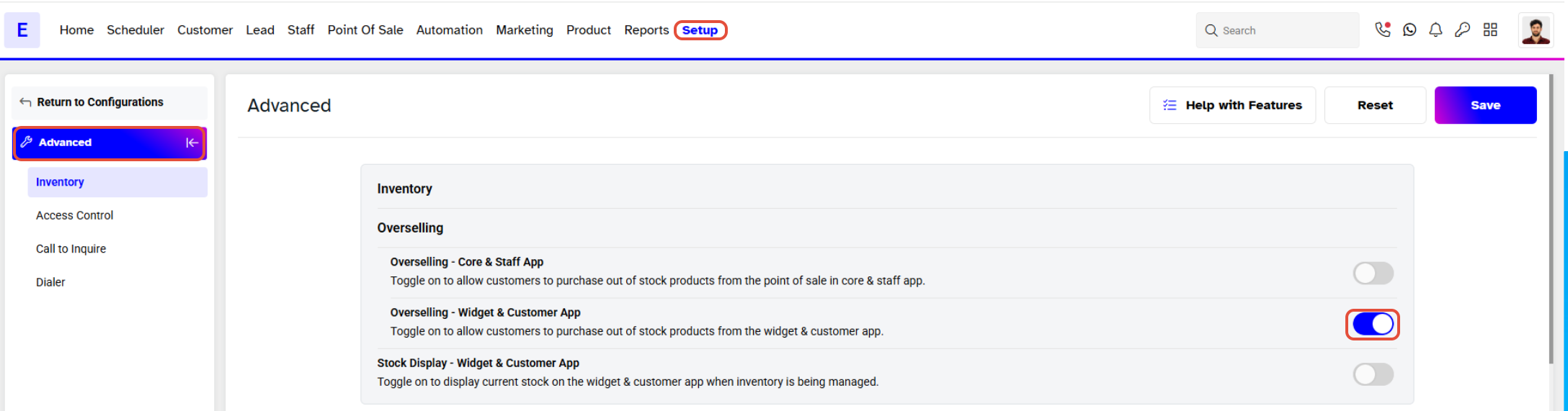
- Step 2: Configure Overselling Settings
- Step 3: Save the Configuration
Overview
This guide explains how to configure overselling for a product on the Widget and Customer App. By following this guide, merchants can allow customers to purchase products even when they are out of stock.
Step 1: Navigate to Configurations
- Go to the Setup module in Core.
- Click on the Configurations tab.
- Select the Advanced tab.
Step 2: Configure Overselling Settings
- Locate the Overselling - Widget & Customer App toggle.
Step 3: Save the Configuration
- Once the setting is toggled, click on the Save button to confirm.
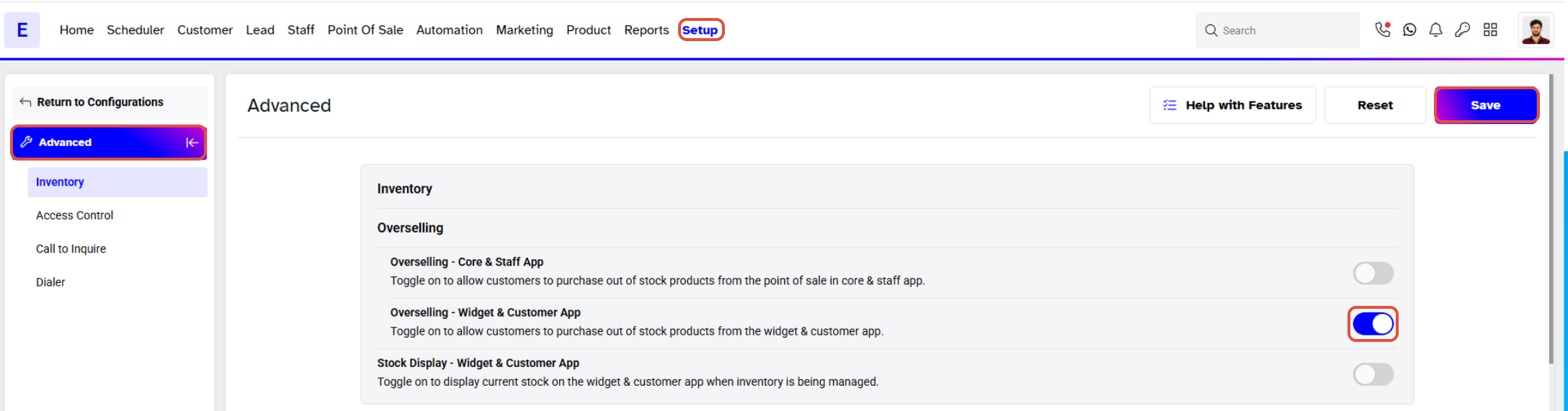
When Overselling is turned on for Widget and Customer App, then Customers can buy out of stock Products.




