


TABLE OF CONTENTS
Overview
This guide explains how to enable the overselling of products when they are out of stock in the POS. By following these steps, merchants can ensure that products remain available for sale through the Point of Sale system even when inventory levels are depleted.
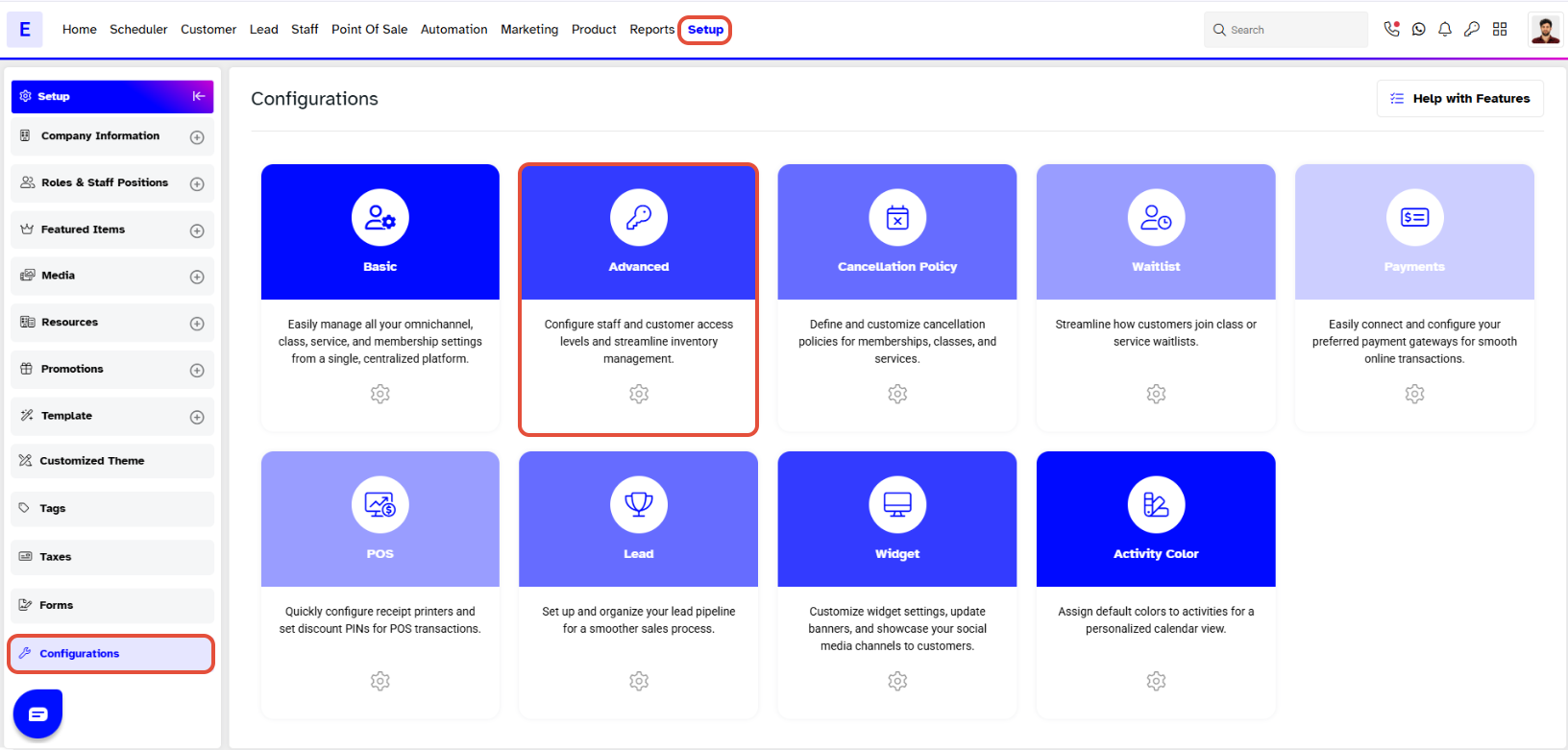
Step 1: Navigate to Configurations
- Go to the Setup module in Core.
- Click on the Configurations tab.
- Click on the Advanced tab.
Step 2: Enable Overselling
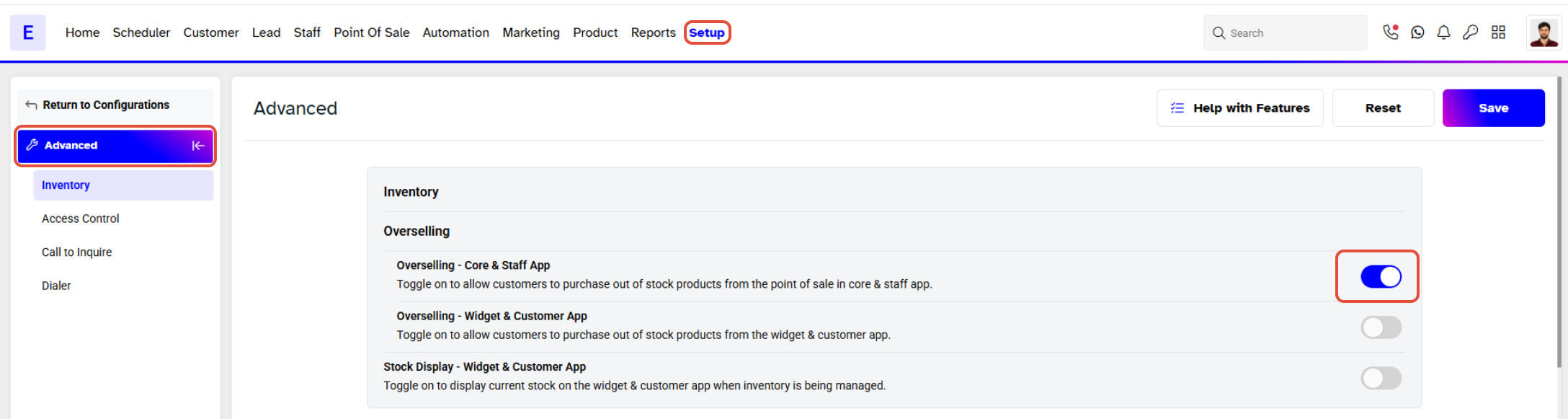
- Locate the Overselling - Core & Staff App toggle and turn it ON.
Step 3: Save Changes
- Click on the Save button to confirm your settings.
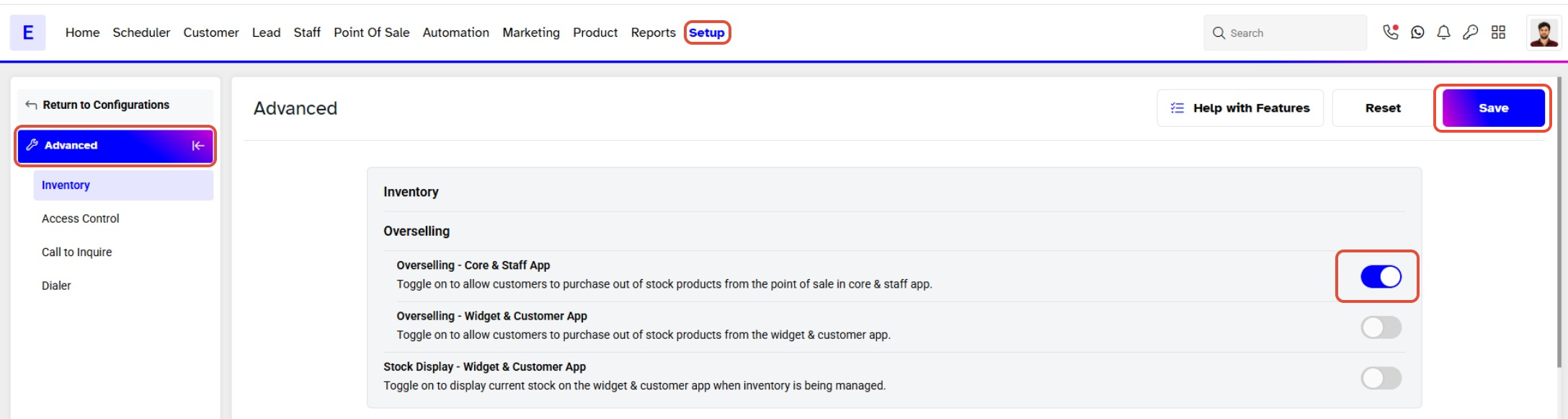
When Overselling is turned on then an out of stock Product can be sold from the POS.




