TABLE OF CONTENTS
To Show the Price of a Membership on the Widget and Customer App, follow the below steps.
How To Toggle Off The Hide Price Online Button In Core For Memberships
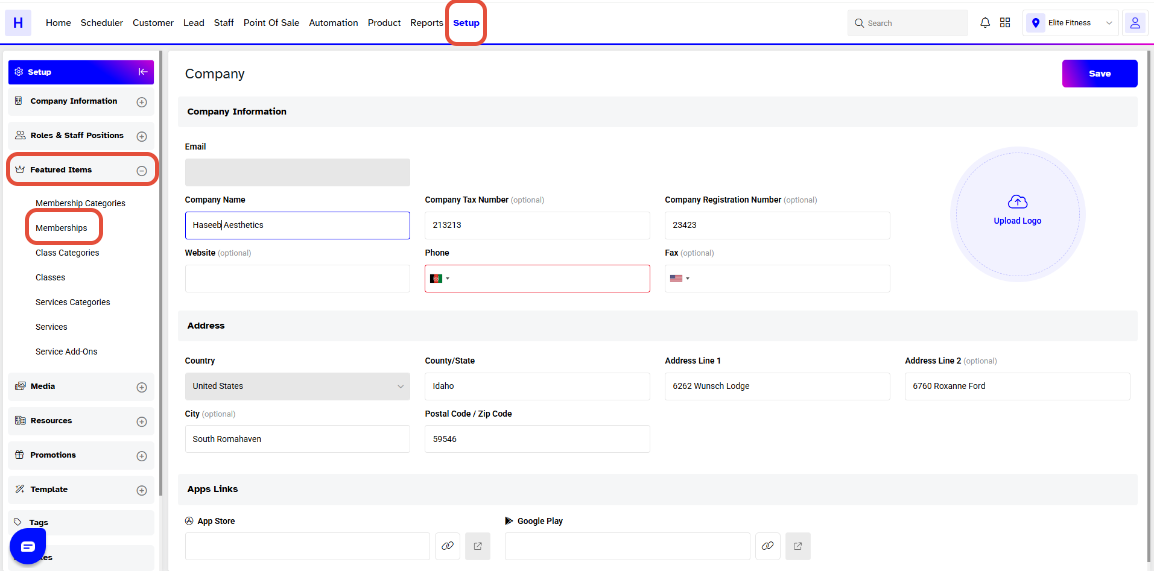
Click on the Setup Module in Core.
Click on the Featured Items Tab and select the Membership option.
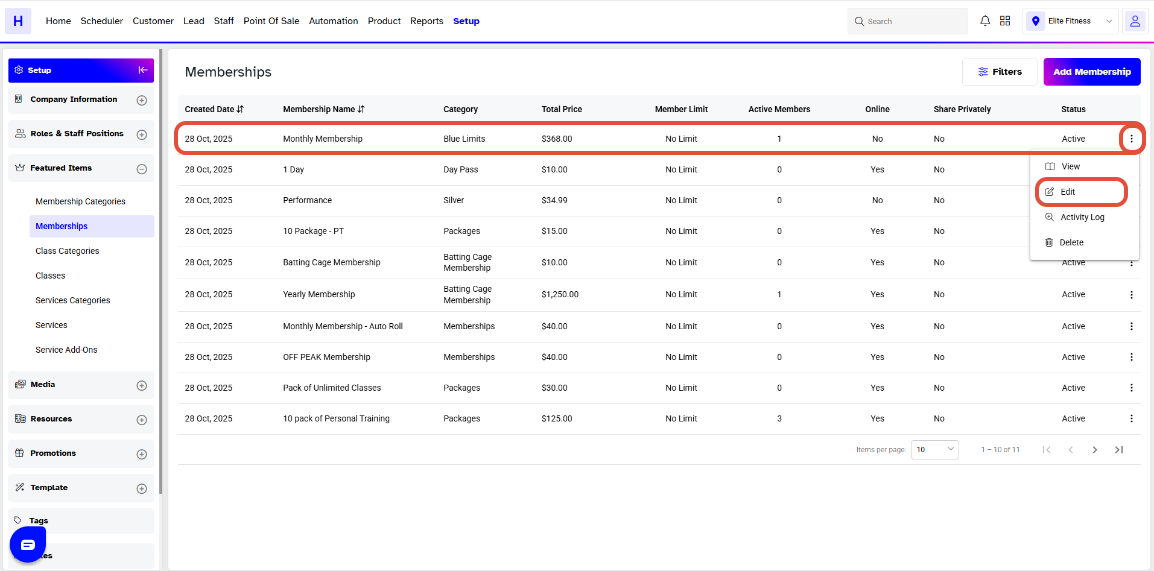
Whilst in Memberships, click on the Edit Icon against a Membership.
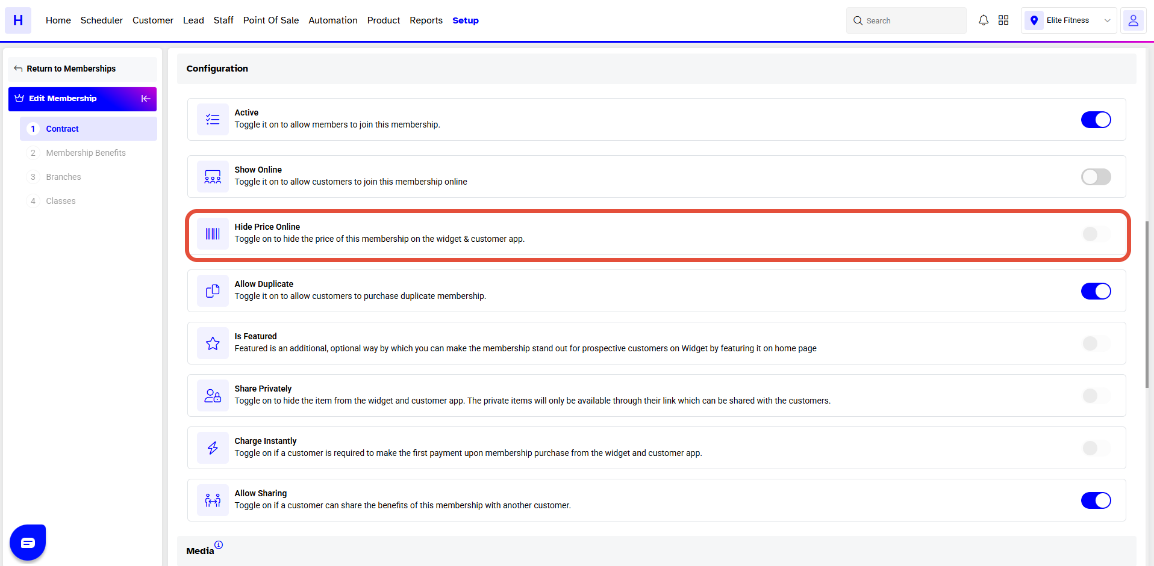
Now Toggle Off the Hide Price Online Button. Click on the Continue Button to proceed forward.
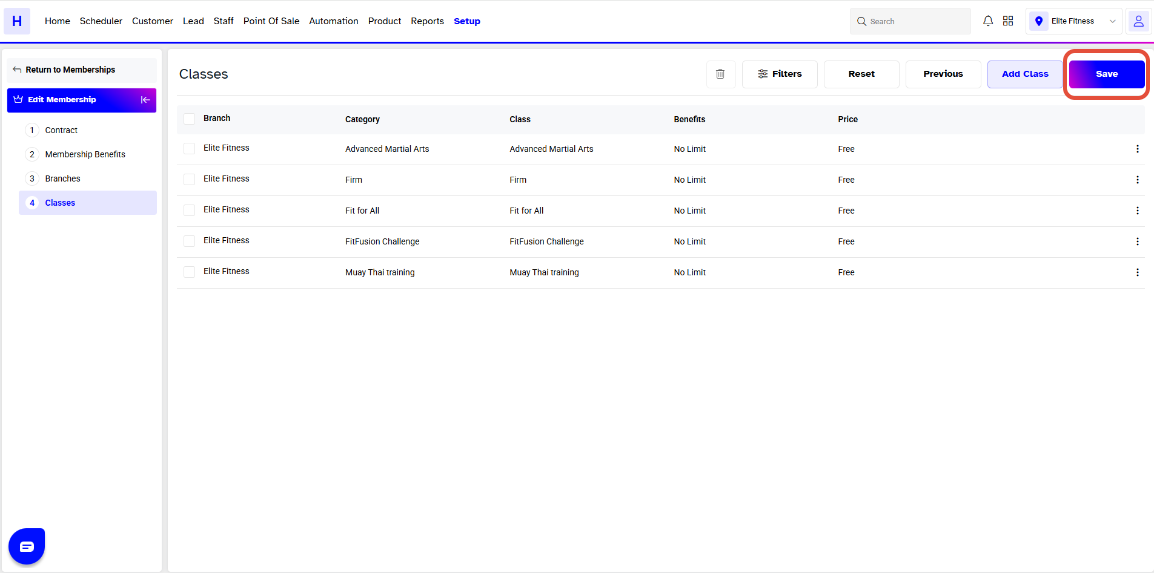
Once done making the changes, click on the Save Button to confirm them.