
TABLE OF CONTENTS
Overview
This guide explains how to edit a Membership Category in Core. It covers every step, from navigating to the membership settings to updating category details and saving your changes. By following this guide, merchants can easily maintain and update their membership categories.
Step 1: Navigate to Membership Categories
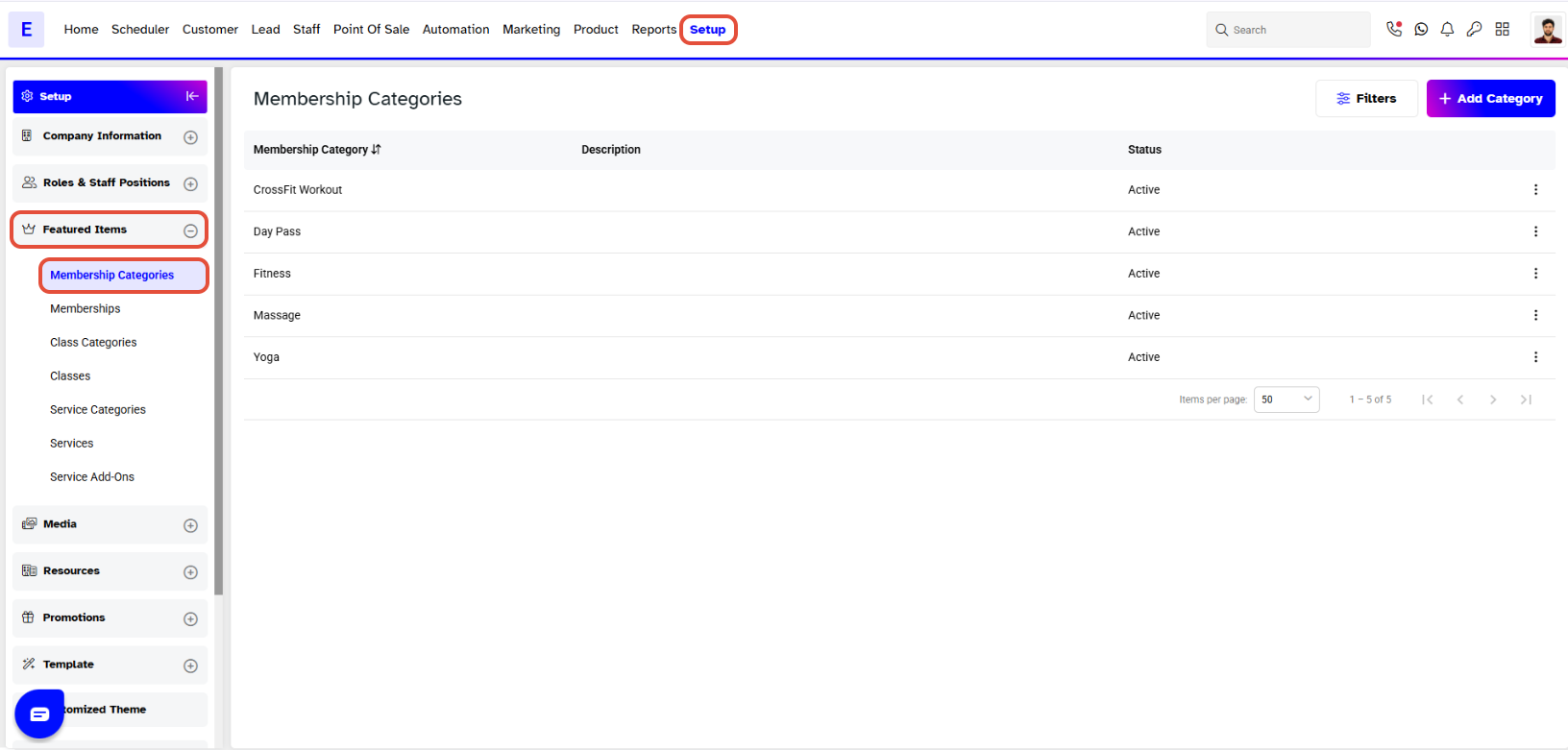
- Go to the Setup module in Core.
- Click on the Memberships tab.
- Select Categories from the Memberships tab.
Step 2: Edit Category Information
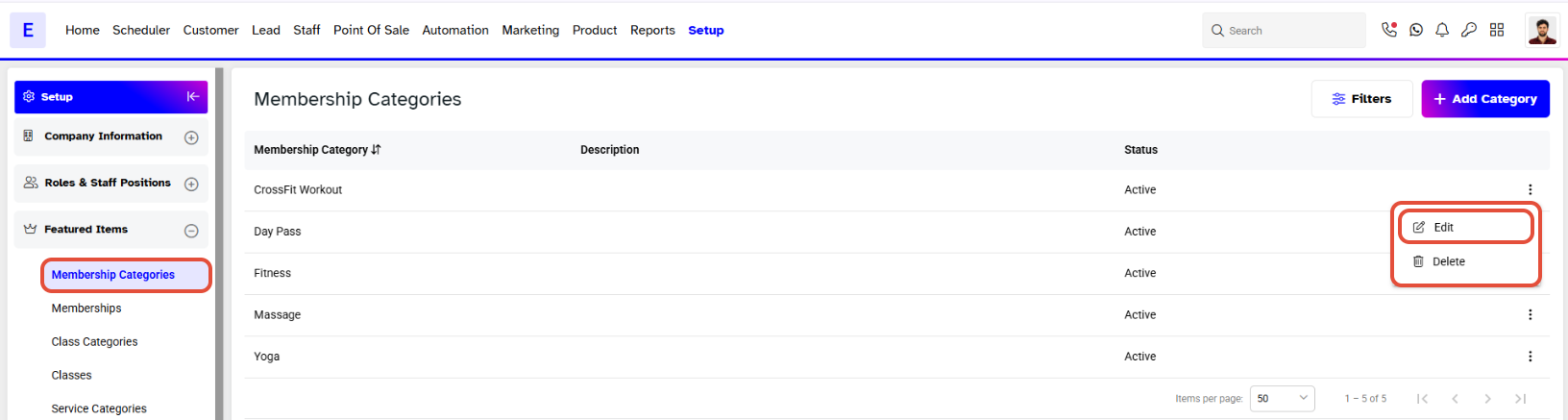
- Locate the Membership Category you wish to modify.
- Click on the Edit icon against the Membership Category.
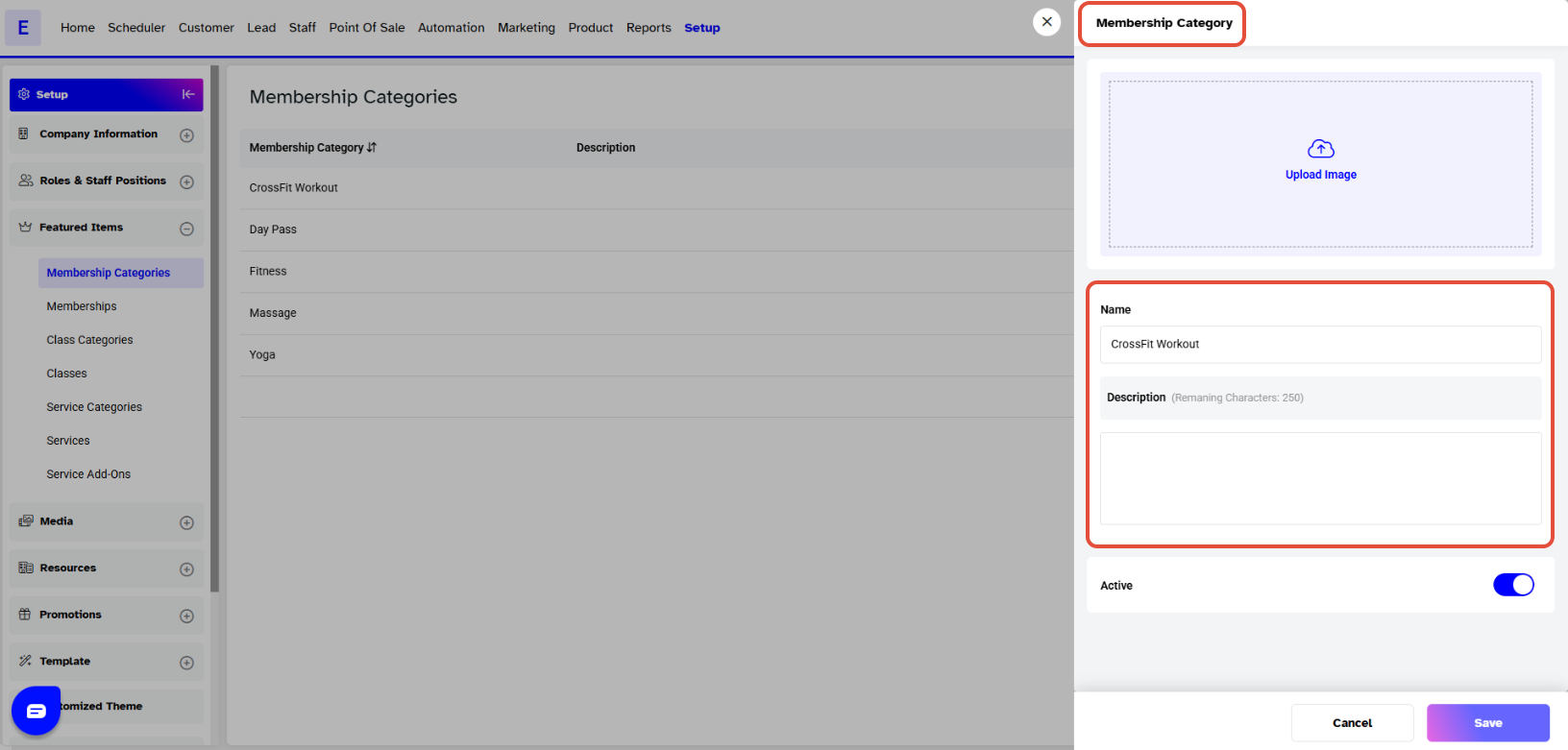
- A pop-up box will appear on the screen.
- Update the information in the fields as needed.
Step 3: Save Changes
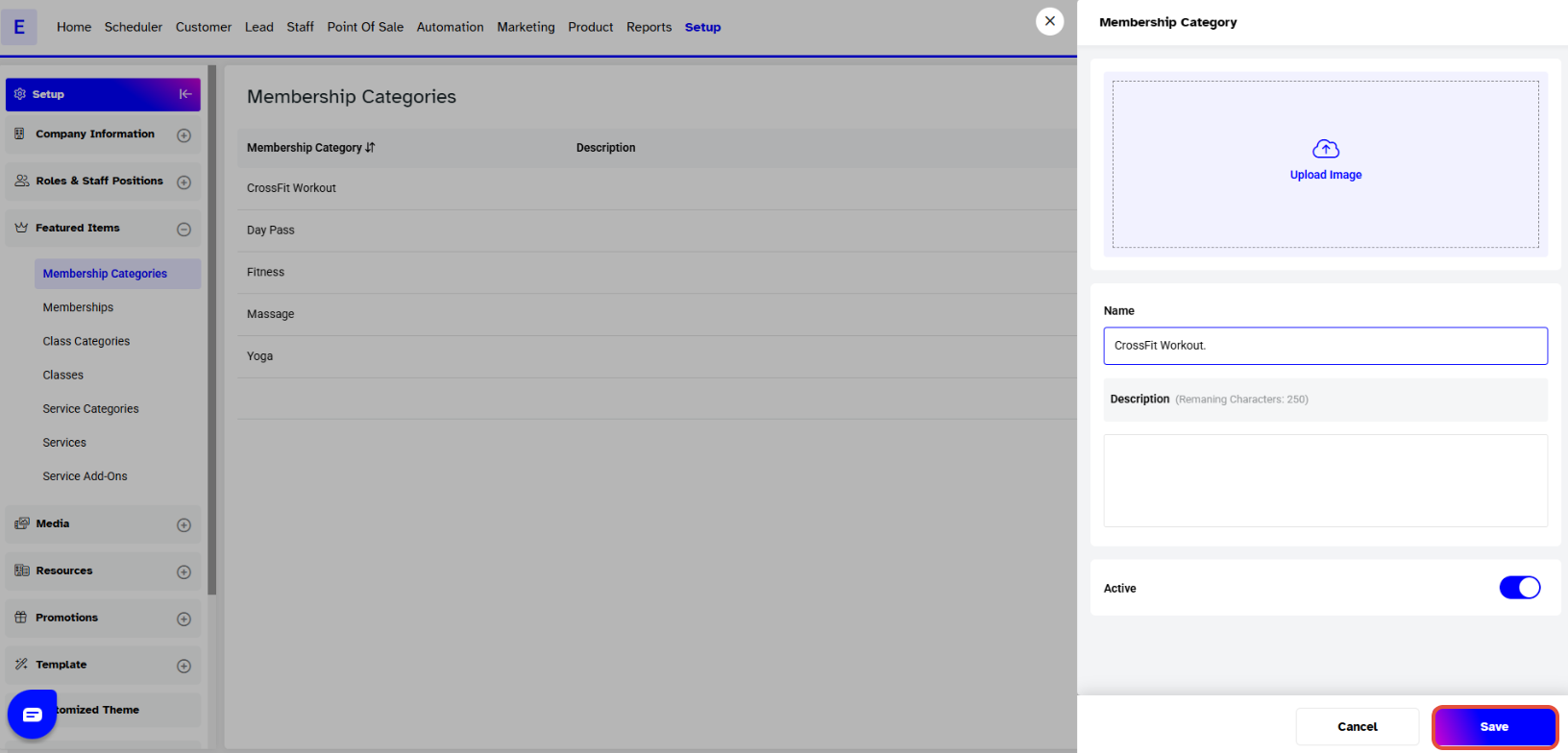
Once the information has been updated, click on the Save button to confirm.