TABLE OF CONTENTS
To Change the Membership Payment Method, follow the steps below:
Change The Payment Method When Processing A Membership
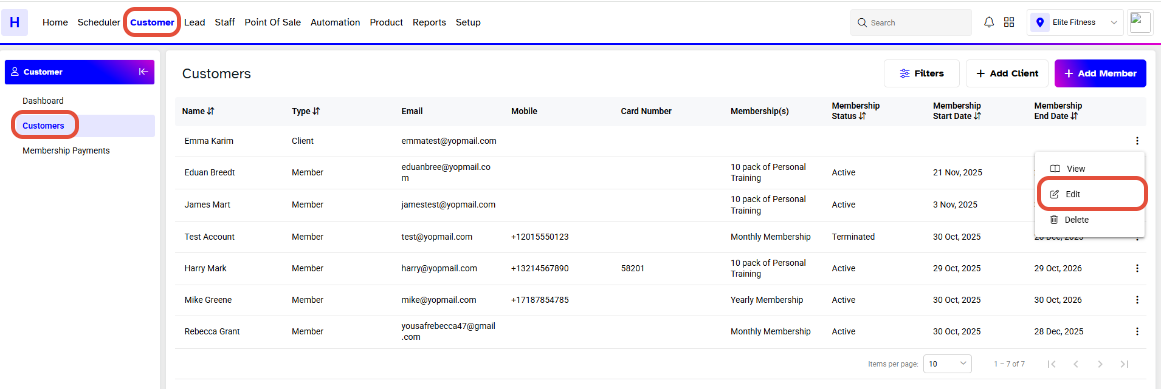
Go to the Customer Module and click on the Edit Icon against a Customer.
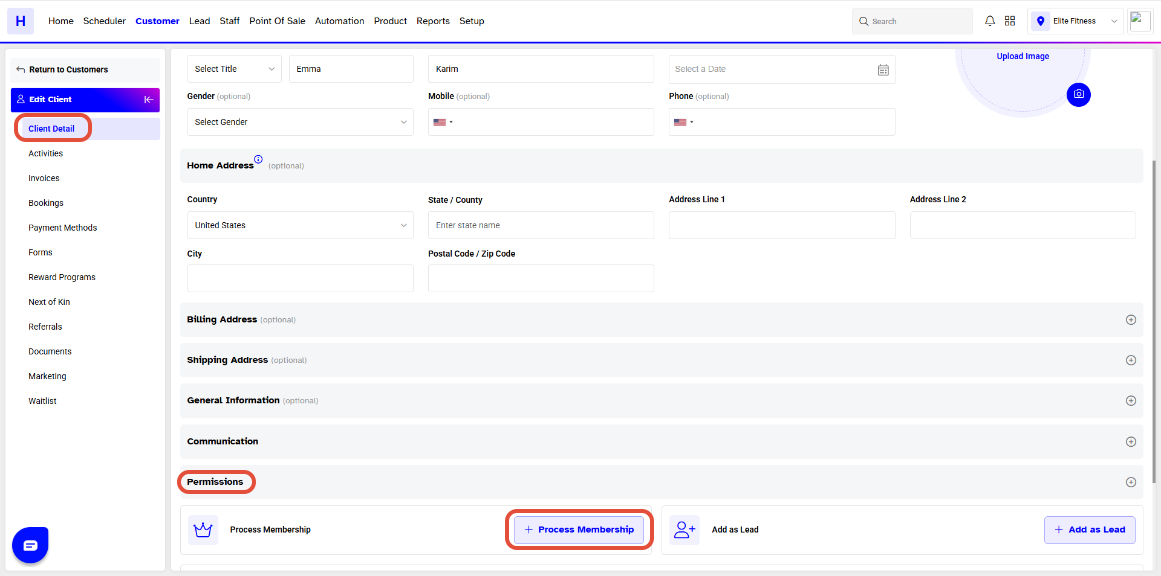
Click on the Client Detail. Expand the Permission Tab and you will get the Process Membership button.
Now, select Payment Method from the dropdown in the Memberships section, then click Continue.
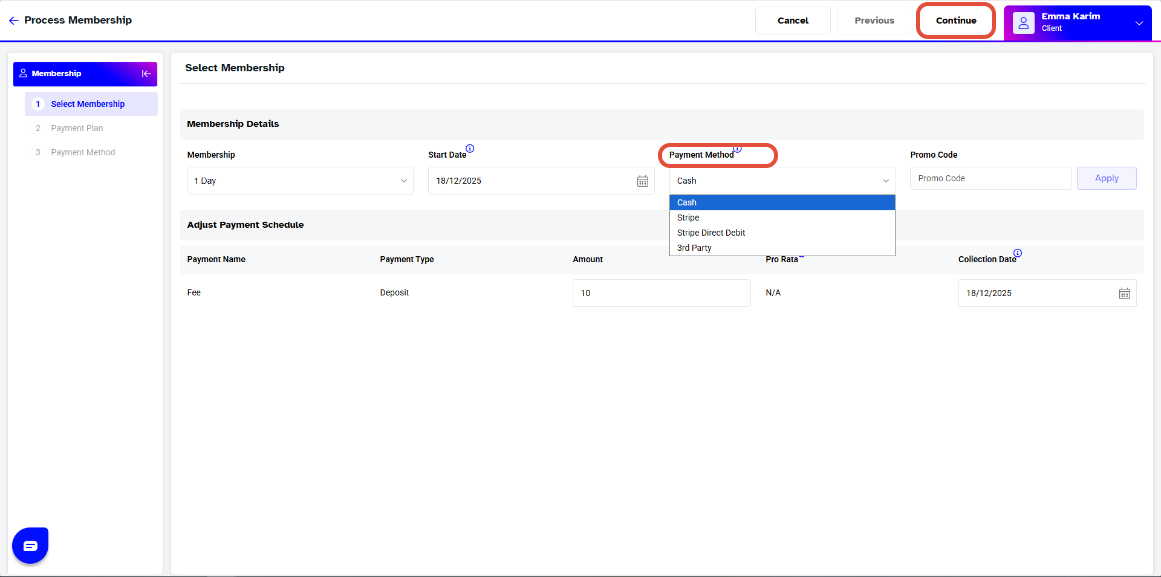
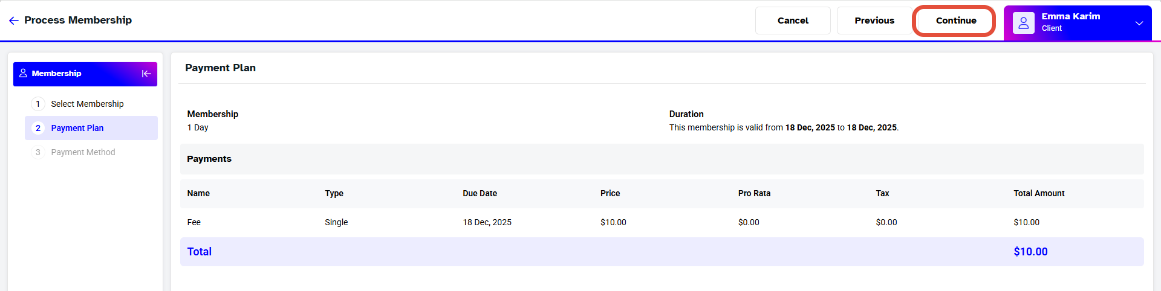
Click the Continue button on the Payment Plan page.
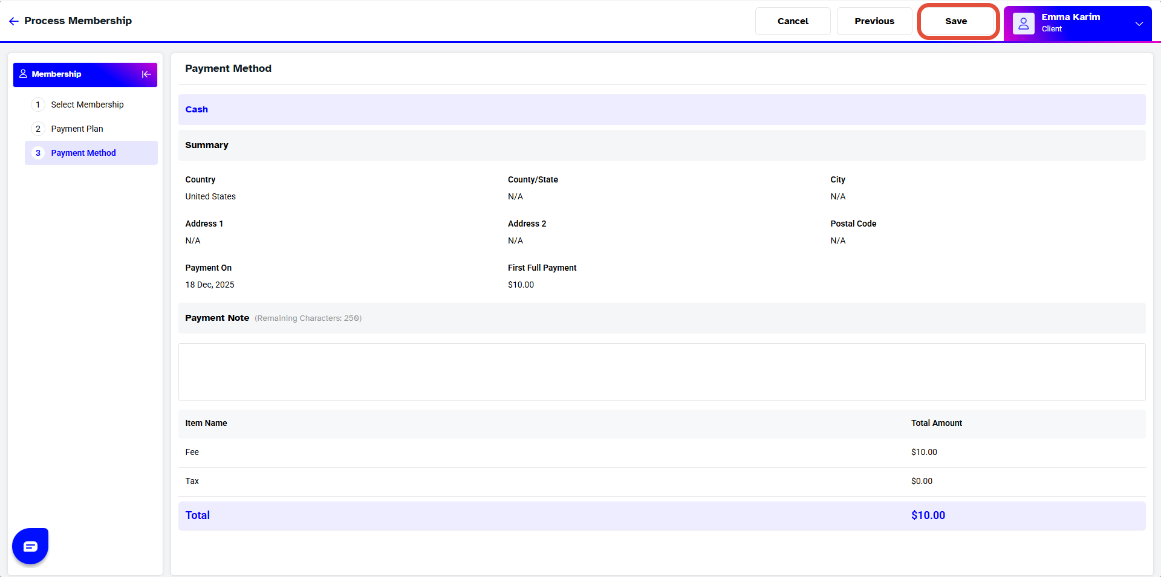
On the Payment Method page, click the Save button to save the membership.