
TABLE OF CONTENTS
- Step 1: Navigate to Memberships
- Step 2: Enter Membership Details
- Step 3: Configure Payment Settings
- Step 4: Save the Membership
Overview
This guide explains how to add a membership fee to a membership in Core. It covers every step, from navigating to the membership module and adding membership details to configuring both single and recurring payment options. By following this guide, merchants can easily define fee structures for their memberships.
Step 1: Navigate to Memberships
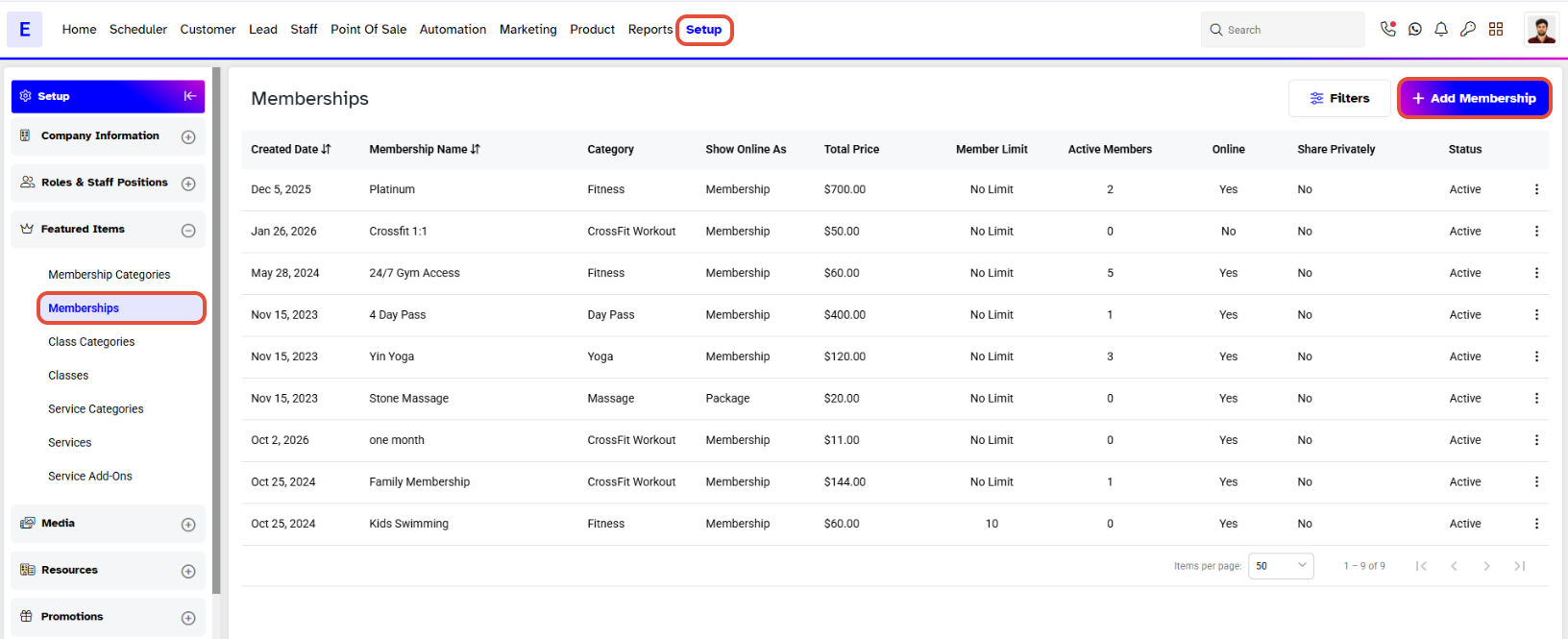
- Go to the Setup module in Core.
- Click on the Memberships tab.
- Click on the Add Membership button.
Step 2: Enter Membership Details
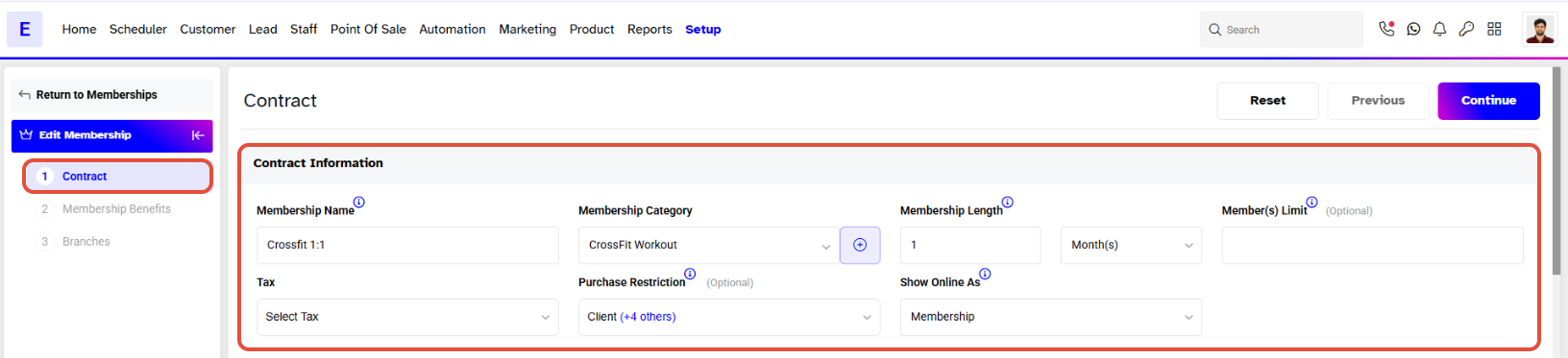
- Once on the Membership Information page, add in all the Membership Details.
Step 3: Configure Payment Settings
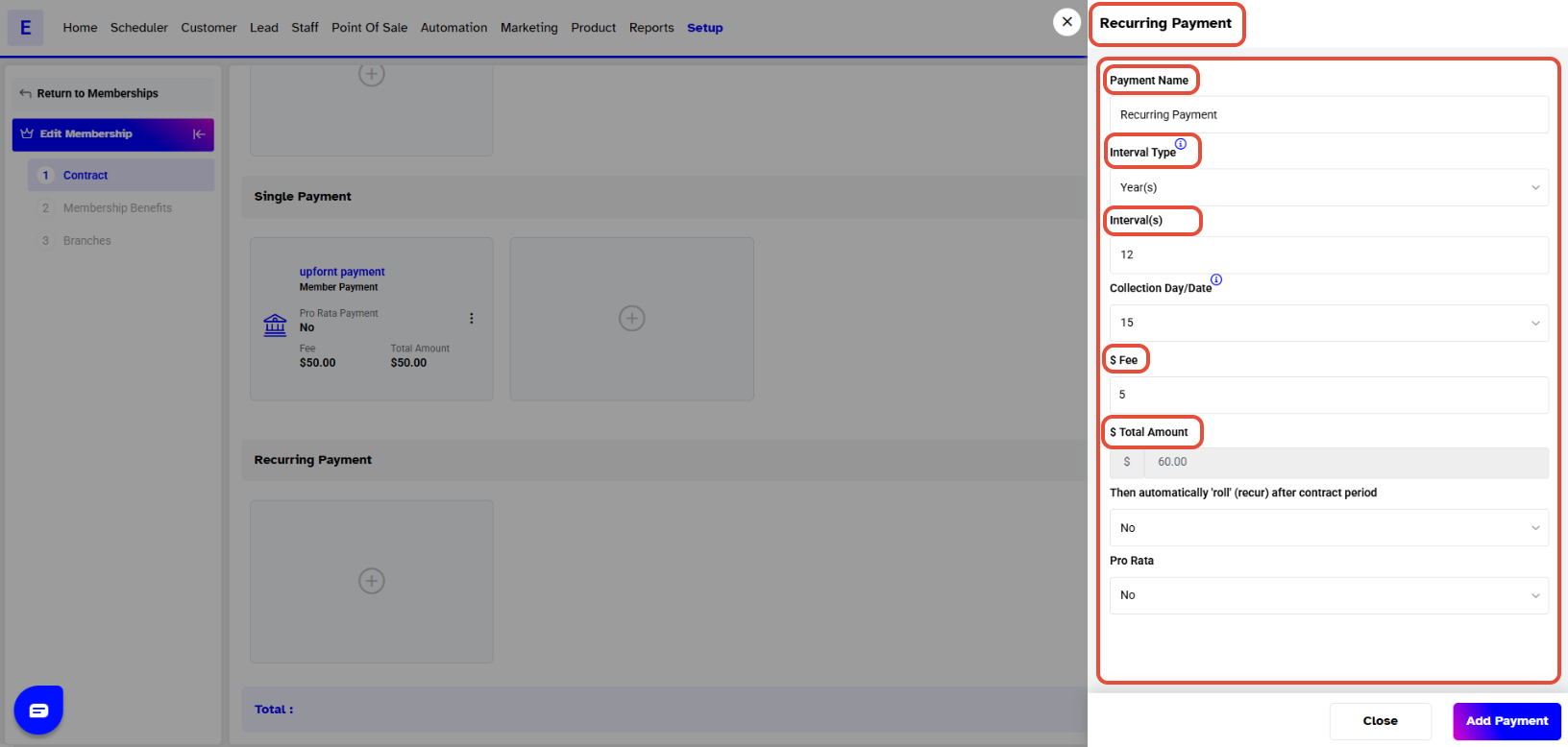
- Define your payment preferences for the membership
- Add Single Payment: Click this option to add an up-front membership fee.
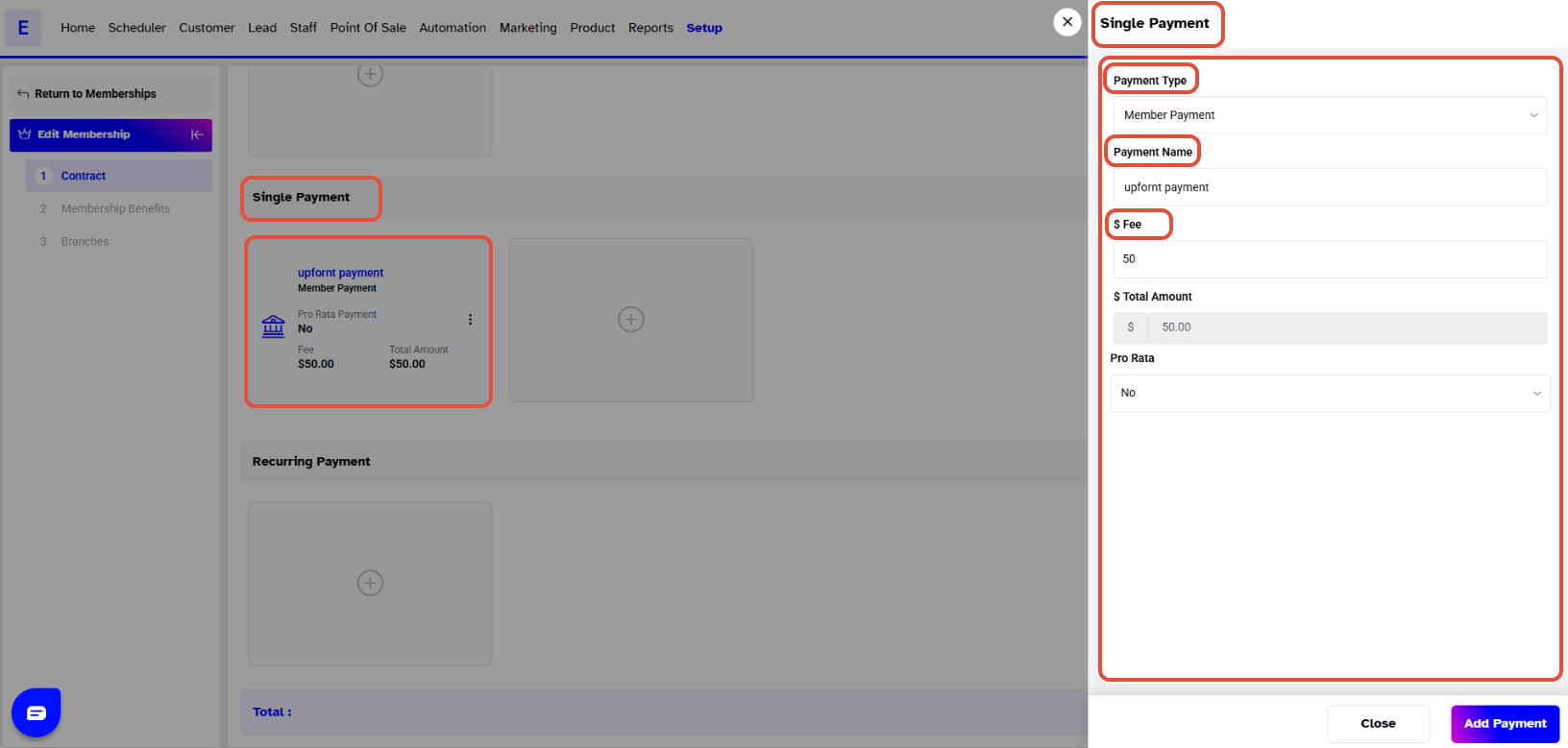
- Add Recurring Payment: Define the recurring fee based on your requirements.
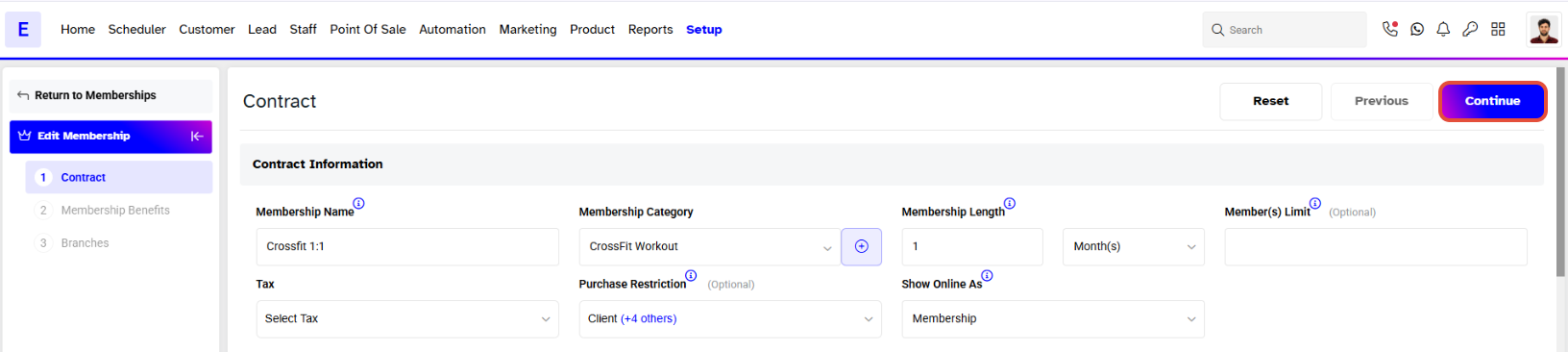
- Click the Continue button at the top of the screen.
Single Payment is one time payment while Recurring Payment is a recurring fee.
Both Single and Recurring Payments can be added to the Membership at the same time.
Step 4: Save the Membership
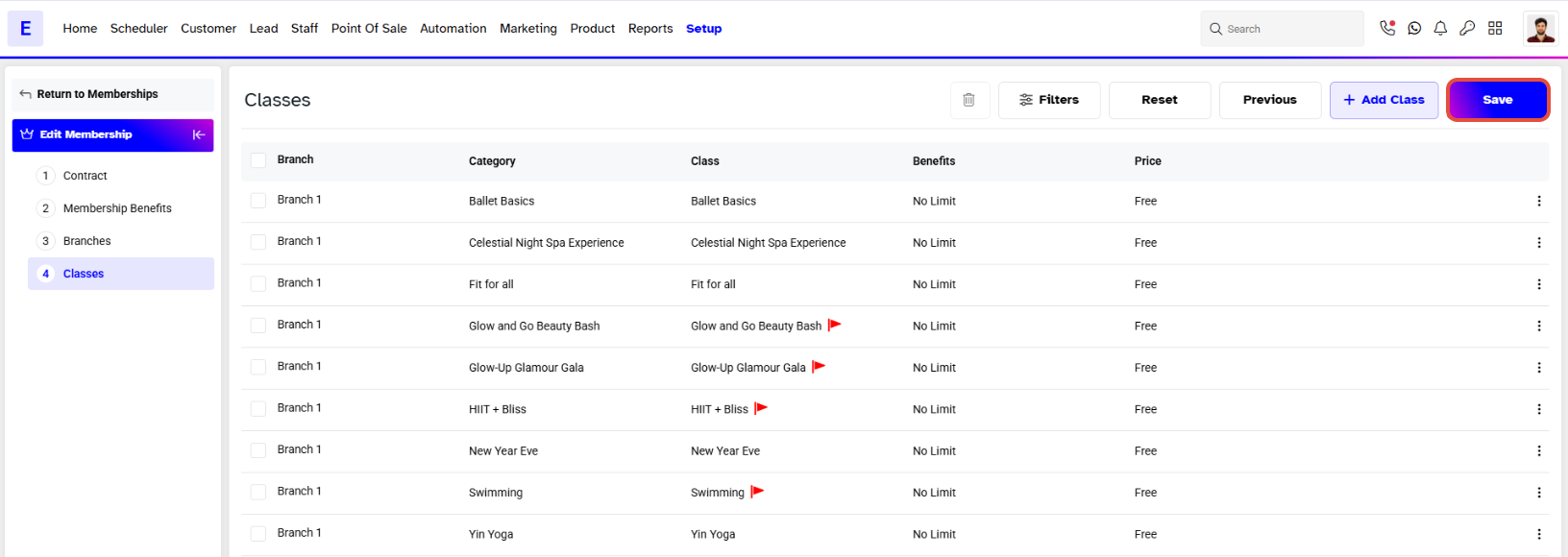
- Navigate to the last section and click on the Save button to confirm.
- The membership will now be saved.