TABLE OF CONTENTS
To set up Access Controls Based on Membership or Gender, follow the steps below:
How To Set Up Access Controls Based On Membership or Gender
Go to the Setup Module in Core.

Click on the Configurations Tab.
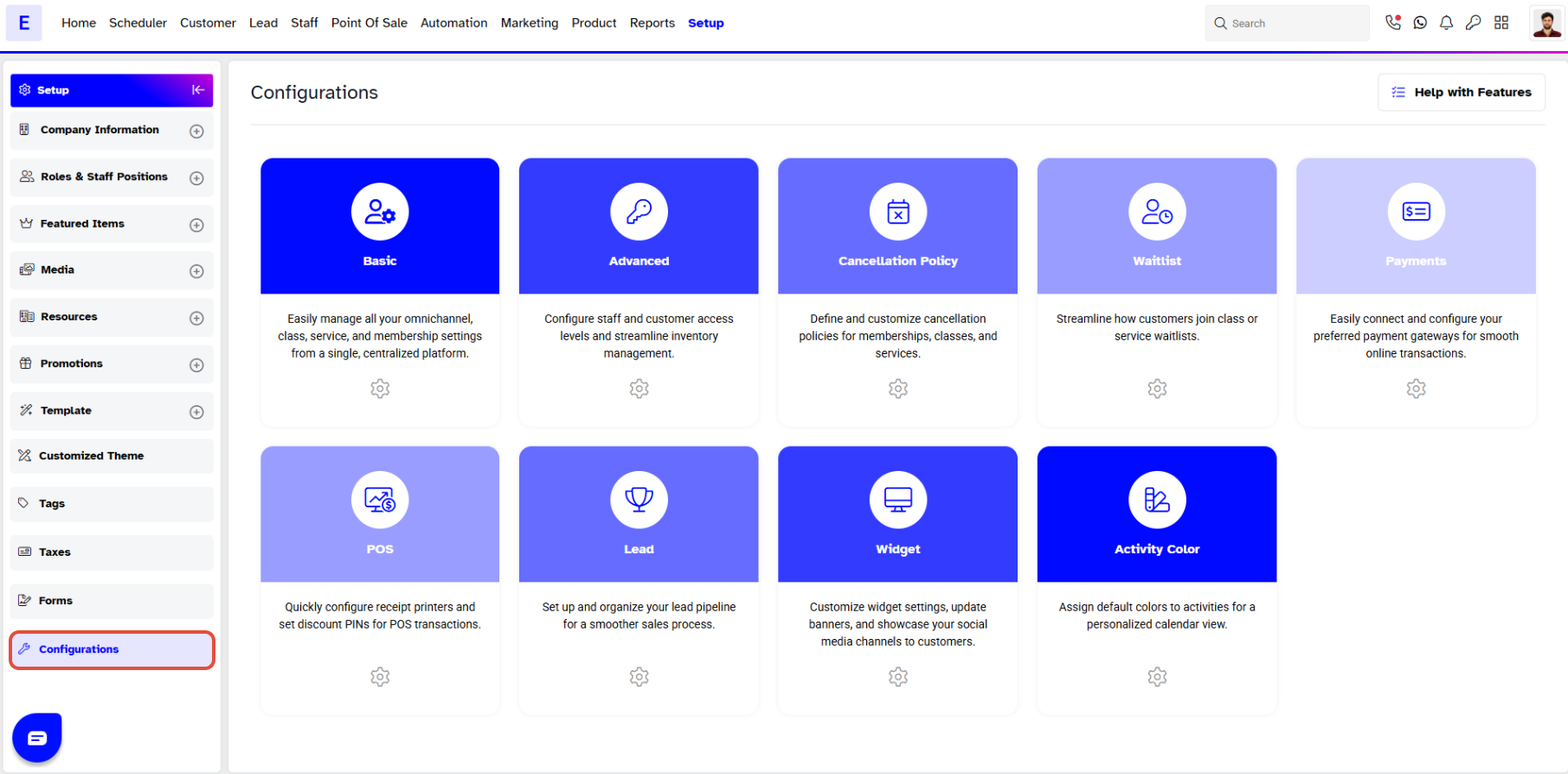
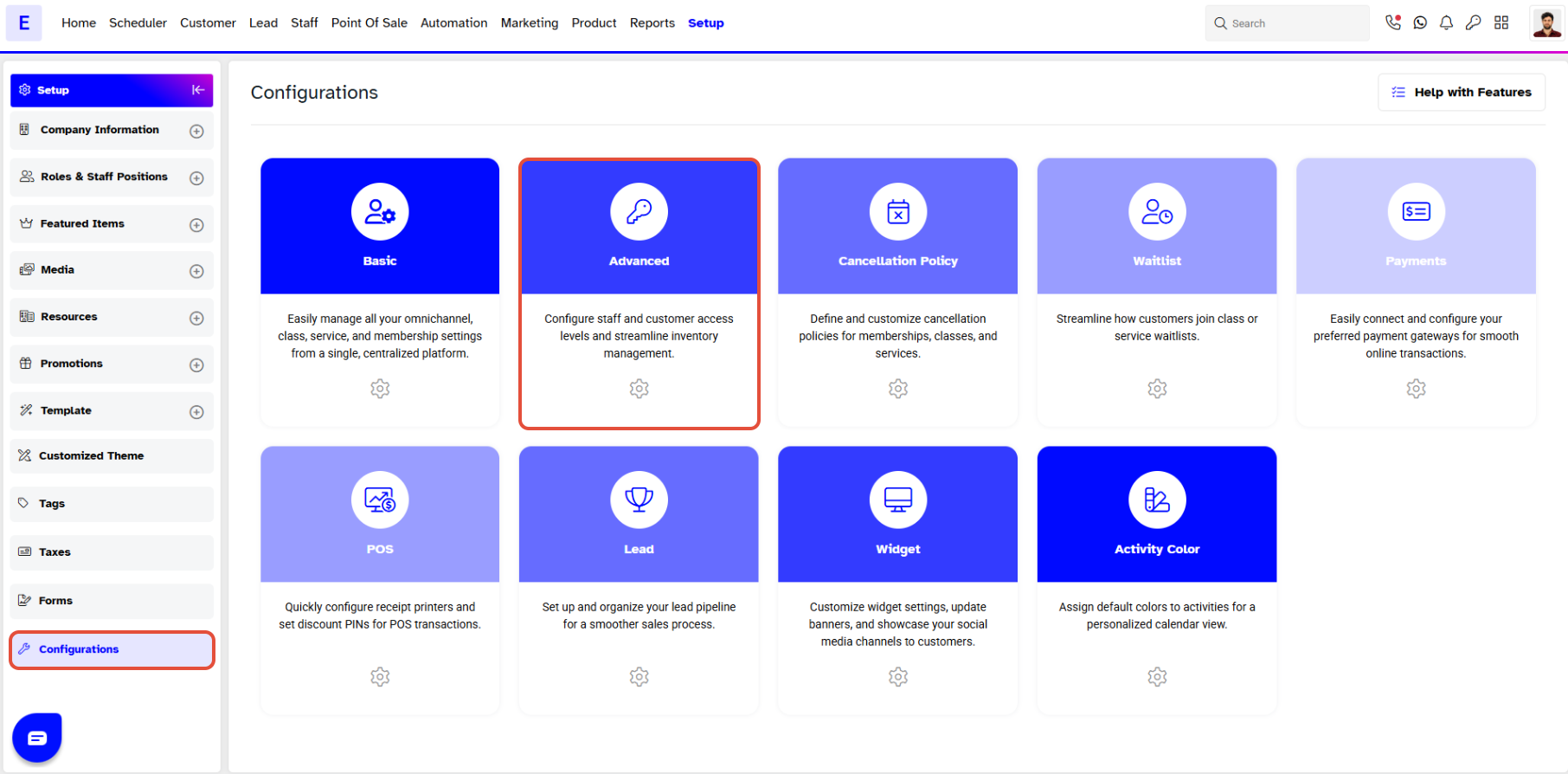
Navigate to the Advanced option.
By default Inventory section open click Access Control and scroll down to the Door Association.
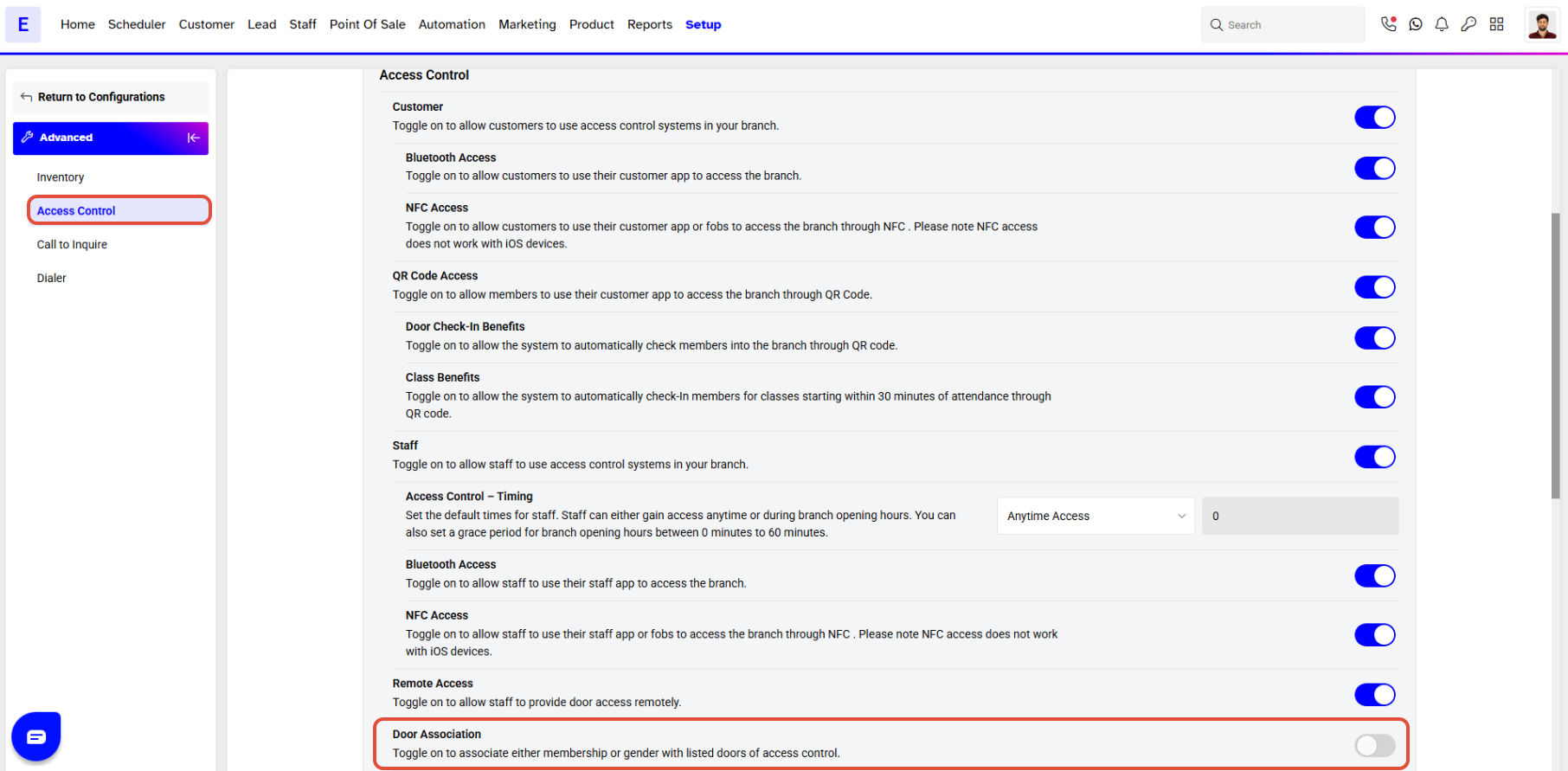
Toggle on to configure the Door Association functionality.
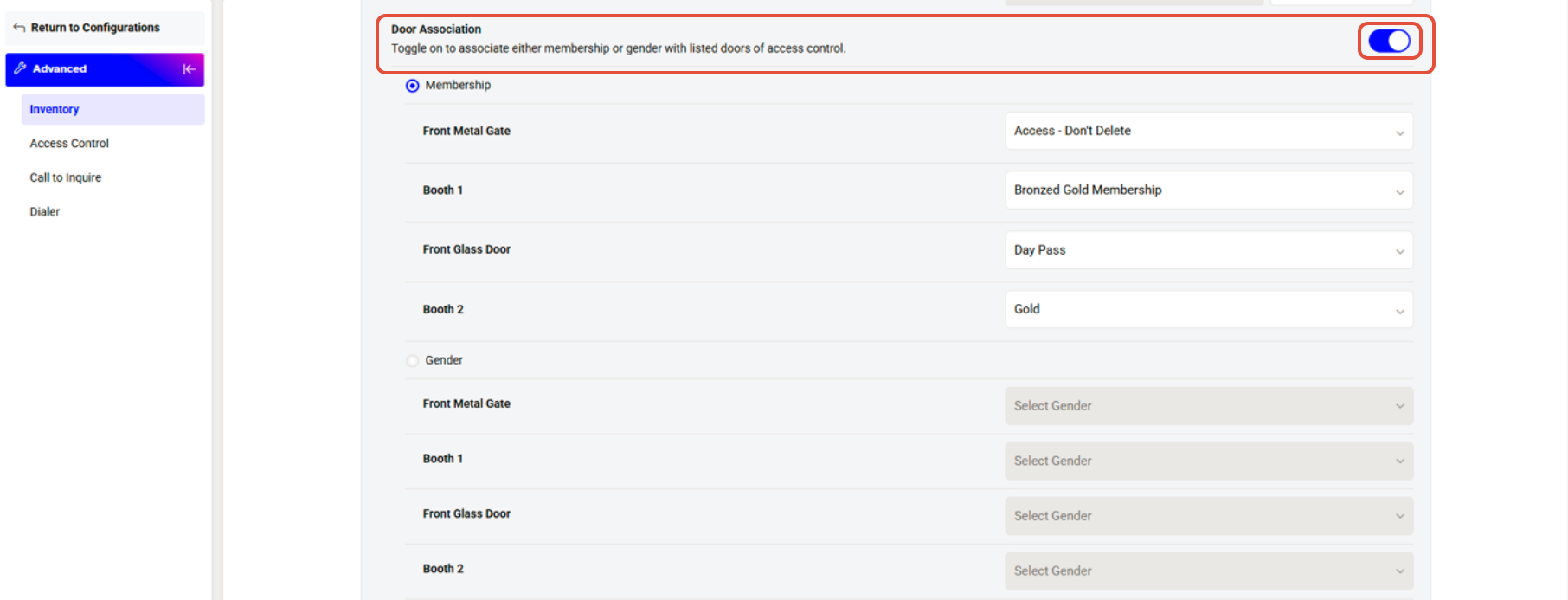
Choose an option for Door Association:
1. Memberships-Based Access
2. Gender-Based Access
By default, the Membership option is checked.
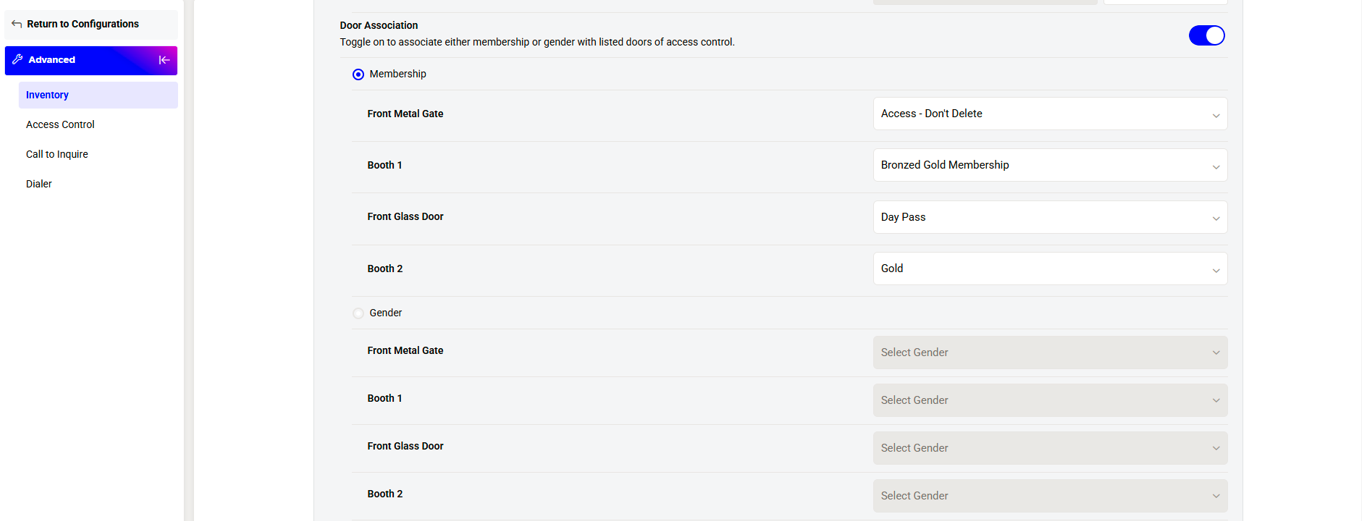
Memberships-Based Access
- You can select as many memberships as you want for each door.
The same membership can be linked to multiple doors.
Only customers with the chosen memberships will be allowed to enter through those doors.
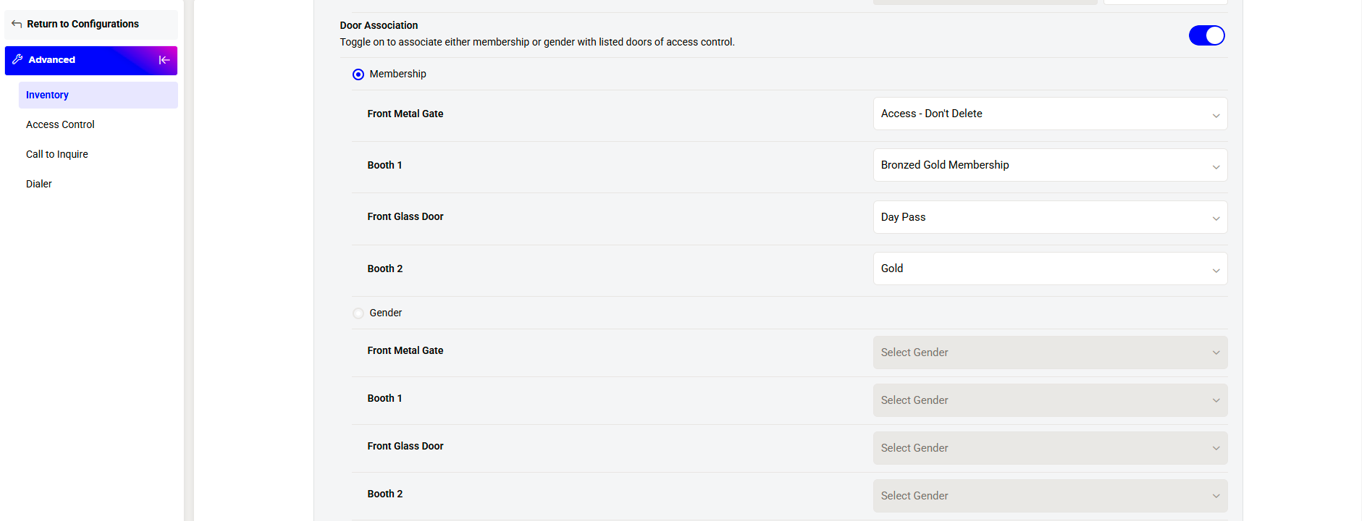
You must select at least one Membership for any door if you select the Membership option.
Gender-Based Access
Select the Gender option. You can decide which Genders are allowed to access certain Doors.
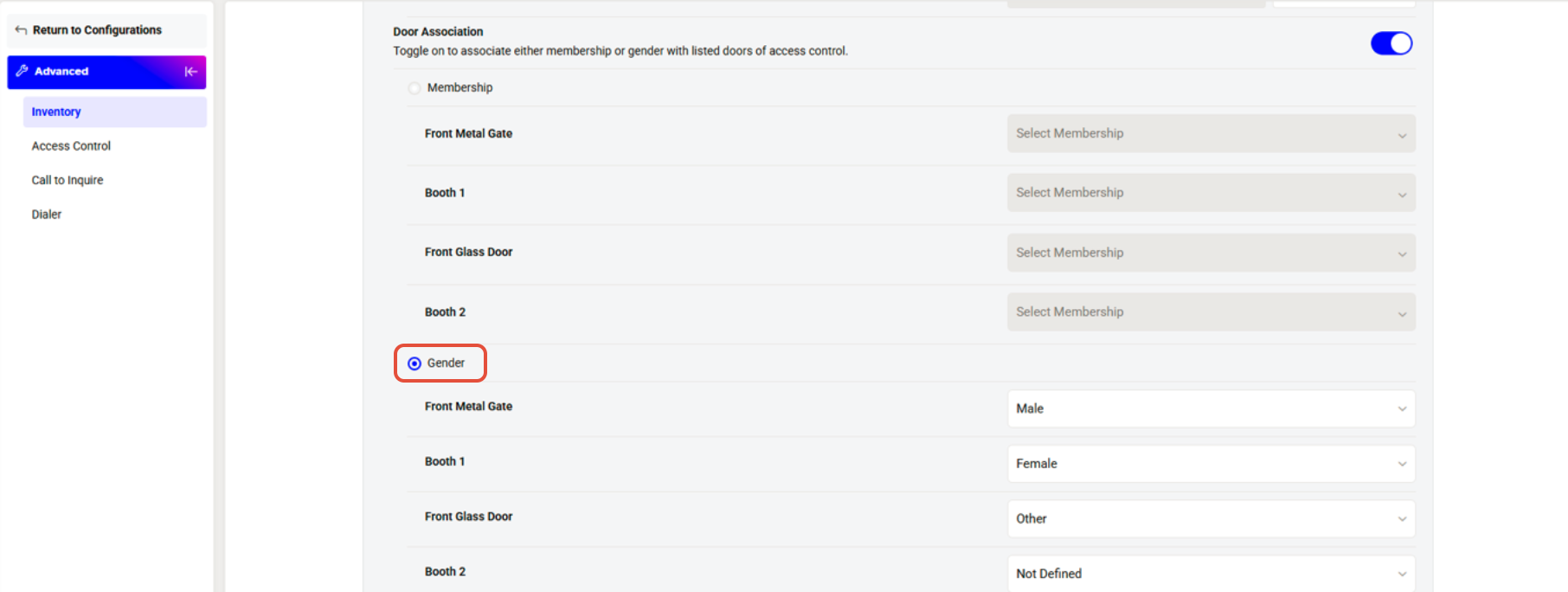
By default, Customers will see all Doors in the Door listing screen on the Customer App. When they click on the a Door. the system will check if they are allowed to access it or not.
Once done, click on the Save Button.