TABLE OF CONTENTS
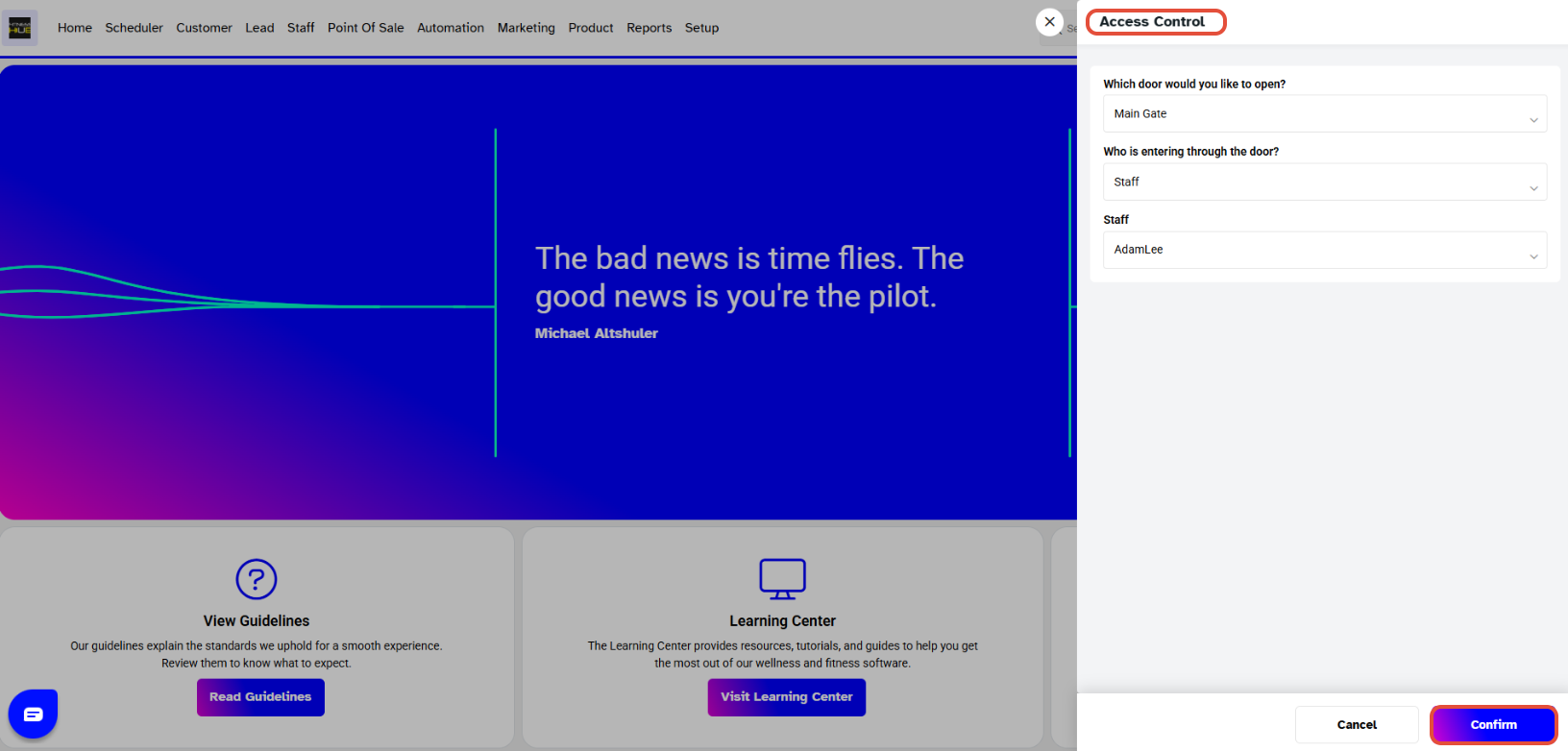
To Remotely Provide Access to a Staff Member in Core, follow the steps below:
How To Remotely Provide Access To A Staff Member In Core
Go to the Key Icon at the Top Menu Bar.

The Access Control Pop-up Box will appear on the screen.
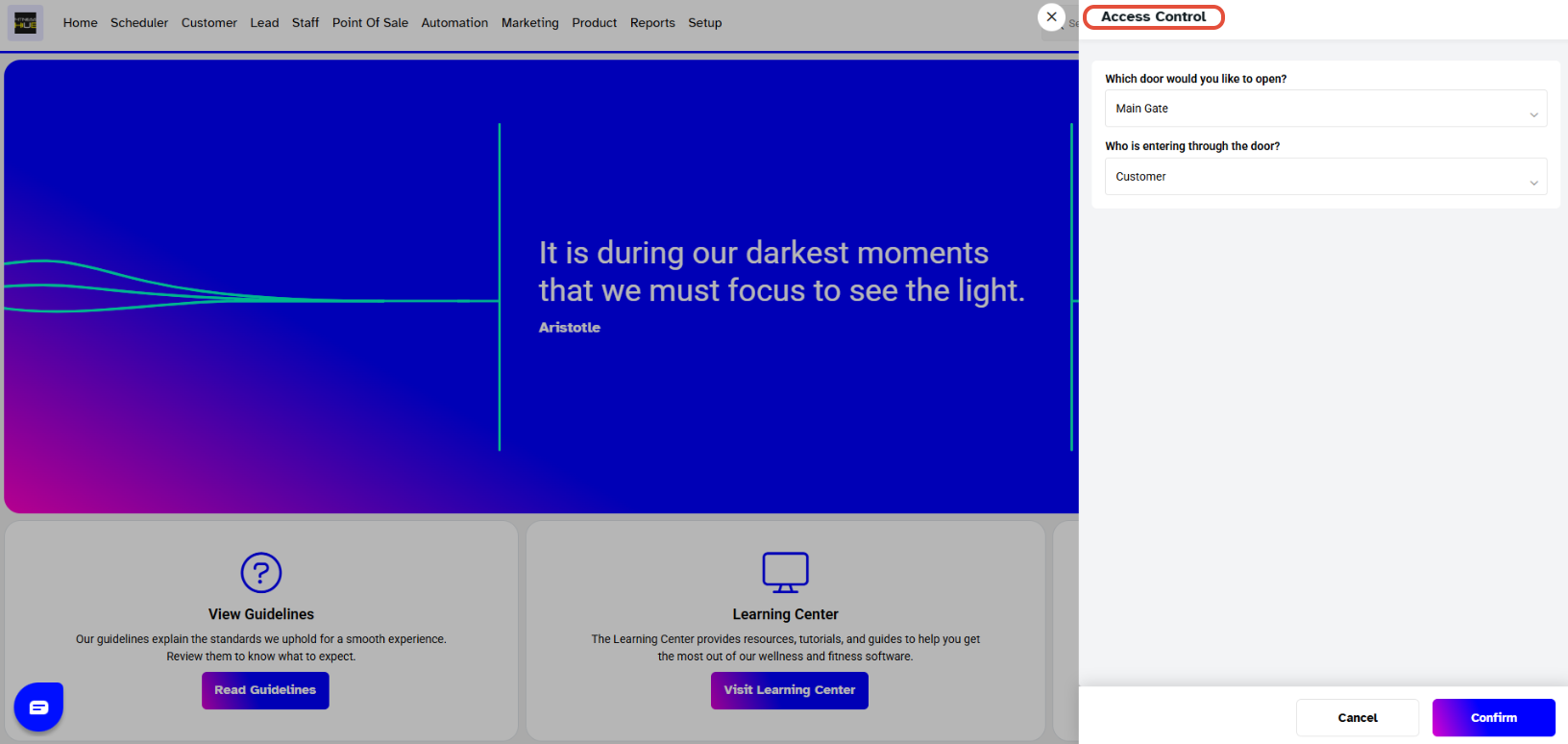
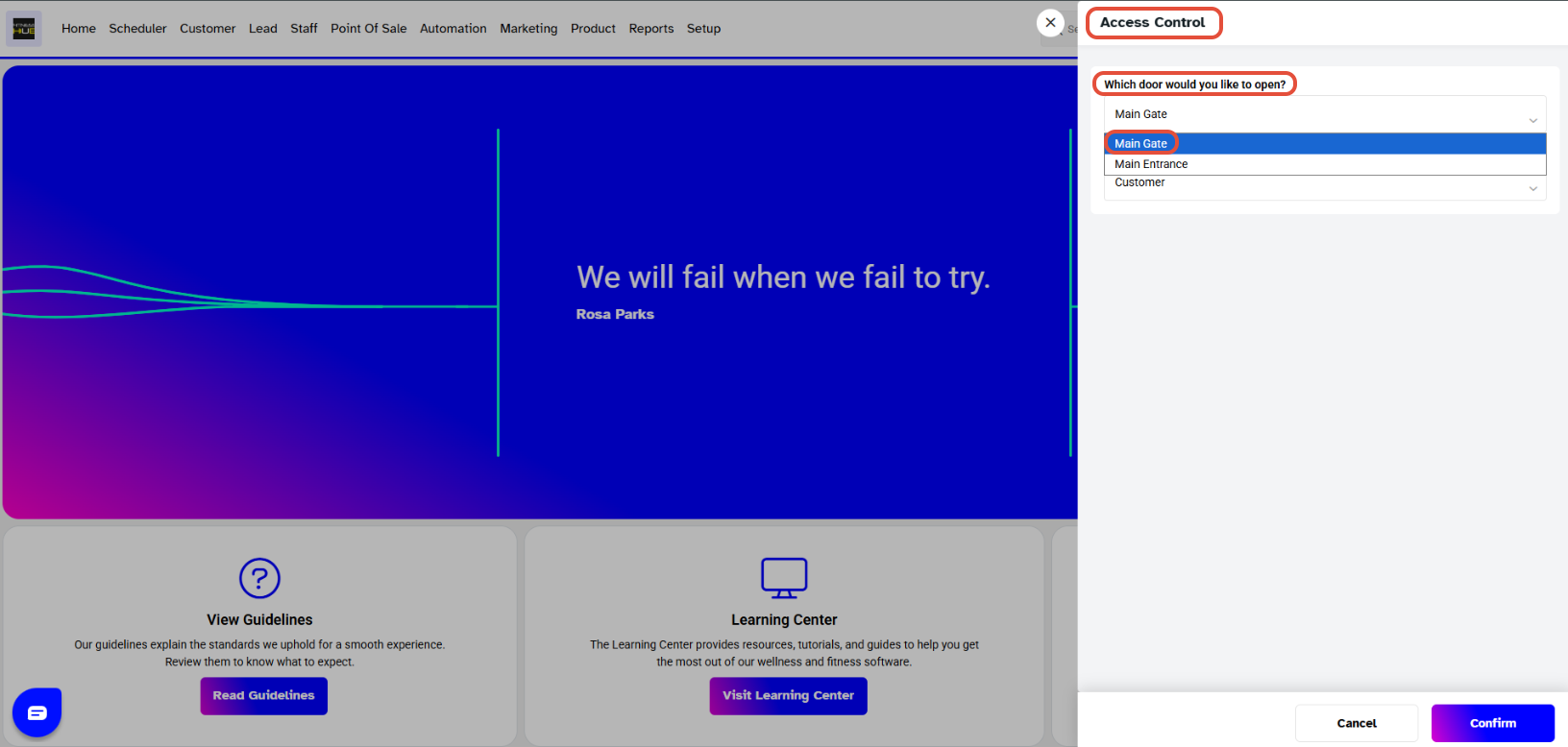
Select the Door which you want to open.
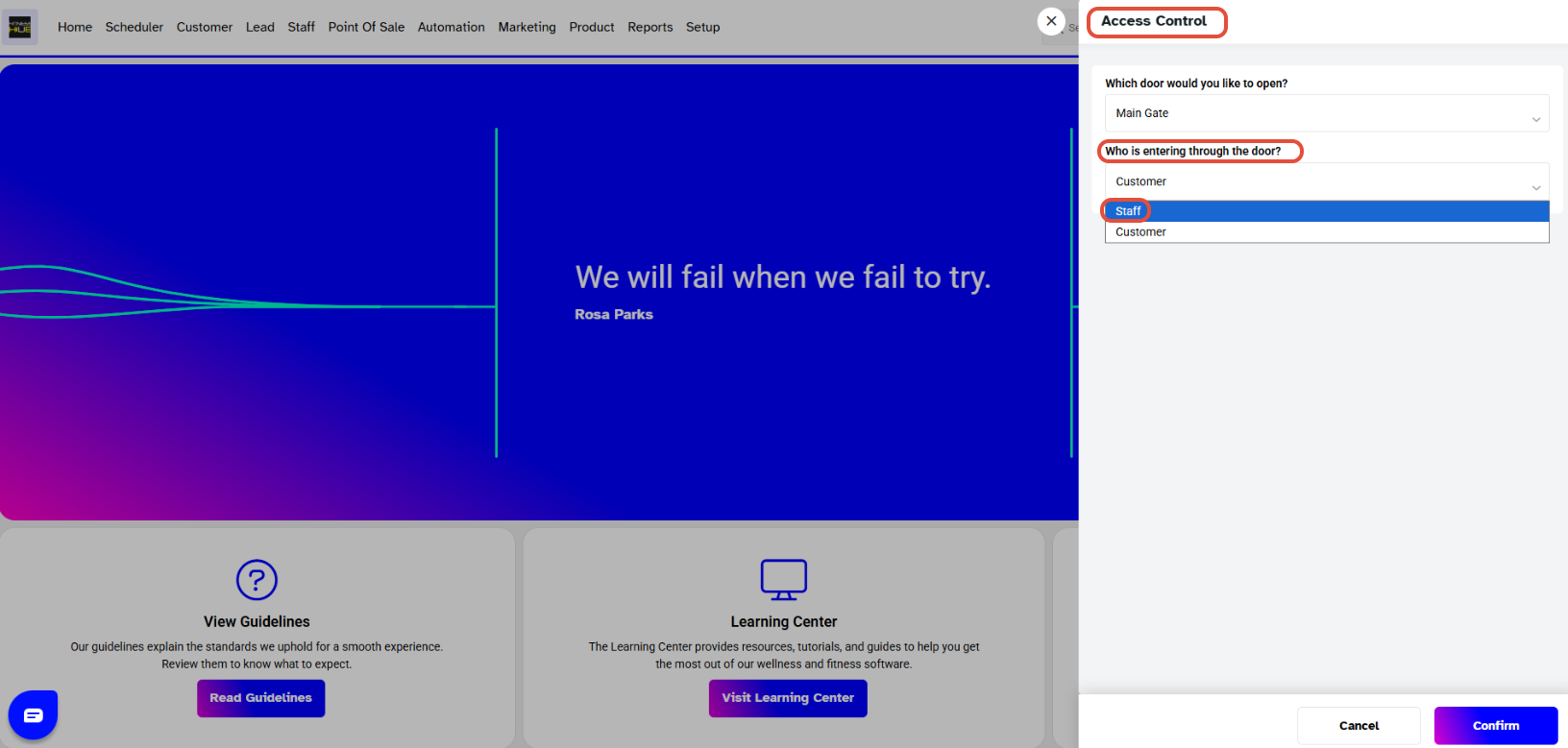
Select the Staff option from the drop-down menu in order to enter through the Door.
Now, select the Name of the Staff Member from the dropdown menu.
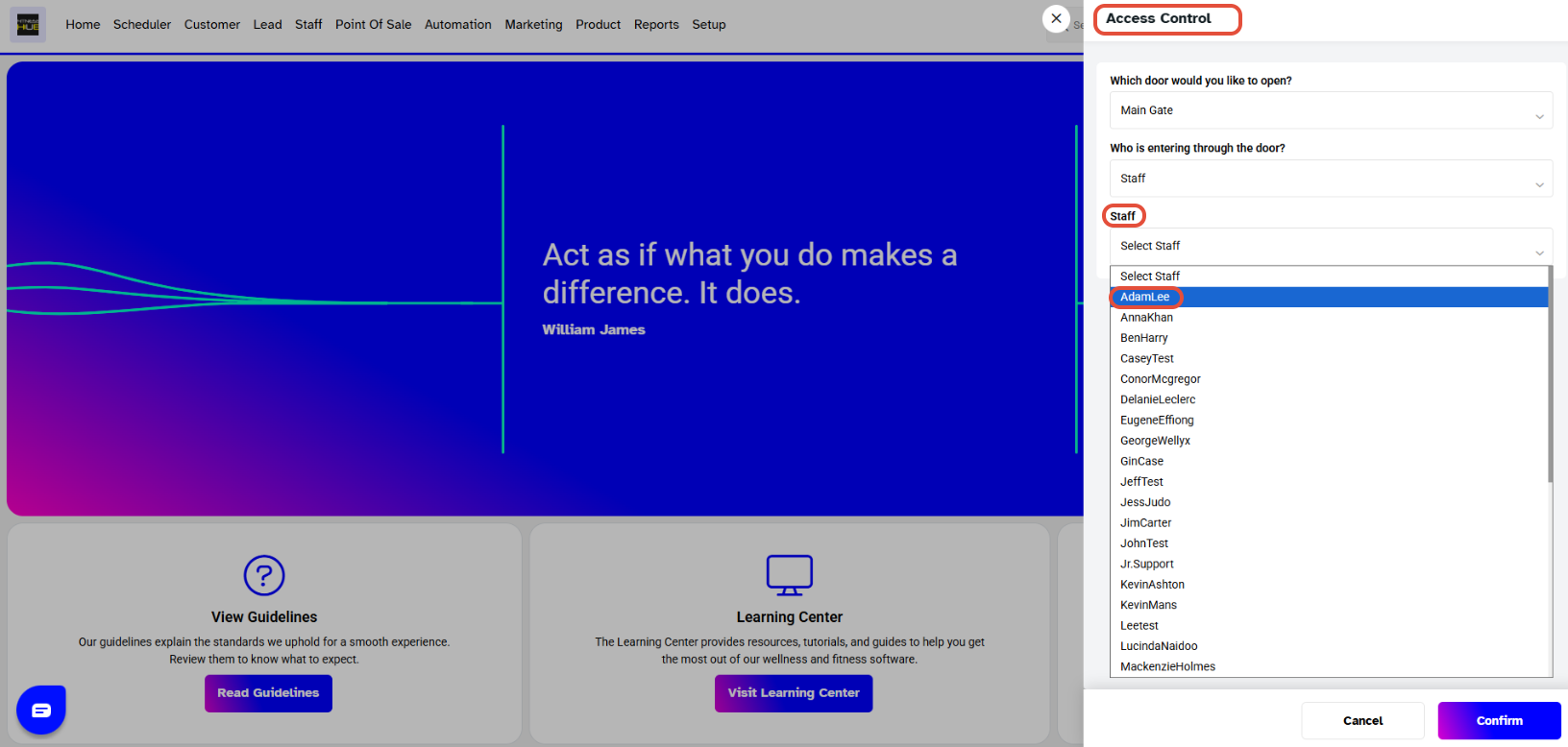
Once done, click on the Confirm Button.