TABLE OF CONTENTS
To use the Access Control functionality through the Staff App, follow the steps below:
How Can A Staff Use The Access Control Functionality Through The Staff App
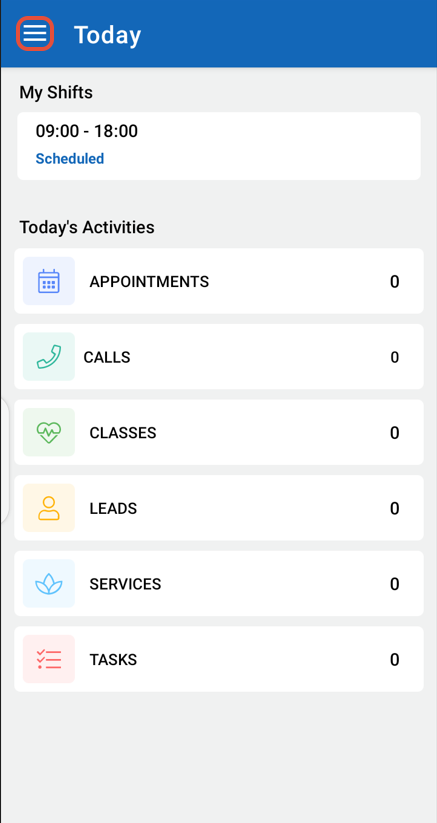
Open the Side Menu by clicking on the Three Horizontal Lines at the top left corner of the Home Screen.
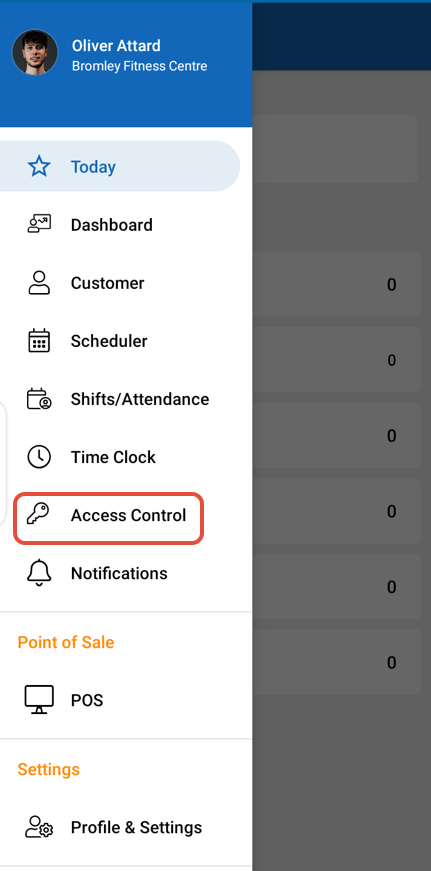
Select Access Control from the Side Menu.
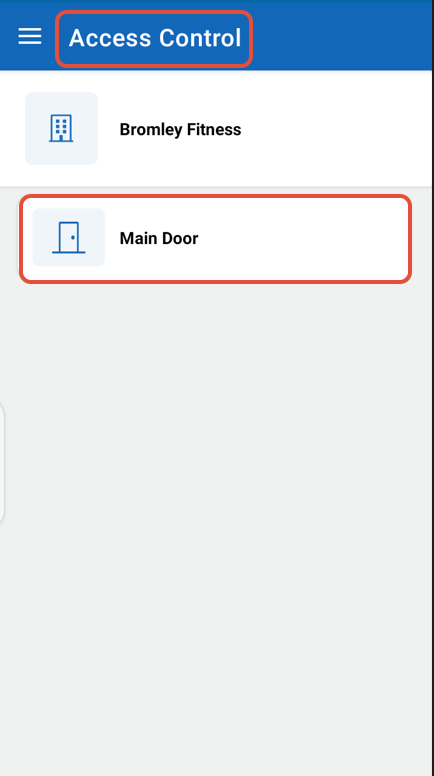
Now, click on the Main Door Button.
Click on the Unlock Button to Unlock the Main Door.
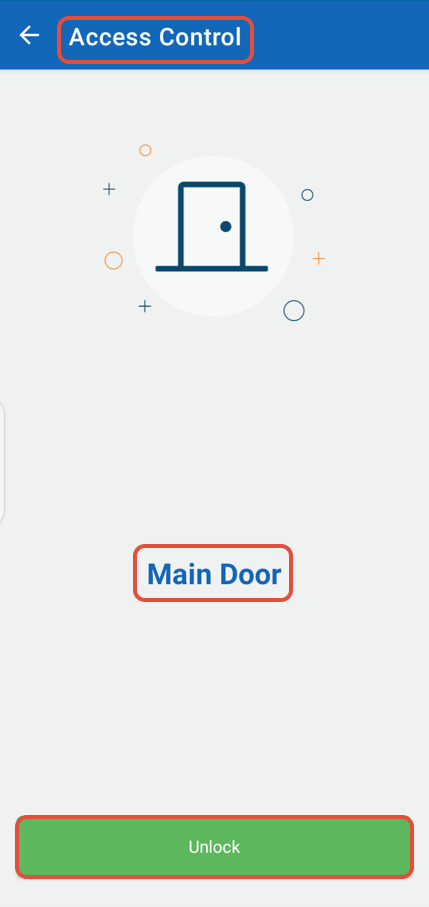
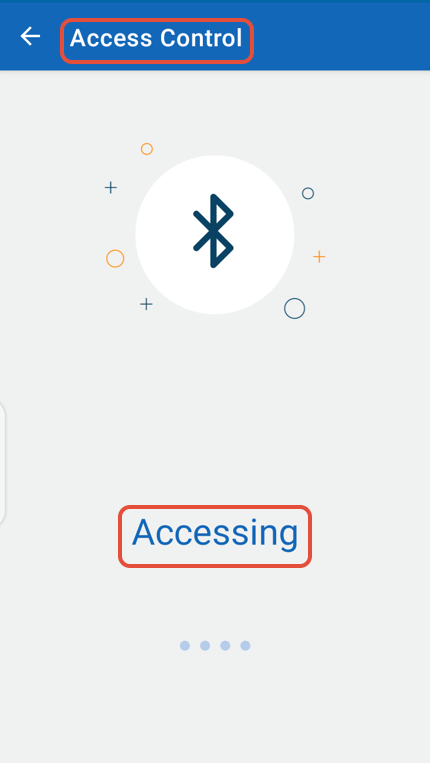
Bluetooth Access will take some seconds and the Door will be Unlocked successfully.