

TABLE OF CONTENTS
- Step 1: Navigate to Memberships
- Step 2: Access Membership Settings
- Step 3: Enable Charge Instantly
- Step 4: Configure Membership Benefits
- Step 5: Save Changes
Overview
This guide explains how to enable the Charge Instantly toggle for Memberships in Core. By following this guide, merchants can ensure that charges are processed immediately for specific membership contracts.
Step 1: Navigate to Memberships
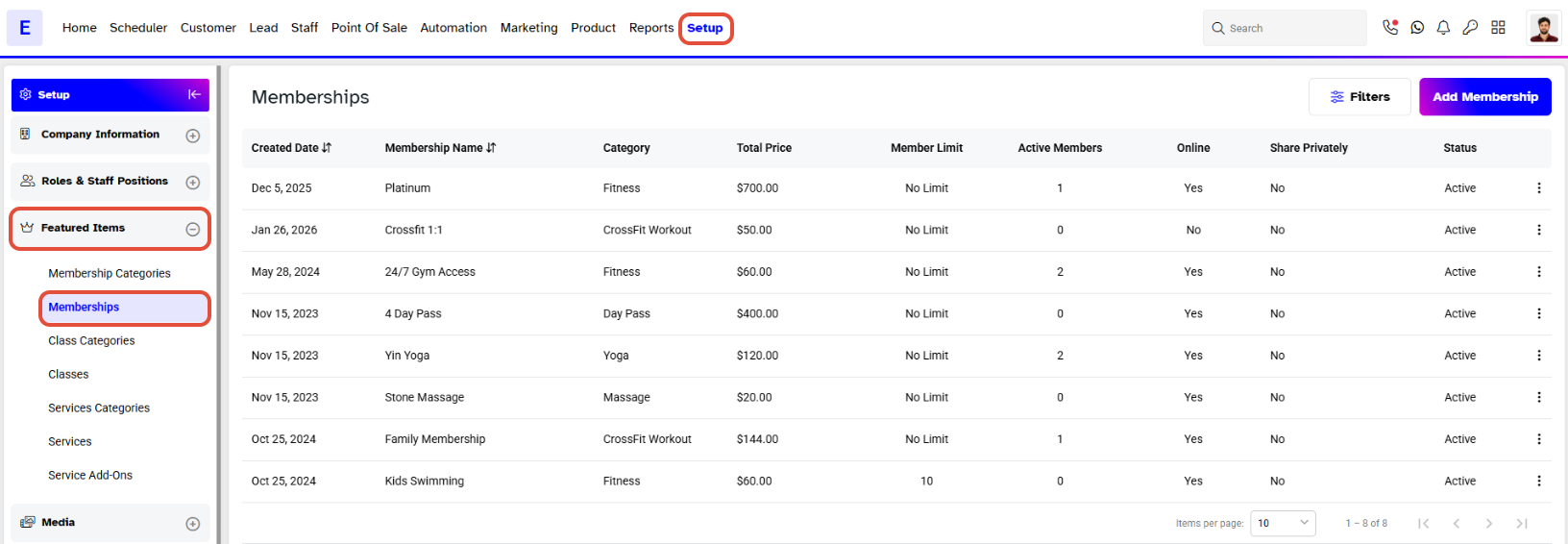
- Go to the Setup module in Core.
- Click on the Featured Items tab.
- Select Memberships from the dropdown menu.
Step 2: Access Membership Settings
- Locate the desired membership in the list.
- Click on the Edit icon against that Membership.
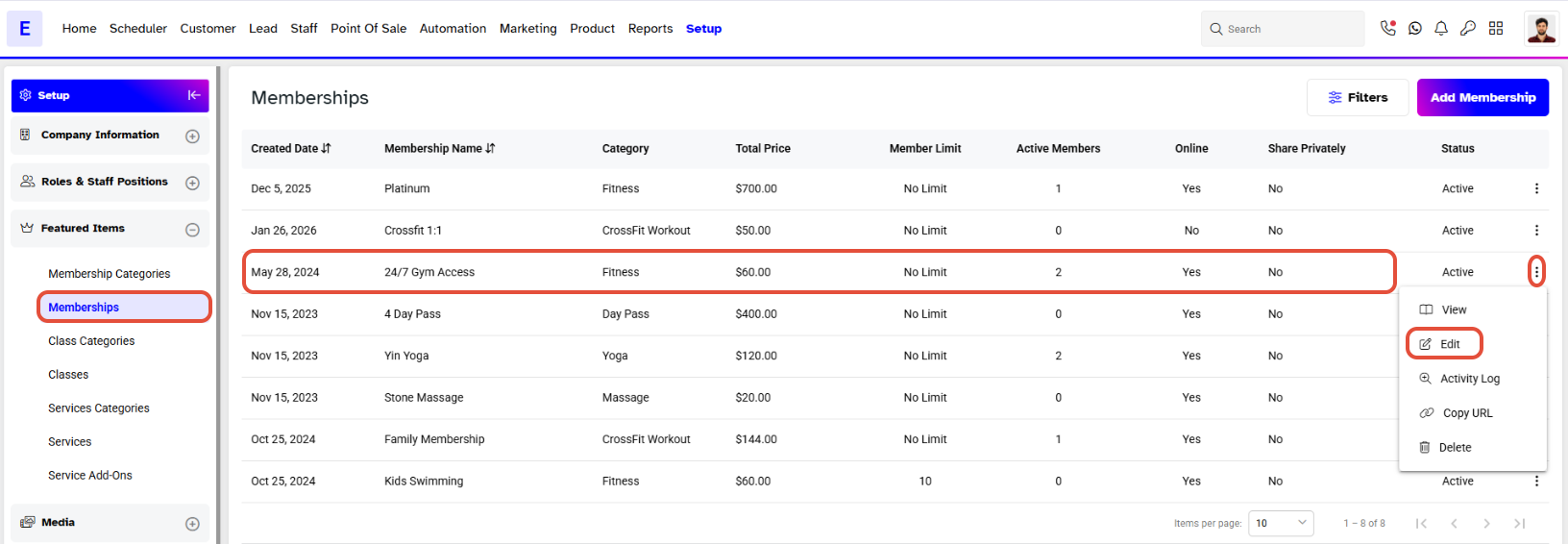
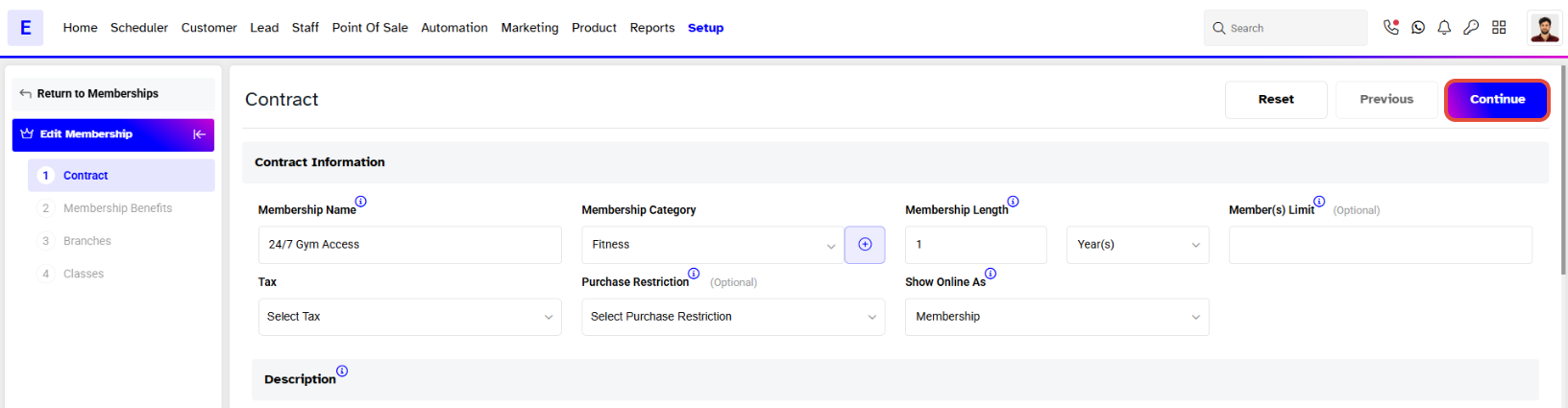
- The Membership Contract section will appear on the screen.
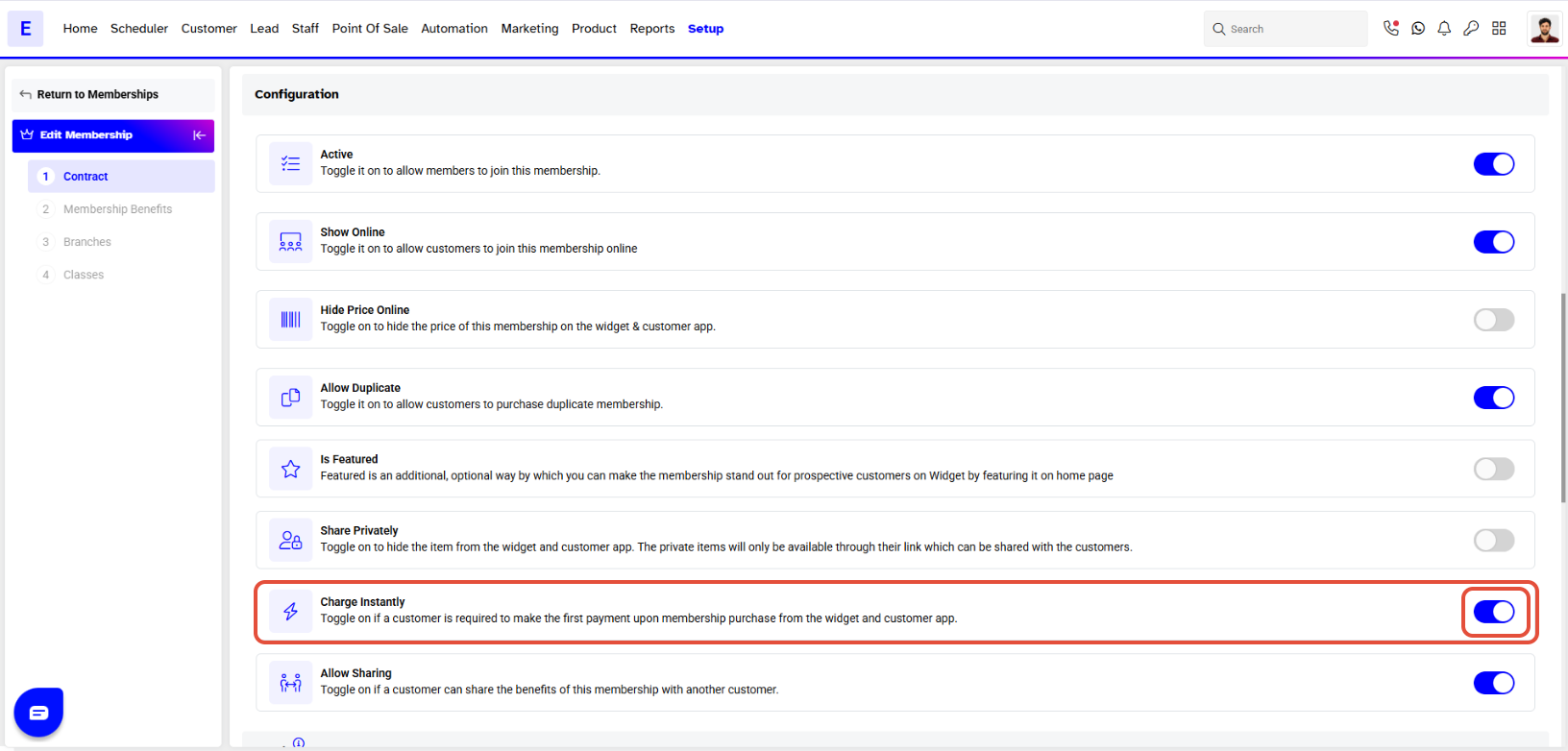
Step 3: Enable Charge Instantly
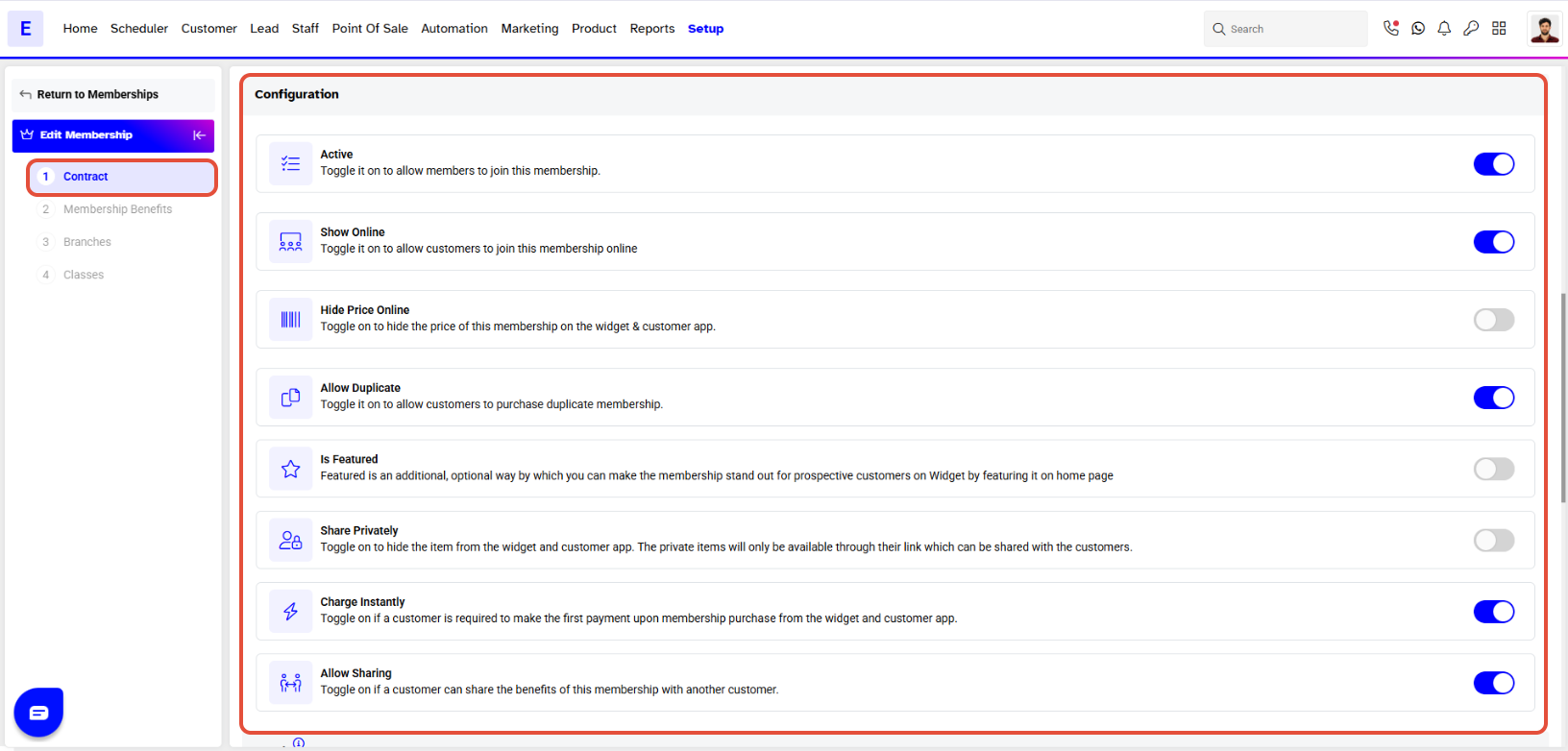
- Toggle the Charge Instantly button to the ON position.
- Click on Continue.
Step 4: Configure Membership Benefits
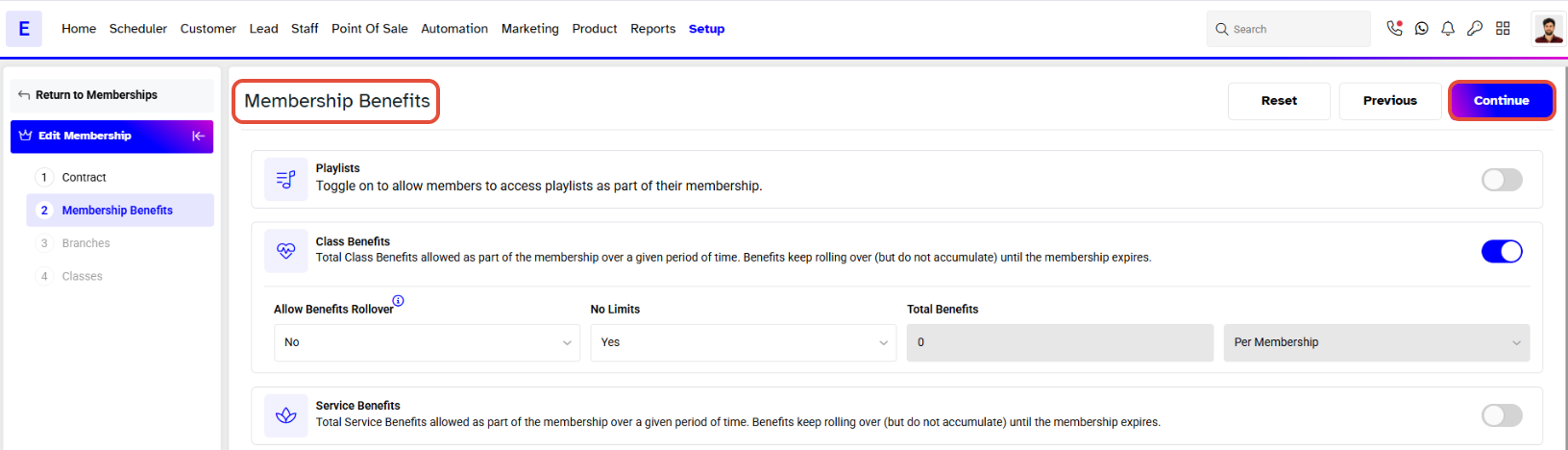
- The Membership Benefits section will open.
- Add all relevant benefits as required.
- Click on Continue.
Step 5: Save Changes
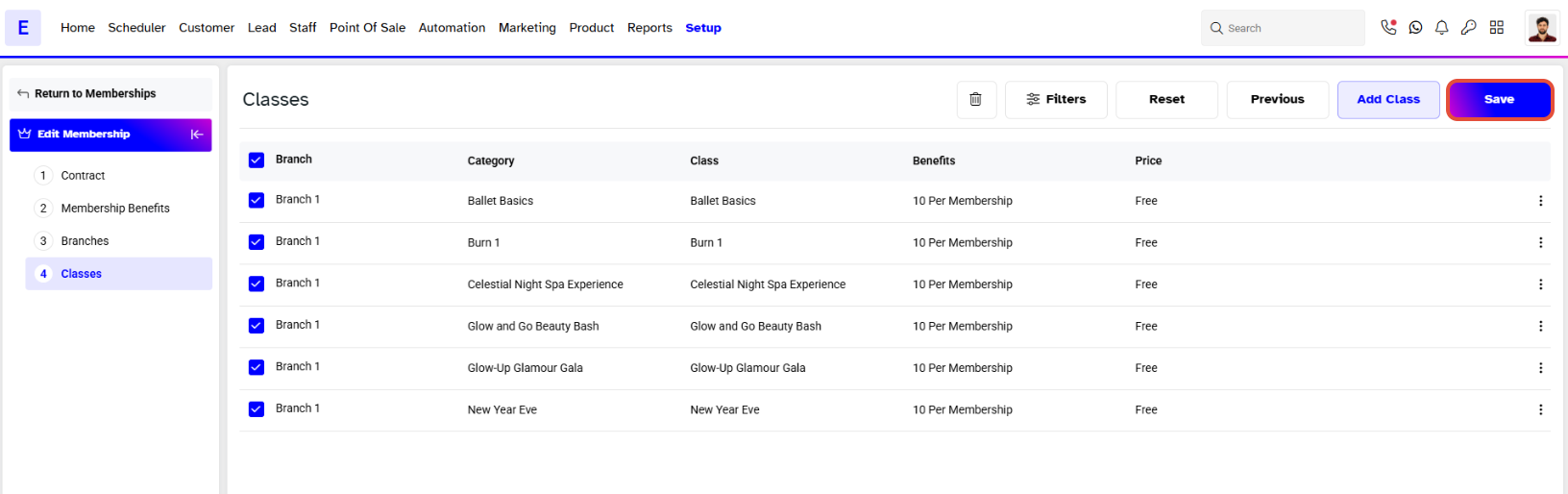
- Click on the Save button to confirm the changes and apply the new settings.