TABLE OF CONTENTS
Overview
This guide explains how to edit the description of an existing Class in Core. By following these steps, merchants can update information to ensure customers have the most current details when viewing and booking classes online.
Step 1: Navigate to Classes
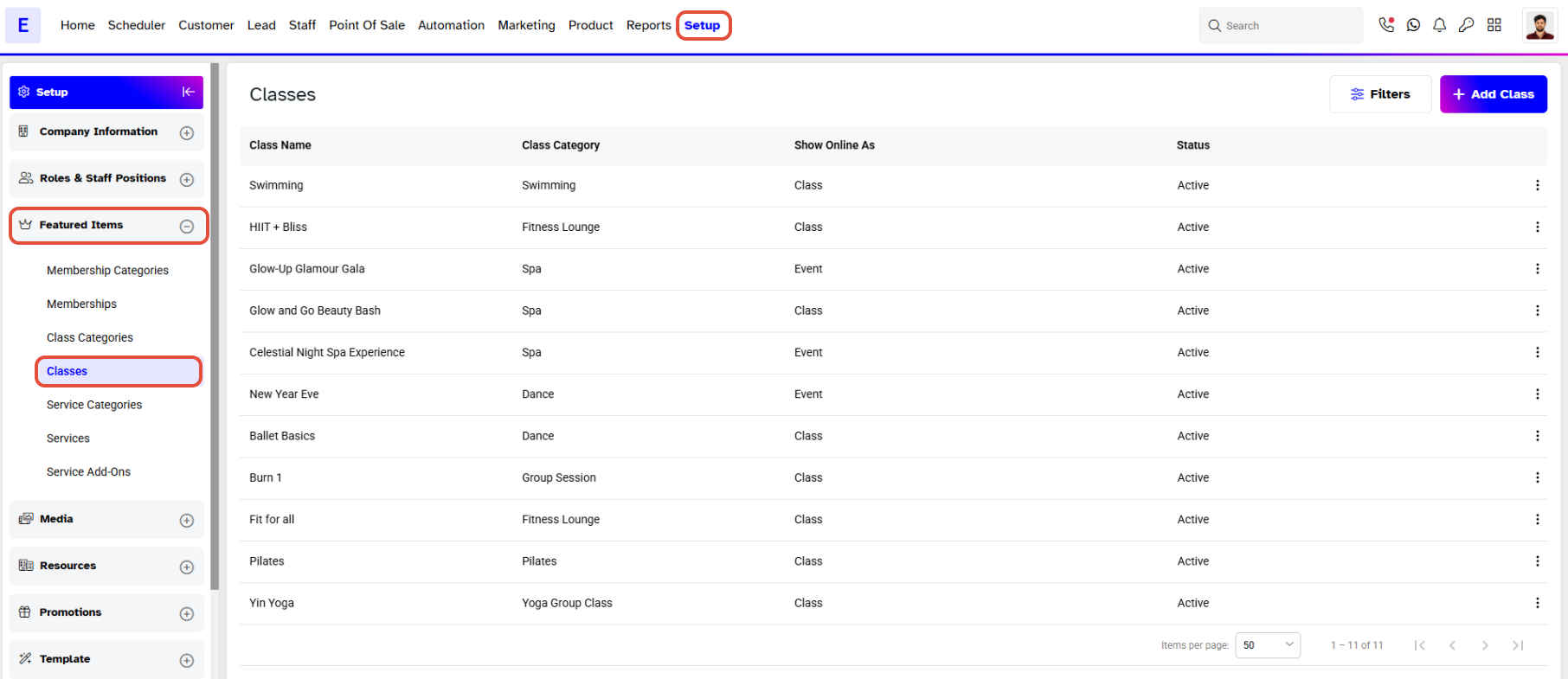
Go to the Setup module in Core.
Click on the Featured Items tab.
Select Classes from the Featured Items tab.
Step 2: Edit Class Details
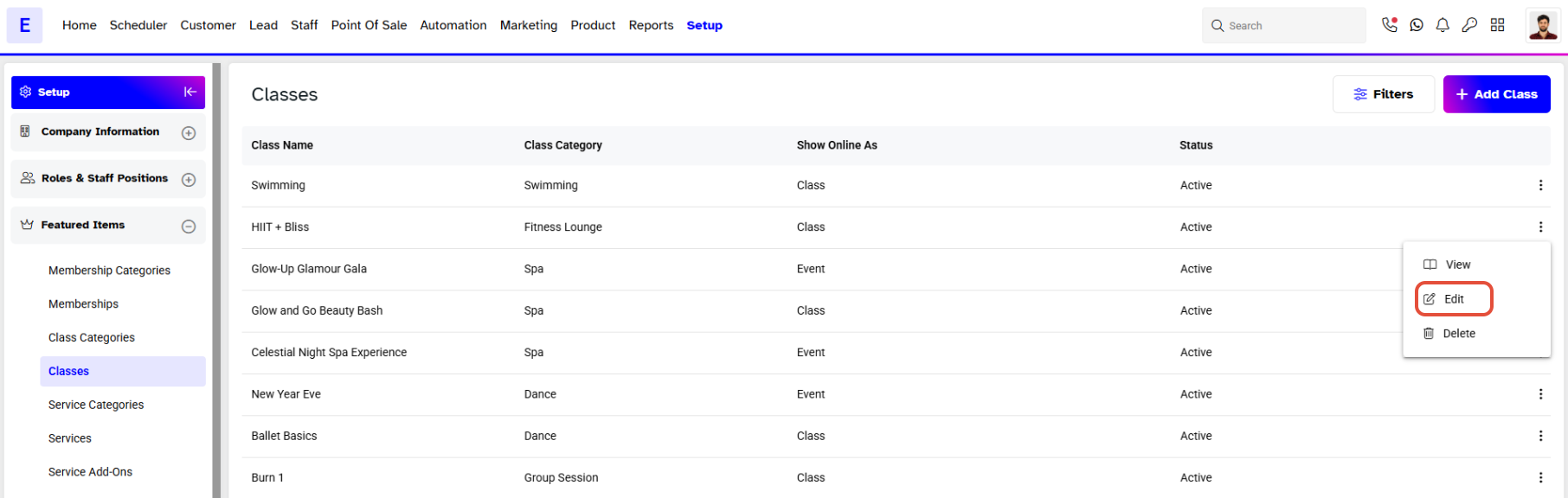
- Locate the specific Class you wish to update.
- Click on the Edit icon corresponding to that Class.
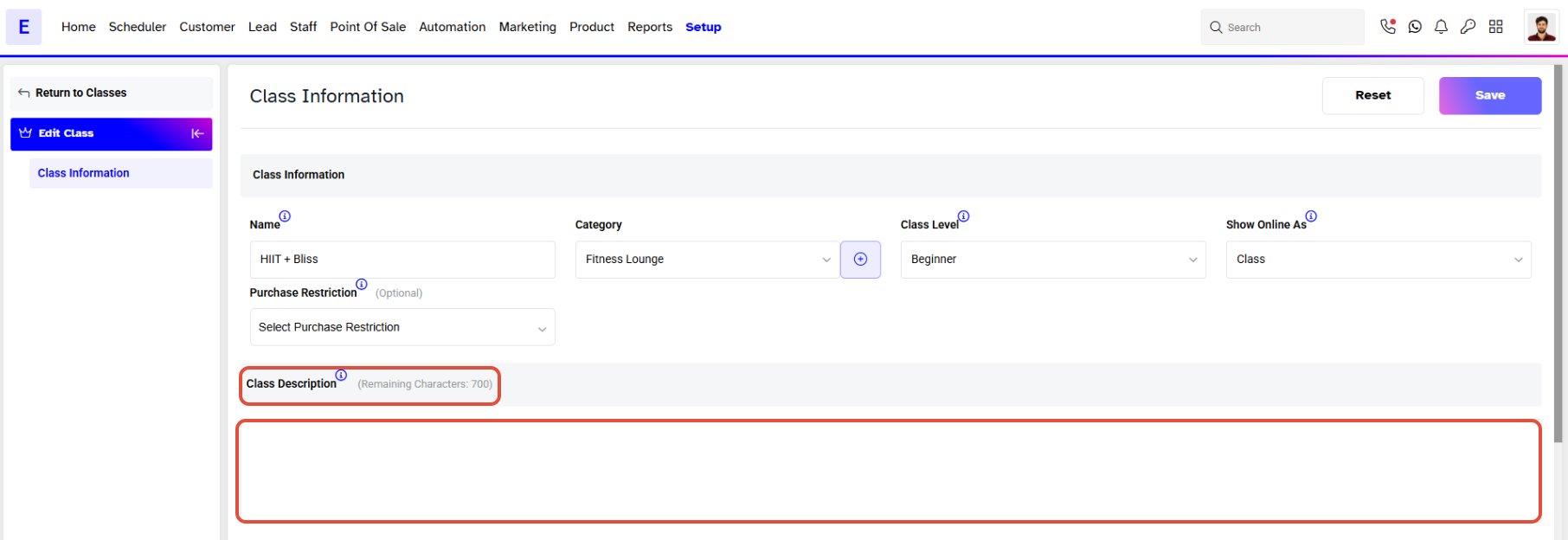
- On the Class Information screen, update the Class Description field as needed
Step 3: Save Changes
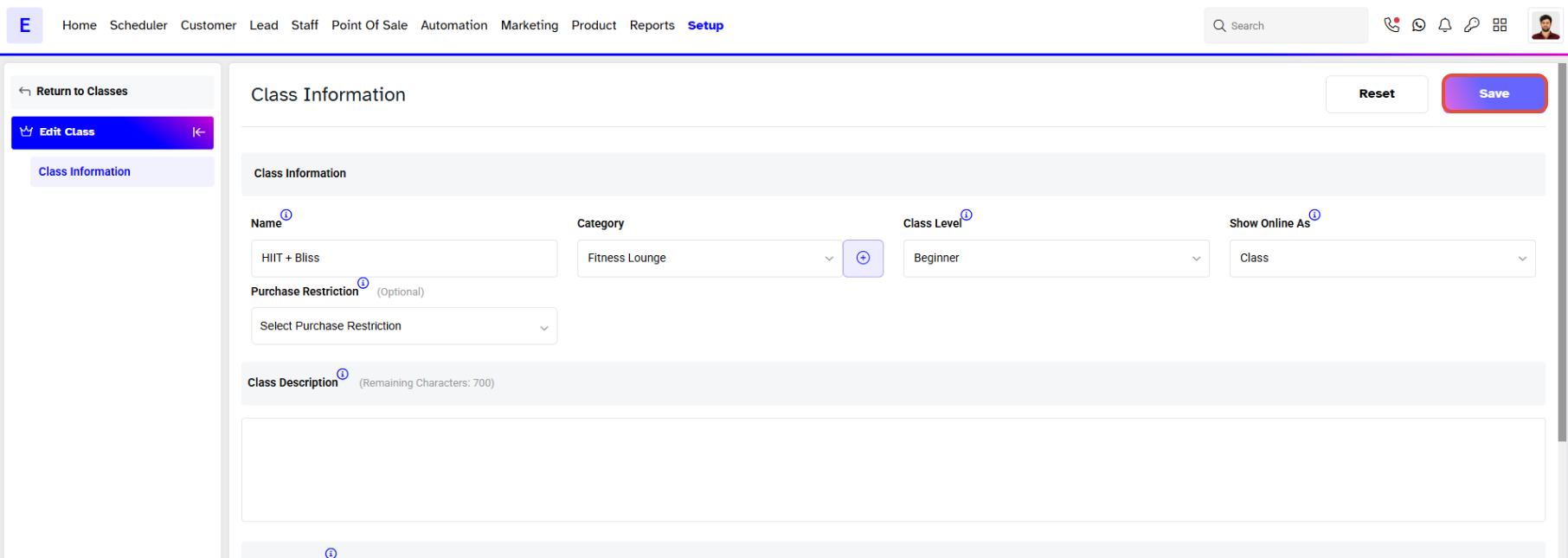
- Once the description has been updated, click on the Save button to confirm your changes.