TABLE OF CONTENTS
To process Unpaid Membership Payment to Paid on Staff App, follow the steps below:
How To Process Unpaid Membership Payment To Paid On Staff App
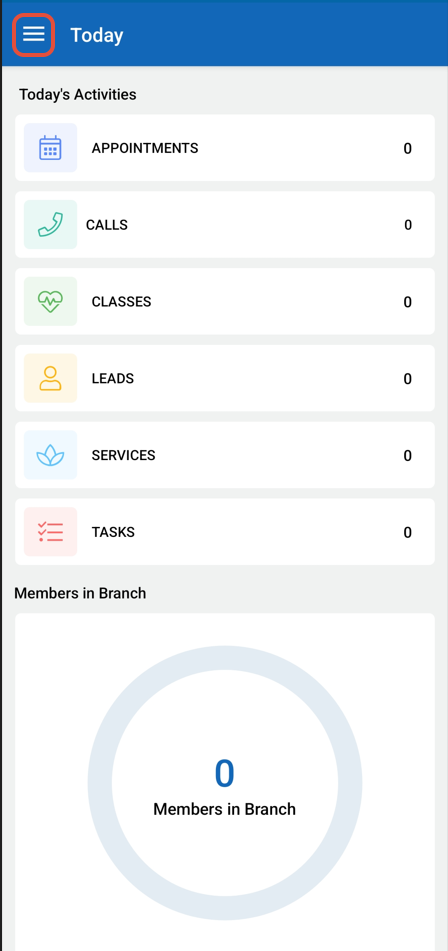
Click on the Side Menu.
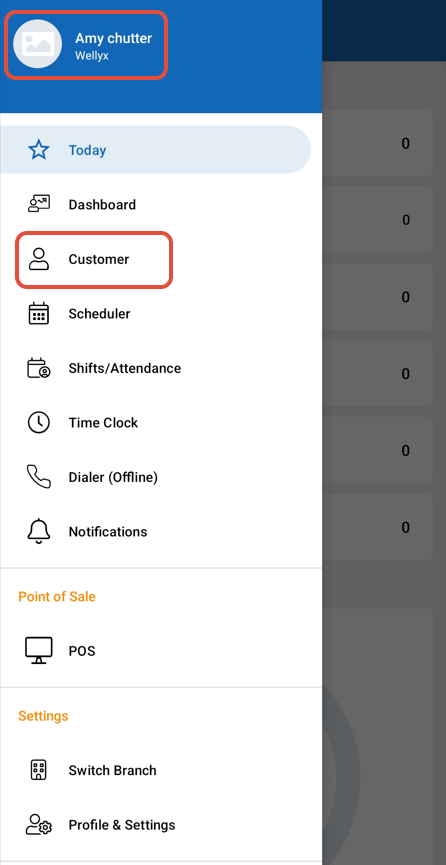
Select the Customer option from the Side Menu.
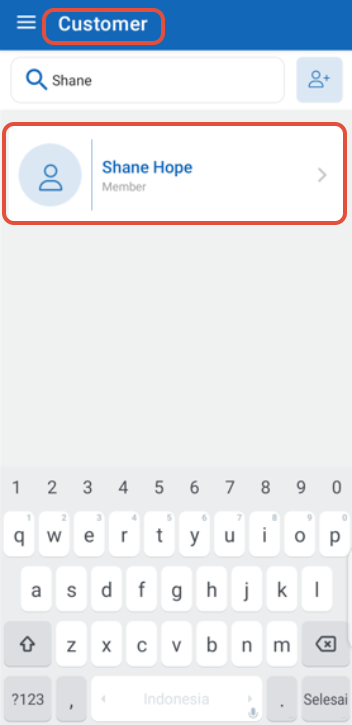
Locate and select the Member whose Membership Payments you wish to view.
The Customer Details Tab will open by default. Navigate to the "Payments" section.
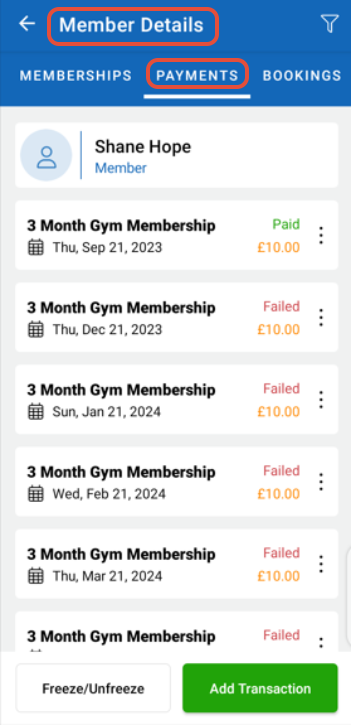
Locate the "Unpaid Payment Status" for the selected Member.
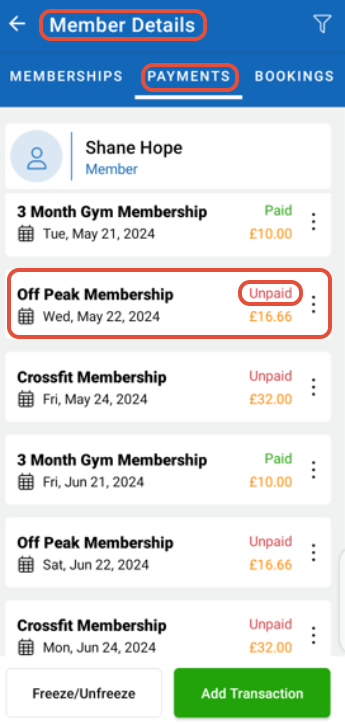
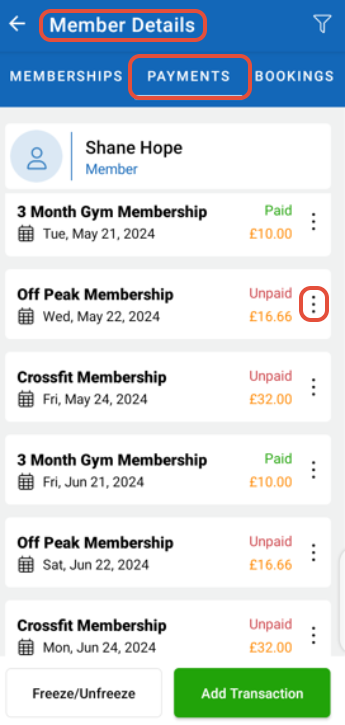
Click on the three Dots associated with that Payment Status.
From the Popup Menu, select the "Process Payment" option.
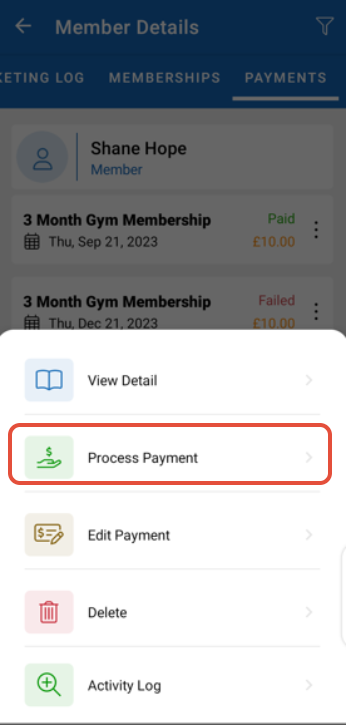
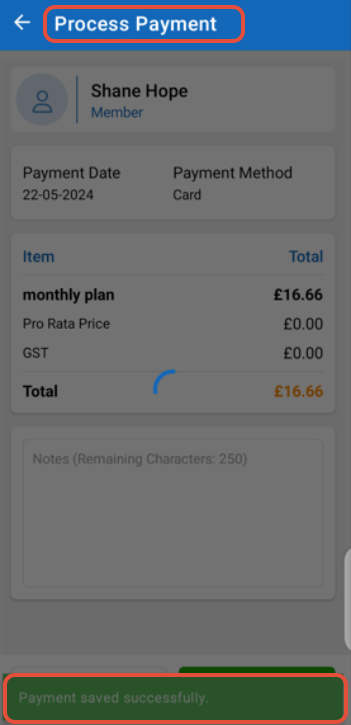
After selecting "Process Payment," review all the Payment details carefully.
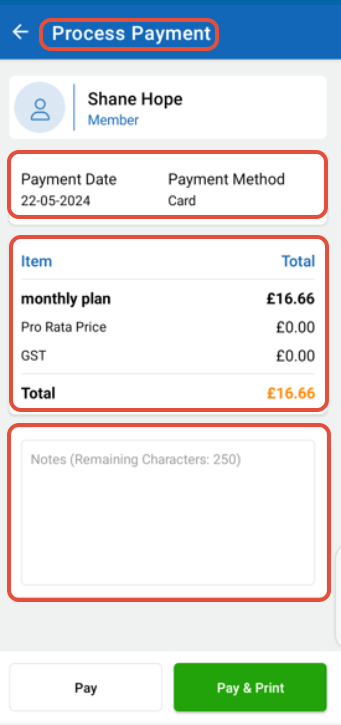
Once you've verified the Payment details, click on the "Pay" or "Pay and Print" button to Complete the Transaction.
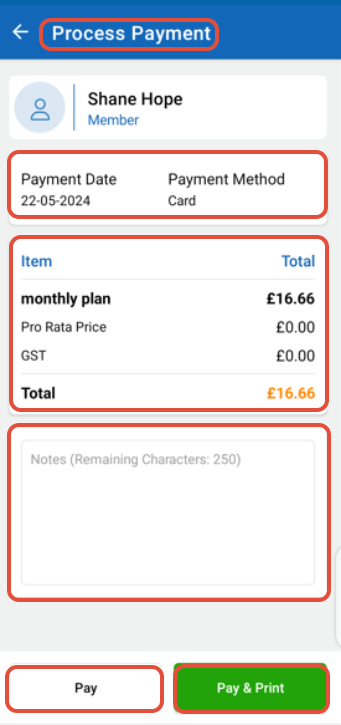
The Payment Status has been successfully changed from Unpaid to Paid.