TABLE OF CONTENTS
To Change a Staff Member's Login Password, follow the steps below.
How A Staff Member Can Change Their Login Password From The Staff App
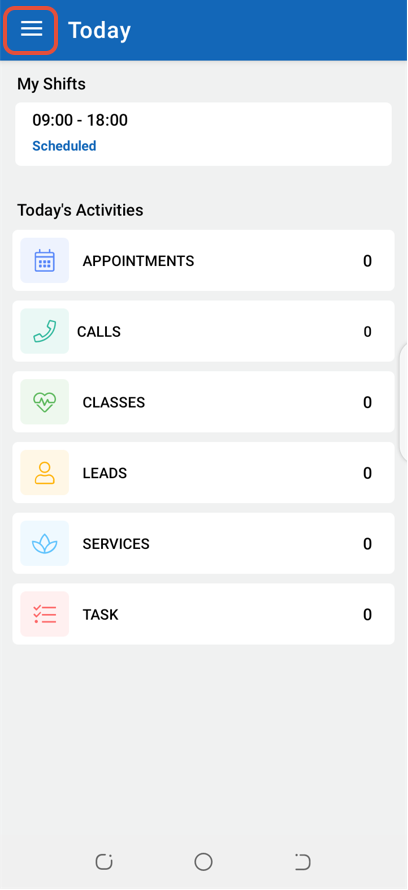
Click on the Three Lines at the top left corner of the screen.
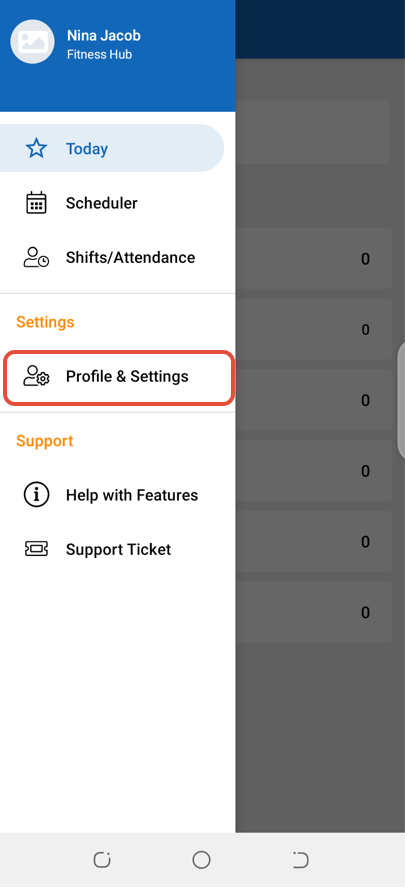
Select Profile & Settings.
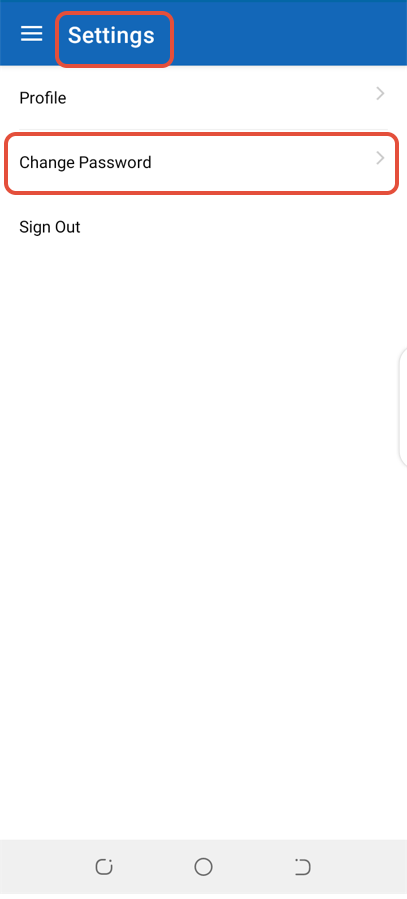
Click on Change Password.
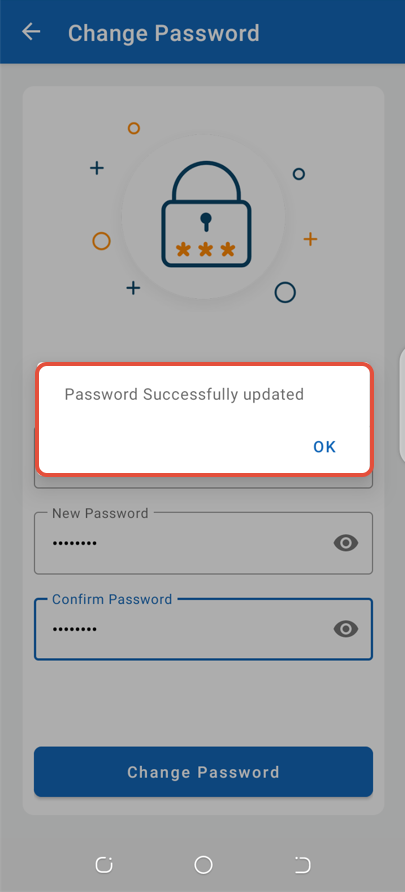
Enter the Current and New Password and then click on the Change Password Button.
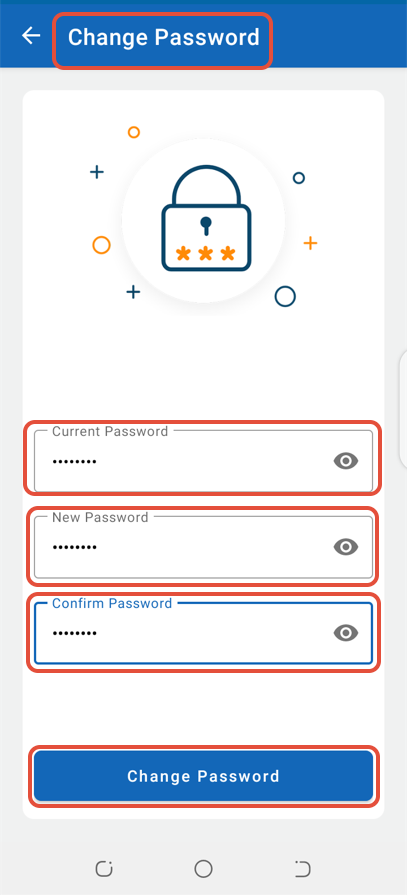
The Staff Member's Login Password will now be changed.