TABLE OF CONTENTS
To create a Client on the Staff App, follow the steps below.
How To Create A Client On The Staff App
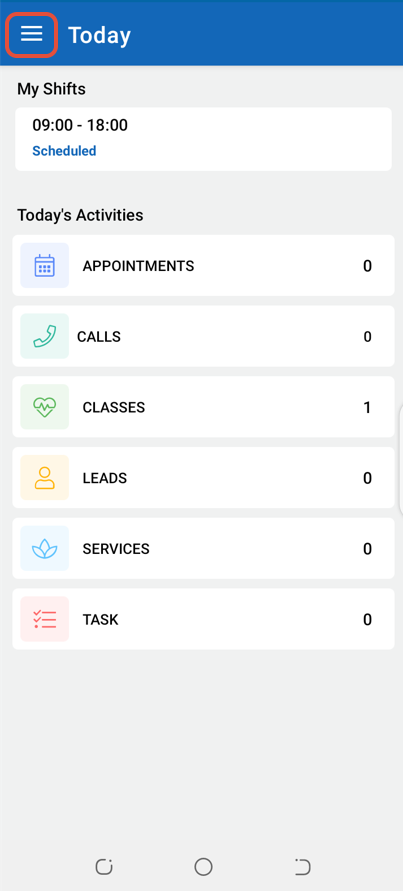
Click on the Three Lines at the top left corner of the screen.
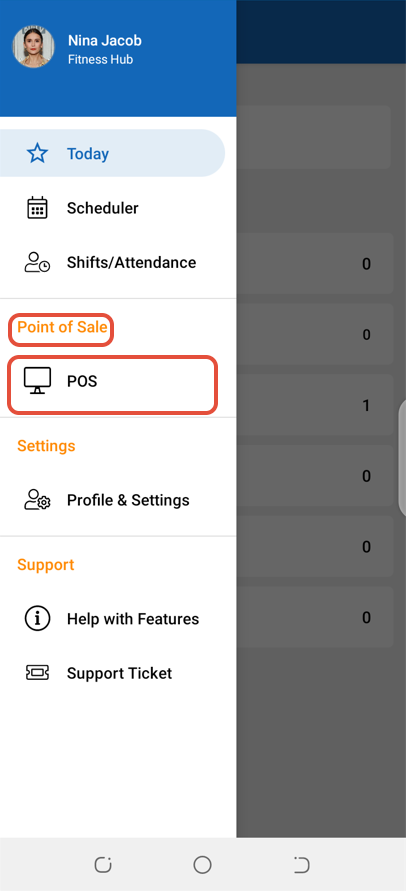
Select POS under the Point Of Sale label.
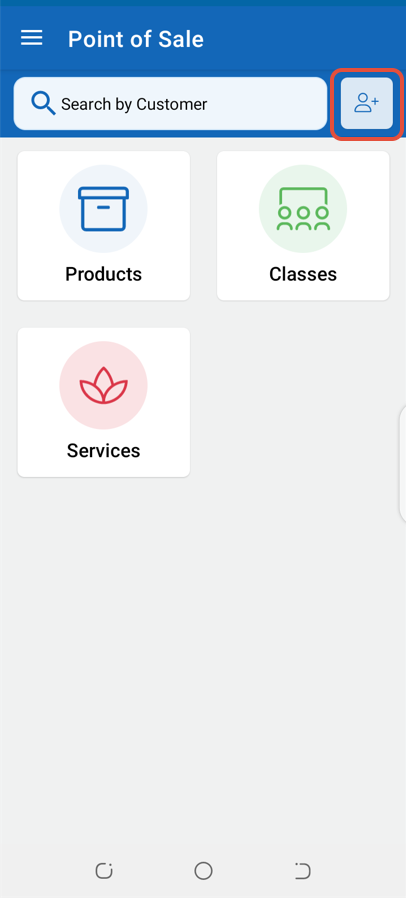
Click on the Add Client Icon.
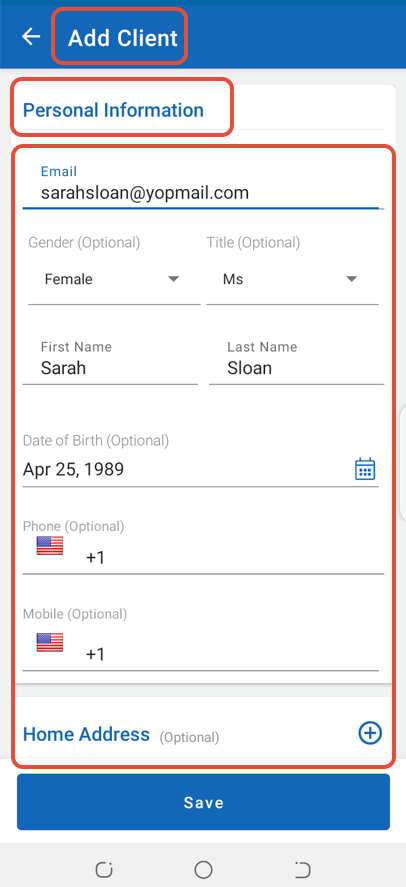
Enter the relevant details in the Add Client Screen.
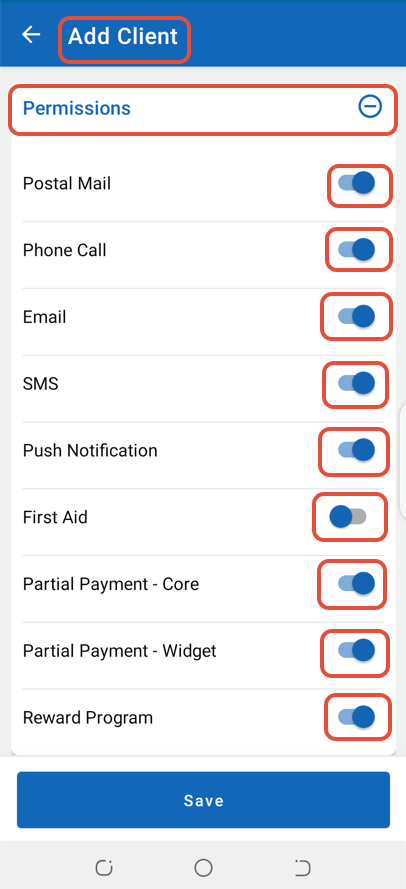
Click on Permissions and toggle on the relevant buttons.
Click on the Save Button to confirm the changes.
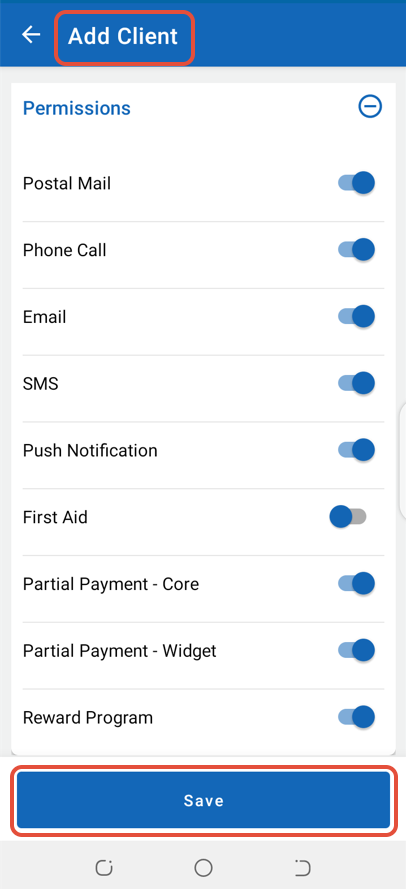
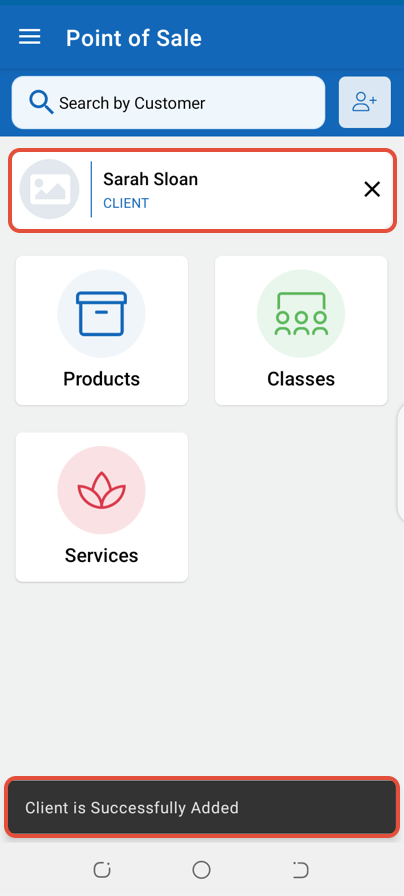
The Client will now be created in the system.