TABLE OF CONTENTS
To purchase a Product through the Staff App. follow the steps below.
How To Purchase A Standard Product Through The Staff App
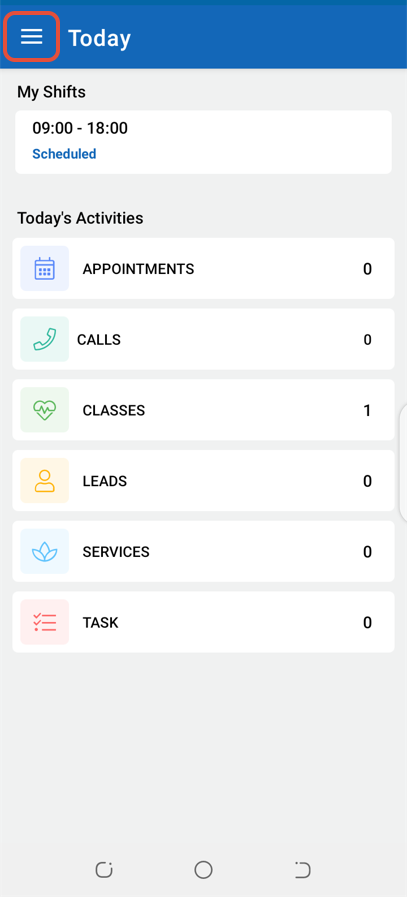
Click on the Three Lines at the top left corner of the screen.
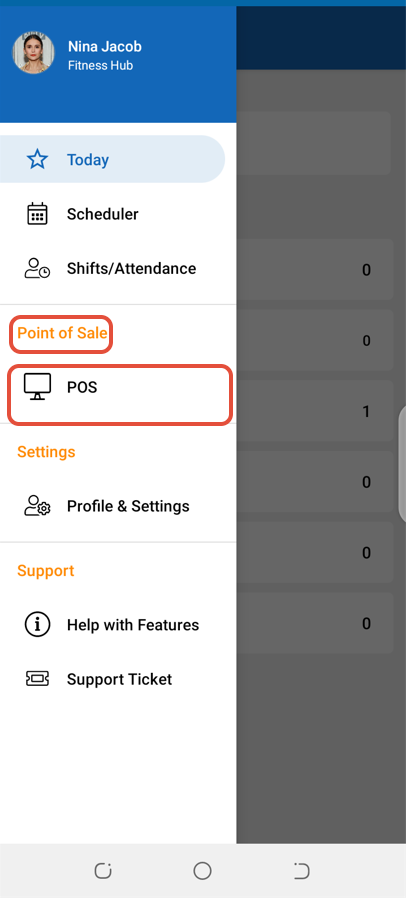
Select POS under the Point of Sale label.
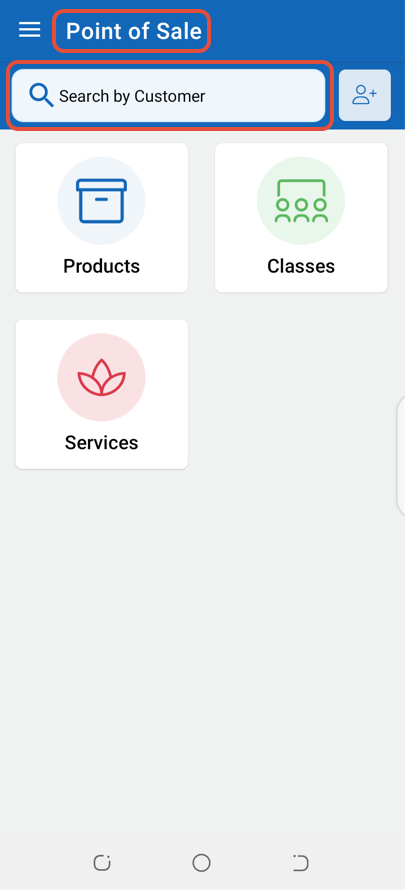
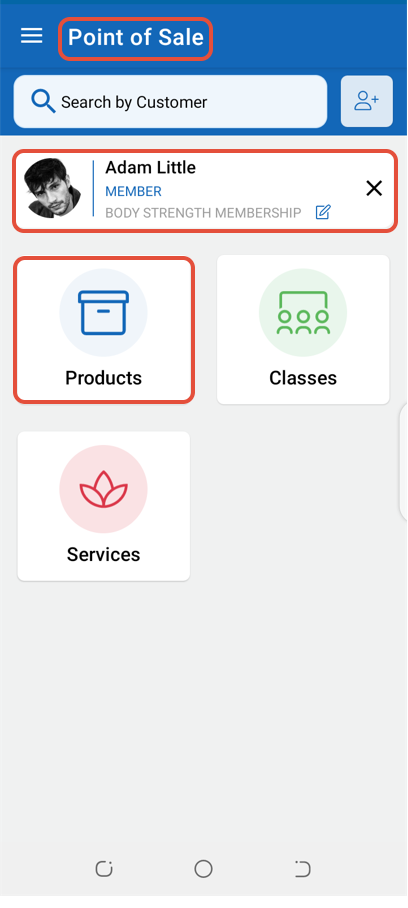
Select a Customer through the Search by Customer Box.
Now, click on Products.
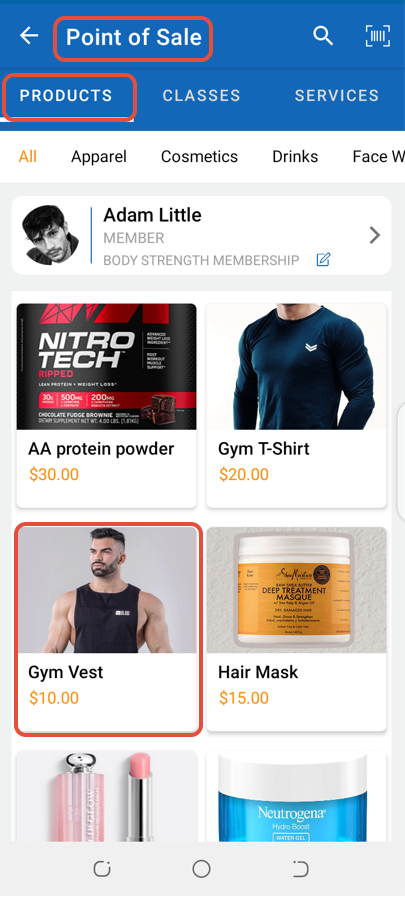
Select a Standard Product.
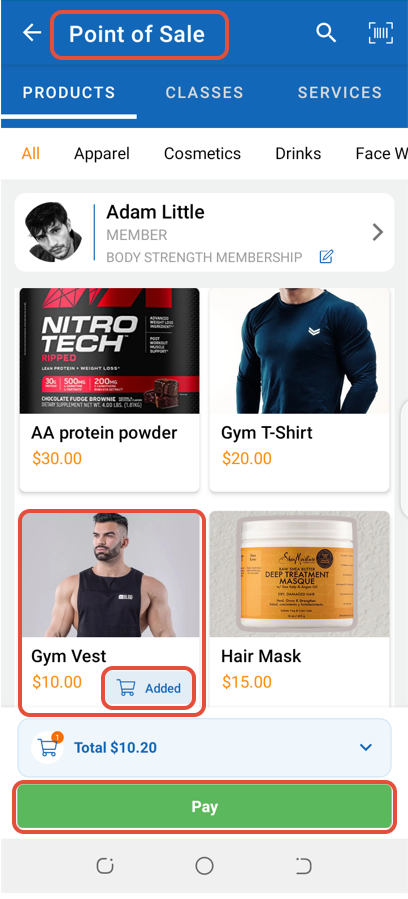
Click on the Pay Button.
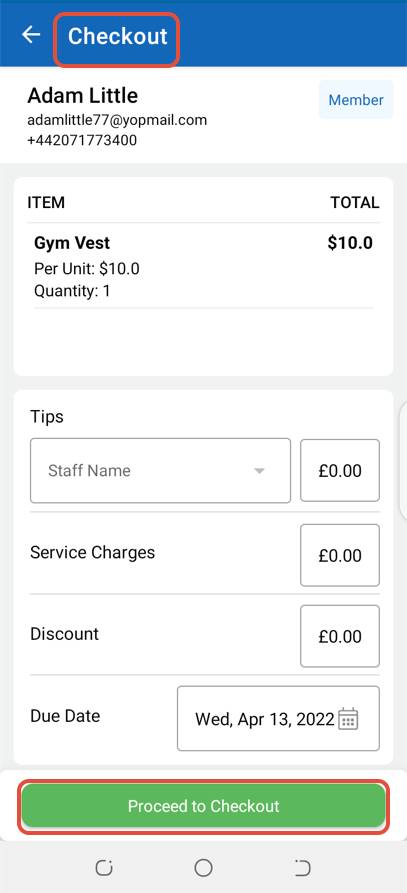
In the Checkout Screen, click on the Proceed To Checkout Button.
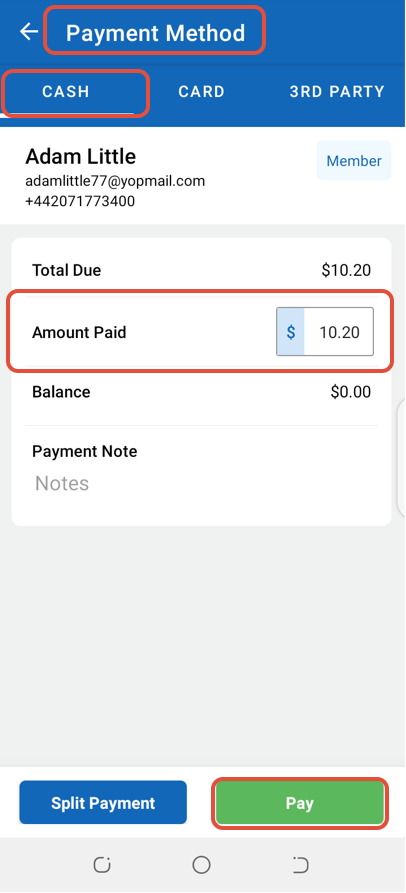
Select a Payment Method and click on the Pay Button.
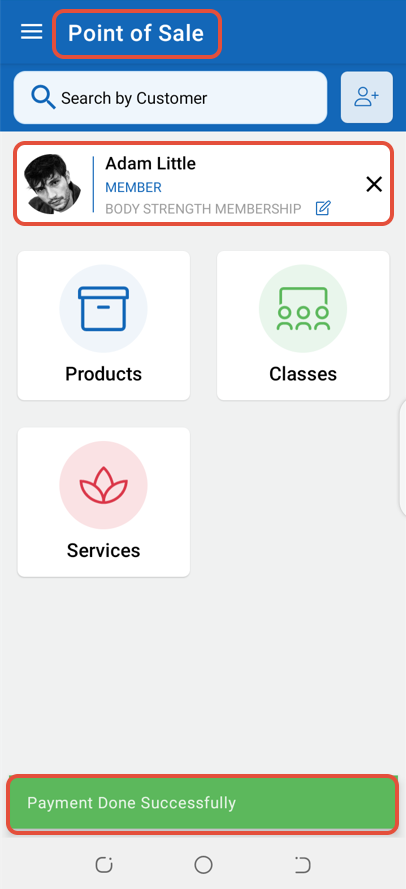
The Payment Confirmation message will be dispalyed on the screen.