TABLE OF CONTENTS
To add an Attendee to a Class through the Staff App, follow the steps below.
How To Add An Attendee To A Class Through The Staff App
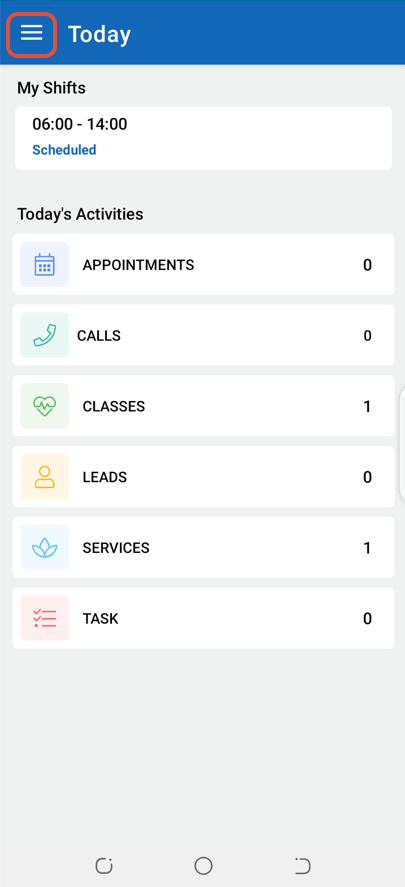
Click on the Three Lines at the top left corner of the screen.
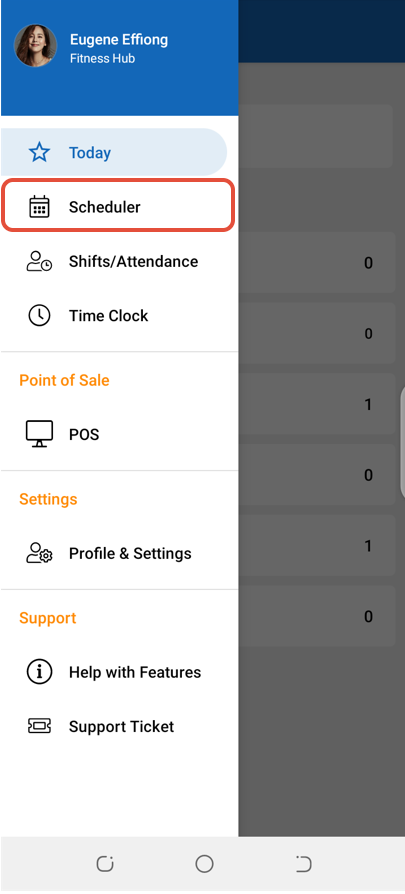
Select Scheduler.
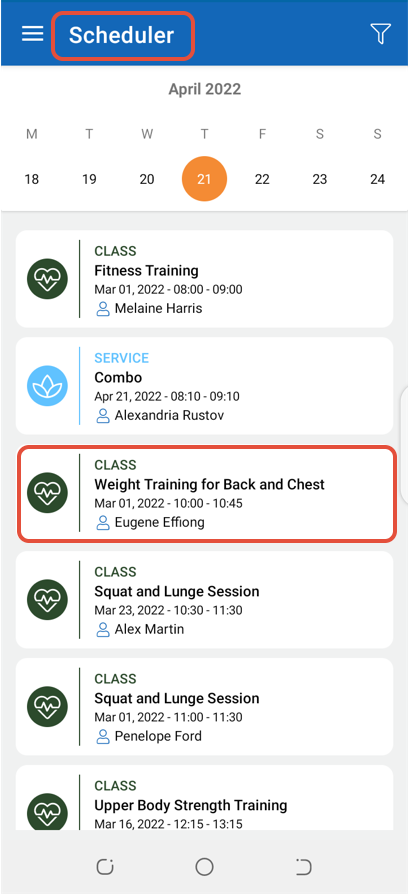
Click on a Class.
Click on the Attendees Button.
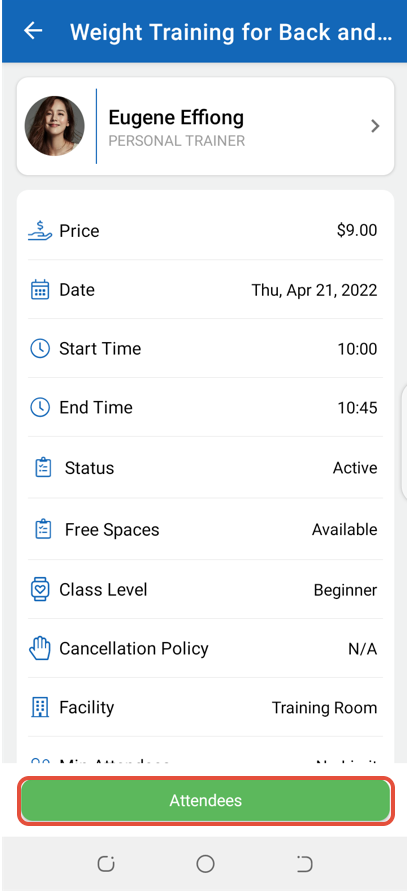
In the Attendees Screen, click on the Add Attendee Icon.
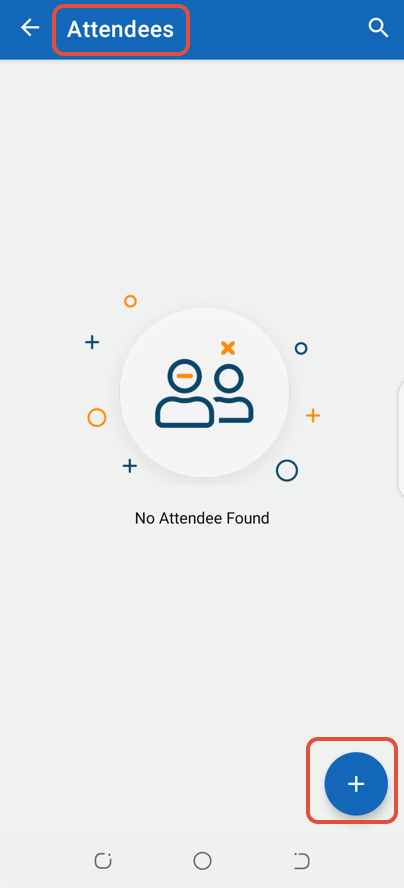
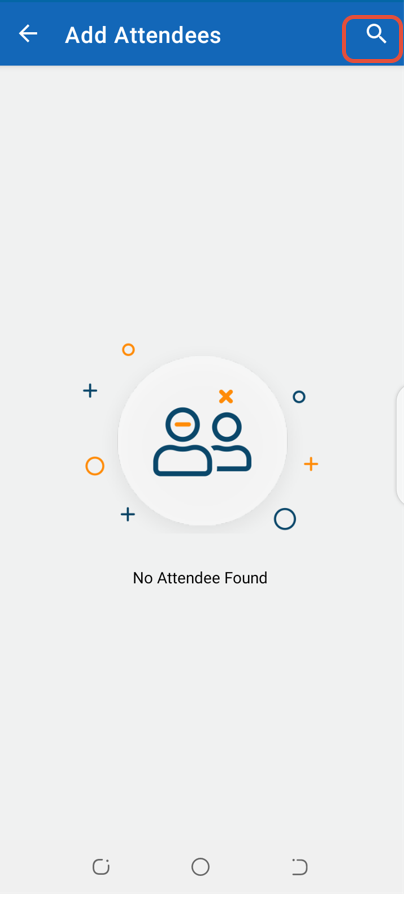
Search for an Attendee through the Search Icon.
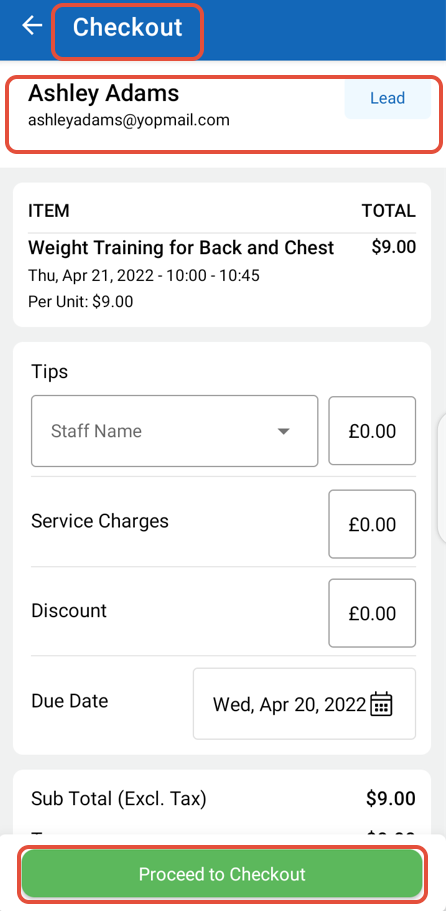
Once in Checkout, click on the Proceed To Checkout Button.
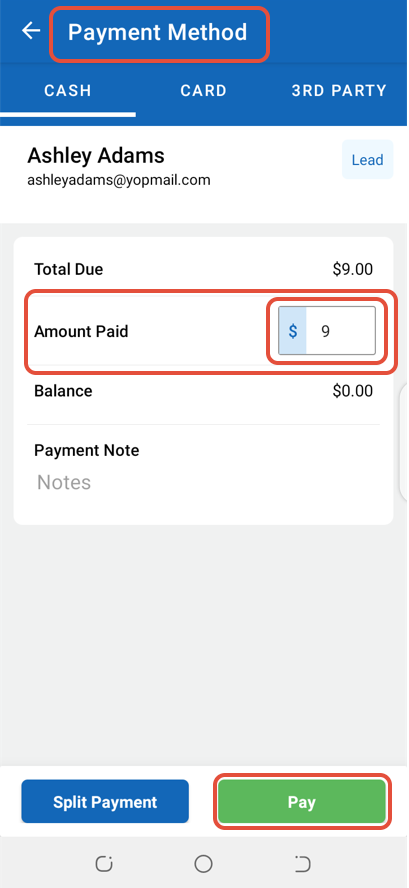
Enter Amount Paid and then click on the Pay Button.
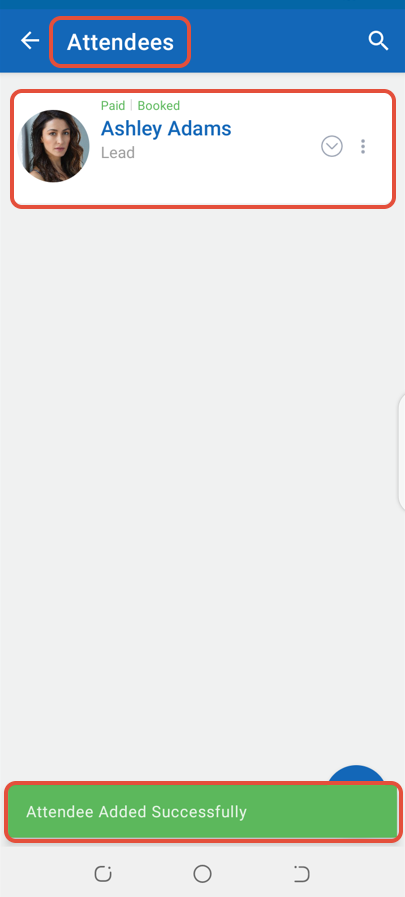
The Attendee will be added to the Class.