TABLE OF CONTENTS
To Delete an Unpaid Service through the Staff App, follow the steps below.
How To Delete An Unpaid Service Through The Staff App
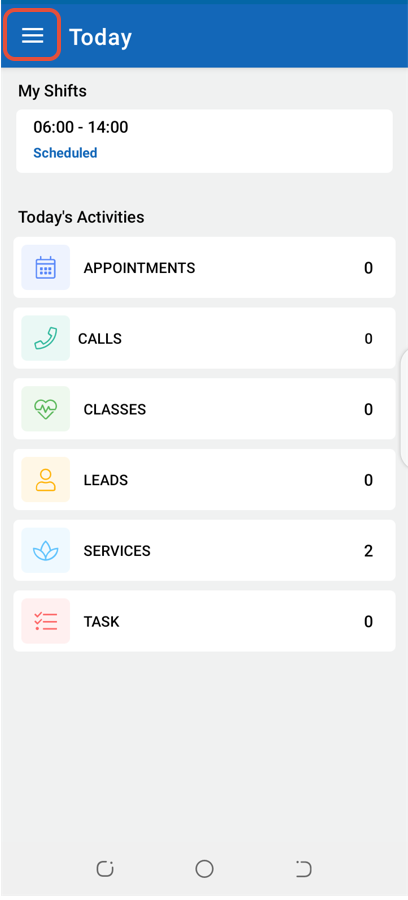
Click on the Three Lines at the top left corner of the screen.
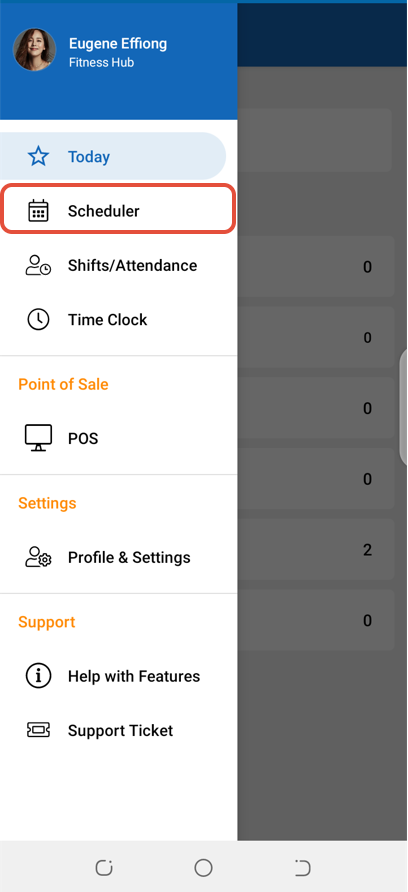
Select Scheduler.
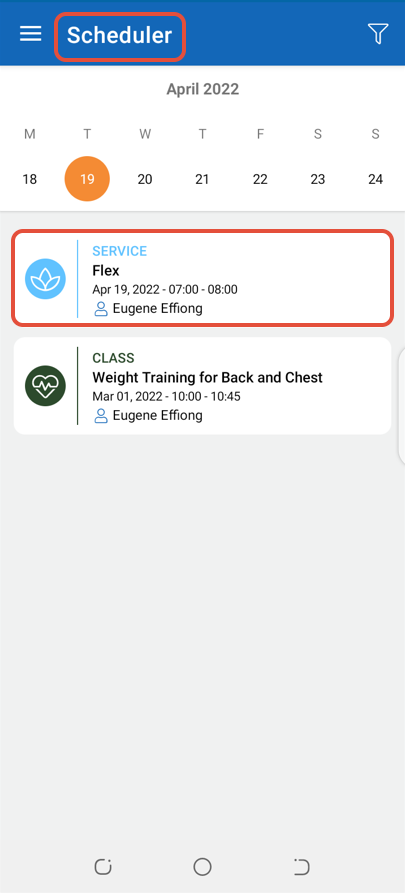
In Scheduler, click on the Service.
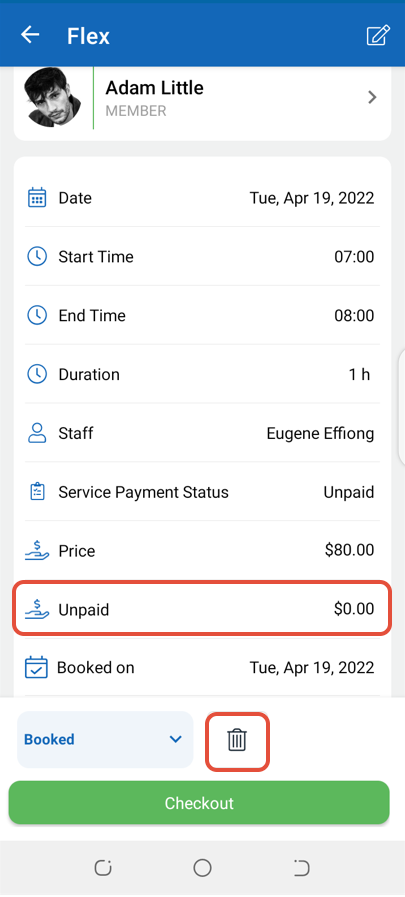
Now, click on the Delete Icon.
Once in Alert Box, click on the Yes Button.
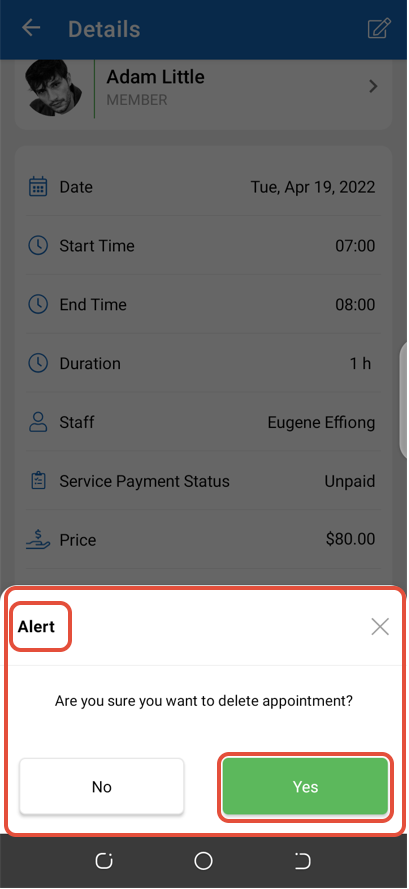
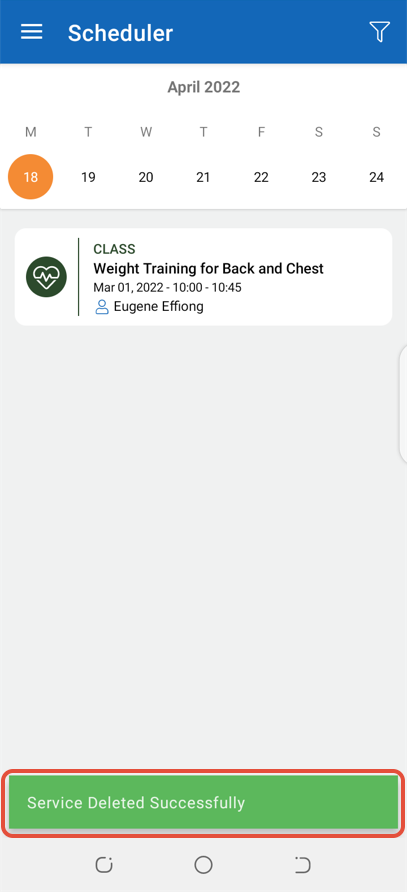
The Service will be deleted from the system.