TABLE OF CONTENTS
To perform Checkout for a Walk In Customer on the Staff App, follow the steps below.
How To Perform Checkout For A Walk In Customer On The Staff App
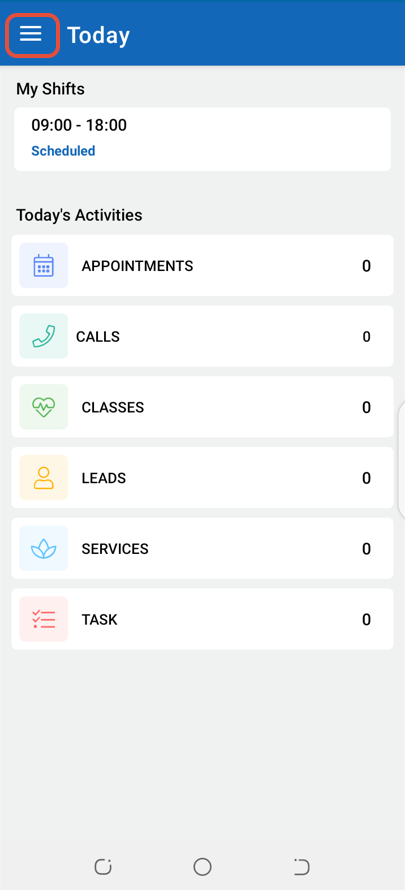
Click on the Three Lines at the top left corner of the screen.
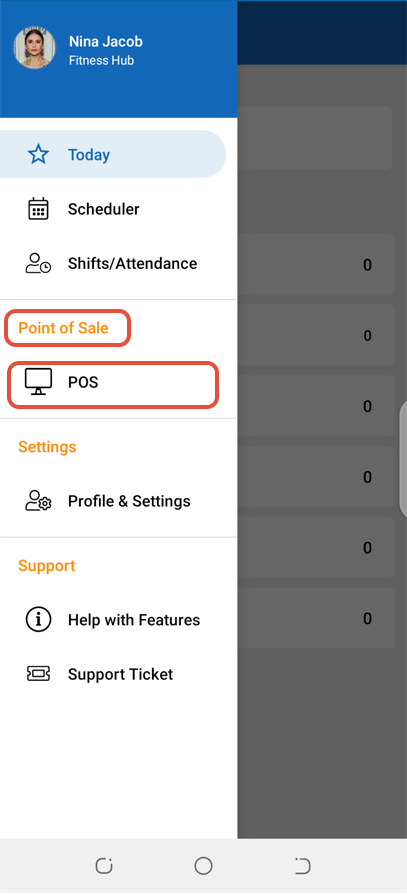
Select POS under the Point Of Sale label.
Click on Products.
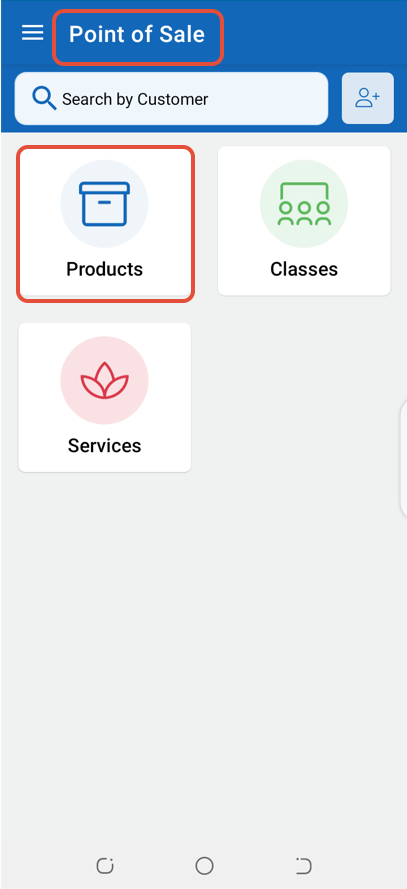
As no Customer was selected through the Search By Customer box, the system considered it as a Walk In Customer.
Now, click on a Product and then on Pay.
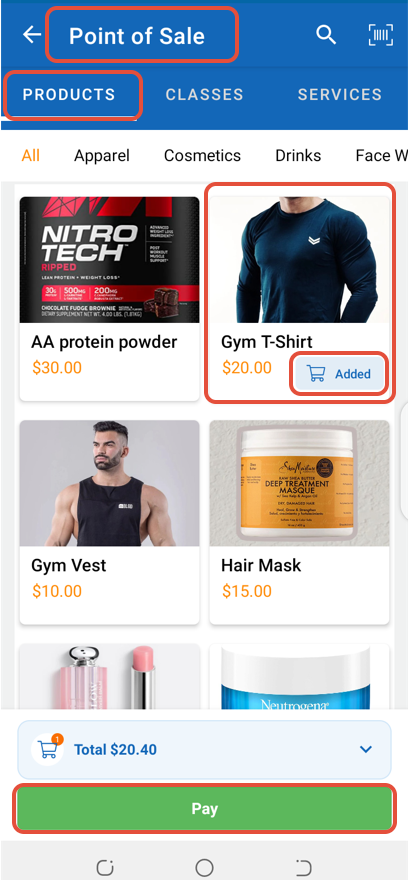
Once in Checkout, click on the Proceed To Checkout Button.
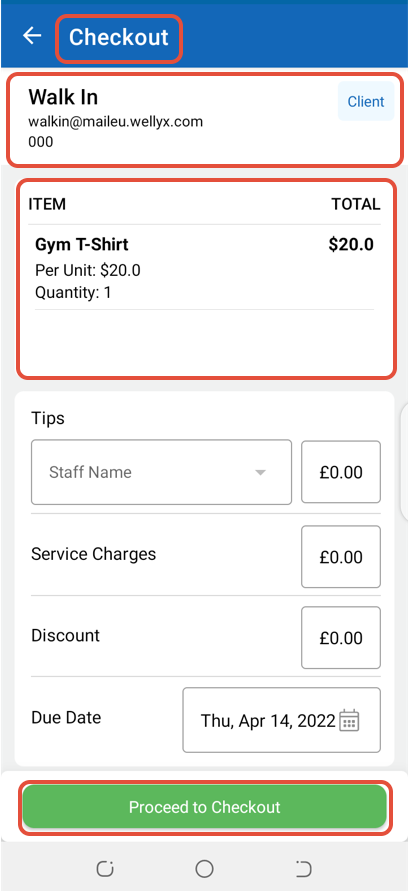
Select a Payment Method and again click on Pay.
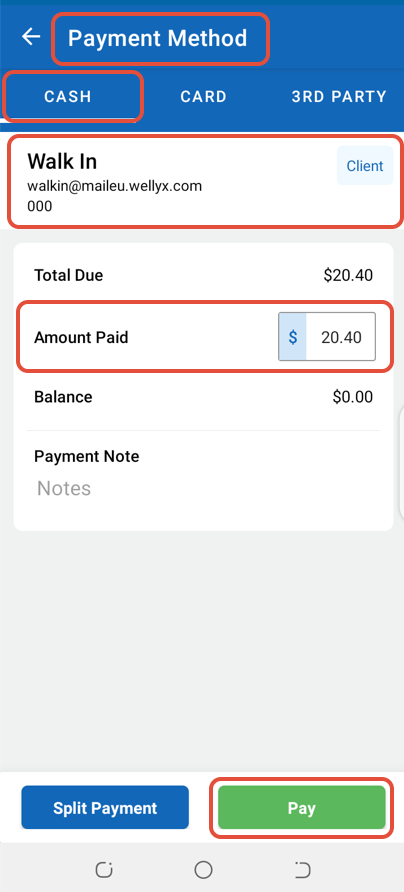
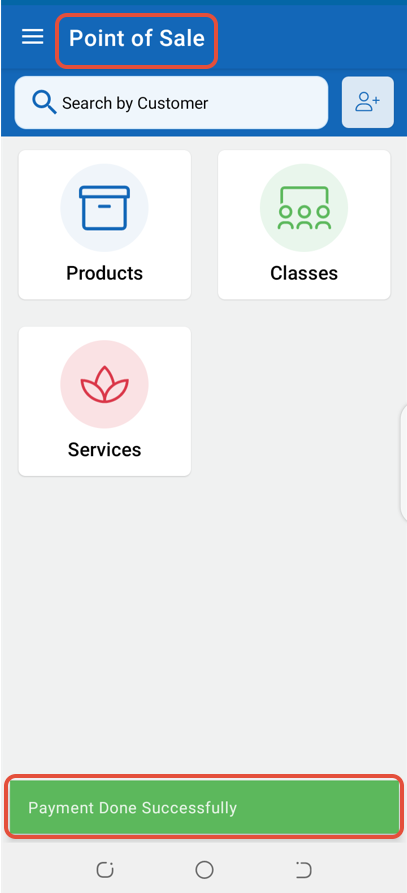
The Payment will be made against the Walk In Customer.