TABLE OF CONTENTS
To mark an Attendee as Present in a Class through the Staff App, follow the steps below.
How To Mark An Attendee As Present In A Class Through The Staff App
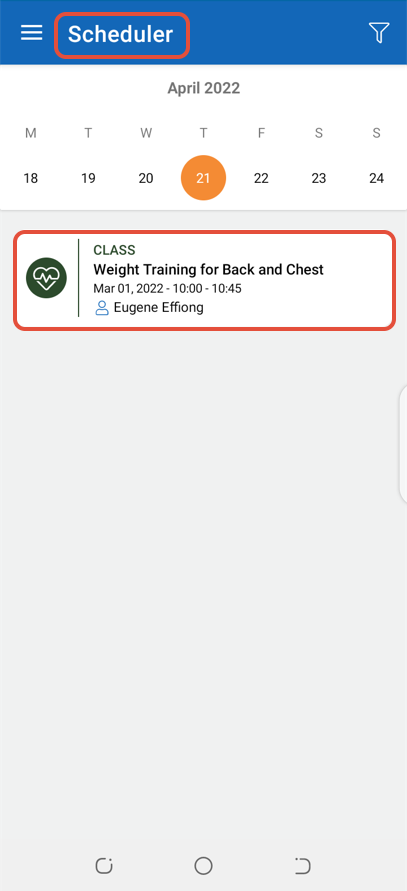
Go to Scheduler and click on a Class.
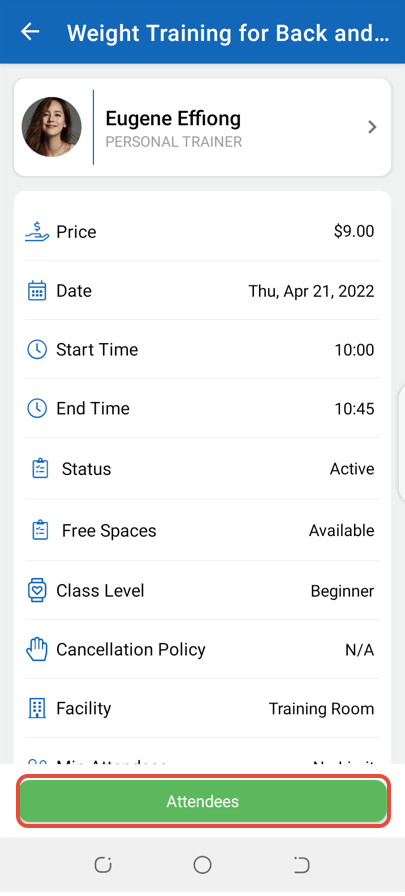
Click on the Attendees Button.
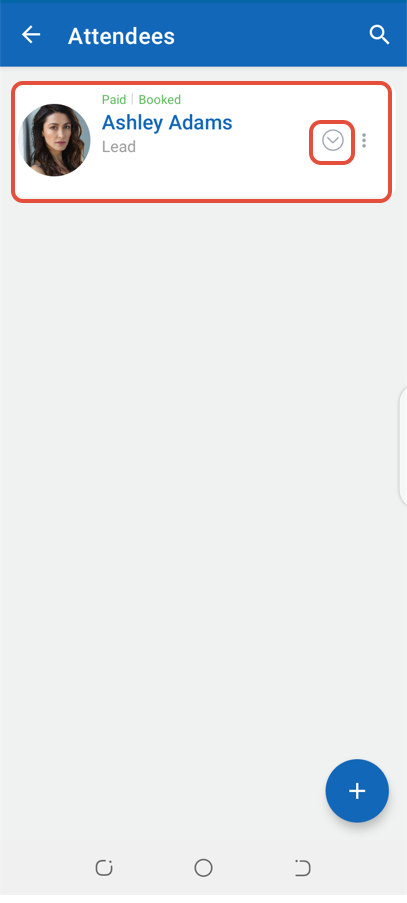
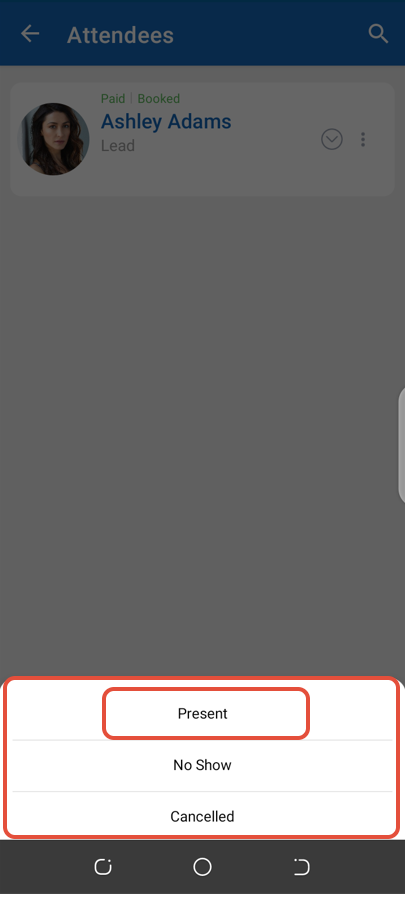
Now, click on the Status Dropdown Button against an Attendee.
Select Present from the list of options.
Click on the Yes Button.
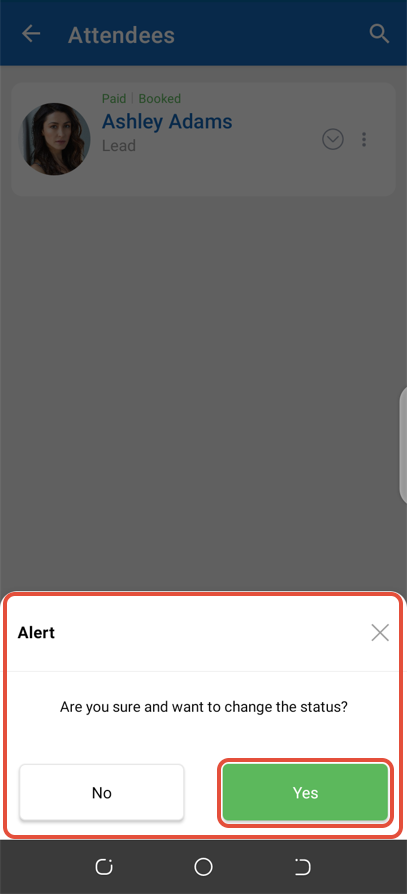
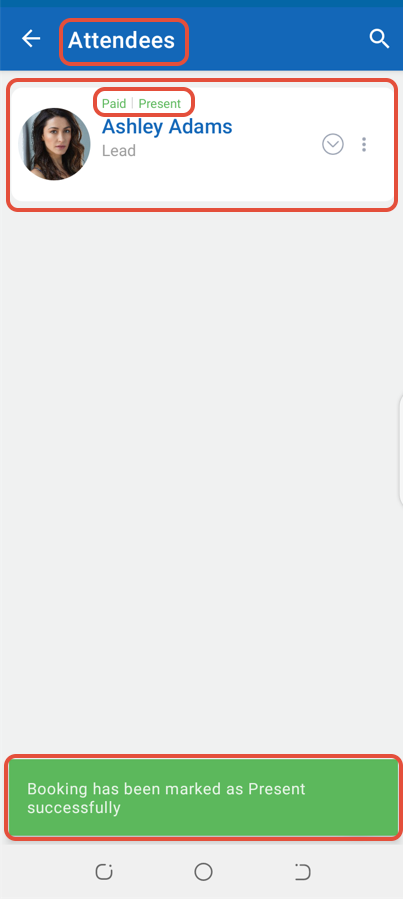
The Attendee will be marked as Present in the Class.