TABLE OF CONTENTS
To Buy a Product through the Linked Gateway Account from the Widget, follow the steps below:
How To Buy A Product Through The Linked Gateway Account From The Widget
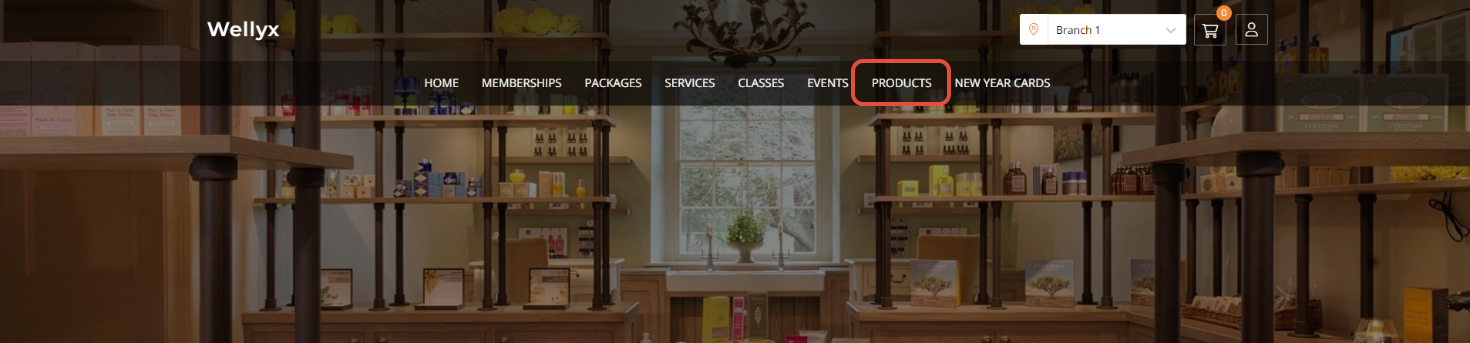
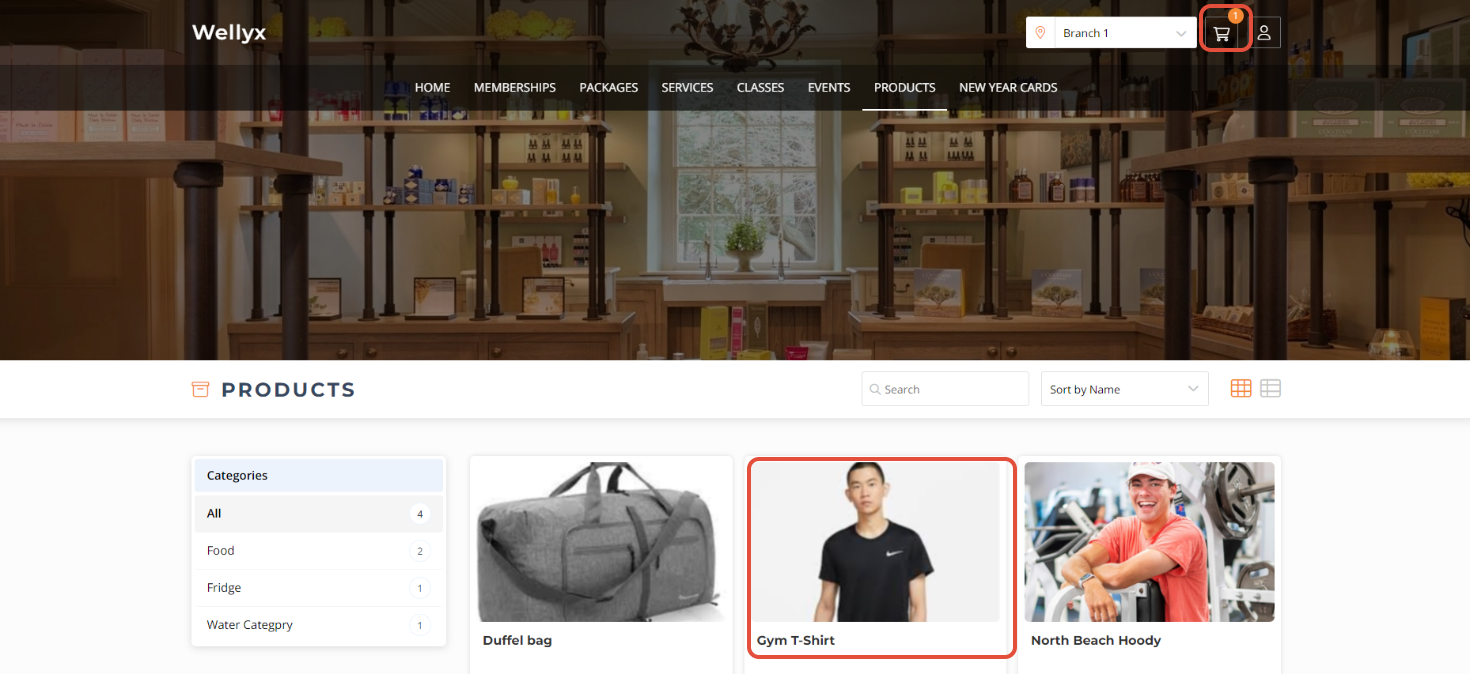
Go to the Products Tab in Widget.
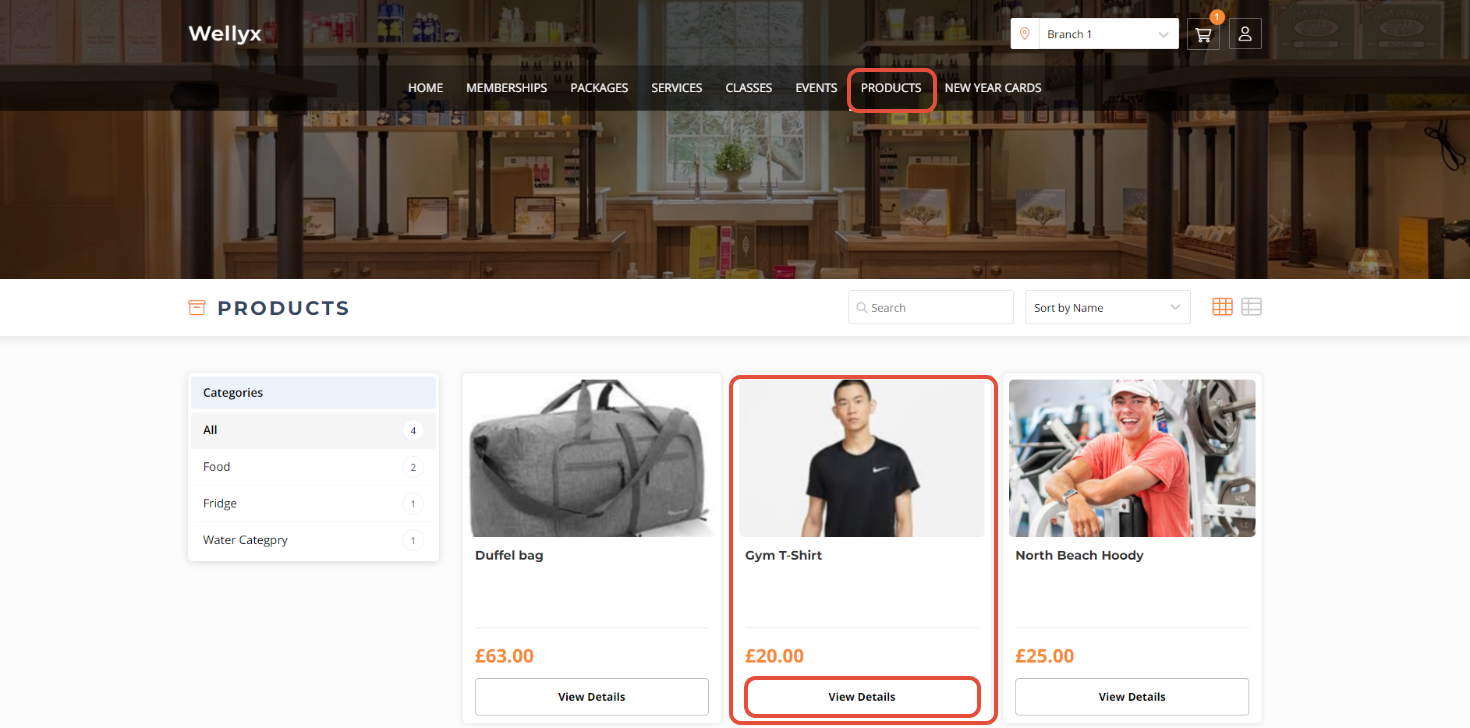
Click on the View Details Button against the Product.
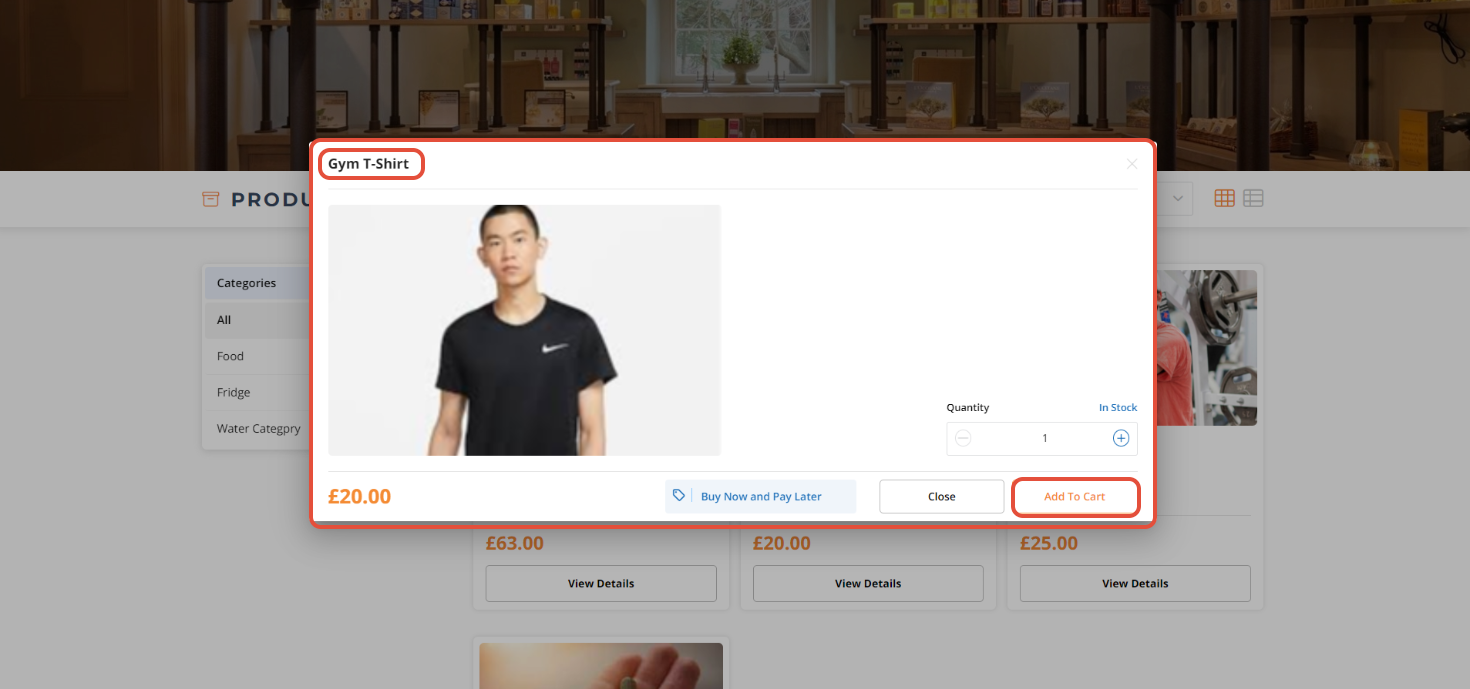
A Product Details Pop-Up Box will open. Click on the Add To Cart Button.
Now, click on the Cart Icon.
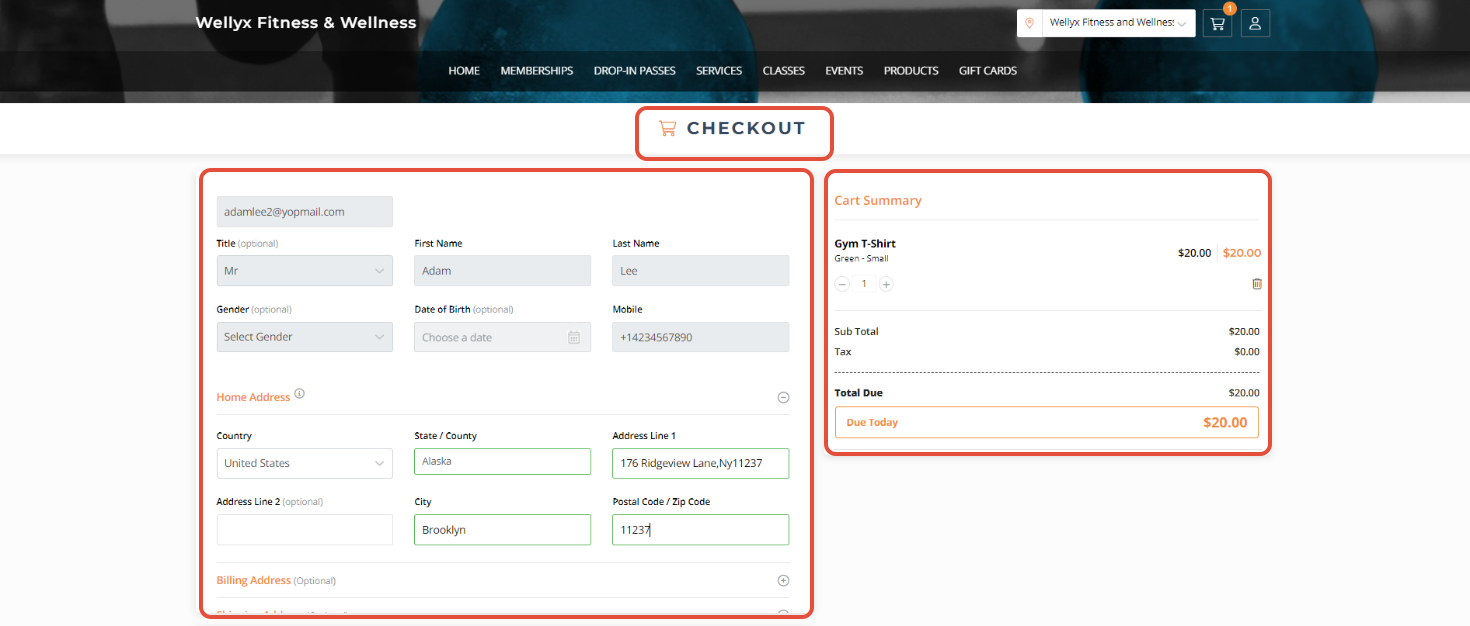
Confirm the Personal Information from the Cart.
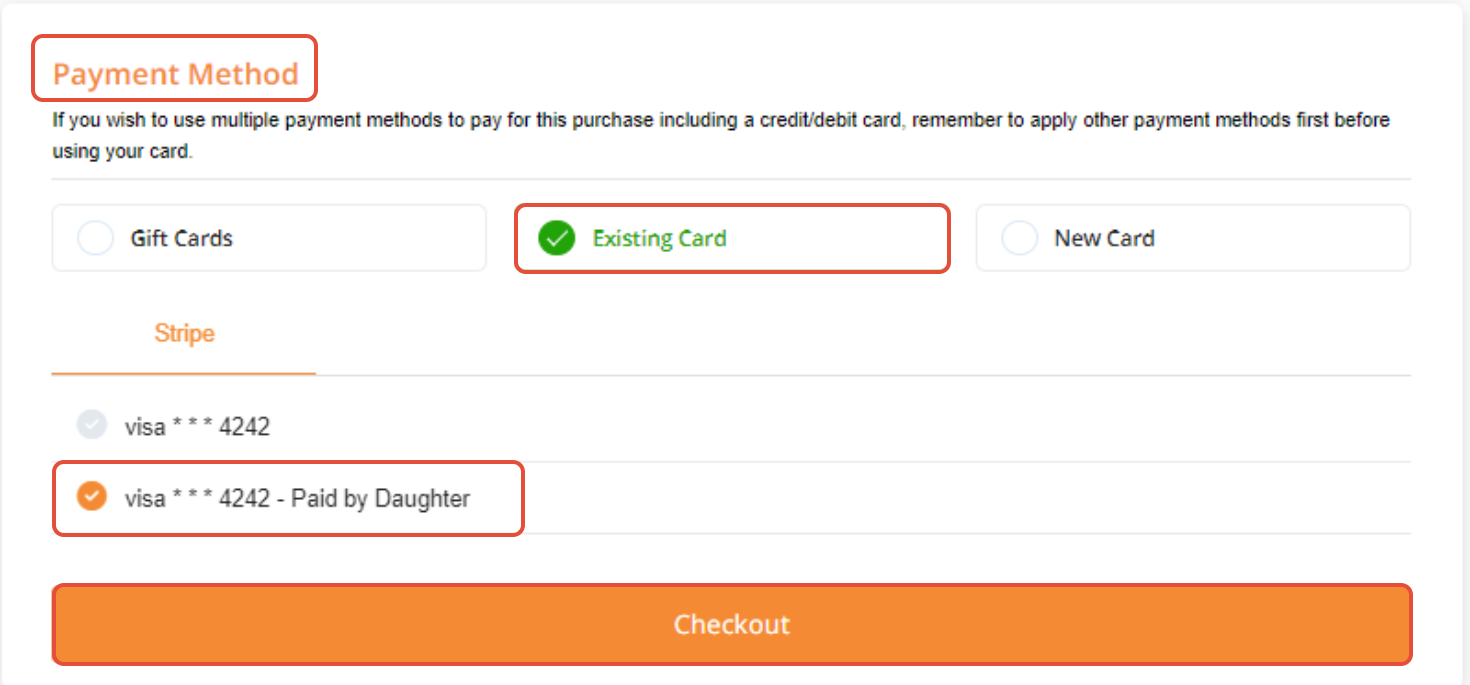
Choose the Linked Gateway from the Payment Method Section.
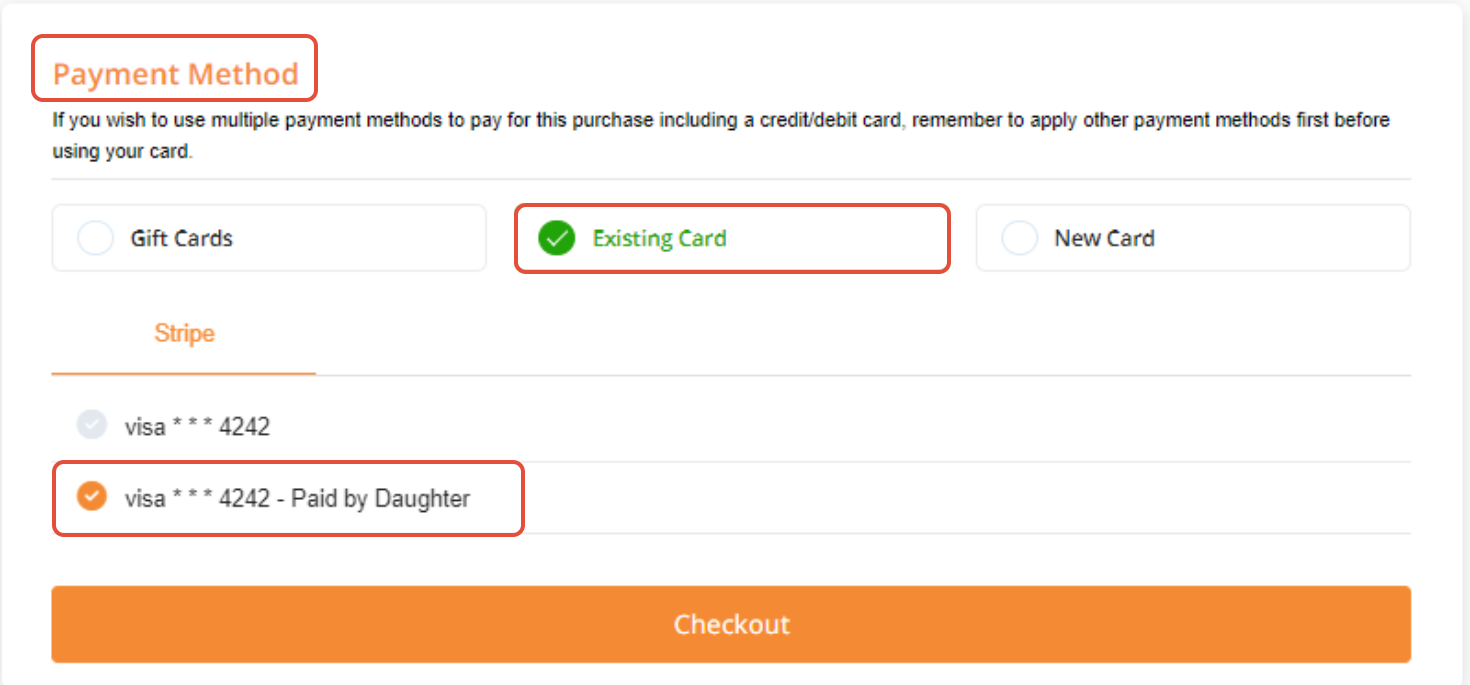
Now, click on the Checkout button.