


From the Homepage, click on the Memberships Tab.
You will be taken to the Memberships page which will display all the available memberships.
Click on Enquire for the membership whose details you want.
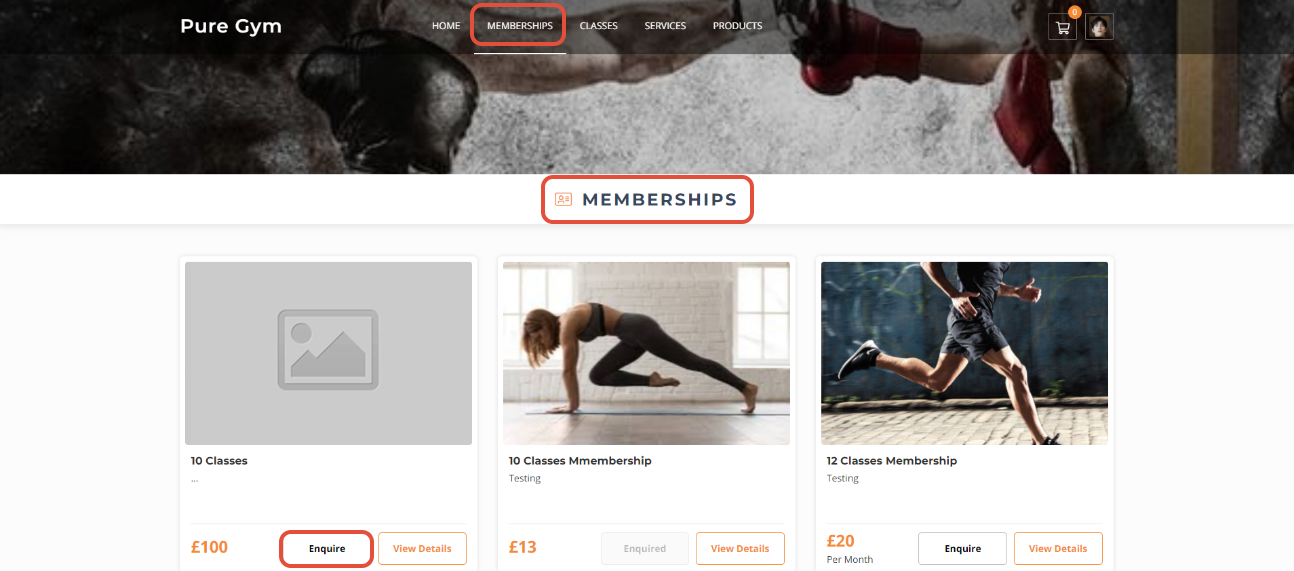
You will be taken to a Membership Enquiry page.
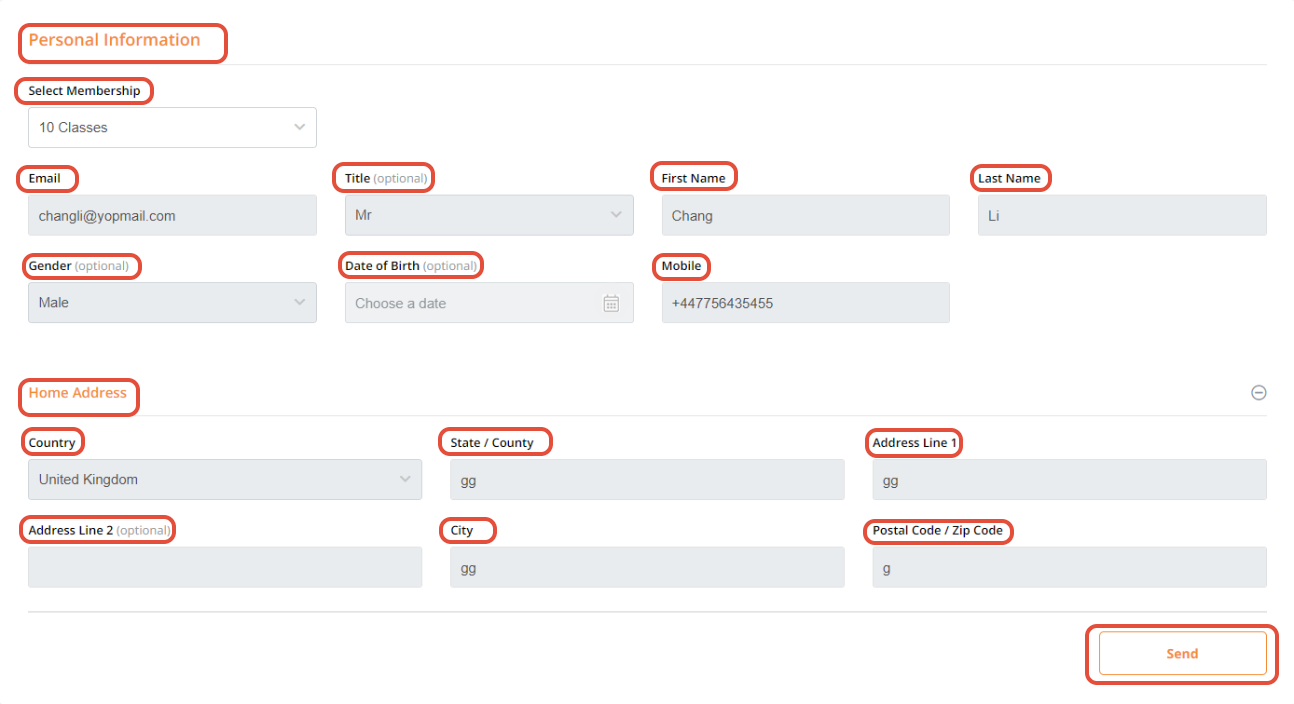
This page will display the following two sections:
Personal information
Home Address
Personal Information
Select a Membership for enquiry from the drop down menu list.
Add your Email, First Name, Last Name and Mobile. These are mandatory fields.
Title, Gender and Date of Birth are optional fields.
Home Address
Select a Country from the dropdown menu. Enter State/Country and Address Line 1. Under Address Line 2 you can add more details of an address such as apartment number etc. Enter City and Post Code/Zip Code.
Click on Send
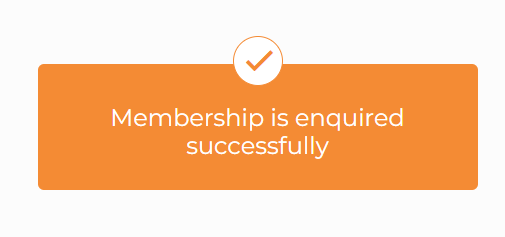
A Membership is enquired successfully message will appear on a new screen, confirming the enquiry.
For a list of terms used in the Wellyx application & across the support website, please consult our Glossary.




