


TABLE OF CONTENTS
To perform an Express Checkout when booking a Class through the Widget, follow the steps below.
How Can A Customer Perform An Express Checkout When Booking A Class Through The Widget
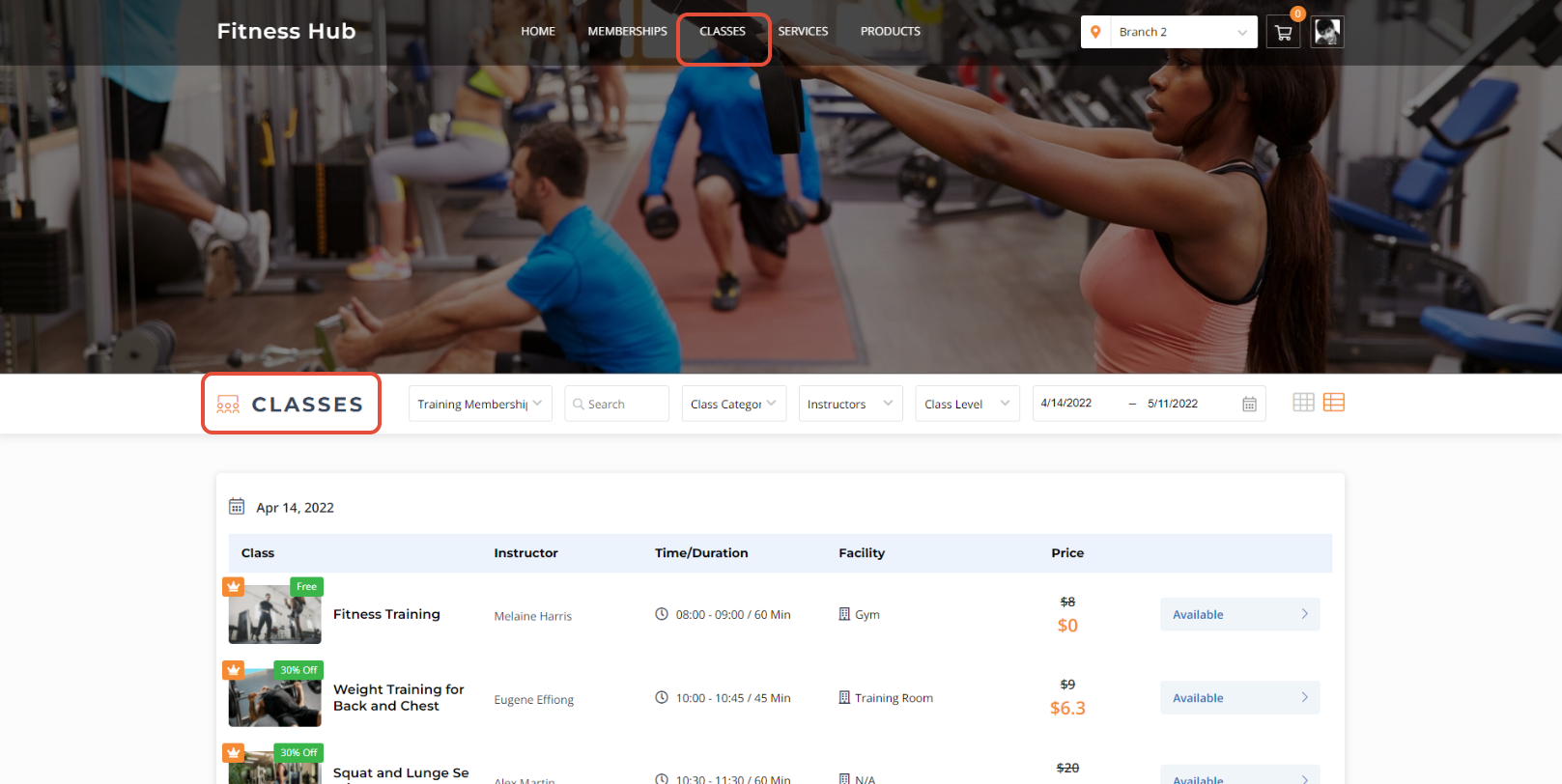
Click on the Classes Tab.
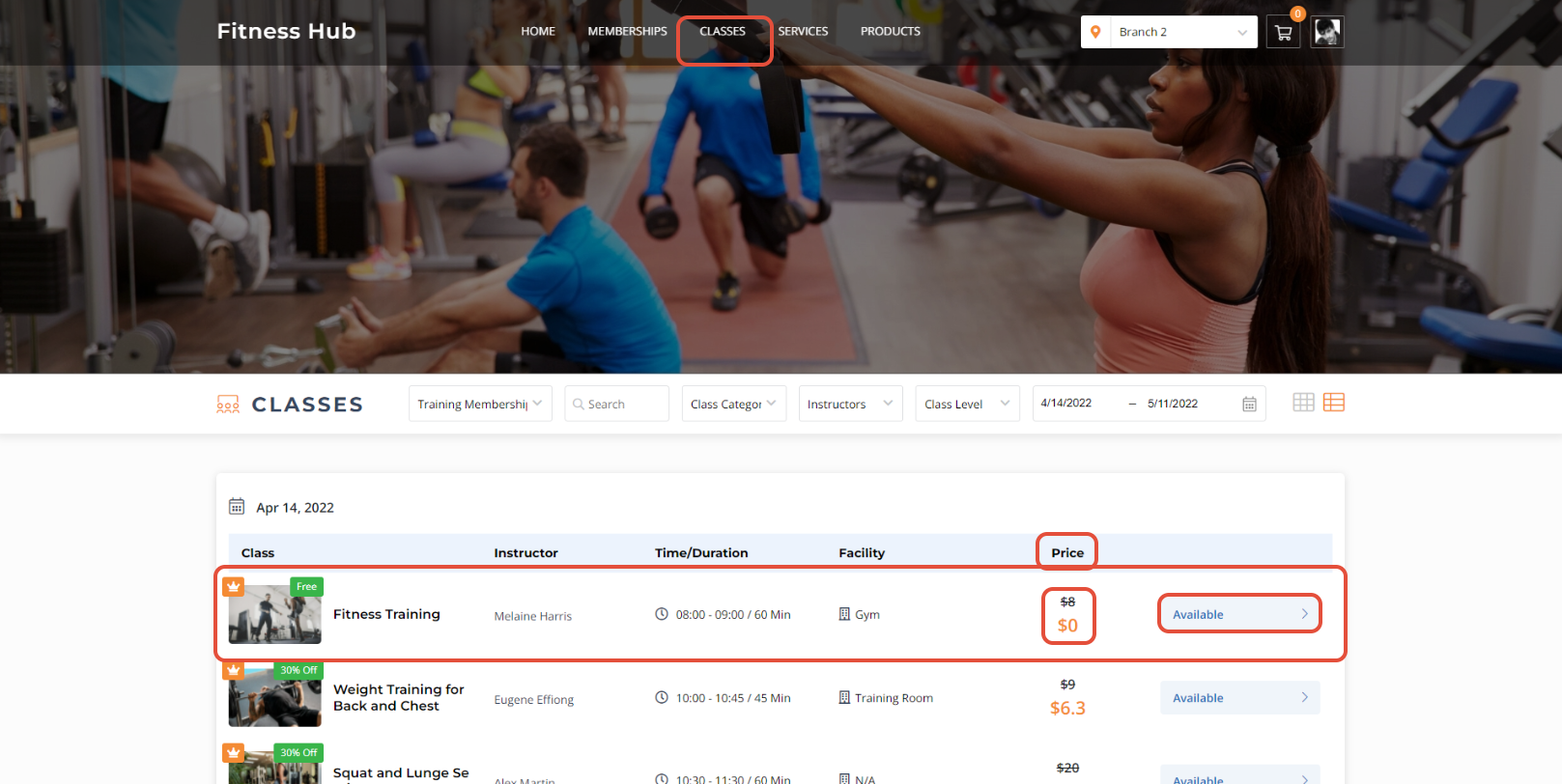
Click on the Available Button against a Class that is available for Free.
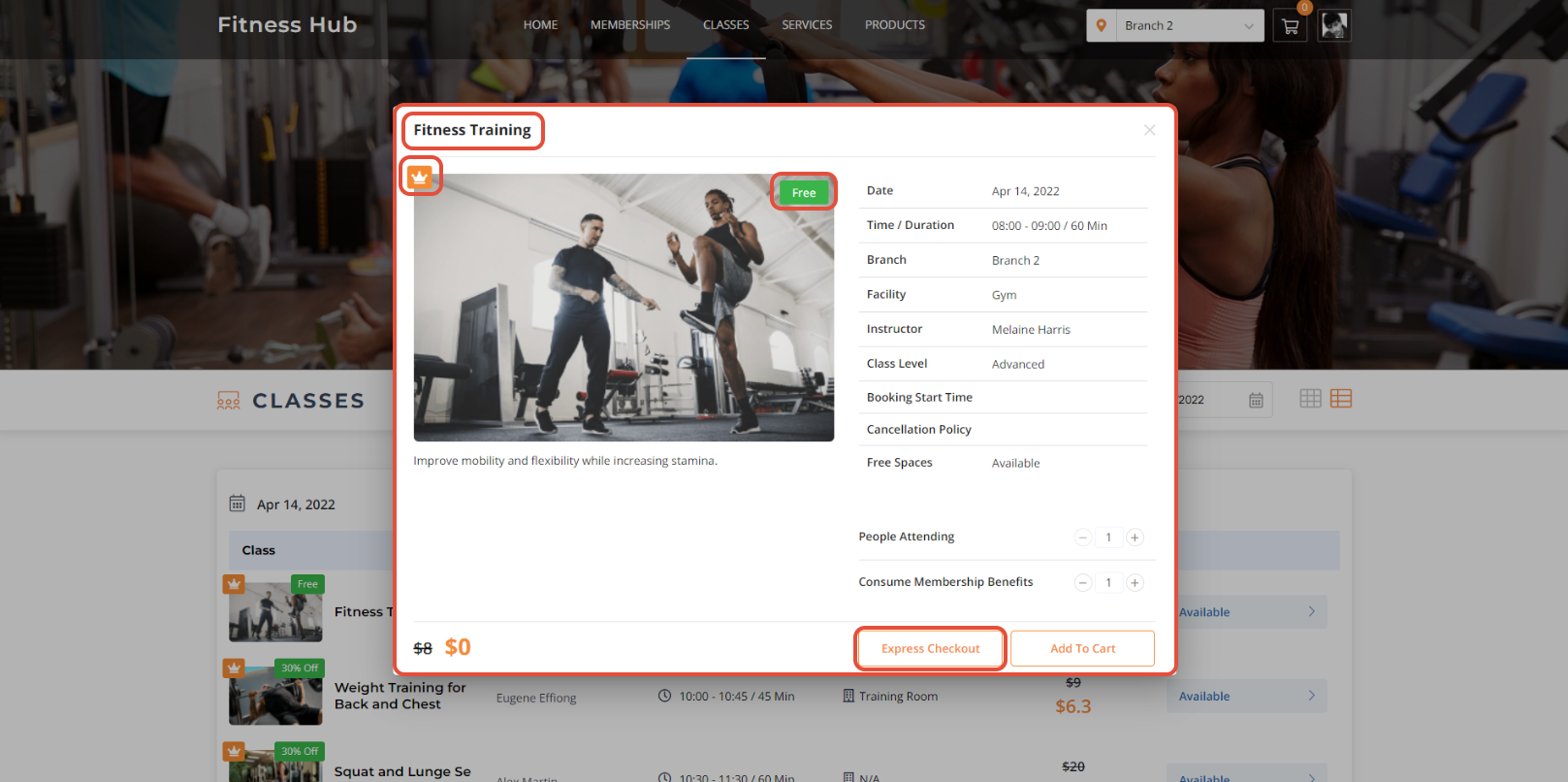
Once in the Class Details Screen, click on the Express Checkout Button.
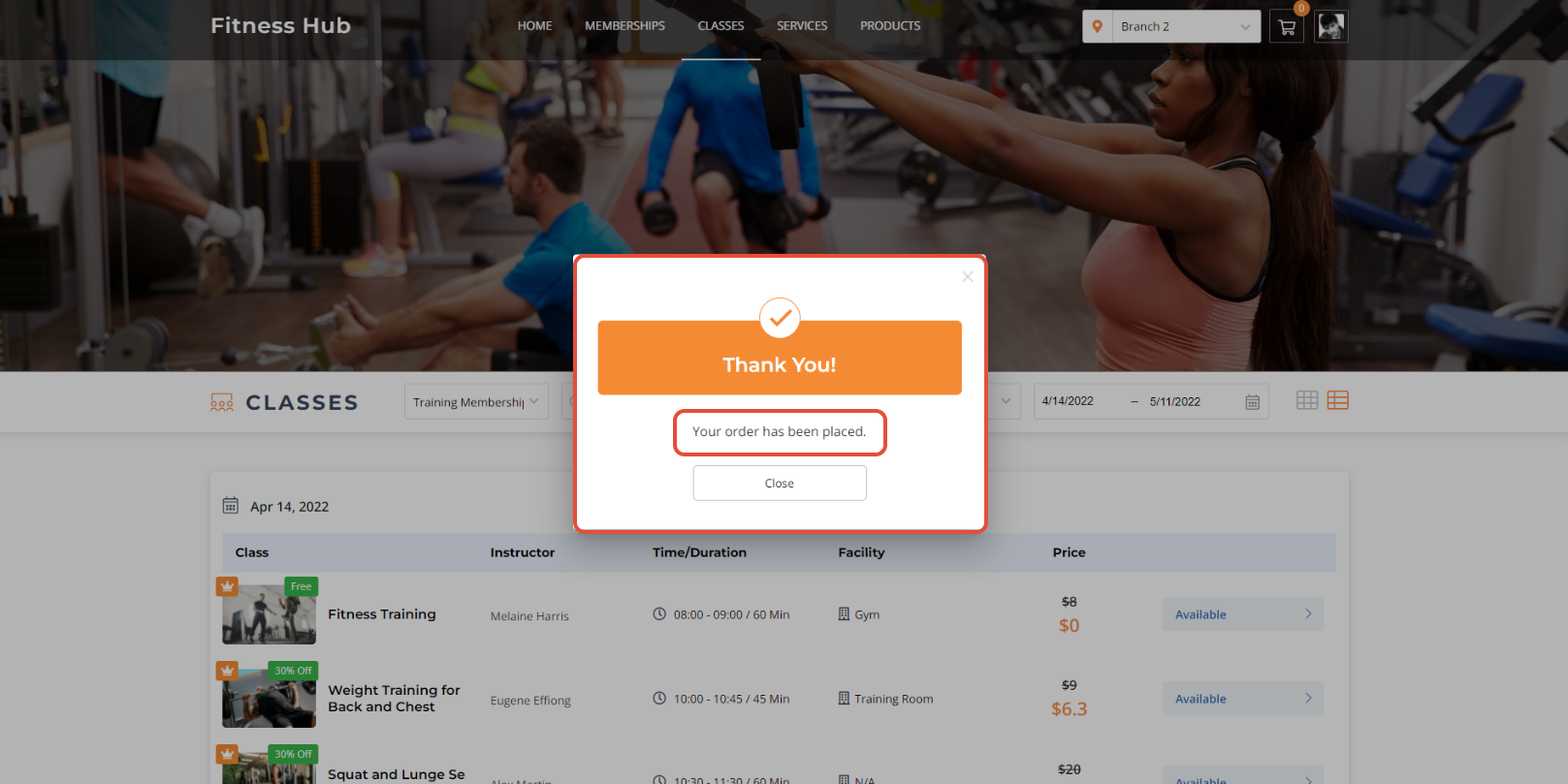
Now click on the Place Your Order Button in the Express Checkout Box.
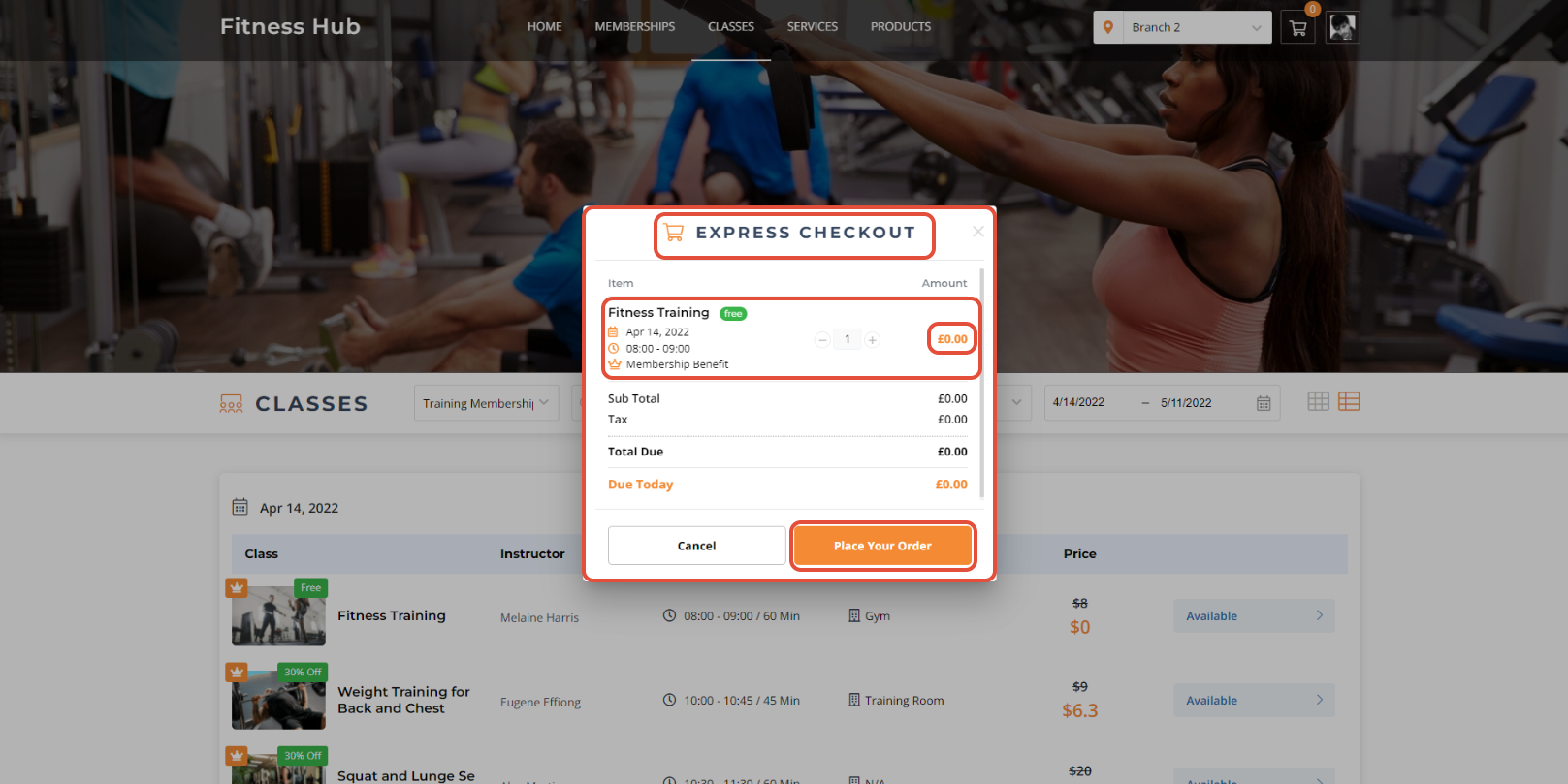
The selected Class will be booked.
Express Checkout can only be performed by a Member on a Free Class, Service, or Product on the Widget and Customer App.




