TABLE OF CONTENTS
To Purchase a Membership from the Widget, follow the steps below:
Purchase a Membership From The Widget
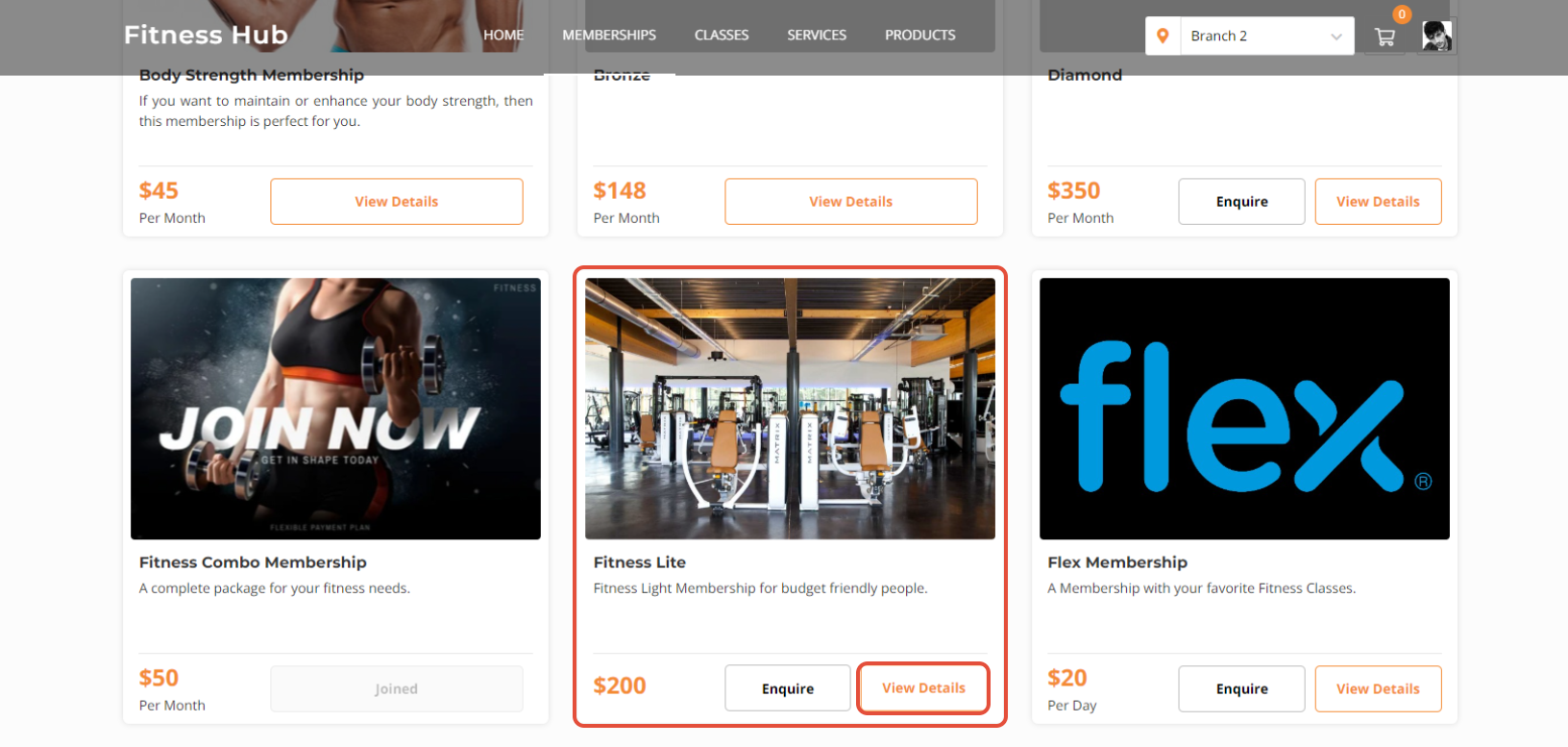
Go to the Memberships Section on the Widget.

Click on the View Details Button.
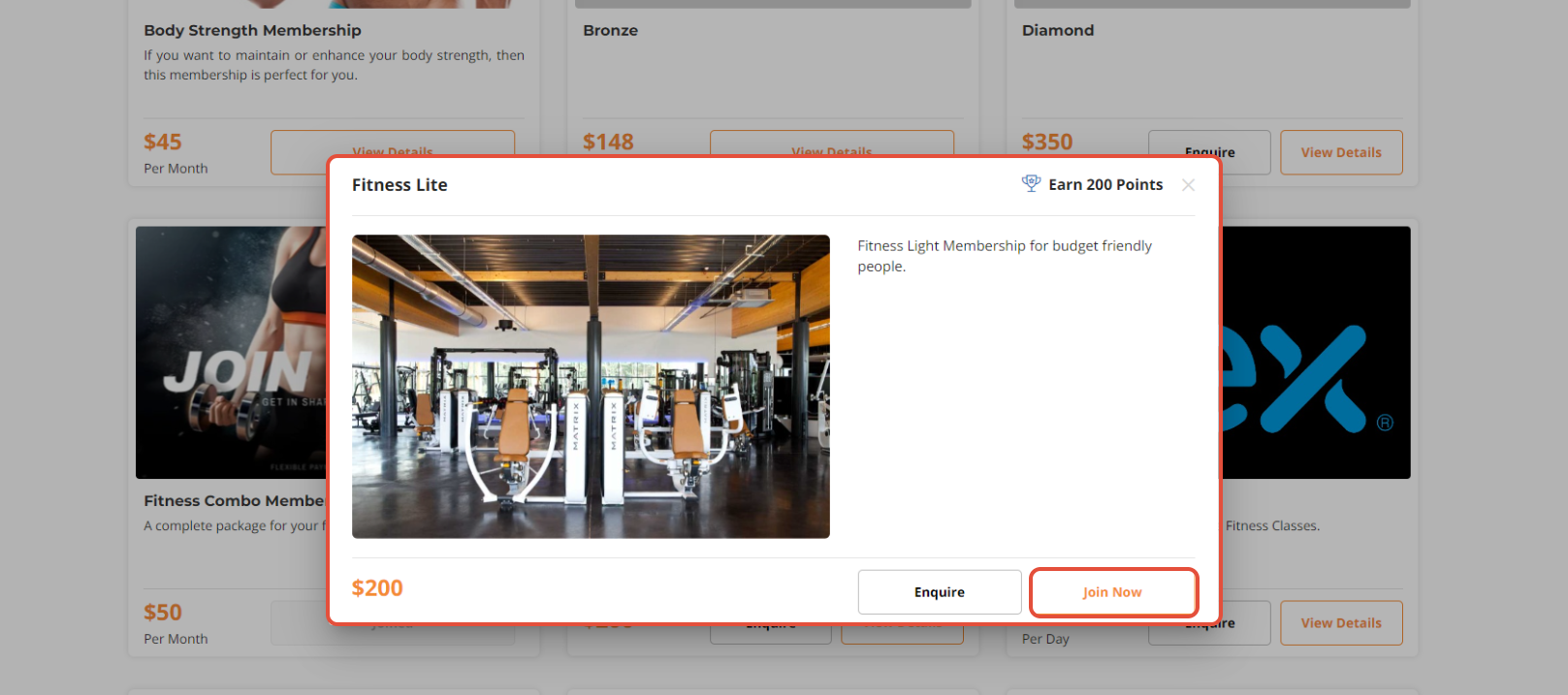
Now click on the Join Now Button.
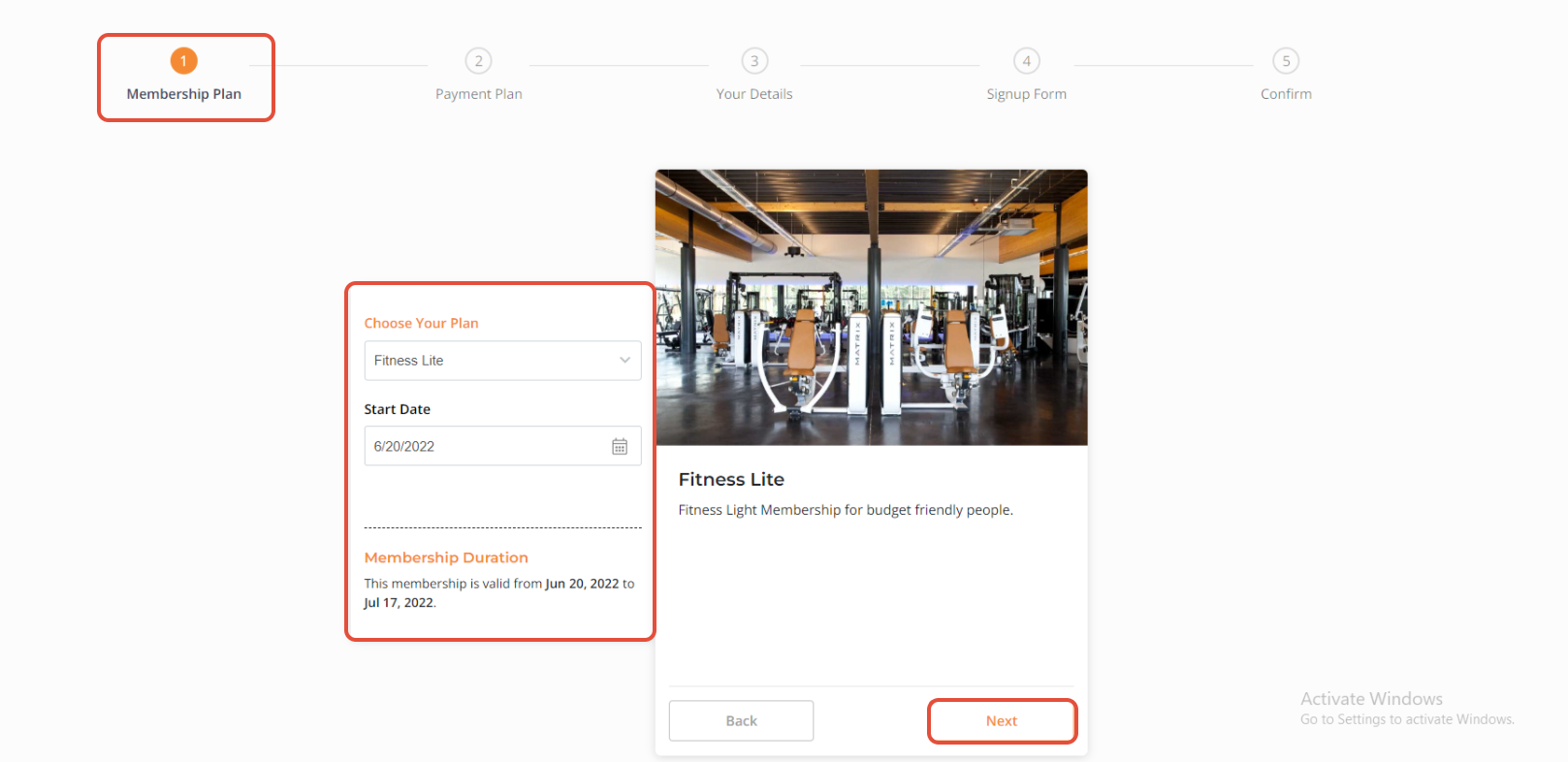
Once checked all details against the Membership Plan, click on the Next Button.
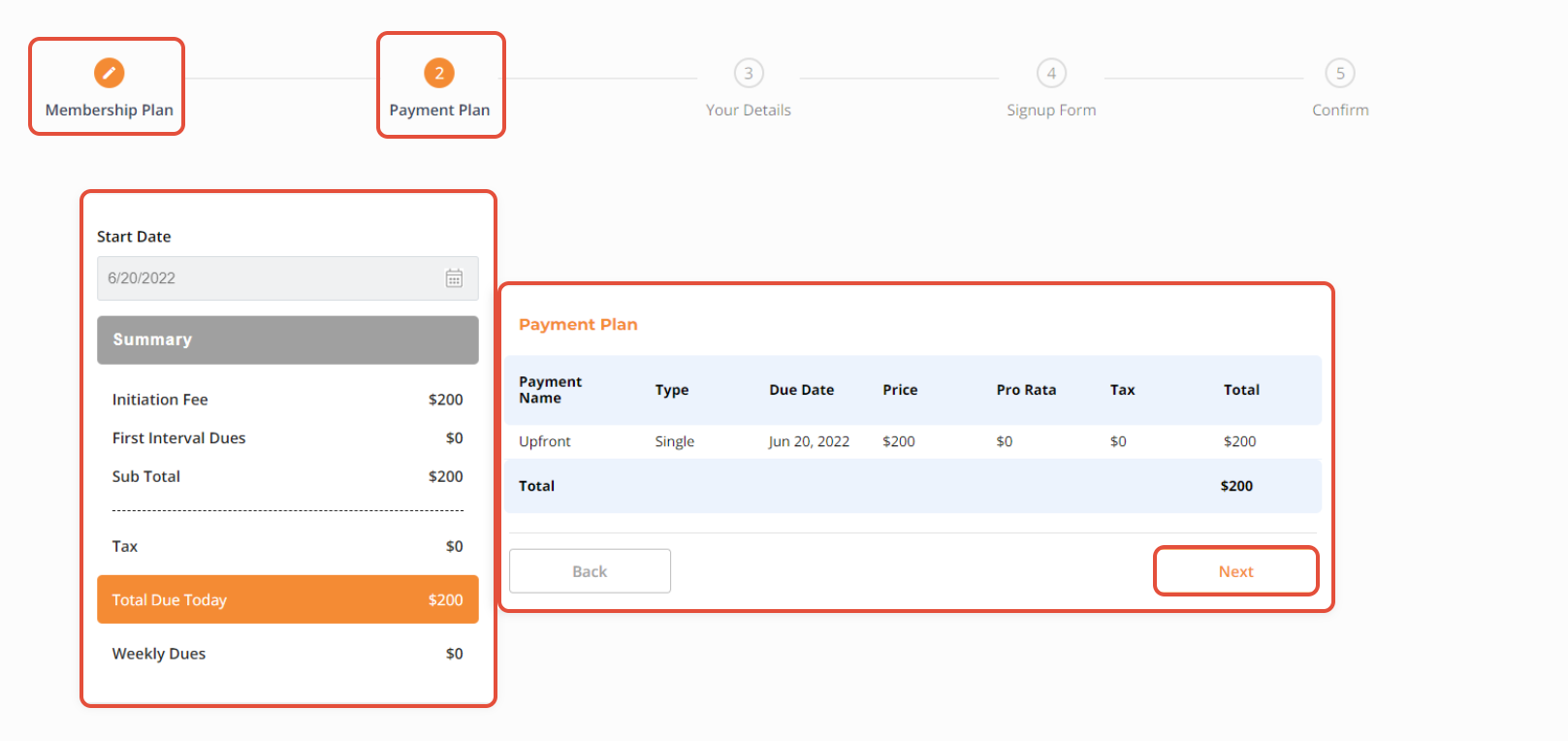
Click the Next Button after reviewing all information related to the Payment Plan.
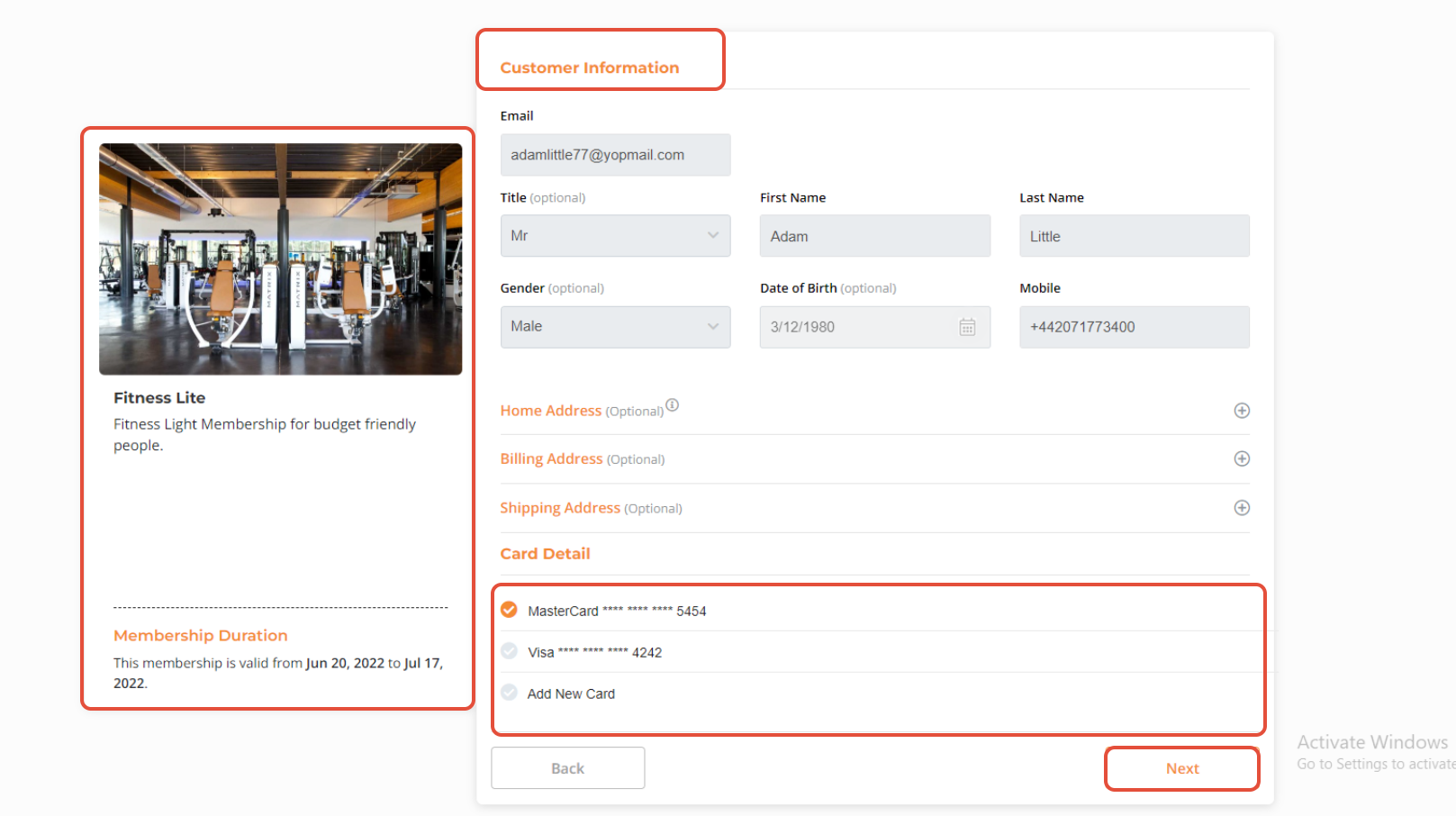
Now Choose which Card the Payment should be Deducted from. Once done, click on the Next Button to Proceed.
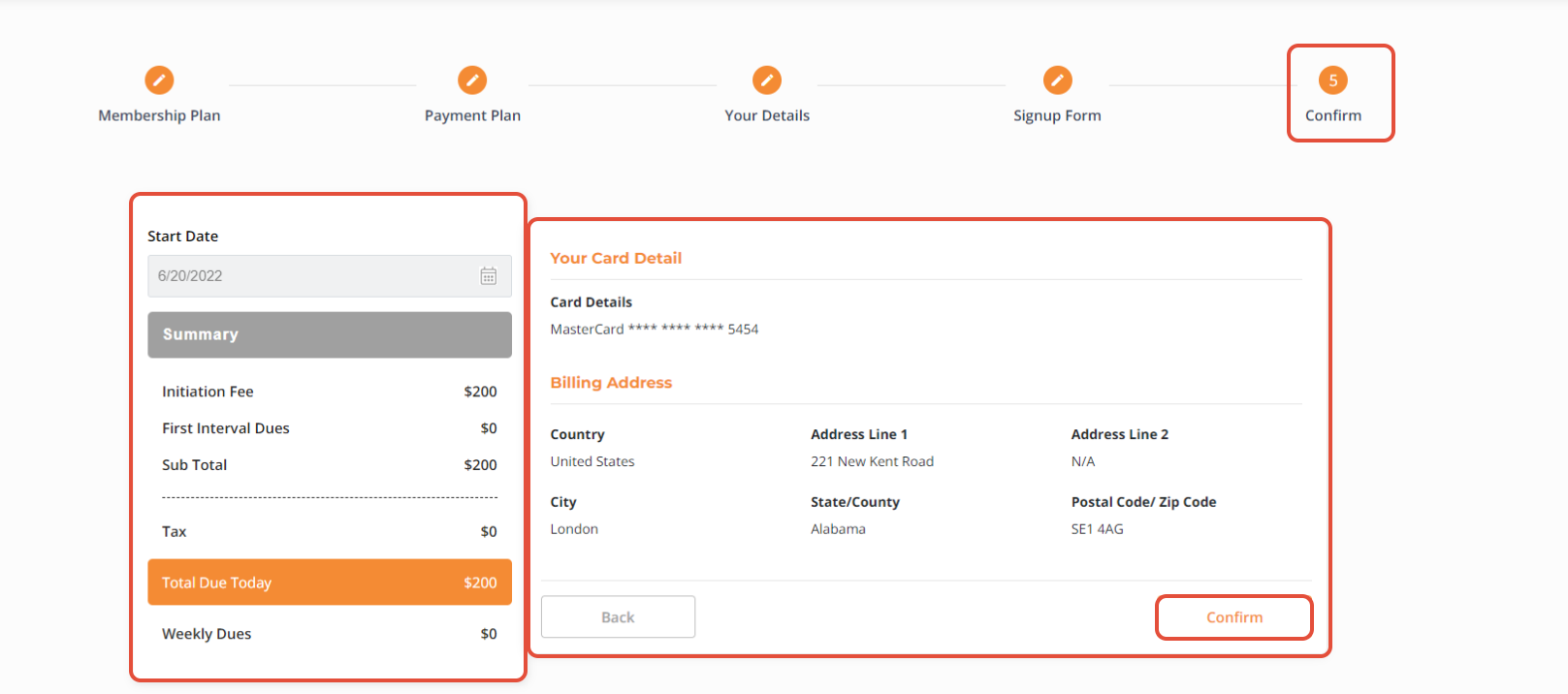
Once all the Details have been Reviewed, click on the Confirm Button to Process the Membership.