


TABLE OF CONTENTS
To perform Express Checkout, follow the steps below.
How To Perform Express Checkout When Booking A Service Through The Widget
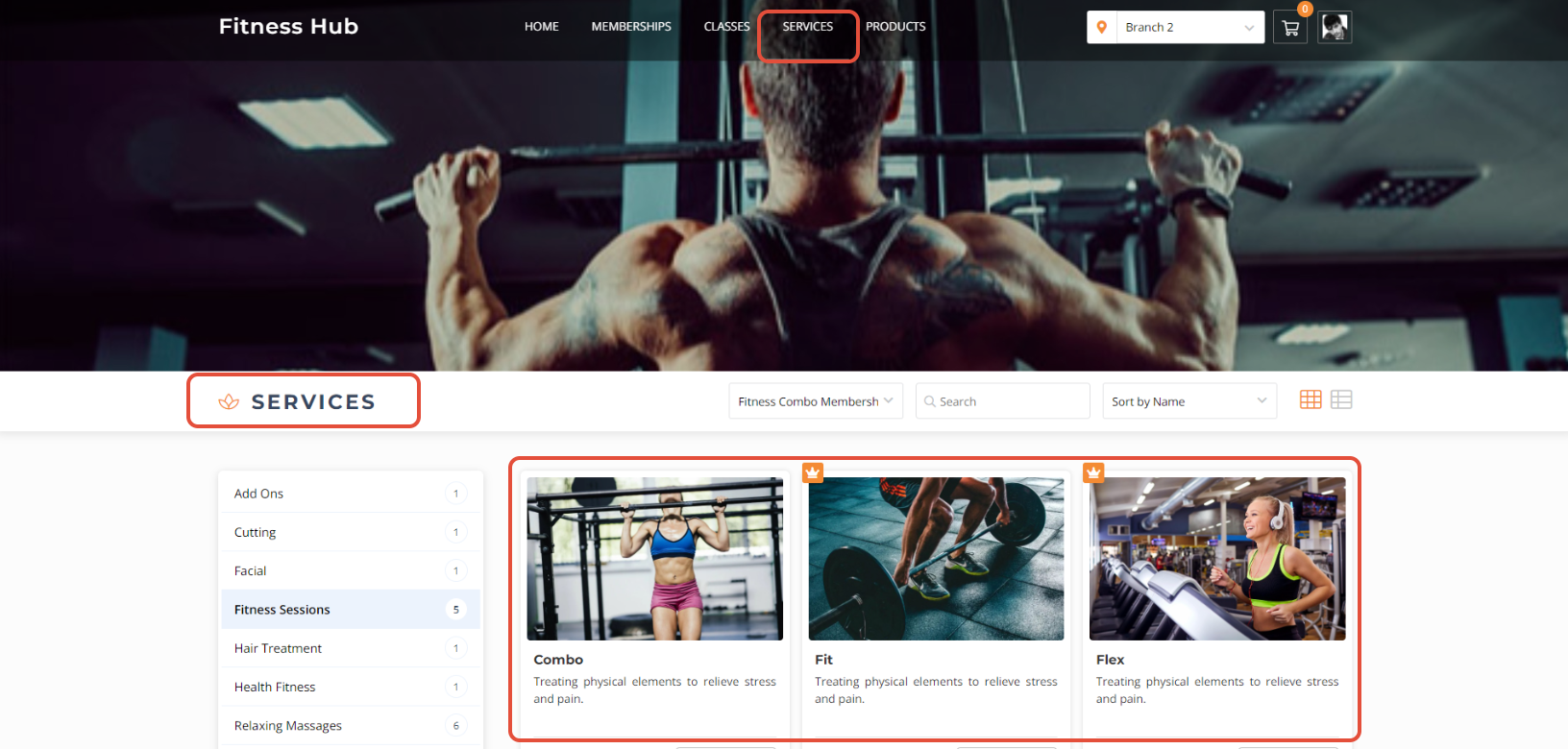
Go to the Services Tab.
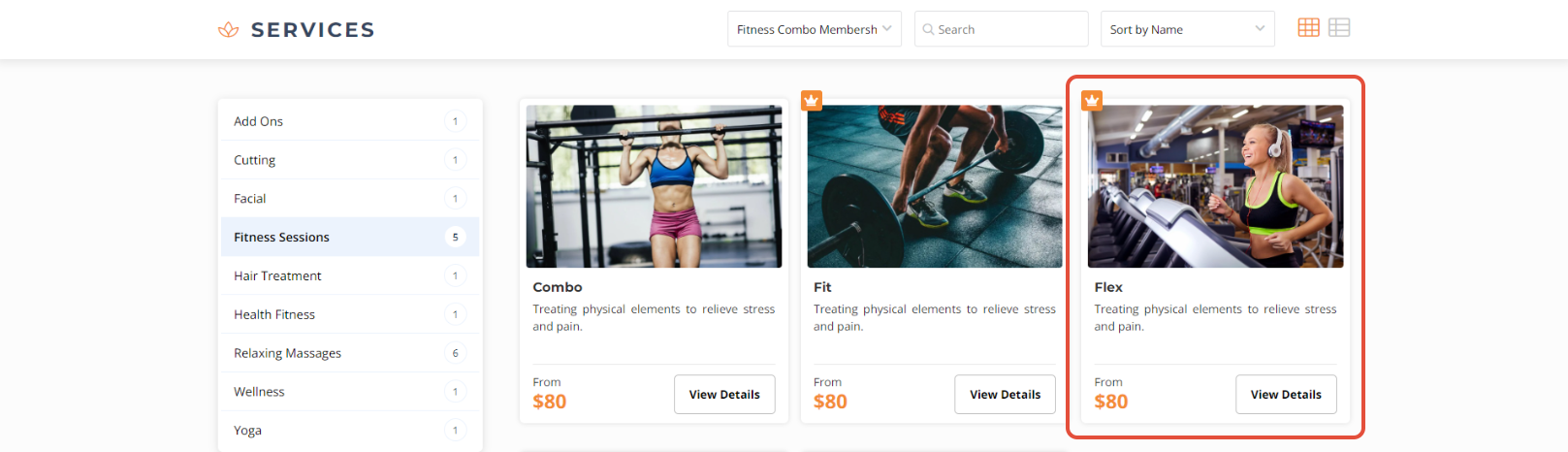
Click on a Free Service.
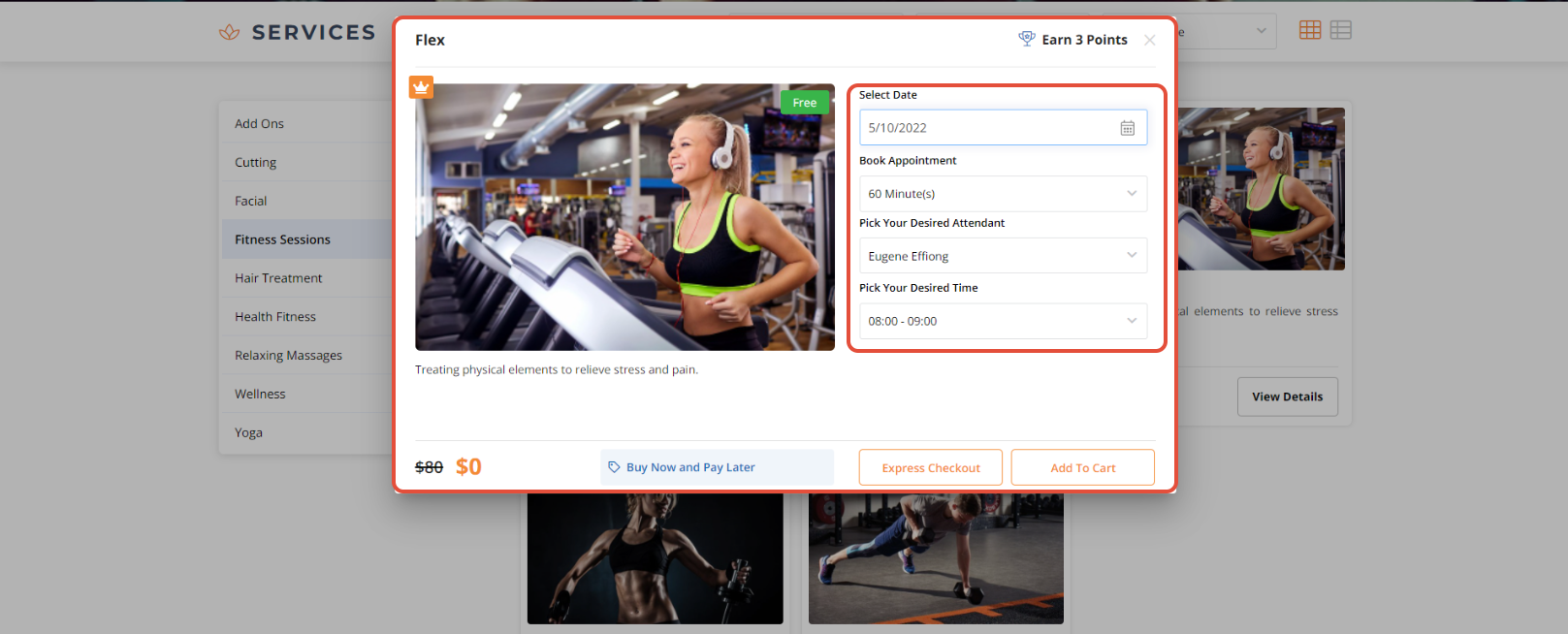
Select the Date, Time and Desired Attendant.
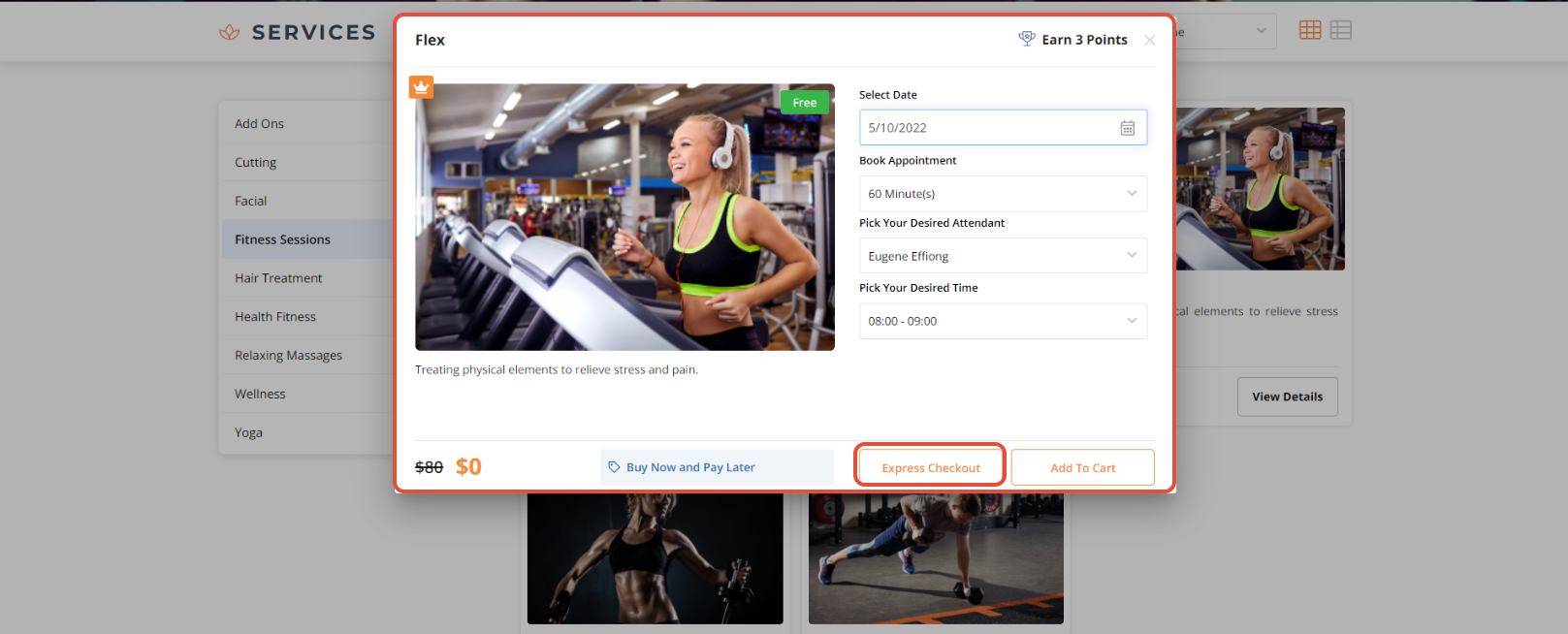
Once done, click on the Express Checkout Button.
Now, click on the Place Your Order Button.
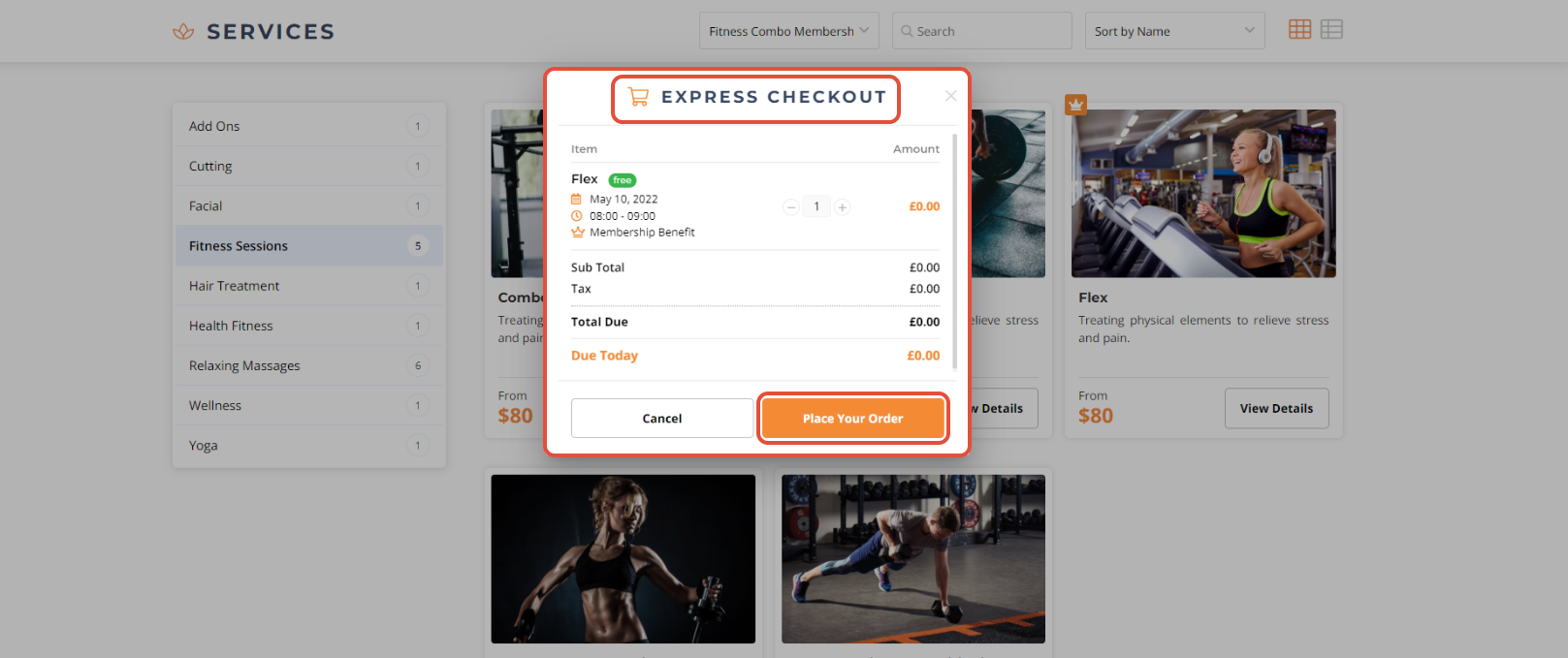
Express Checkout can only be performed on a Free Class, Service, and Product through the Widget and Customer App.




