


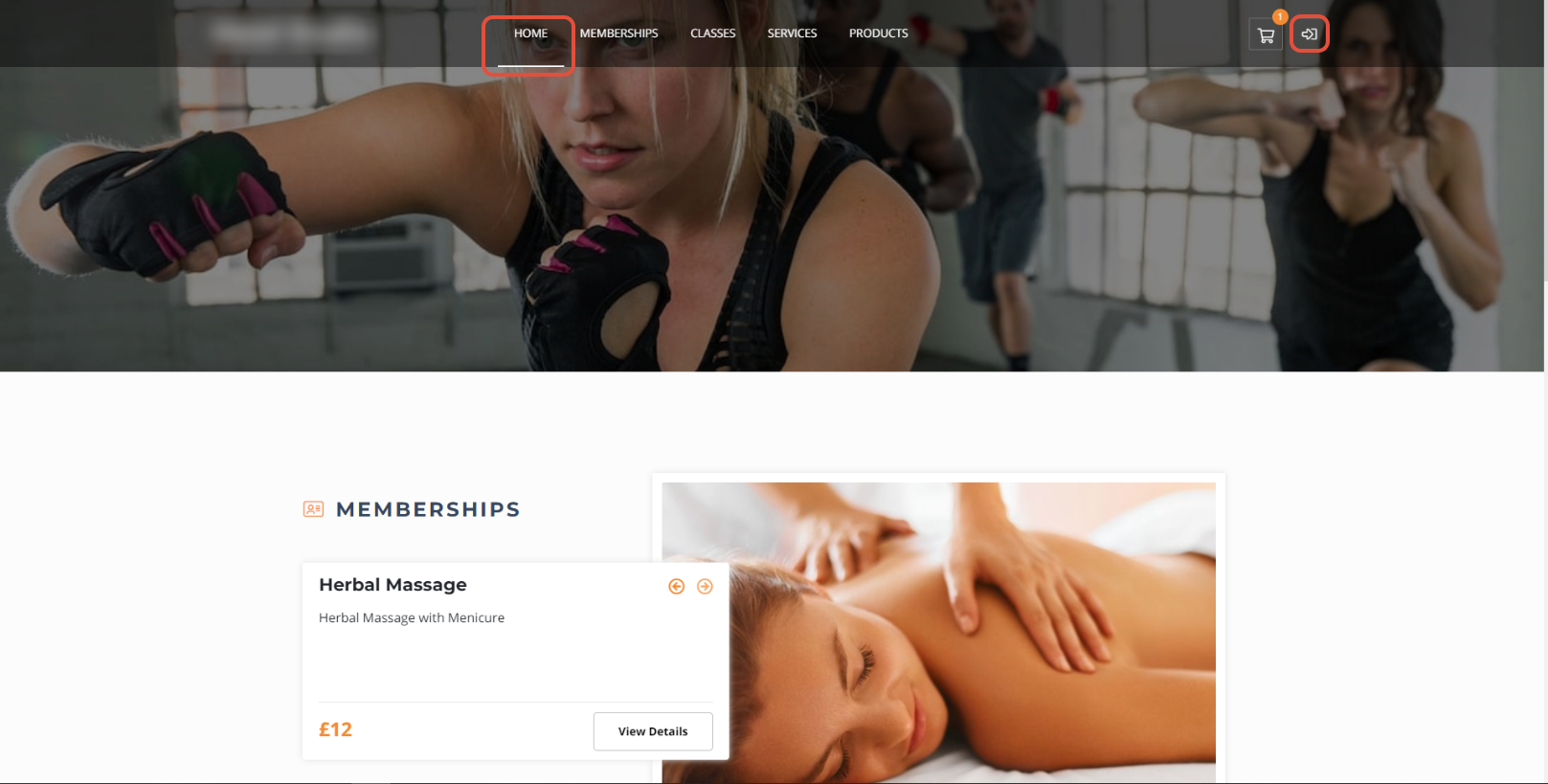
From the Home page click on the Arrow icon towards the right of the screen.
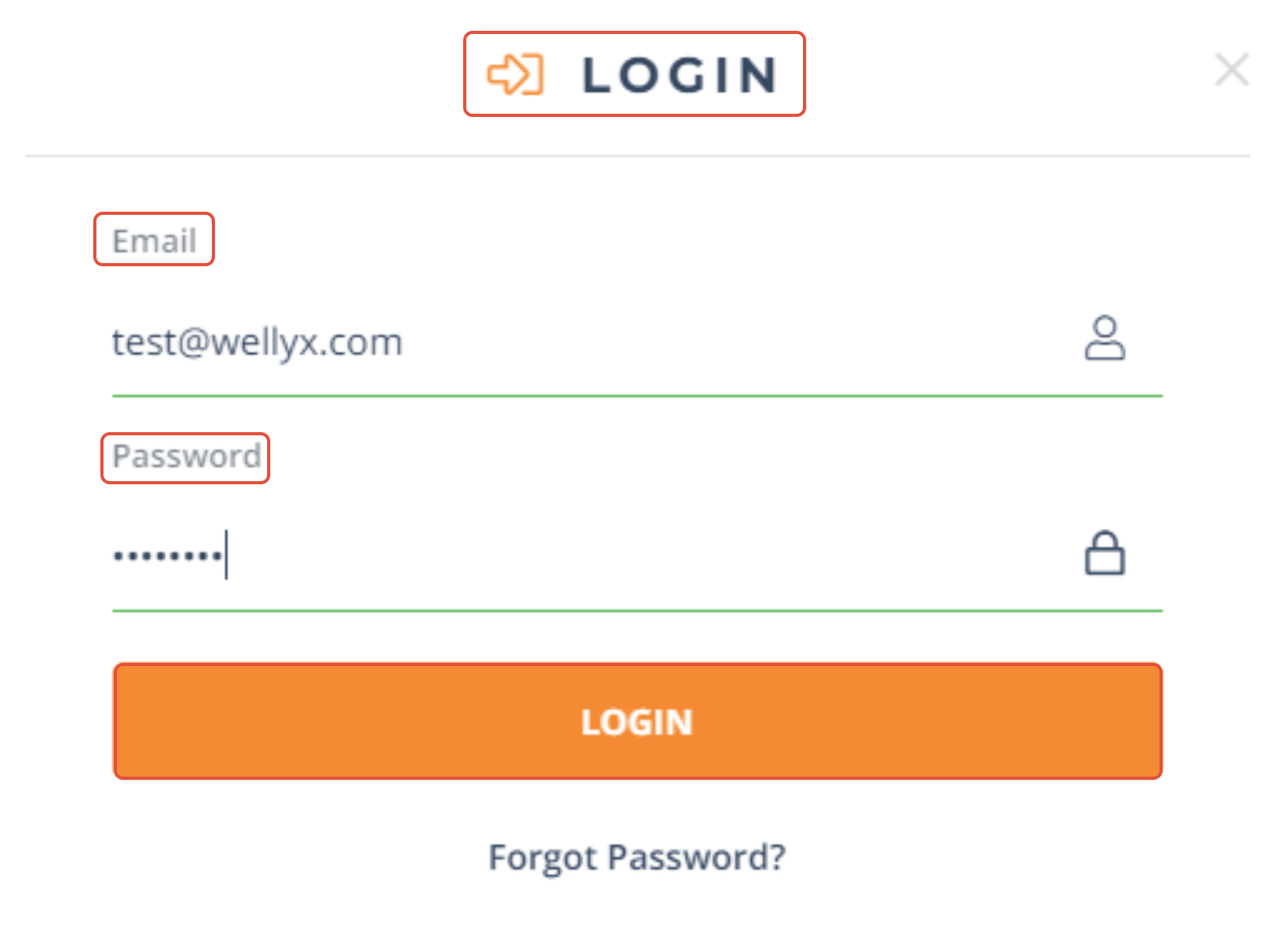
A Login box will pop up. Customers will enter their correct credentials and click Login to continue.
Once logged in, Customers can access Class and Services bookings, view their Membership benefits and much more.
If a Customer does not remember their password they may click on Forgot Password. They will get an email with a link to reset their account password.
For a list of terms used in the Wellyx application & across the support website, please consult our Glossary.




