TABLE OF CONTENTS
To Freeze the Membership Payment of a Member from the Staff App, follow the steps below:
How To Freeze/Unfreeze The Membership Payment Of A Member From The Staff App
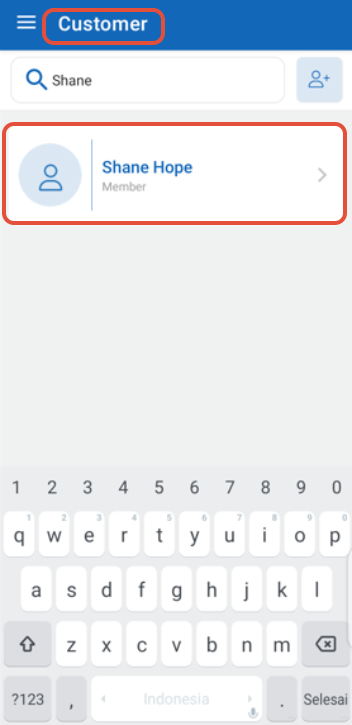
Go to the Member Profile by searching the Member Name.
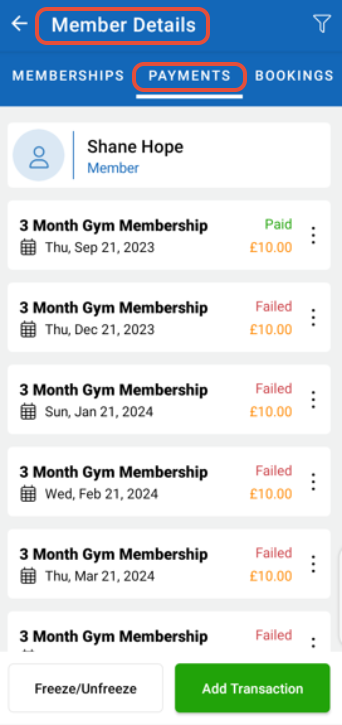
Navigate to the Payments section.
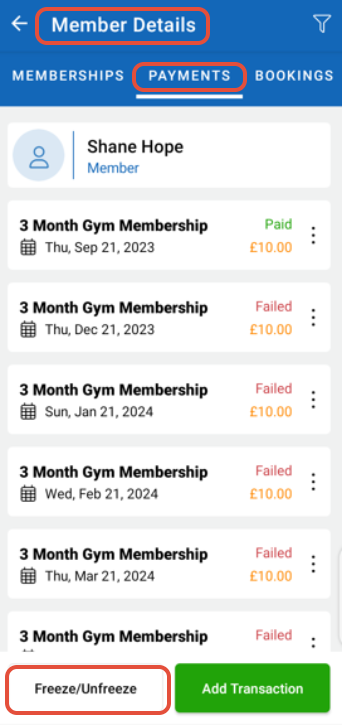
Now, click on the Freeze/Unfreeze Button.
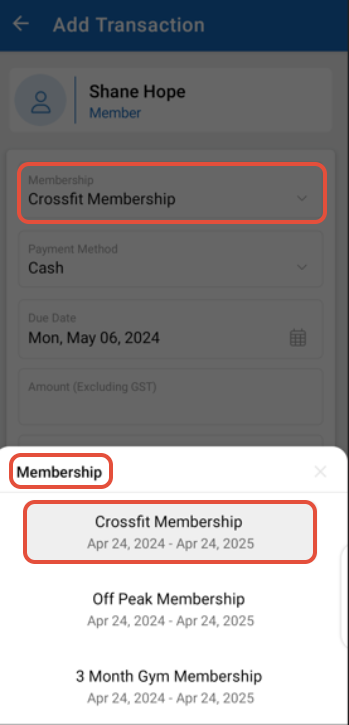
Select the Membership from the drop-down.
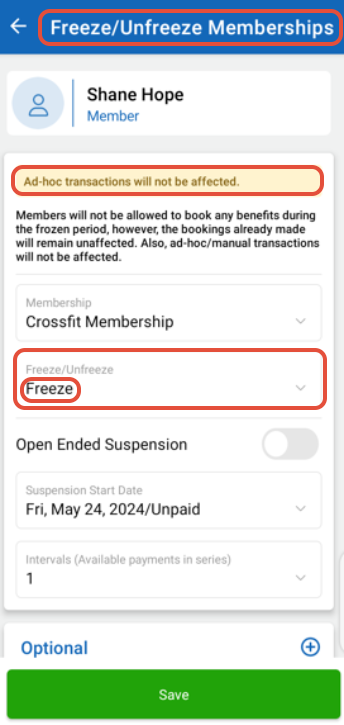
Choose the Freeze or Unfreeze from the Dropdown.
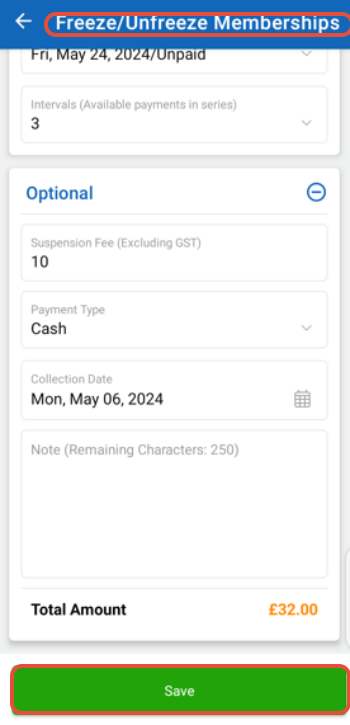
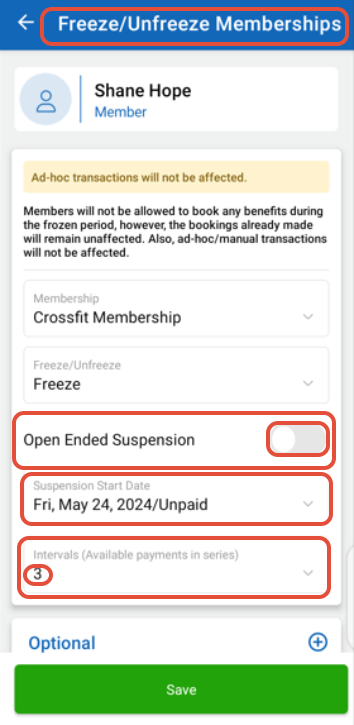
Toggle the Open Ended Suspension on/off and provide the Suspension Start Date and Number of Intervals.
Enter the Suspension Fee, Payment Type, and Collection Date if desired.
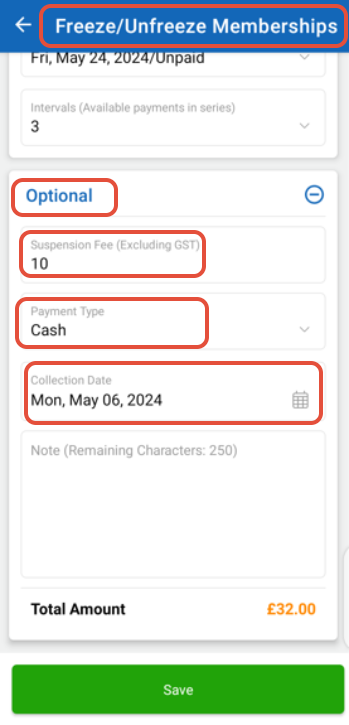
Once done, click on the Save Button.