TABLE OF CONTENTS
To Schedule a Call, follow the below steps.
How To Schedule A Call On The Staff App
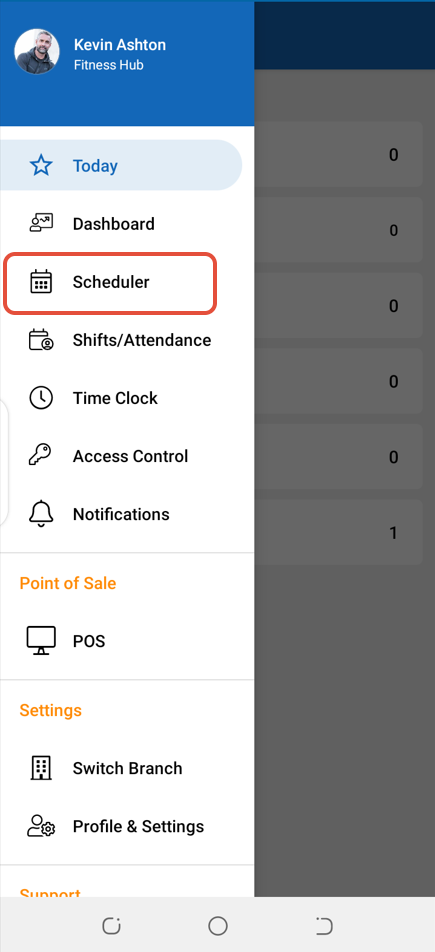
Select Scheduler from the Side Menu.
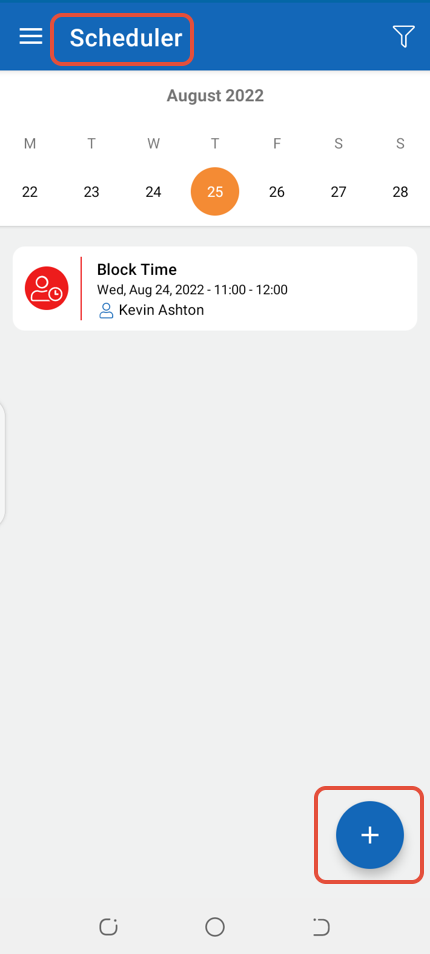
In Scheduler, click on the Plus Icon.
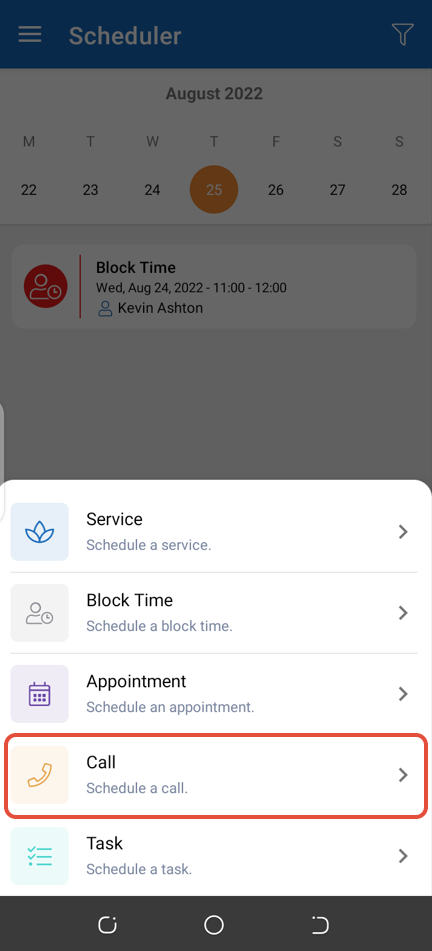
Now click on the Call Button.
Search a Customer through the Search By Customer Box or add a new Client by clicking on the Add Client Button.
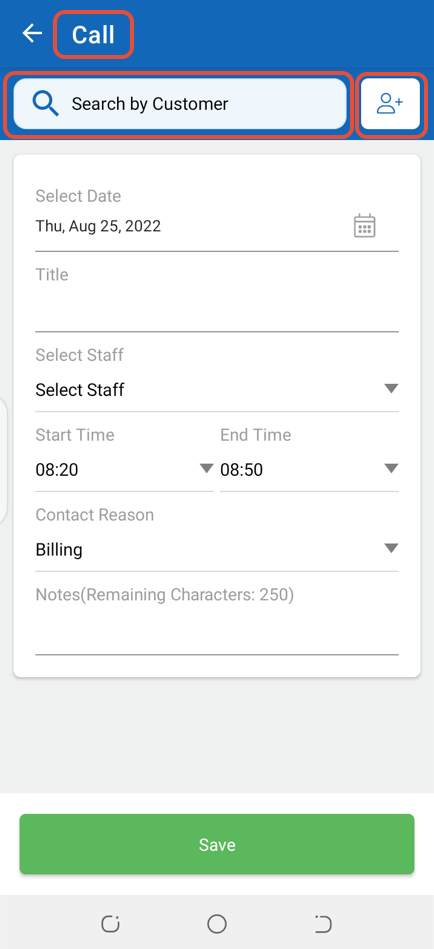
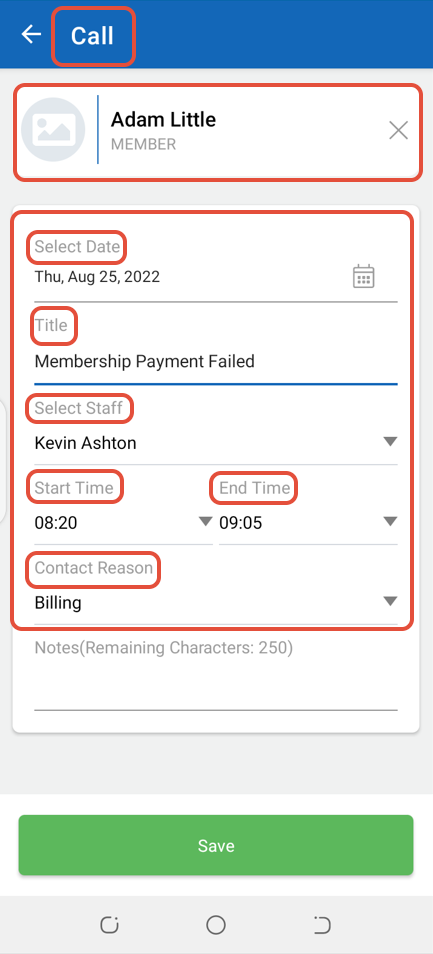
Whilst on Call Screen, select Date, Time, Title, Staff and Contact Reason for the Call.
Once done adding information, click on the Save Button.
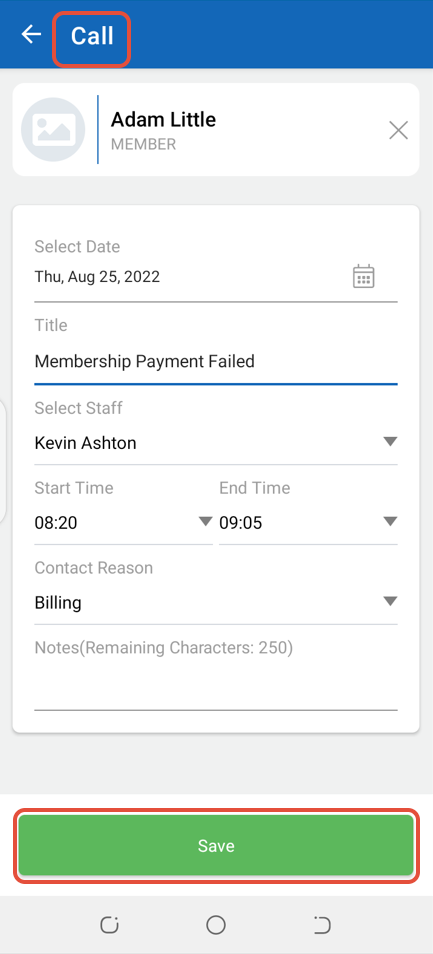
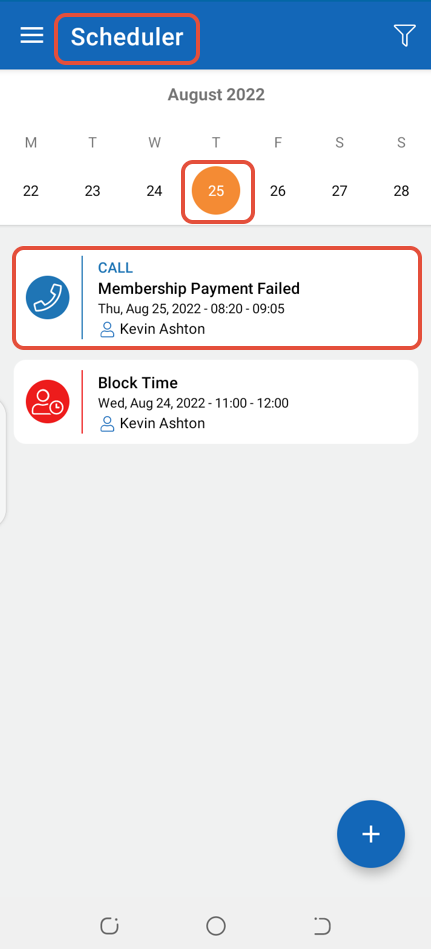
The Call will be Scheduled in the Scheduler.