TABLE OF CONTENTS
To Partially Pay for a Class through the Staff App, follow the below steps.
How To Partially Pay For A Class Through The Staff App
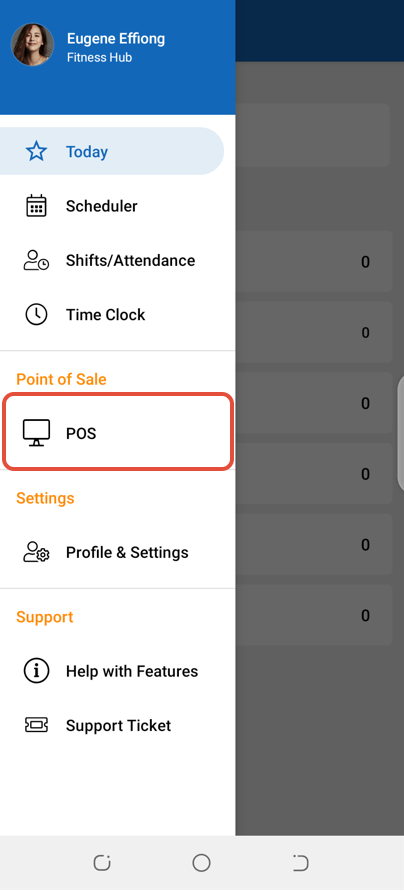
Open the POS.
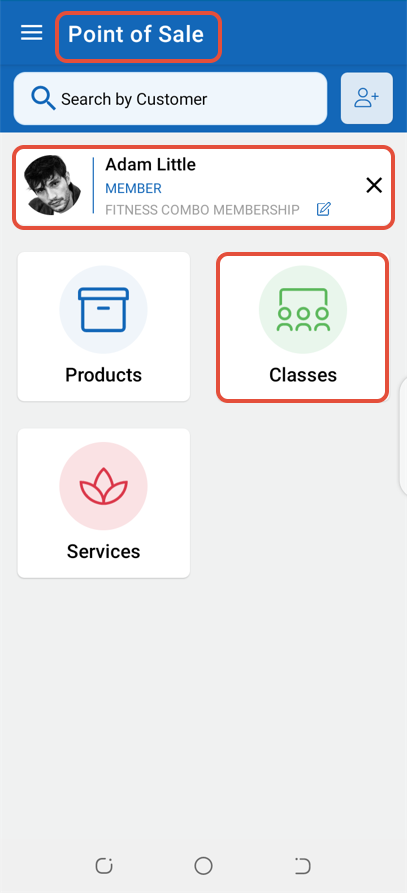
Select a Customer and then click on the Classes Tab.
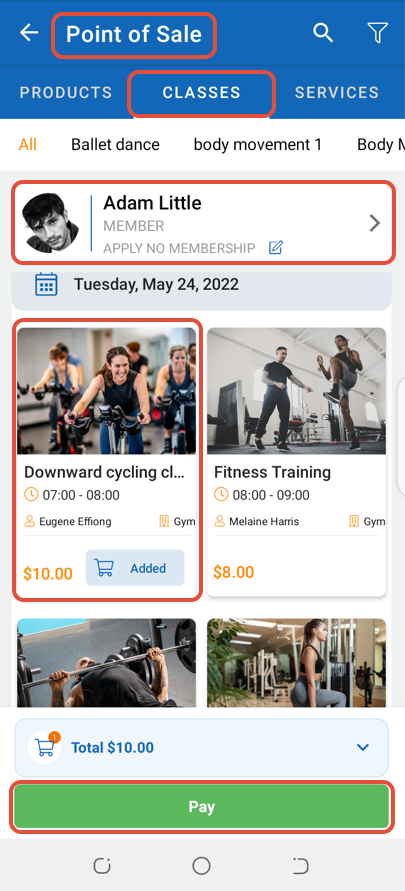
Whilst in Point Of Sale, click on the Pay Button.
Now select a Payment Method and enter the Amount Paid. Once done, click on the Pay Button.
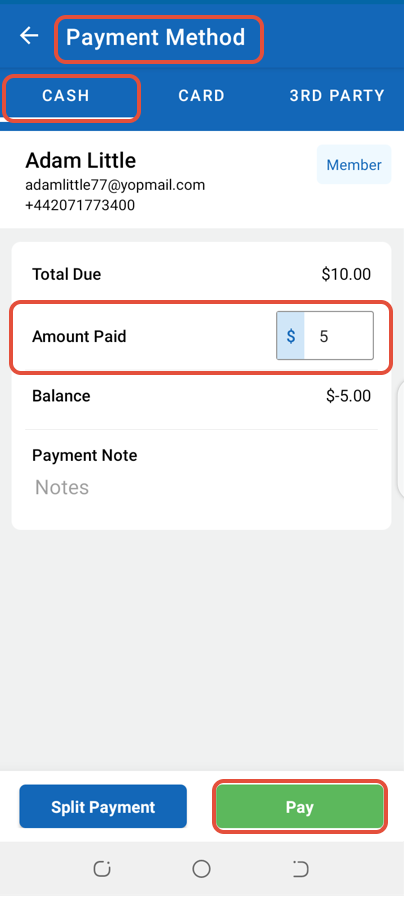
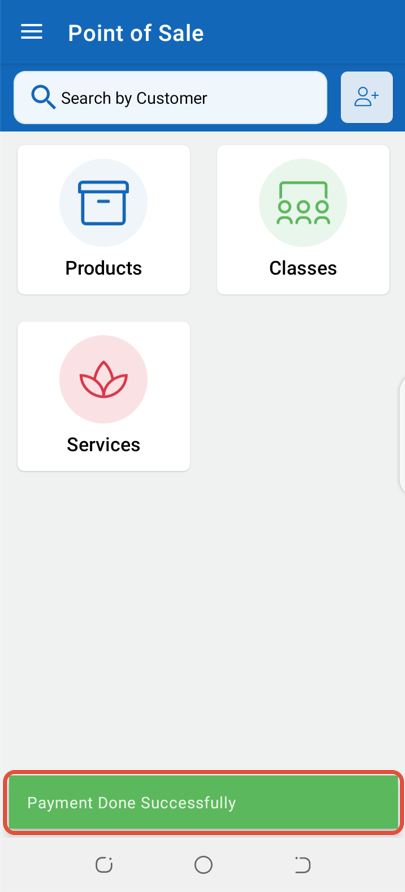
The Partial Payment for the Class will be made successfully.