TABLE OF CONTENTS
To Reschedule the Class of a Customer through the Staff App, follow the steps below.
How To Reschedule Class Of A Customer Through The Staff App
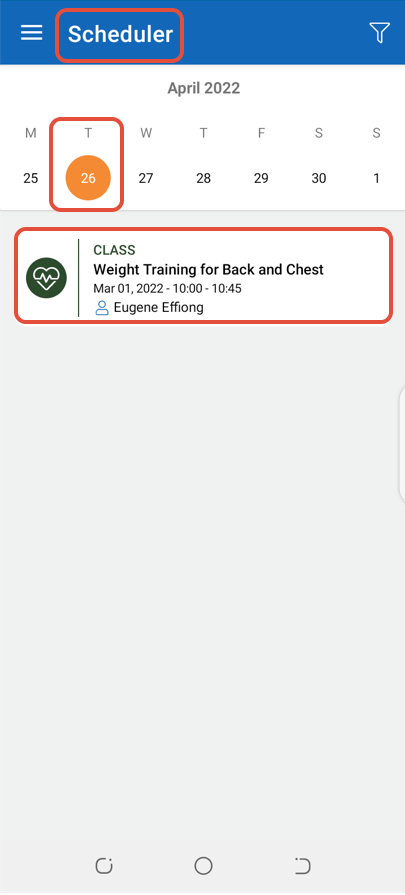
Go to Scheduler and click on a Class.
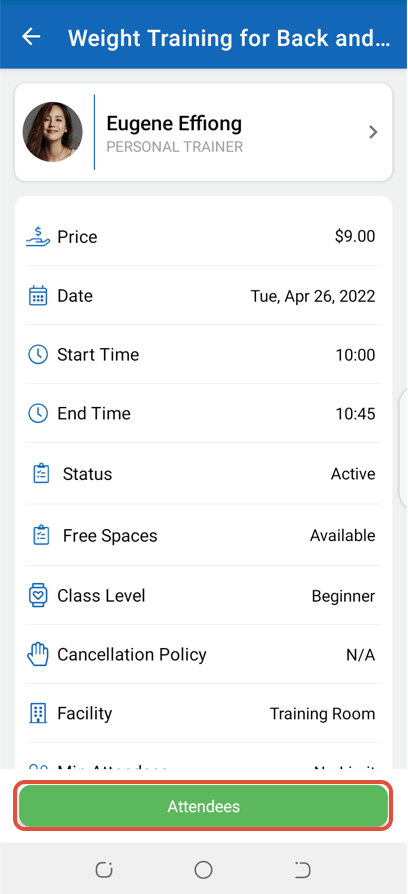
Click on the Attendees Button.
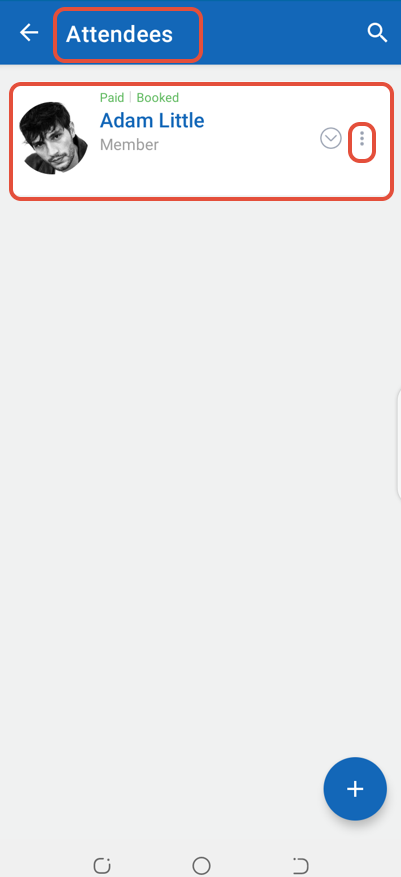
Now click on the Three Dots against a Customer.
Click on Reschedule.
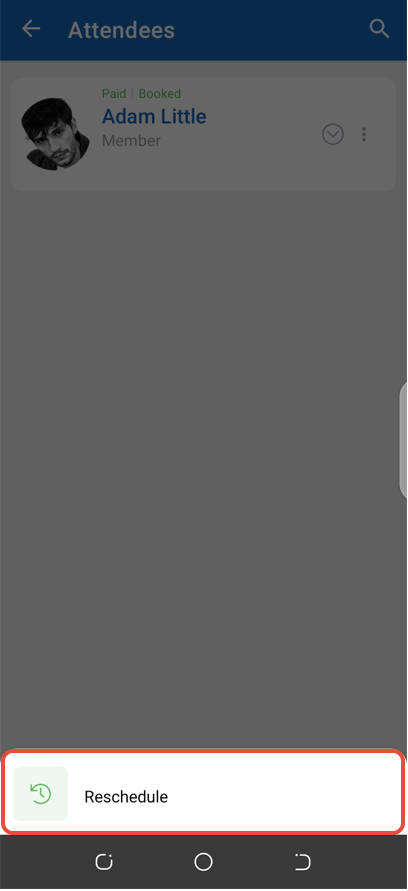
Reschedule is only available when the Merchant has toggled on the Reschedule Button in the Class Cancellation Policy in Core.
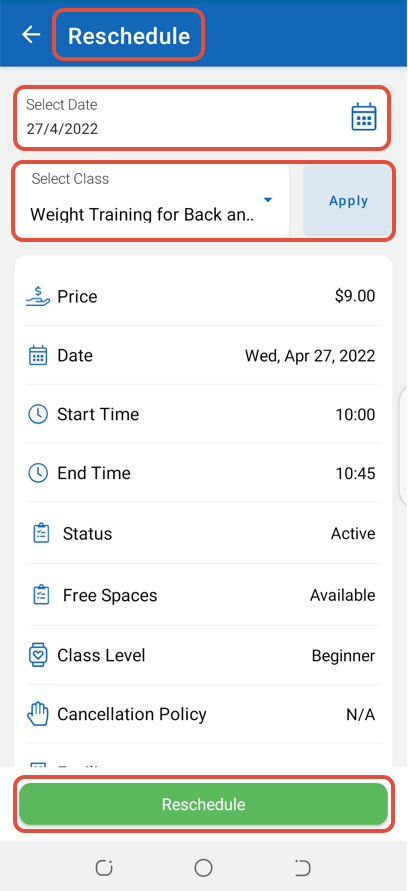
Once in Reschedule Screen, select Date and Class for the Customer. Click on the Reschedule Button to proceed.
In Reschedule Booking, click on the Confirm Button.
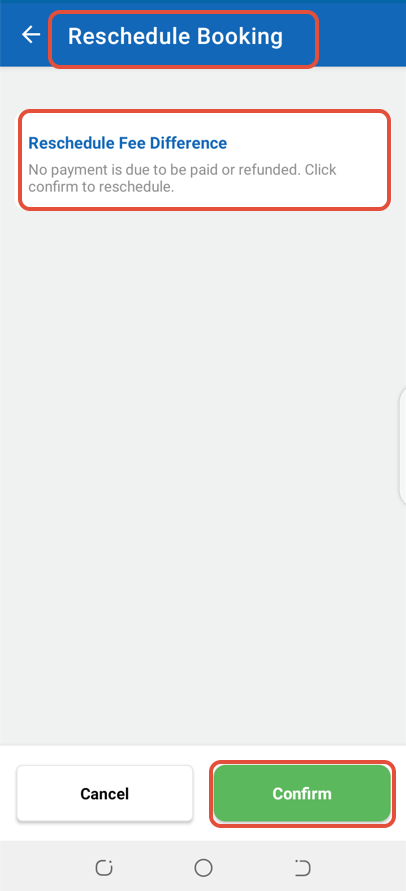
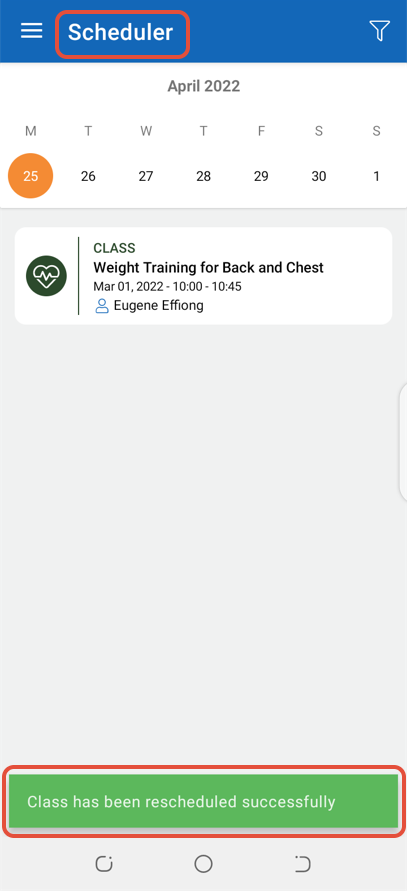
The Class Booking of the Customer will be rescheduled.