TABLE OF CONTENTS
To Reschedule a Paid Service through the Staff App, follow the steps below.
How To Reschedule A Paid Service Of A Customer Through The Staff App
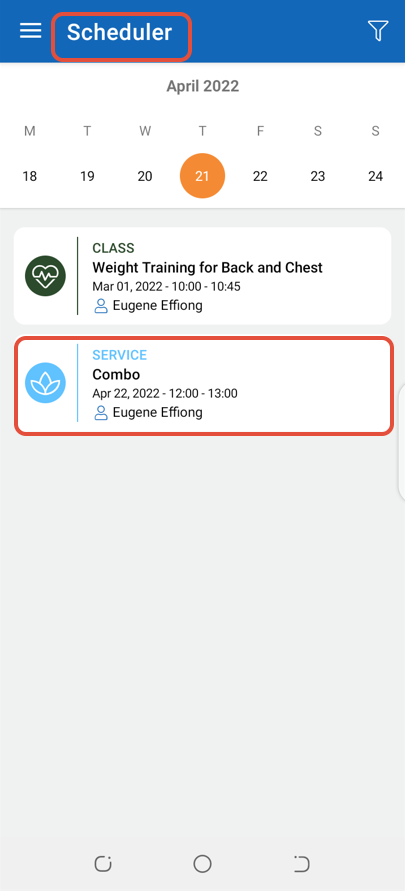
Go to Scheduler and click on a Service.
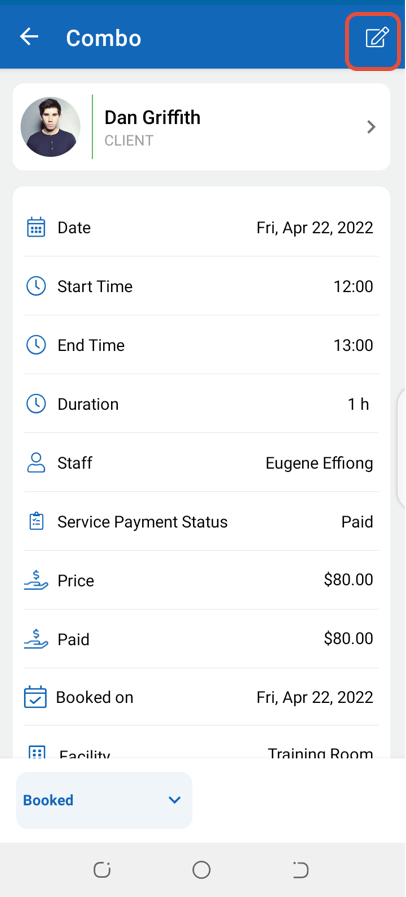
Click on the Edit Icon.
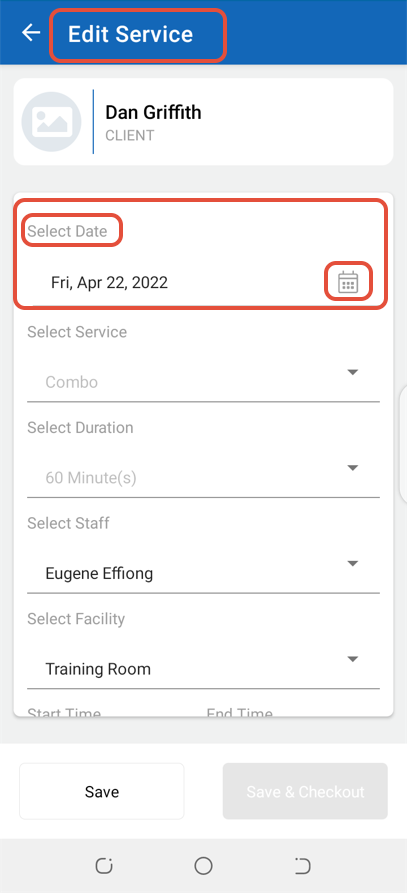
Select a new Date for the Service.
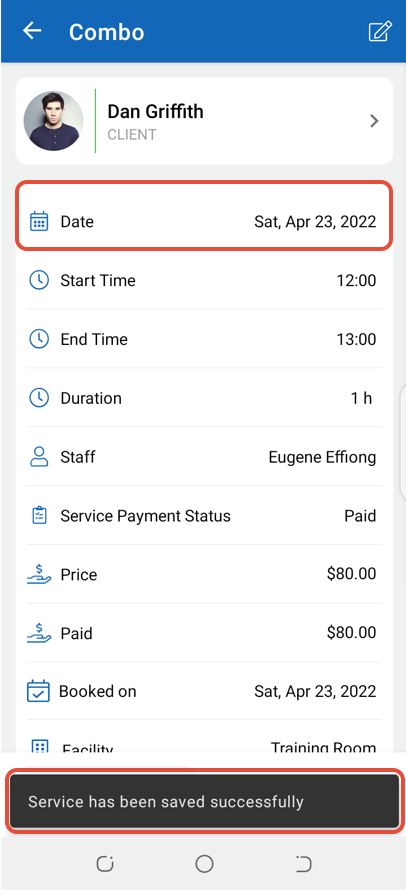
Once done with the change, click on the Save Button.
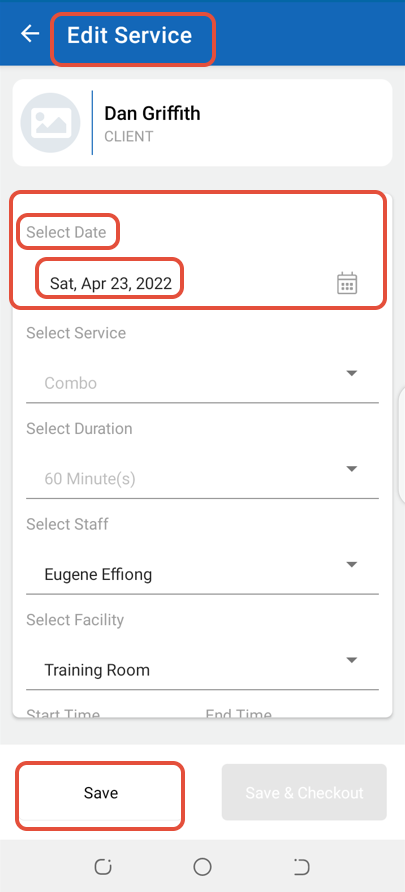
The Service will now be Rescheduled according to the changed Date.