TABLE OF CONTENTS
To Group the Scheduler by Assets on the Scheduler, follow the steps below:
How To Group The Scheduler By Assets On The Scheduler
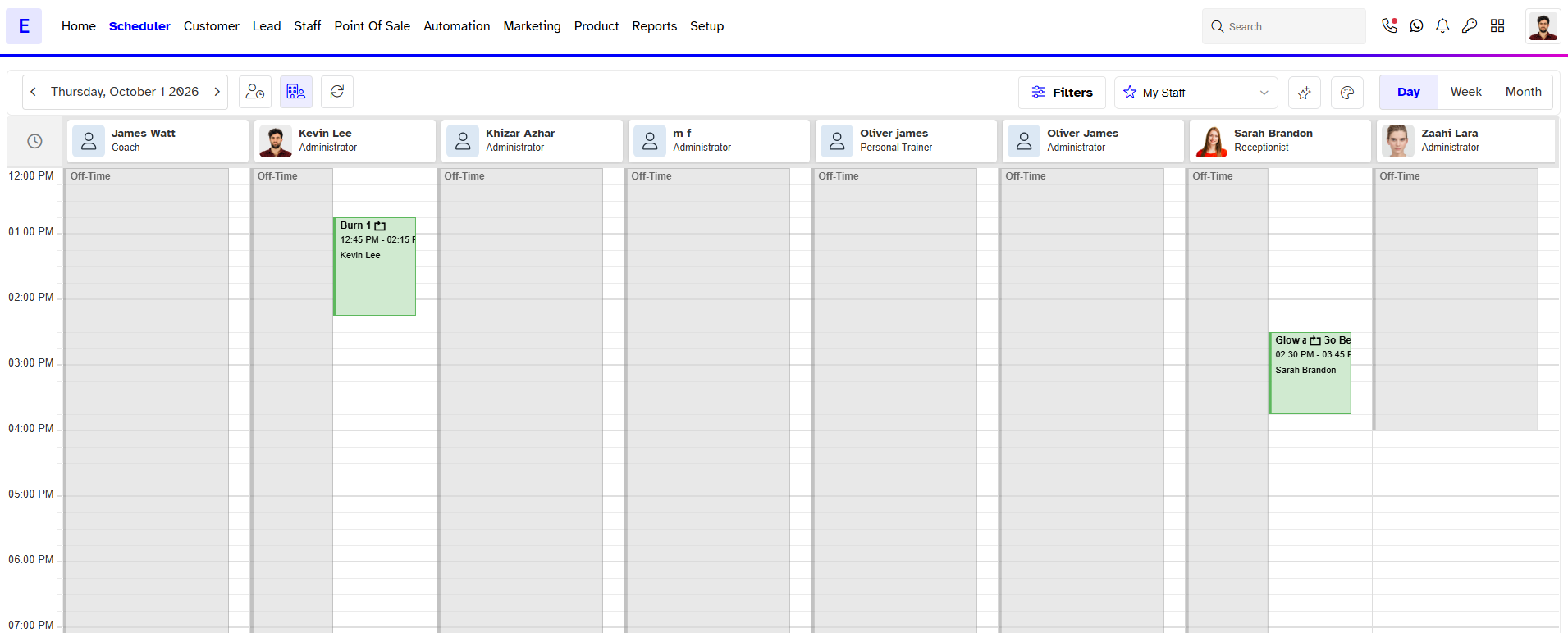
Go to the Scheduler Module in Core.

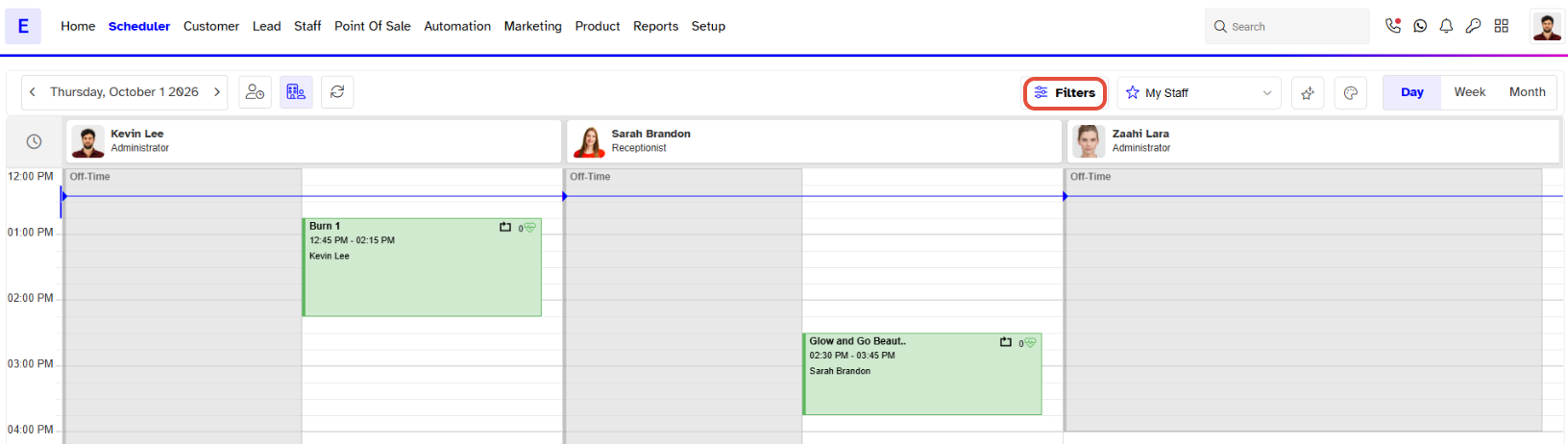
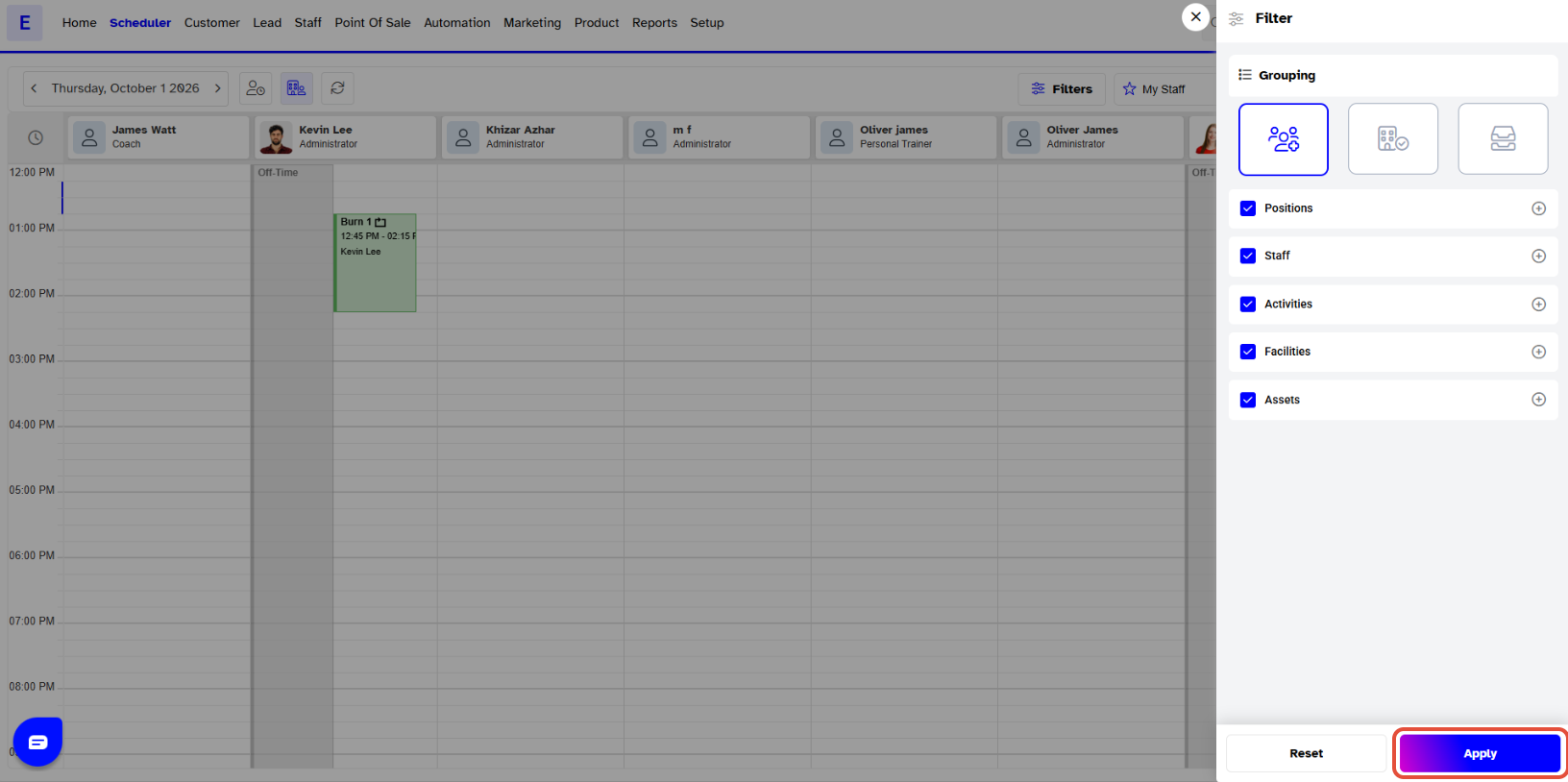
Click on the Scheduler Filter Icon to expand the Filters Menu.
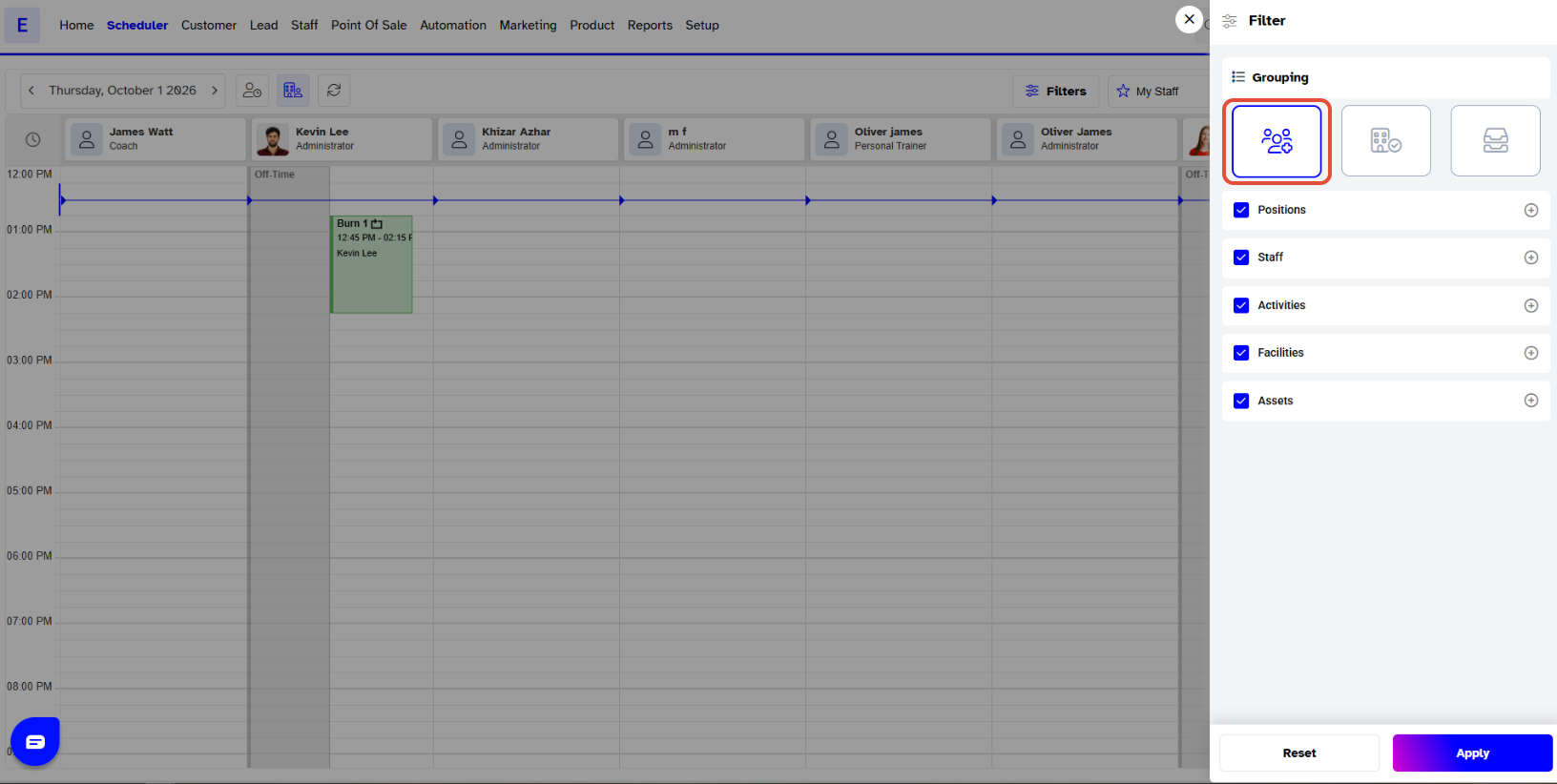
Now, click on the Grouping Icon in the Filter Menu.
Select Menu Options.
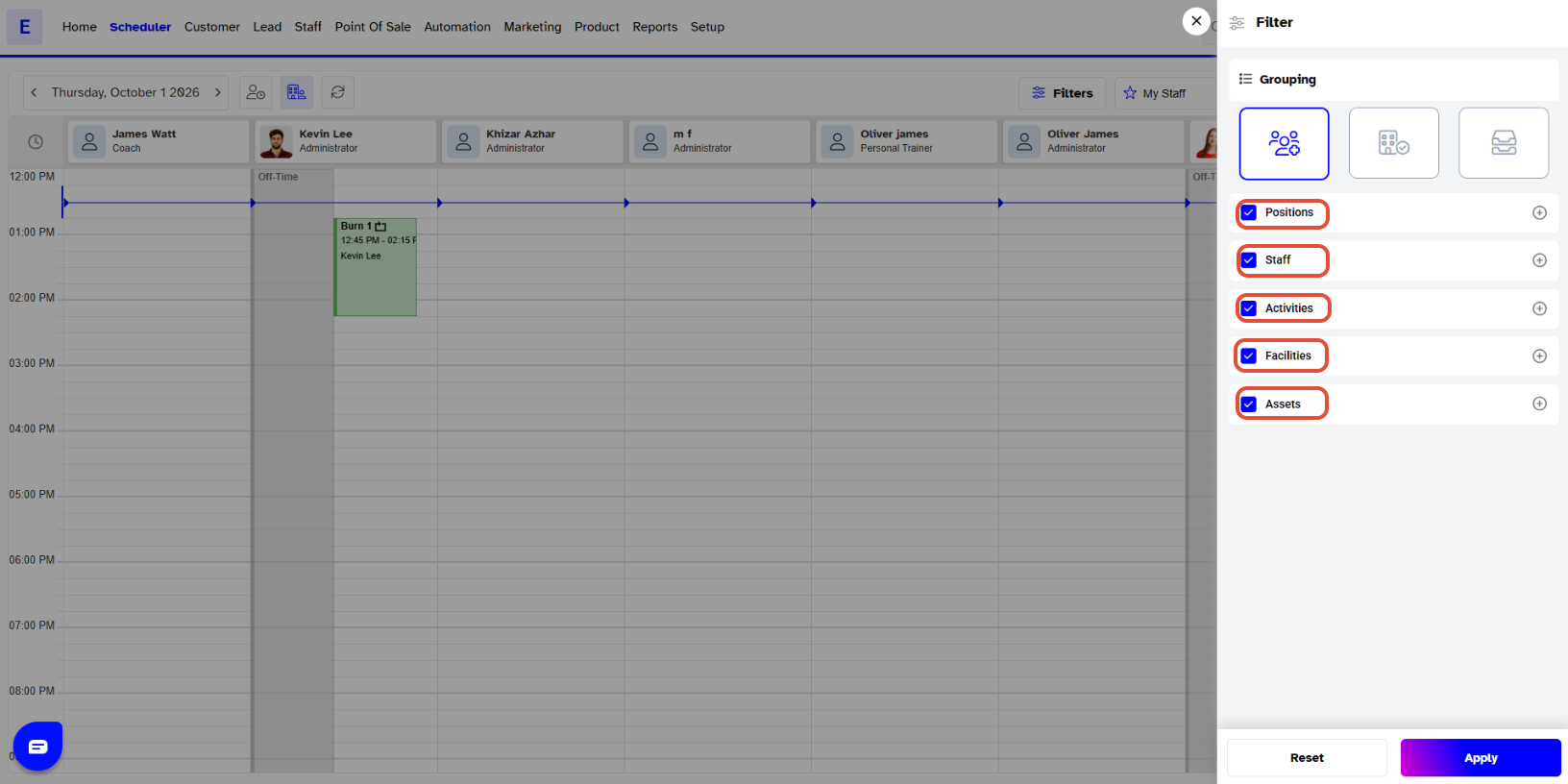
Now, click on the Apply.
The Scheduler will now be shown in terms of Assets.