


TABLE OF CONTENTS
To Delete a Favourite View through the Scheduler, follow the steps below:
How To Delete A Favourite View Through The Scheduler
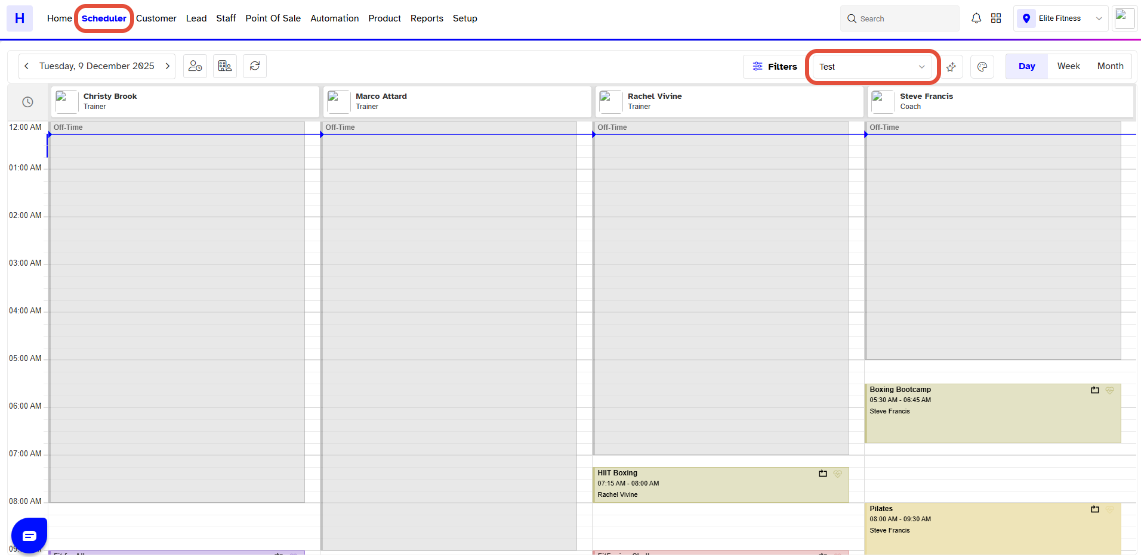
Go to the Scheduler Module in Core.
Navigate to the Favourites View Dropdown.
Click on the Bin Icon against the Name of the Favourite View to be Deleted.
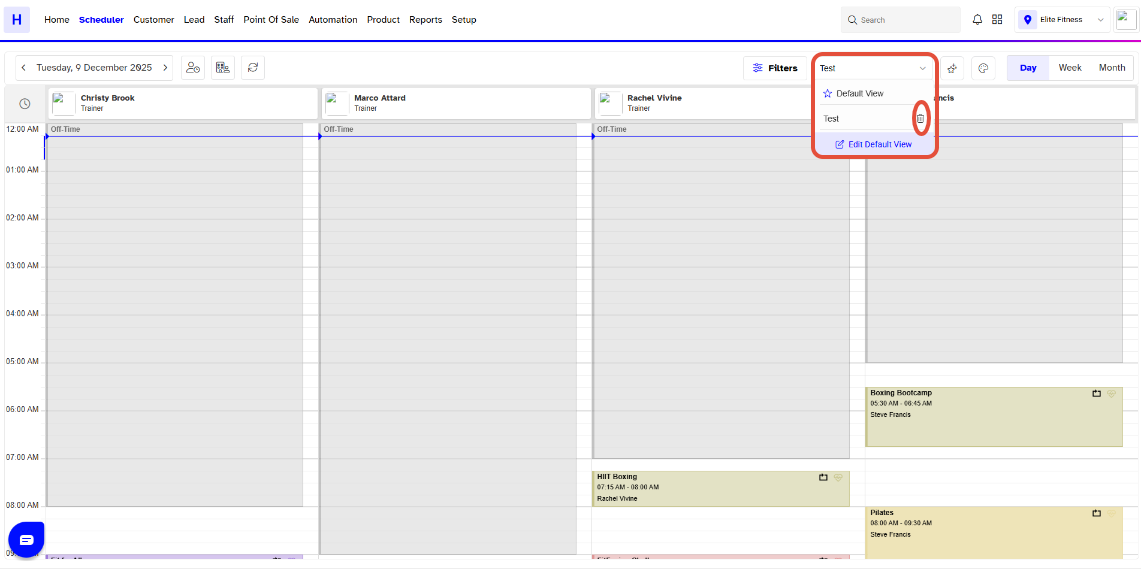
Default Favourite View cannot be Deleted .
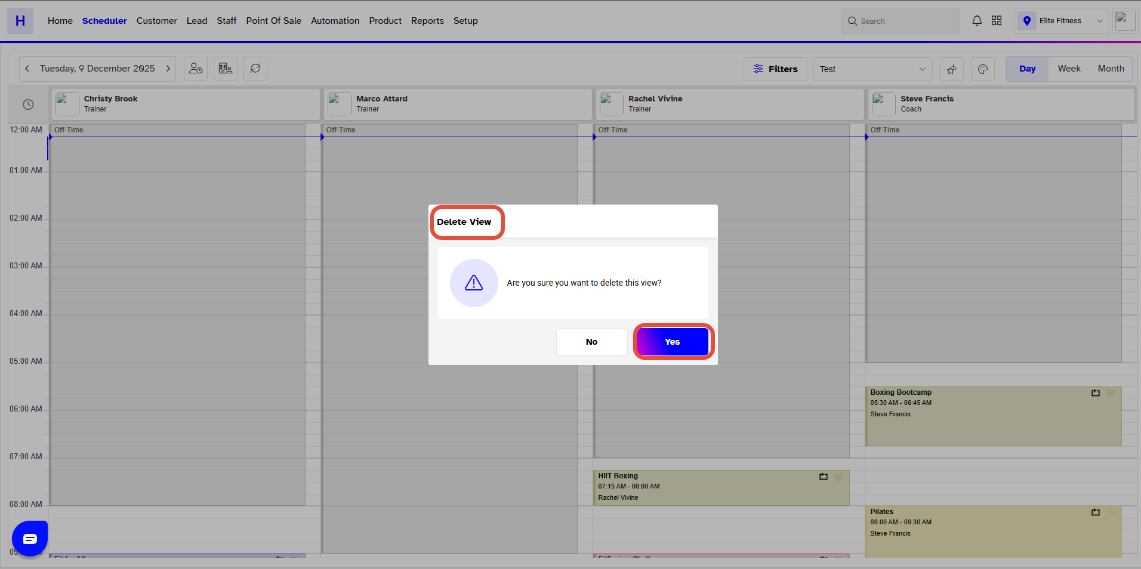
Now, click on Yes Button to delete the Favourite View.
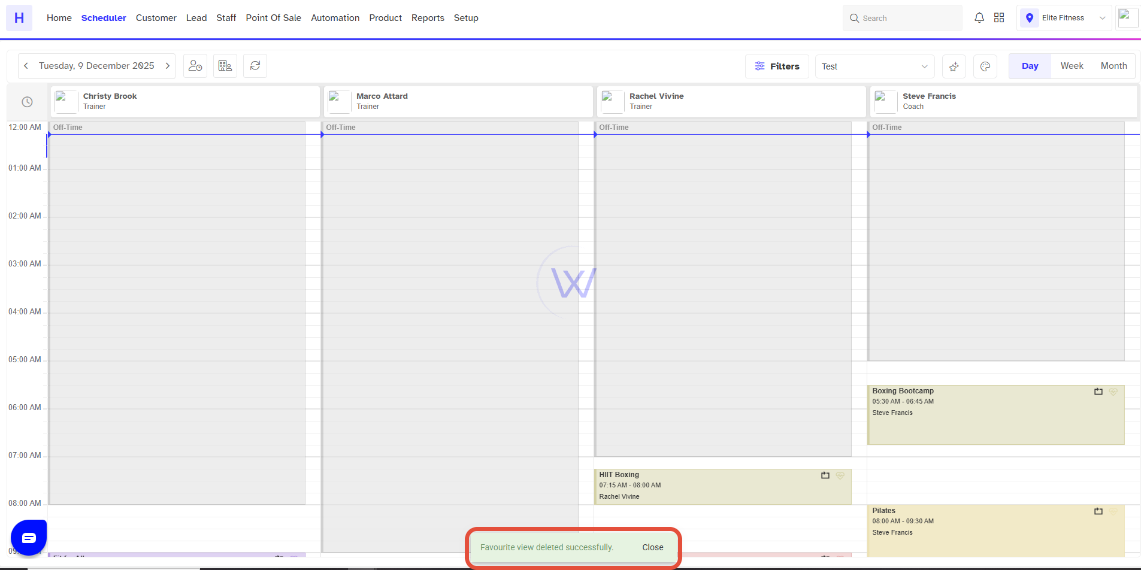
The Favourite will be successfully deleted.
To learn how to Create a Favourite View in the Scheduler, click here.




